是这样的,一直无法进去,是不是脚本中有瑕疵啊
你这是浏览器么
1赞
嗯嗯是的
打开浏览器的开发者工具
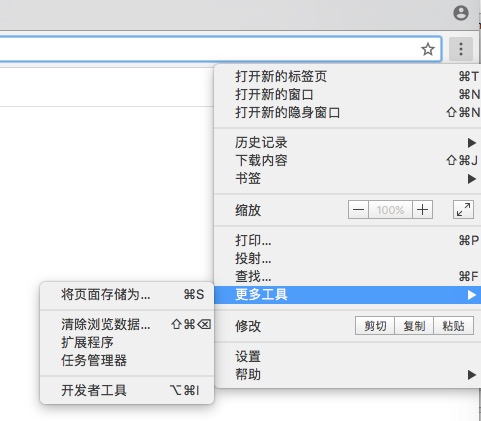
把Console的红色错误截图看一下
1赞
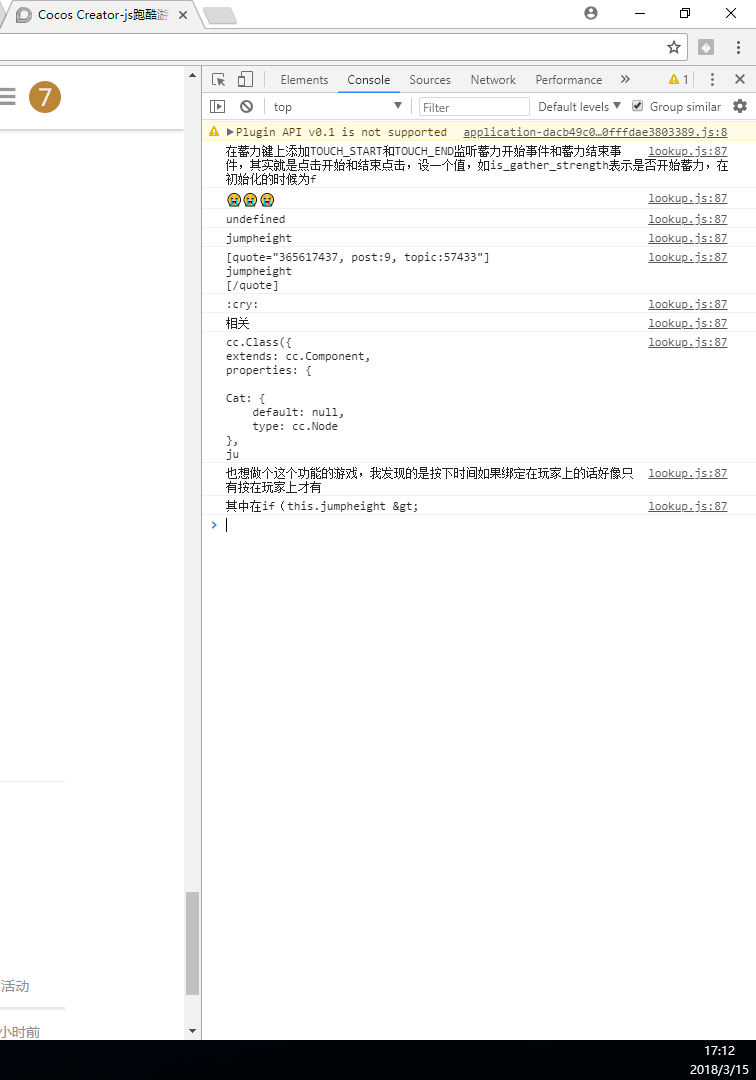
你运行的那个浏览器上的
1赞
是Google 的Chrome浏览器,刚才的号受到回帖限制了,刚注册了个号回复您
你运行之后不是一直进不去么,你运行起来就直接在开发者工具那里看一下
1赞
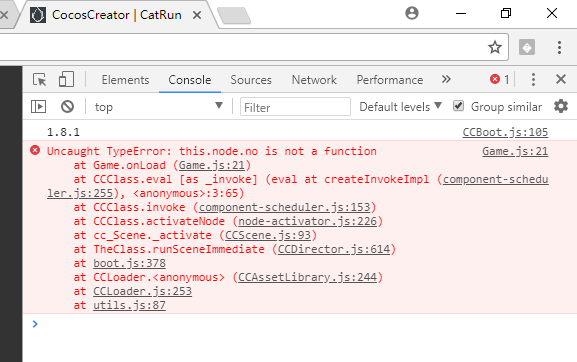 哦哦,是这样的

this.node.on 不是no
1赞
你加了跳跃代码么
1赞
我的跳跃代码是酱紫的cc.Class({
extends: cc.Component,
onCollisionEnter: function (other, self) {
//如果碰到的是障碍物
if (other.tag == 2 && self.tag == 1) {
cc.director.loadScene(‘Over’);//加载game over的场景
this.getComponent(cc.Animation).stop();//停止播放动画
}
},
properties: {
// Player跳跃高度
jumpHeight: 0,
// Player跳跃持续时间
jumpDuration: 0,
//Player状态
state: ‘Run’,
},
//Player跑
run: function () {
this.getComponent(cc.Animation).play(‘Cat_Run’);//播放Player跑步动画
this.state = ‘Run’;//设置Player的状态为跑步
},
//Player跳跃
jump: function () {
if (this.state == ‘Run’) {//如果Player的状态是跑步的话
this.state = ‘Jump’;//设置Player的状态为跳跃
this.getComponent(cc.Animation).stop();//停止播放跑步的动画
this.getComponent(cc.Animation).play(‘Cat_Jump’);//播放Player跳跃动画
this.node.runAction(cc.sequence(cc.jumpBy(this.jumpDuration, cc.p(0, 0), this.jumpHeight, 1),//跳跃持续时间和跳跃的次数
cc.callFunc(function () {
this.run();//Player继续跑步
}, this)));
}
},
start() {
var catCollider = cc.director.getCollisionManager();//获取碰撞检测系统
catCollider.enabled = true;//开启碰撞检测系统
// catCollider.enabledDebugDraw = true;//显示碰撞组件的碰撞检测范围
}
});
你跳的高度都是一样的
1赞
额,那该改哪里呢?刚才试着改了一下后面的1,或者删除掉 this.jumpHeight, 1这句话,或者尝试注释掉这整句话,都不行呢~~(这段跳跃代码是之前比着别人做的跑酷游戏写的…)
你把上面的代码挪到你现在的代码里,整合下,你现在的this.jumpHeight是固定的值, 你要改为蓄力变化的那个才行
1赞
好的大神,我先试着研究一下怎么整合如果明天中午还没有研究出来可能还要麻烦您一下辛苦啦!多谢大神手把手指导!多谢多谢!
恭喜HelloWorld同学进入今年315十大感动中国人物评选