
点击,就触发这个点之下的所有重叠的按键的clickEvents
没有,这部分需要逻辑实现
向问下大概如何实现?我只能想到让全部button添加同一个click Event…但是感觉这样不太好
能做到。
新建一个 ts 脚本,加入这些代码做一个自定一个 button 组件。主要是开启 setSwallowTouches 让事件能够往下传递,然后关闭 event.stopPropagation(); 对事件传递的阻拦。
// Learn TypeScript:
//  - https://docs.cocos.com/creator/manual/en/scripting/typescript.html
// Learn Attribute:
//  - https://docs.cocos.com/creator/manual/en/scripting/reference/attributes.html
// Learn life-cycle callbacks:
//  - https://docs.cocos.com/creator/manual/en/scripting/life-cycle-callbacks.html

const {ccclass, property} = cc._decorator;

@ccclass
export default class NewClass extends cc.Button {
    _onTouchBegan (event) {
        if (!this.interactable || !this.enabledInHierarchy) return;
        this._pressed = true;
        this._updateState();
        event.target._touchListener.setSwallowTouches(false);
    }

    _onTouchMove (event) {
        if (!this.interactable || !this.enabledInHierarchy || !this._pressed) return;
        // mobile phone will not emit _onMouseMoveOut,
        // so we have to do hit test when touch moving
        let touch = event.touch;
        let hit = this.node._hitTest(touch.getLocation());
        let target = this._getTarget();
        let originalScale = this._originalScale;

        if (this.transition === cc.Button.Transition.SCALE && originalScale) {
            if (hit) {
                this._fromScale.x = originalScale.x;
                this._fromScale.y = originalScale.y;
                this._toScale.x = originalScale.x * this.zoomScale;
                this._toScale.y = originalScale.y * this.zoomScale;
                this._transitionFinished = false;
            } else {
                this.time = 0;
                this._transitionFinished = true;
                target.setScale(originalScale.x, originalScale.y);
            }
        } else {
            let state;
            if (hit) {
                state = State.PRESSED;
            } else {
                state = State.NORMAL;
            }
            this._applyTransition(state);
        }
        event.target._touchListener.setSwallowTouches(false);
    }

    _onTouchEnded (event) {
        if (!this.interactable || !this.enabledInHierarchy) return;

        if (this._pressed) {
            cc.Component.EventHandler.emitEvents(this.clickEvents, event);
            this.node.emit('click', this);
        }
        this._pressed = false;
        this._updateState();
        event.target._touchListener.setSwallowTouches(false);
    }
}
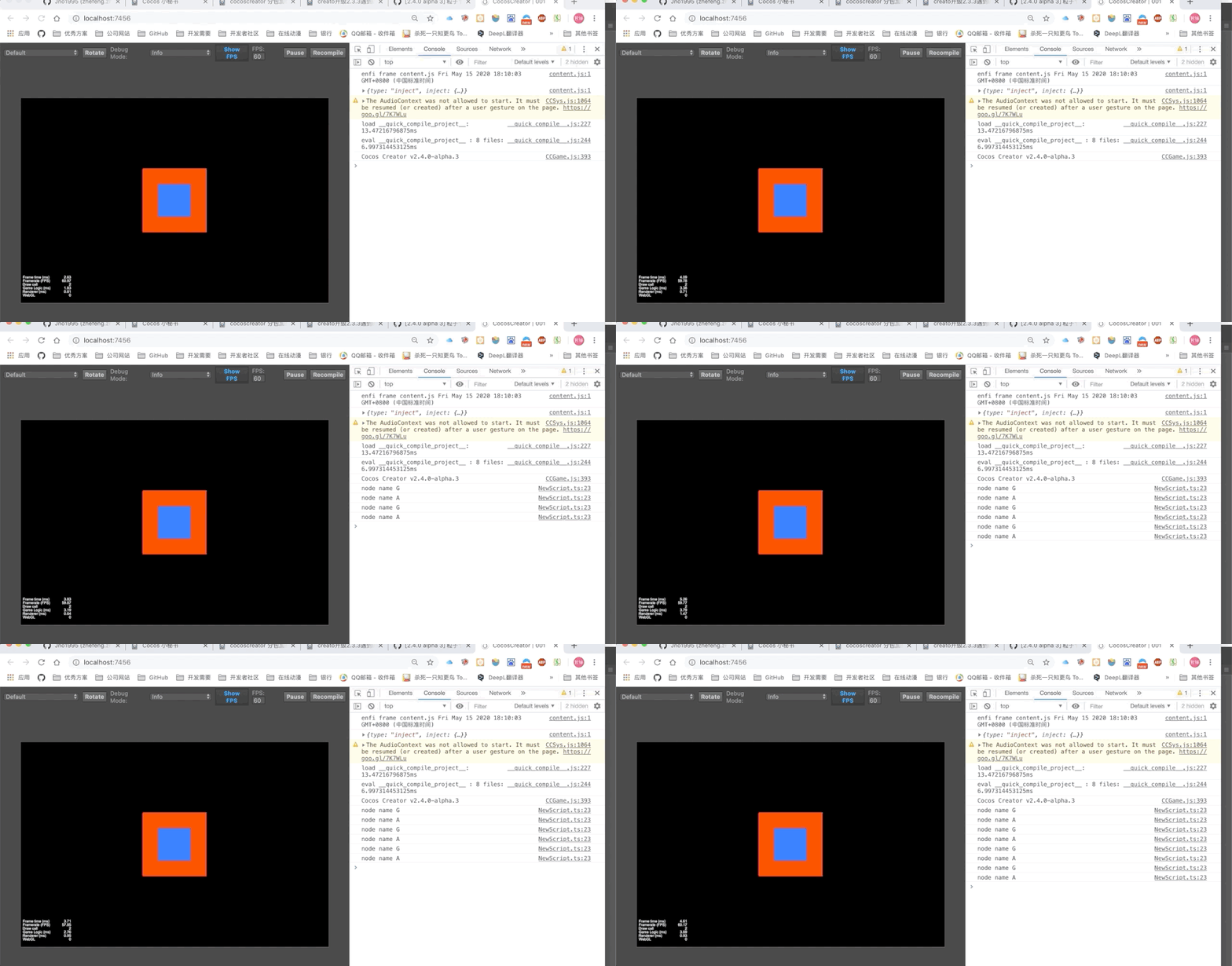
3赞
但是当cc.macro.ENABLE_MULTI_TOUCH = false;到时候setSwallowTouches(false)就失效了···这个咋办啊···
理论上当关闭了多点触碰应当只有一个节点响应点击事件,但是在做新手引导这种使用场景的时候还是需要把事件传递给同级节点,这种情况只能通过自定义监听事件然后在遮罩层通过emit的方式去通知同级的其它节点吗?
node["_touchListener"].setSwallowTouches(false)
非常感谢,终于解决了。
偷懒一些,直接在图片上添加脚本
onLoad () {
this.node.on(‘touchstart’, event => {
// console.log(event.target);
event.target._touchListener.setSwallowTouches(false);
})
this.node.on(‘touchend’, event => {
console.log(‘点中了前面的图片’);
event.target._touchListener.setSwallowTouches(false);
})
},
就可以同时相应图片的点击事件和后面的button