
1.6 beta3
demo中4个节点竖着排列,ResizeMode: Container
改变layout节点active = false,然后设置其中一个子节点显示,其他隐藏,
再设置layout节点active=true,显示的子节点不会竖直居中。
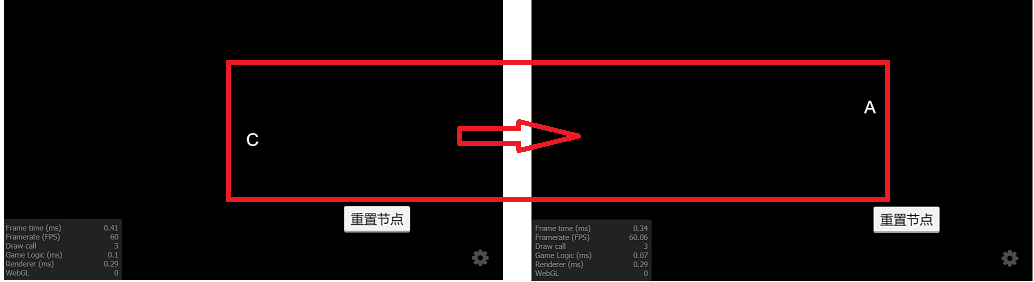
代码很简单,先隐藏,后重置有问题,不隐藏没问题:
const {ccclass, property} = cc._decorator;
@ccclass
export default class NewClass extends cc.Component {
@property(cc.Node)
theNode: cc.Node;
private node1: cc.Node;
private node2: cc.Node;
private node3: cc.Node;
private node4: cc.Node;
public onLoad() {
    this.node1 = this.theNode.getChildByName('node1');
    this.node2 = this.theNode.getChildByName('node2');
    this.node3 = this.theNode.getChildByName('node3');
    this.node4 = this.theNode.getChildByName('node4');
    this.node1.active = false;
    this.node2.active = false;
    this.node3.active = true;
    this.node4.active = false;
}
/**
 * 先隐藏,后重置
 */
public resetNode() {
    this.theNode.active = false;
    this.doReset();
    this.theNode.active = true;
}
/**
 * 不隐藏重置
 */
public resetNode1() {
    this.doReset();
}
private doReset() {
    this.theNode.setPosition(200, 0);
    this.node1.active = true;
    this.node2.active = false;
    this.node3.active = false;
    this.node4.active = false;
}
}
NewProject.rar (422.4 KB)