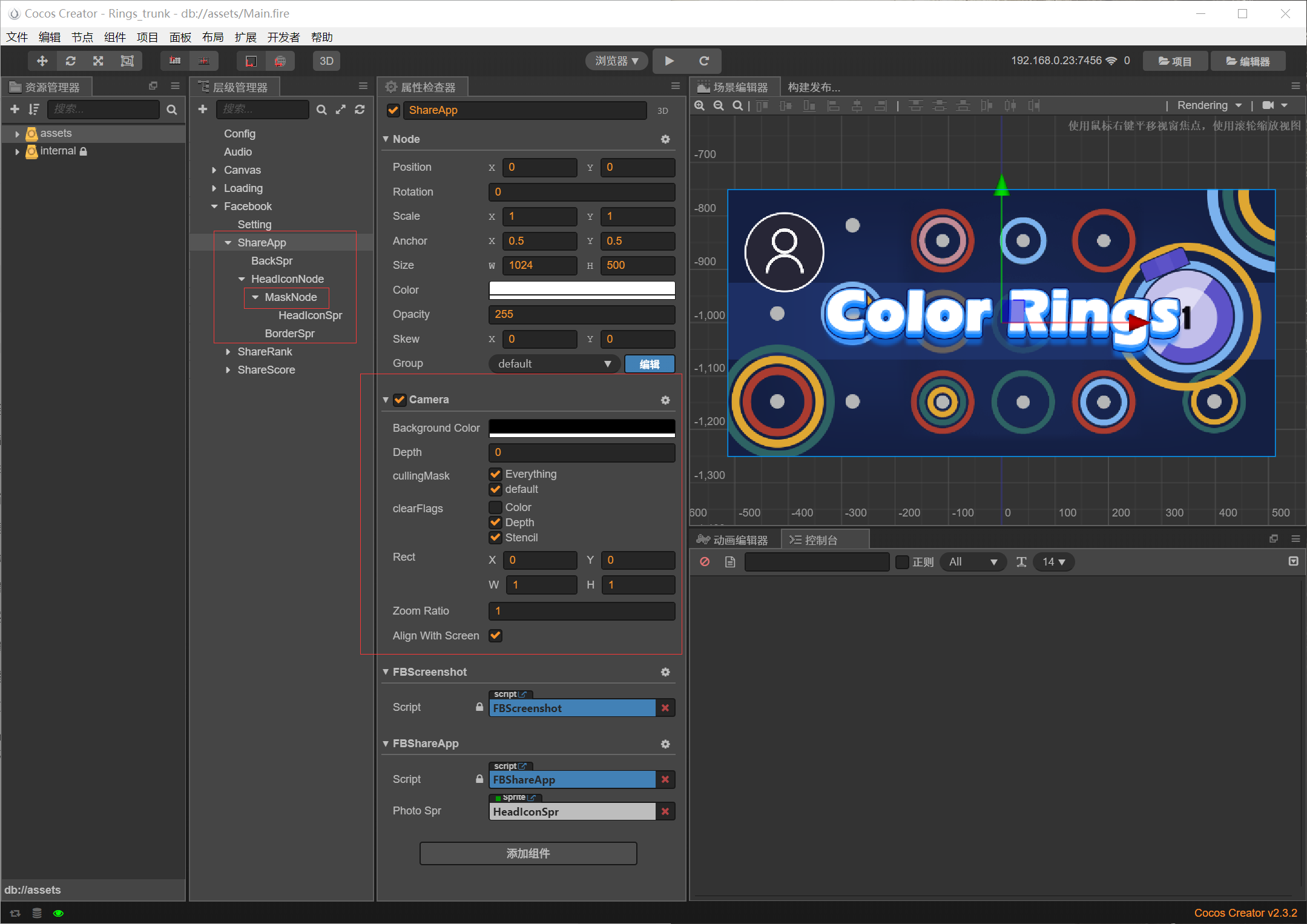
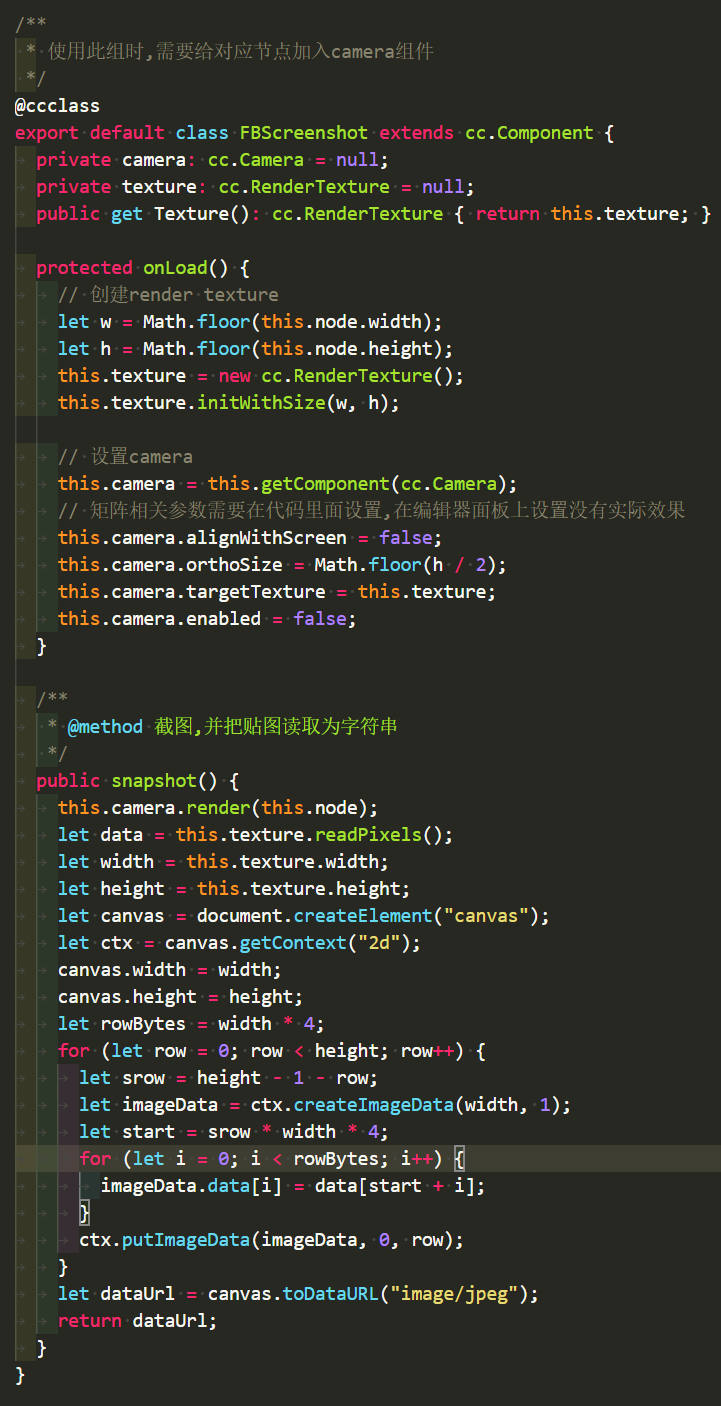
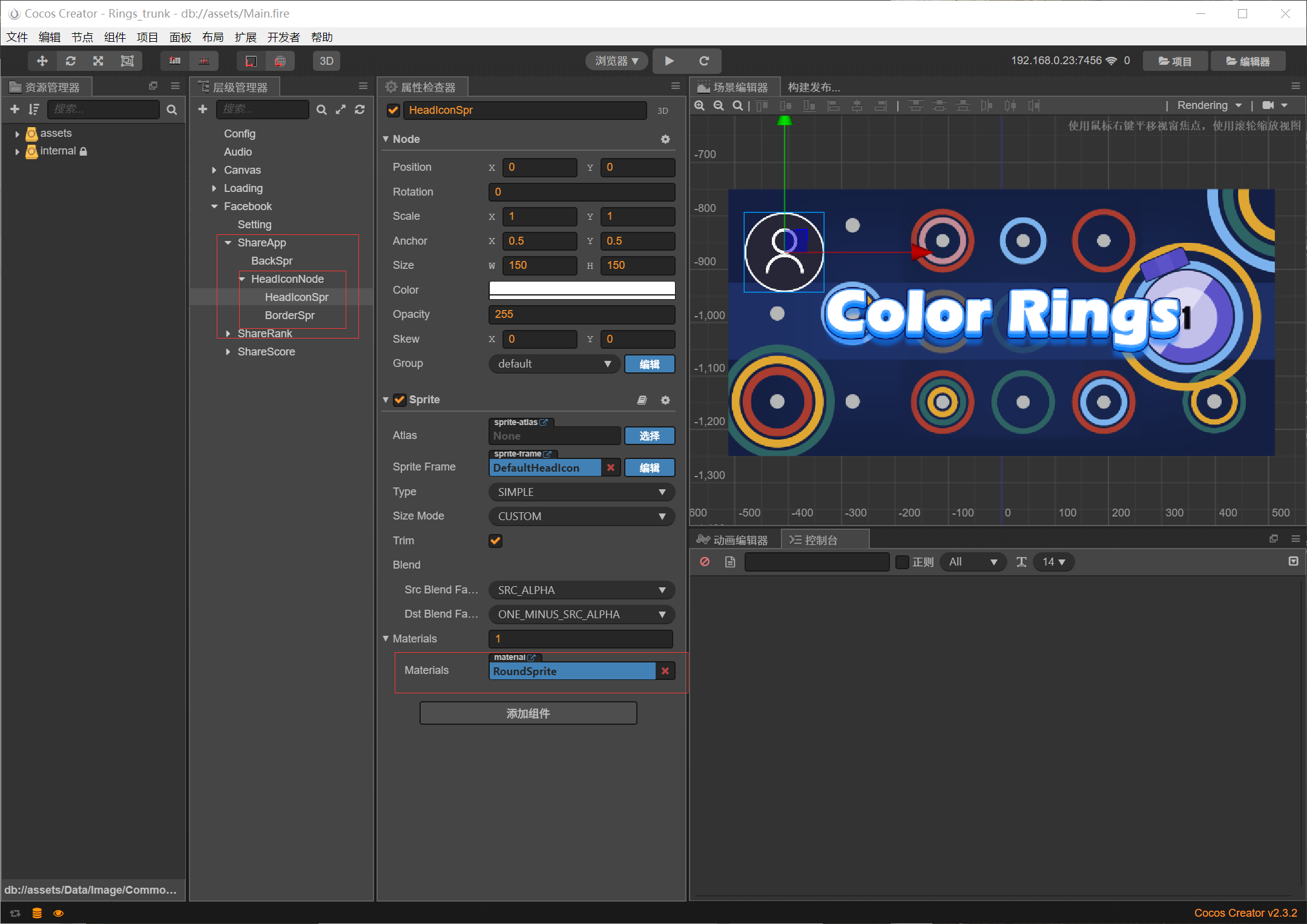
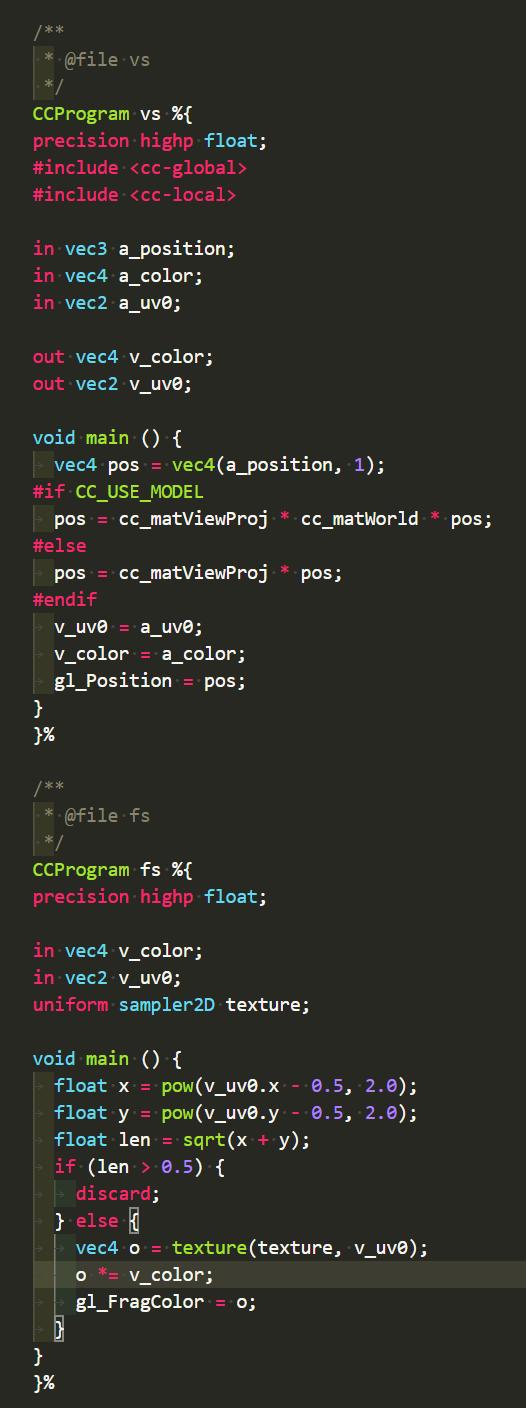
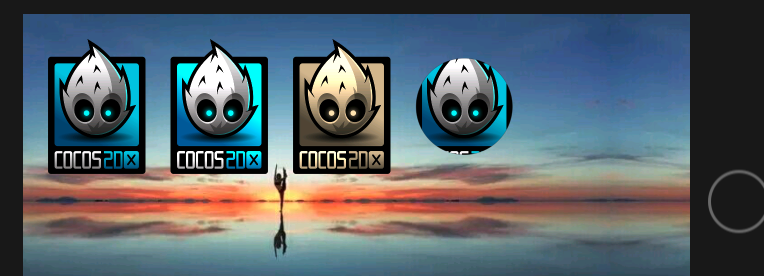
2.2.2也是,编辑器和web和模拟器效果均不一样。
编辑器:
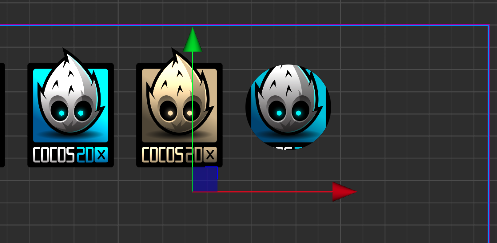
模拟器:

web不显示…
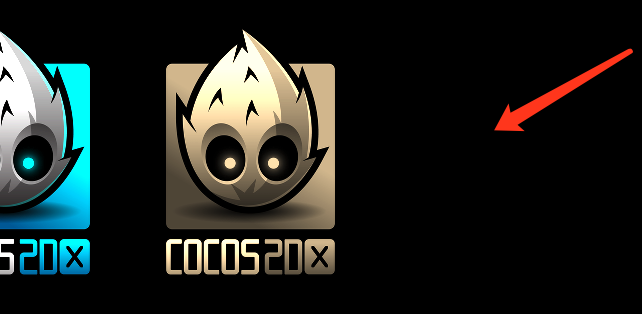
iOS模拟器正常
代码:
`
// Copyright © 2017-2018 Xiamen Yaji Software Co., Ltd.
CCEffect %{
techniques:
- passes:
- vert: vs
frag: fs
blendState:
targets:
- blend: true
rasterizerState:
cullMode: none
properties:
texture: { value: white }
alphaThreshold: { value: 0.5 }
纹理宽度
texWidth: {
value: 200.0,
editor: {
tooltip: “贴图宽度”
}
}
texHeight: {
value: 200.0,
editor: {
tooltip: “贴图高度”
}
}
radius: {
value: 100.0,
editor: {
tooltip: “裁剪半径”
}
}
}%
CCProgram vs %{
precision highp float;
#include
#include
in vec3 a_position;
in vec4 a_color;
out vec4 v_color;
#if USE_TEXTURE
in vec2 a_uv0;
out vec2 v_uv0;
#endif
void main () {
vec4 pos = vec4(a_position, 1);
#if CC_USE_MODEL
pos = cc_matViewProj * cc_matWorld * pos;
#else
pos = cc_matViewProj * pos;
#endif

#if USE_TEXTURE
v_uv0 = a_uv0;
#endif

v_color = a_color;

gl_Position = pos;
}
}%
CCProgram fs %{
precision highp float;
#include
in vec4 v_color;
#if USE_TEXTURE
in vec2 v_uv0;
uniform sampler2D texture;
#endif
uniform TextureInfo {
// 纹理信息
float texWidth;
float texHeight;
float radius;
};
void main () {
vec4 o = vec4(1, 1, 1, 1);
#if USE_TEXTURE
o *= texture(texture, v_uv0);
  #if CC_USE_ALPHA_ATLAS_TEXTURE
  o.a *= texture2D(texture, v_uv0 + vec2(0, 0.5)).r;
  #endif
#endif

o *= v_color;

ALPHA_TEST(o);

float x = pow(v_uv0.x * texWidth - texWidth * 0.5, 2.0);
float y = pow(v_uv0.y * texHeight - texHeight * 0.5, 2.0);
float len = sqrt(x + y);
float blurW = 2.0; // 边缘模糊像素(抗锯齿)

o *= (1.0 - step(radius-blurW, len) * smoothstep(0.0, 1.0, (len - (radius-blurW))/blurW));
o *= (1.0 - step(radius, len));
gl_FragColor = o;


// 如果不传入半径和宽高,则纹理不是正方形时会裁剪成椭圆形
// vec2 mid = vec2(0.5, 0.5);
// float x = pow(v_uv0.x - mid.x, 2.0);
// float y = pow(v_uv0.y - mid.y, 2.0);
// float len = sqrt(x + y);

// o *= (1.0 - step(0.5-0.01, len) * smoothstep(0.0, 1.0, (len - (0.5-0.01))/0.01));
// o *= (1.0 - step(0.5, len));
// gl_FragColor = o;
}
}%
`