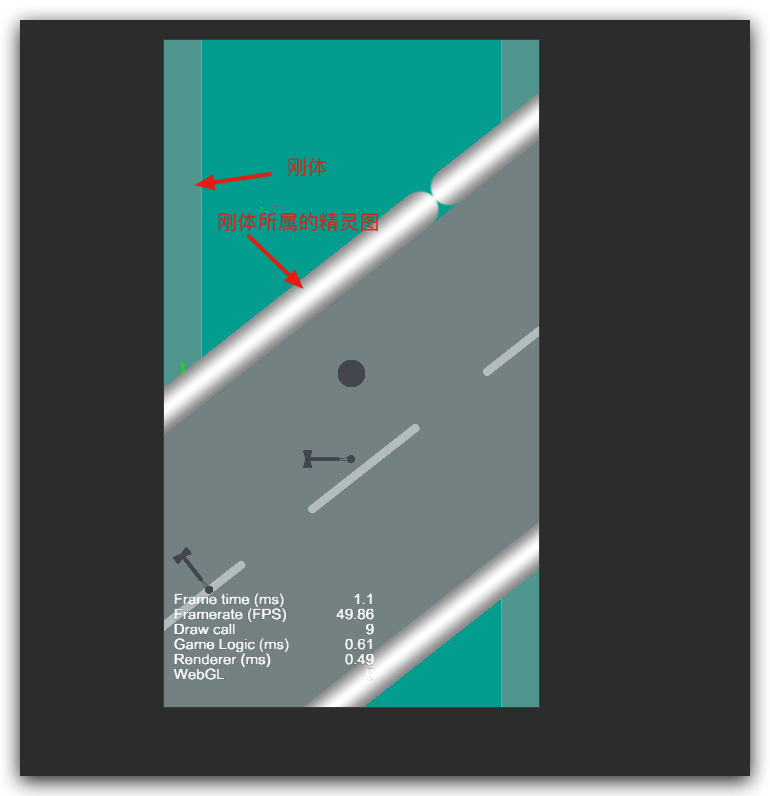
如题, 摄像机旋转,移动后,精灵的图片跟着动了,但是刚体本身还在原地,哪位大佬有比较好的解决方案?
物理引擎也开启了,这是摄像机的特性吗?按理说刚体应该是属于这个精灵的,挂载在精灵上就应该跟着动呀。
cc.director.getPhysicsManager().enabled = true;
        if (this.drawDebug) {
            cc.director.getPhysicsManager().debugDrawFlags = cc.PhysicsManager.DrawBits.e_aabbBit |
                cc.PhysicsManager.DrawBits.e_pairBit |
                cc.PhysicsManager.DrawBits.e_centerOfMassBit |
                cc.PhysicsManager.DrawBits.e_jointBit |
                cc.PhysicsManager.DrawBits.e_shapeBit
            ;
        }
//滚动摄像机代码: scrollCamera.js
cc.Class({
    extends: cc.Component,

    editor: {
        requireComponent: cc.Camera
    },

    properties: {
        speed: 0,
        loopGrounds: [cc.Node]
    },

    start() {
        this.camera = this.getComponent(cc.Camera);
    },

    update(dt) {
        let current = this.loopGrounds[0];
        let point = this.camera.getWorldToCameraPoint(current.position);
        if (point.y <= -cc.winSize.height) {
            let last = this.loopGrounds[this.loopGrounds.length - 1];
            this.loopGrounds.shift();
            this.loopGrounds.push(current);
            current.y = last.y + (last.height + current.height) / 2;
        }
    },
});

//速度控制
let global = require('global');
let mathUtil = require('mathUtil');

cc.Class({
    extends: cc.Component,

    editor: {
        requireComponent: cc.RigidBody
    },

    properties: {
        speedManager: null,
        mainCanvas: {
            type: cc.Canvas,
            default: null
        }
    },

    start() {
        this.rigidBody = this.getComponent(cc.RigidBody);
        this.speedManager = this.mainCanvas.getComponent('speedManager');
    },

    updateVelocity() {
        //angle是旋转的角度,在touchMove的时候计算出的
        let angle = global.protagonist.angle;
        let v;
       //速度是默认值
        let linearSpeed = this.speedManager.getComponent('speedManager').speed.linear;
        if (global.isOnTouch) {
            v = linearSpeed.onTouch;
        } else {
            v = linearSpeed.default;
        }
        let a = mathUtil.angle2Radian(angle);
        let vy = Math.abs(v * Math.cos(a));
        let vx = Math.abs(v * Math.sin(a));
        if (angle < 0) {
            vx *= -1;
        } else if (angle === 0) {
            vx = 0;
        }
        //给摄像机的刚体
        this.rigidBody.linearVelocity = cc.v2(vx, vy);
    },

    update(dt) {
        this.updateVelocity();
    },
});
原图:
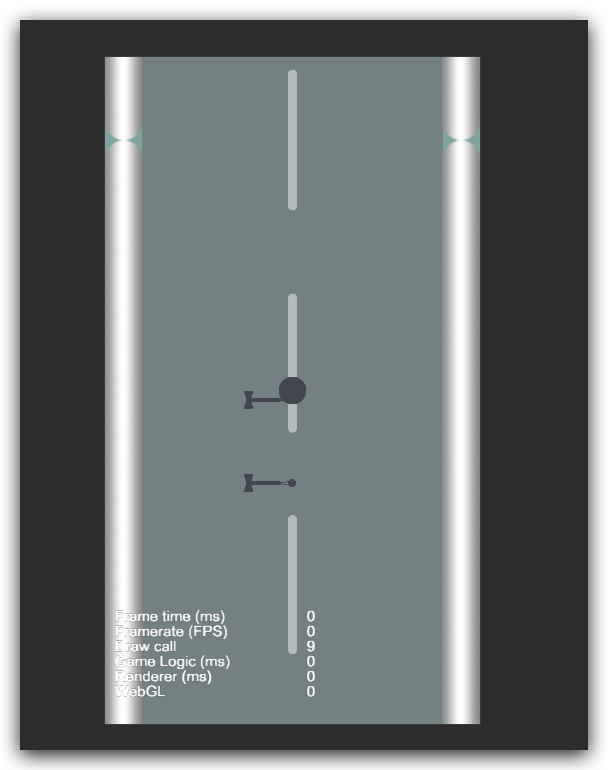
摄像机旋转并移动后