Cocos creator 2.0.x如何通过 cc.loader.load 加载远程spine资源?

如题。
分别下载了
a.atlas
a.json
a.png
下载成功后 按照一下方案进行赋值 并成功赋值

let sps:sp.SkeletonData = new sp.SkeletonData()
sps.atlasText = resource.GetData(“a.atlas”); //string 类型
sps.textures = [];
sps.textures.push(resource.GetData(“a.png”)); // cc.texture类型
sps.skeletonJson = resource.GetData(“a.json”); //json 类型

然后使用 sps.getRuntimeData()
失败 仔细检查问题后发现 其实 就算是这样赋值 也不能生成完整的sp.SkeletonData()
请问应该如何处理?

1赞

你好可以参考这个远程加载spine的代码:

onLoadSpine () {
        if (cc.find('Canvas/newSpine')) {
            cc.find('Canvas/newSpine').destroy();
        }
        else {
            var spineNode = new cc.Node();
            spineNode.name = 'newSpine';
            spineNode.setPosition(49,-237);
            var skeleton = spineNode.addComponent(sp.Skeleton);
            cc.find("Canvas").addChild(spineNode);
            //TODO : 此处为你的远程资源路径
            var image = "http://127.0.0.1:5500/assets/resources/spineRaptor/raptor.png";
            var ske = "http://127.0.0.1:5500/assets/resources/spineRaptor/raptor.json";
            var atlas = "http://127.0.0.1:5500/assets/resources/spineRaptor/raptor.atlas";
            cc.loader.load(image, (error, texture) => {
                cc.loader.load({ url: atlas, type: 'txt' }, (error, atlasJson) => {
                    cc.loader.load({ url: ske, type: 'txt' }, (error, spineJson) => {
     
                        var asset = new sp.SkeletonData();
                        asset.skeletonJson = spineJson;
                        asset.atlasText = atlasJson;
                        asset.textures = [texture];
                        asset.textureNames = ['raptor.png'];
                        skeleton.skeletonData = asset;
                        skeleton.animation = 'walk';
                        skeleton._updateSkeletonData();
                    });
                });
            });
        }
    }

demo在这: https://github.com/Jno1995/dragonBone-spine_Dome

4赞

感谢。。 。。 支持 NB

this.spine = spNode.getComponent(sp.Skeleton);

        //TODO : 此处为你的远程资源路径
        var image = "https://h5-res-1253835712.cos.ap-shanghai.myqcloud.com/images/hero.png";
        var ske = "https://h5-res-1253835712.cos.ap-shanghai.myqcloud.com/images/hero.json";
        var atlas = "https://h5-res-1253835712.cos.ap-shanghai.myqcloud.com/images/hero.atlas";
        
        cc.loader.load(image, (error, texture) => {
            cc.loader.load({ url: atlas, type: 'txt' }, (error, atlasJson) => {
                cc.loader.load({ url: ske, type: 'txt' }, (error, spineJson) => {
 
                    var asset = new sp.SkeletonData();
                    asset.skeletonJson = spineJson;
                    asset.atlasText = atlasJson;
                    asset.textures = [texture];
                    asset.textureNames = ['hero.png'];
                    this.spine.skeletonData = asset;
                    this.spine.animation = 'idle';
                    this.spine._updateSkeletonData();
                });
            });
        });

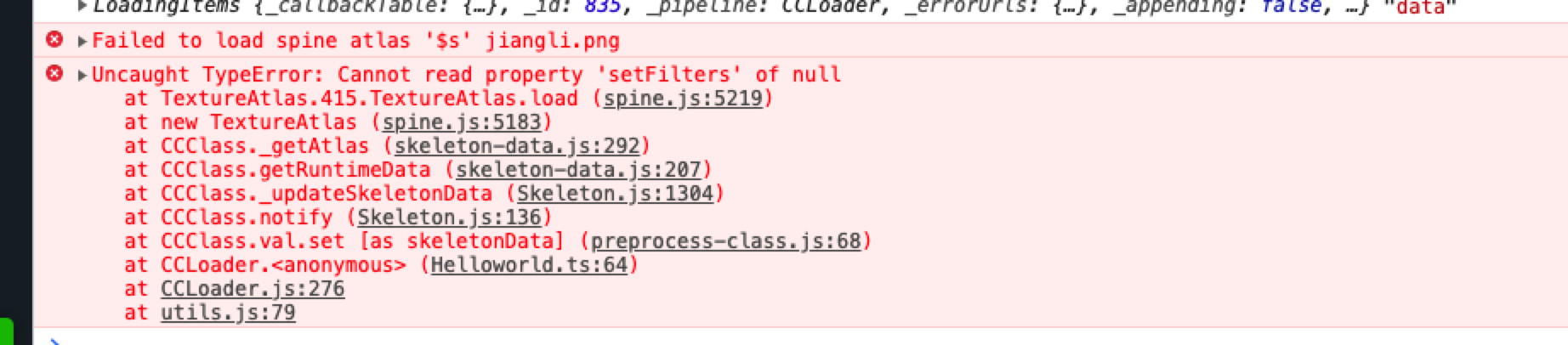
会报错:[ERROR]: Can not render dynamic created SkeletonData
引擎版本:2.0.8

let url = “https://h5-res-1253835712.cos.ap-shanghai.myqcloud.com/images/hero.png”;
cc.loader.load(url, function(err, img) {
this.spine.skeletonData.textures = [img]
this.spine.skeletonData.textureNames = [‘hero.png’];
this.spine._updateSkeletonData();
}.bind(this));

而如果这样写,PC端可以替换掉PNG,微信开发者工具和微信上都不能替换png

var spineNode = new cc.Node();
var skeleton = spineNode.addComponent(sp.Skeleton);
this.node.addChild(spineNode);

var image = “http://localhost/download/spineres/1/1.png”;
var ske = “http://localhost/download/spineres/1/1.json”;
var atlas = “http://localhost/download/spineres/1/1.atlas”;
cc.loader.load(image, (error, texture) => {
cc.loader.load({ url: atlas, type: ‘txt’ }, (error, atlasJson) => {
cc.loader.load({ url: ske, type: ‘txt’ }, (error, spineJson) => {
var asset = new sp.SkeletonData();
asset.skeletonJson = spineJson;
asset.atlasText = atlasJson;
asset.textures = [texture];
asset.textureNames = [‘1.png’];
skeleton.skeletonData = asset;
});
});
});

大佬们,是版本问题吗

引擎版本2.2.2,请问现在是不支持了吗?或者有什么别的方式构建skeledata呢?

少写了个.png。。。。。

您好 请问native上如何远程加载spine资源?

你好,可以参考这个代码在原生平台加载 spine 资源:

// Learn TypeScript:
//  - https://docs.cocos.com/creator/manual/en/scripting/typescript.html
// Learn Attribute:
//  - https://docs.cocos.com/creator/manual/en/scripting/reference/attributes.html
// Learn life-cycle callbacks:
//  - https://docs.cocos.com/creator/manual/en/scripting/life-cycle-callbacks.html

const {ccclass, property} = cc._decorator;

@ccclass
export default class NewClass extends cc.Component {

    @property
    mySpineJsonUrl: string = "http://192.168.50.104:8000/assets/resources/spineRaptor/raptor.json";

    @property
    mySpineTextureUrl: string = "http://192.168.50.104:8000/assets/resources/spineRaptor/raptor.png";

    @property
    mySpineAtlasUrl: string = "http://192.168.50.104:8000/assets/resources/spineRaptor/raptor.atlas";

    @property(cc.Label)
    myLabel: cc.Label = null;

    _downloader: any;
    _bonesTask: any;
    _atlasTask: any;
    _storagePath: string;
    _inited: any;
    _localSpineJsonUrl: string;
    _localSpineAtlasUrl: string;
    
    start () {
        this.myLabel.string = "开始下载...";
        this._downloader = new jsb.Downloader();
        this._downloader.setOnFileTaskSuccess(this.onSucceed.bind(this));
        this._downloader.setOnTaskProgress(this.onProgress.bind(this));
        this._downloader.setOnTaskError(this.onError.bind(this));
        this._storagePath = jsb.fileUtils.getWritablePath() + 'dragonBone-spine_Dome/downloader/';
        this._inited = jsb.fileUtils.createDirectory(this._storagePath);
        if (!this._inited) {
            this.myLabel.string = 'Failed to create storage path, downloader won\'t work correctly';
        }
        this._bonesTask = this._downloader.createDownloadFileTask(this.mySpineJsonUrl, this._storagePath + 'raptor.json');

        this.node.on("download spinejson finish",()=>{
            this._atlasTask = this._downloader.createDownloadFileTask(this.mySpineAtlasUrl, this._storagePath + 'raptor.atlas');
        })
    }

    onSucceed (task) {
        switch (task.requestURL) {
            case this.mySpineJsonUrl:
                this._localSpineJsonUrl = task.storagePath;
                this.node.emit("download spinejson finish");
                break;
            case this.mySpineAtlasUrl:
                this._localSpineAtlasUrl = task.storagePath;
                this.node.emit("download spineAtlas finish");
                break;
        }
        this.node.on("download spineAtlas finish", ()=>{
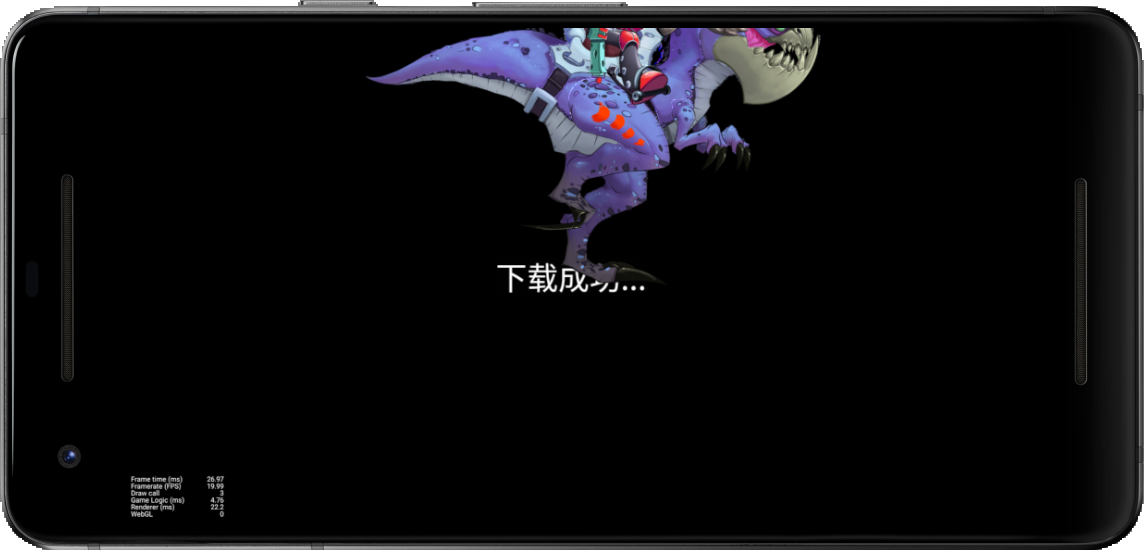
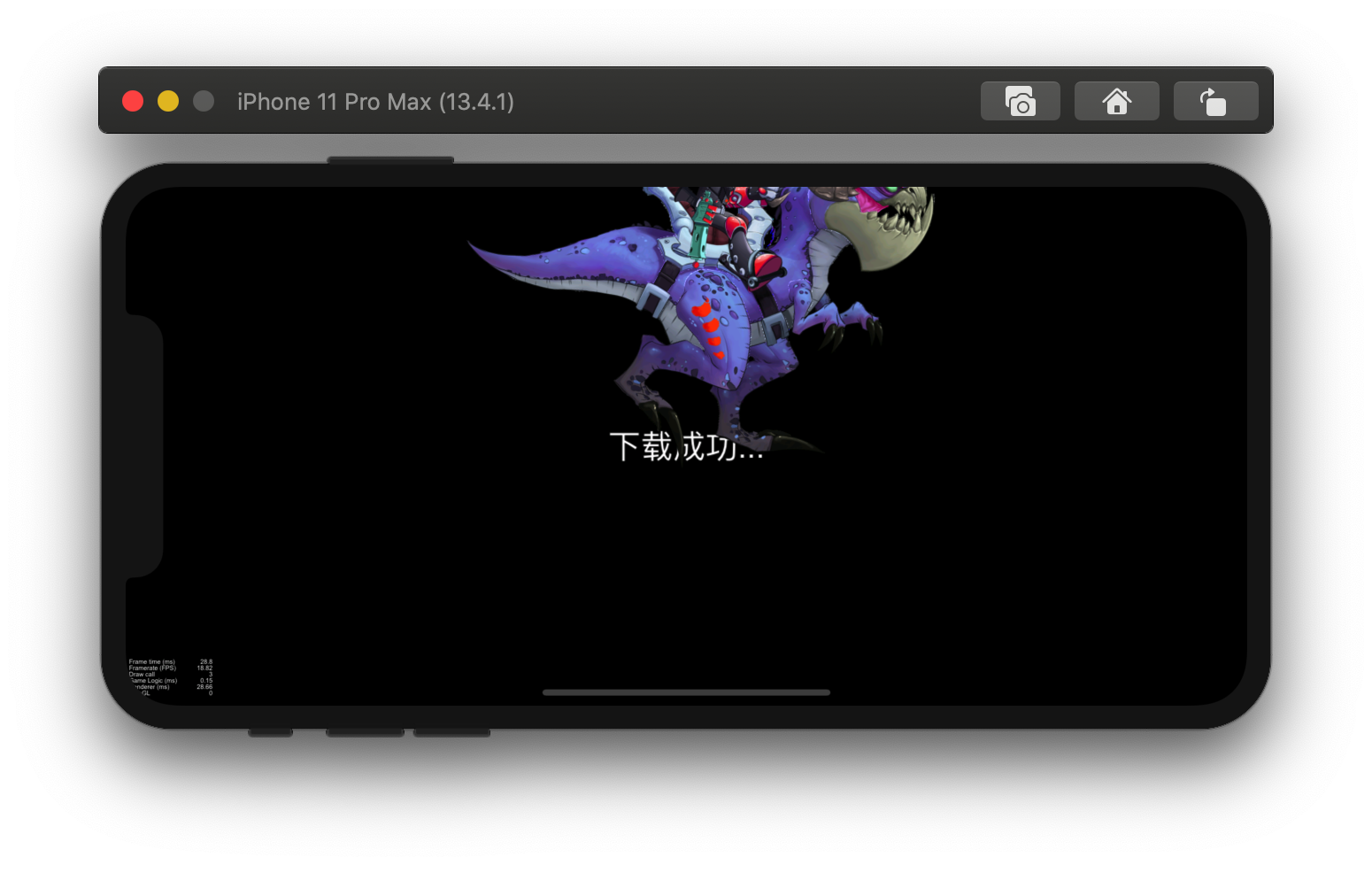
            this.myLabel.string = "下载成功...";
            var spineNode = new cc.Node();
            spineNode.name = 'newSpine';
            spineNode.setPosition(0, 0);
            var skeleton = spineNode.addComponent(sp.Skeleton);
            cc.find("Canvas").addChild(spineNode);
            var imageUrl = this.mySpineTextureUrl;
            var skeUrl = this._localSpineJsonUrl;
            var atlasUrl = this._localSpineAtlasUrl;
            cc.loader.load(imageUrl, (error, texture) => {
                cc.loader.load({ url: atlasUrl, type: 'txt' }, (error, atlasJson) => {
                    cc.loader.load({ url: skeUrl, type: 'txt' }, (error, spineJson) => {
                        var asset = new sp.SkeletonData();
                        asset._uuid = skeUrl;
                        asset.skeletonJson = spineJson;
                        asset.atlasText = atlasJson;
                        asset.textures = [texture];
                        asset.textureNames = ['raptor.png'];
                        skeleton.skeletonData = asset;
                        skeleton.animation = 'walk';
                        skeleton._updateSkeletonData();
                    });
                });
            });
        });
    }

    onProgress (task, bytesReceived, totalBytesReceived, totalBytesExpected) {
        this.myLabel.string = "正在下载..."
    }

    onError () {
        this.myLabel.string = "下载失败...";
    }
    // update (dt) {}
}

CocosCreator 模拟器可以这样加载,并且在 ios 和 android 模拟器都测试通过。

1赞

请问这种方法可用的最低creator最低版本是多少~我现在在用1.10.2报错Assert failed: Unable to read skeleton file:
是不是版本还没支持这样操作?

我是把spine直接做成一个prefab节点,加载prefab就行了

我现在也是2.2.2的引擎遇到这个问题了,你最后解决了吗

这个加载动画很有必要,希望引擎组大佬加到新版本的demo里,这样就不必这么麻烦解决啦!

是的 3.x一样出现这类问题