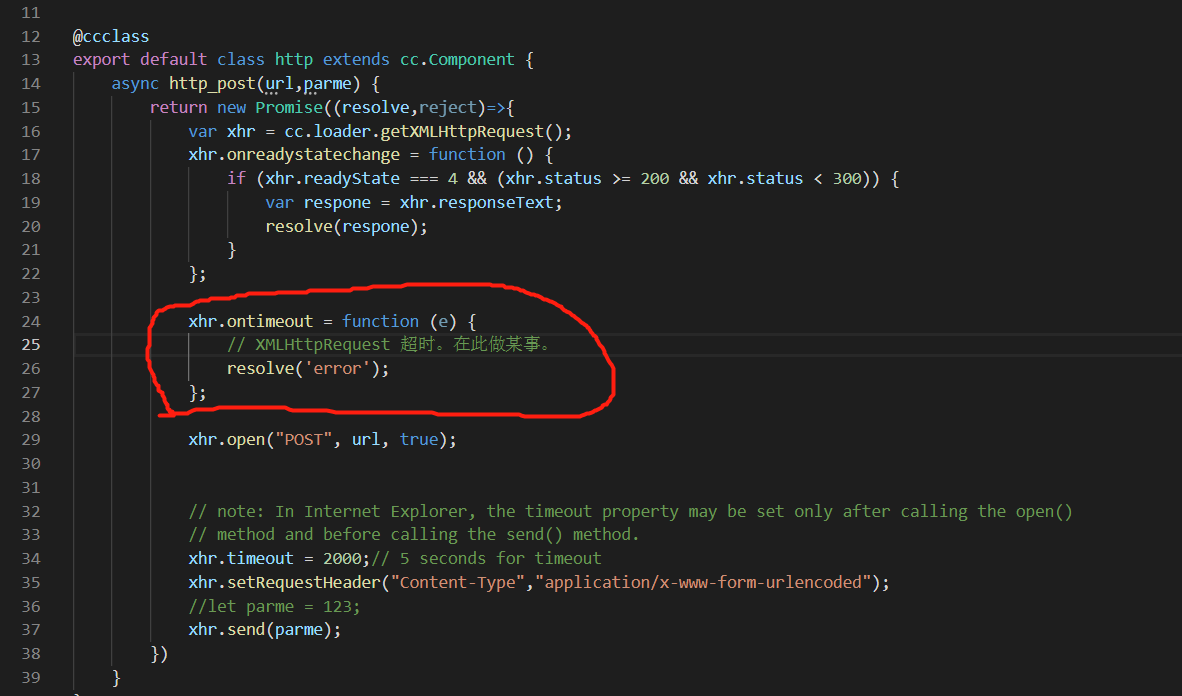
var xhr = cc.loader.getXMLHttpRequest();
xhr.ontimeout = function (e) {
// XMLHttpRequest 超时。在此做某事。
resolve(‘error’);
};
这个超时处理在web可以
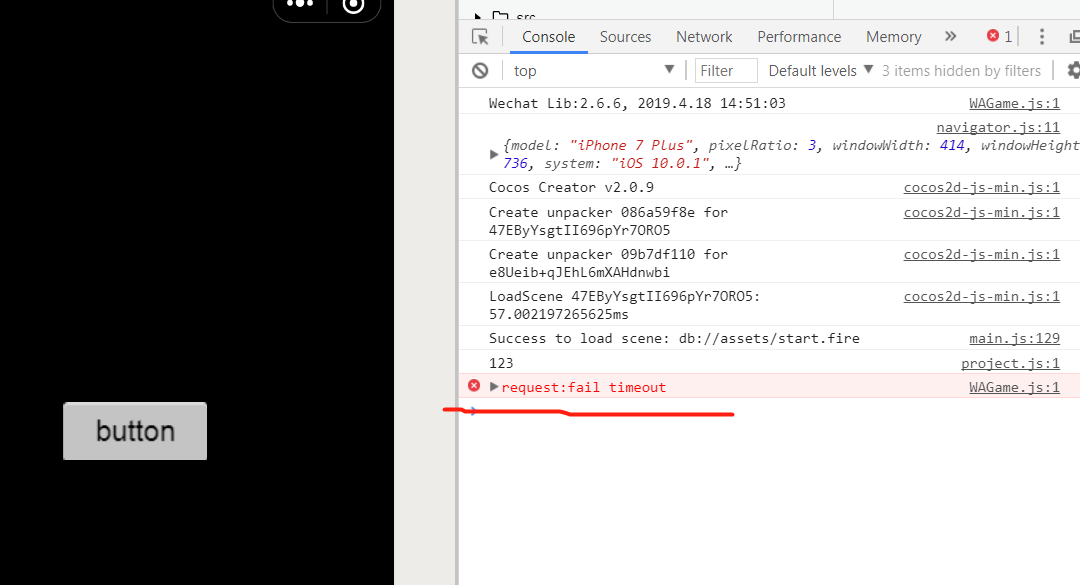
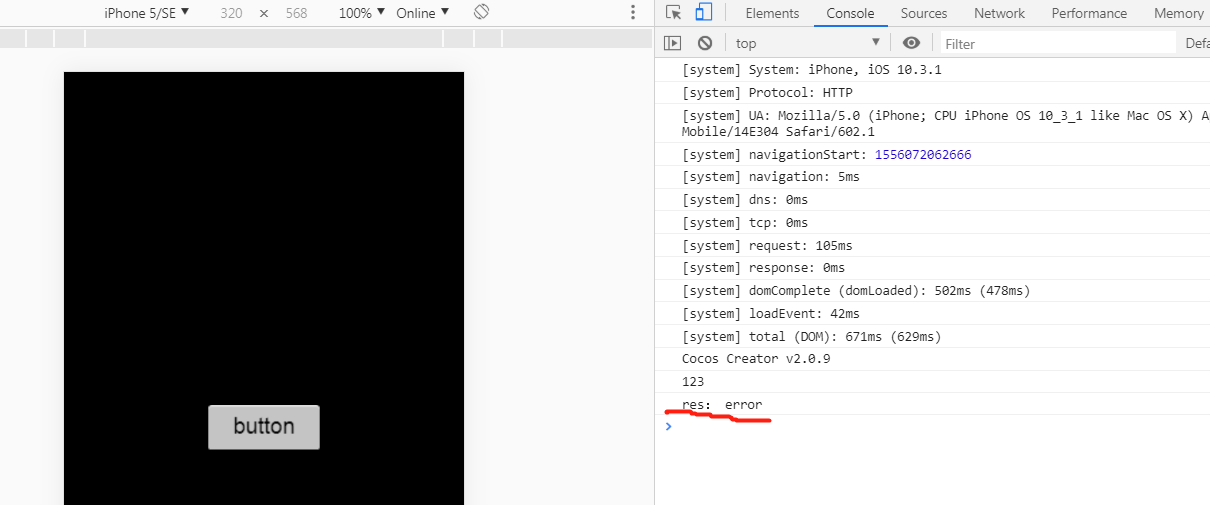
http_demo.rar (440.3 KB)处理,但是在小游戏中就没办法处理了

var xhr = cc.loader.getXMLHttpRequest();
xhr.ontimeout = function (e) {
// XMLHttpRequest 超时。在此做某事。
resolve(‘error’);
};
这个超时处理在web可以
方案1:
        xhr.onerror = function (err) {
            if (err.indexOf('timeout') !== -1) {
                //to do timeout......
            }
        }
注册onerror,通过错误信息处理timeout的事件
方案2:
修改wx-adapter中的XMLHttpRequest.js
将173行左右的代码按如下修改:
            // TODO 规范错误
            if (errMsg.indexOf('abort') !== -1) {
              _triggerEvent.call(_this3, 'abort');
            }
            else if (errMsg.indexOf('timeout') !== -1) {
              _triggerEvent.call(_this3, 'timeout', errMsg);
            }
            else {
              _triggerEvent.call(_this3, 'error', errMsg);
            }
即可通过注册ontimeout响应事件
后续我们会修复一下,统一接口
我参考了轮胎其他人的代码,实现了。
代码如下:
async http_post(url,params) {
return new Promise((resolve,reject)=>{
var xhr = cc.loader.getXMLHttpRequest();
var time = false;//是否超时
var timer = setTimeout(function(){
time = true;
xhr.abort();//请求中止
resolve(‘timeout’);
},5000);
xhr.onreadystatechange = function () {
console.log(‘xhr.readyState=’+xhr.readyState+’ xhr.status=’+xhr.status);
if (xhr.readyState === 4 && (xhr.status >= 200 && xhr.status < 300)) {
var respone = xhr.responseText;
if(time) return;//请求已经超时,忽略中止请求
clearTimeout(timer);//取消等待的超时
console.log(“url:”,url,respone);
resolve(respone);
}
};
let url_temp:string;
if(orc.game_config.DEBUG == true)
{
url_temp = orc.game_config.HTTP_TEST_URL;
}
else
{
url_temp = orc.game_config.HTTP_ONLINE_URL;
}
url_temp= url_temp + url;
xhr.open(“POST”, url_temp, true);
// note: In Internet Explorer, the timeout property may be set only after calling the open()
// method and before calling the send() method.
xhr.timeout = 5000;// 5 seconds for timeout
//xhr.setRequestHeader(“Content-Type”,“application/x-www-form-urlencoded”);
xhr.send(params);
})
}