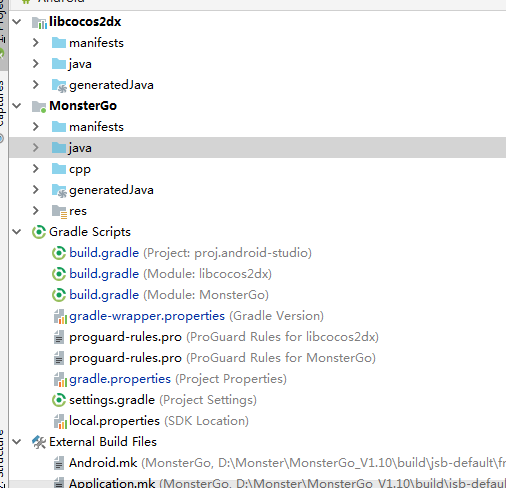
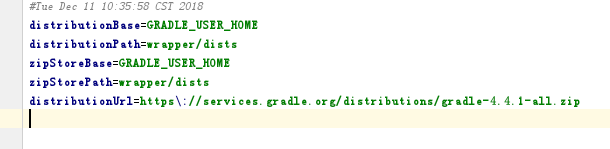
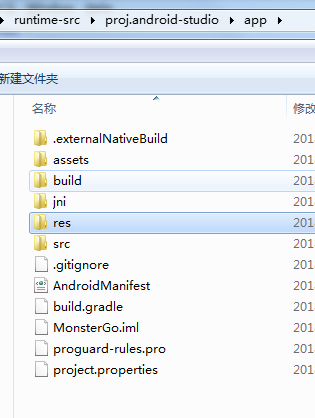
编辑器日志打印出来的是这个,Error: Compile failed. The log file path [ C:\Users\Administrator.CocosCreator\logs\native.log ]
at ChildProcess.handleChildProcess (F:\CocosCreator\resources\app.asar\editor\core\native-utils.js:1:20297)
at ChildProcess.e.on (F:\CocosCreator\resources\app.asar\editor\core\native-utils.js:1:7685)
at emitTwo (events.js:106:13)
at ChildProcess.emit (events.js:194:7)
at maybeClose (internal/child_process.js:899:16)
at Process.ChildProcess._handle.onexit (internal/child_process.js:226:5)
Cocos Console打印出来的是这个Configuration ‘compile’ in project ‘:yxs’ is deprecated. Use ‘implementation’ instead.
Parsing the SDK, no caching allowed
SDK initialized in 1 ms
FAILURE: Build failed with an exception.
- What went wrong:
A problem occurred configuring project ‘:yxs’.
java.lang.NullPointerException (no error message)
-
Try:
Run with --stacktrace option to get the stack trace. Run with --debug option to get more log output. -
Get more help at https://help.gradle.org
BUILD FAILED in 1s
执行命令出错,返回值:1。
帮忙看一下哪里出错了,谢谢。