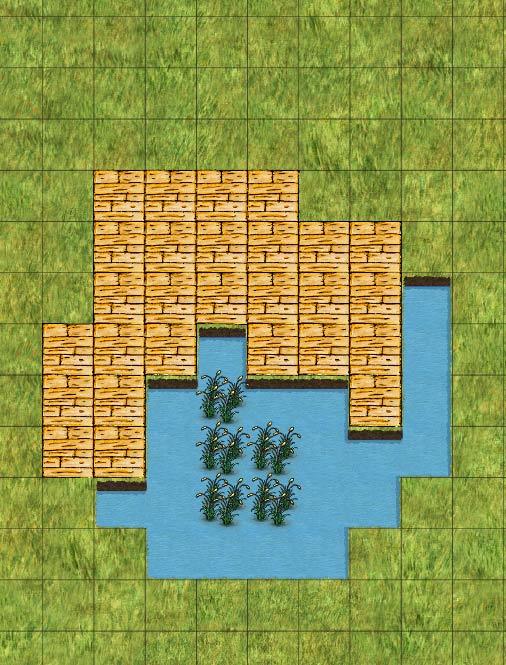
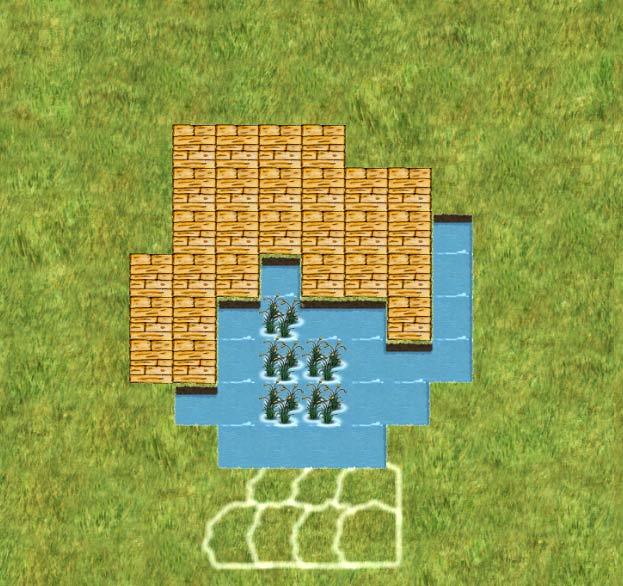
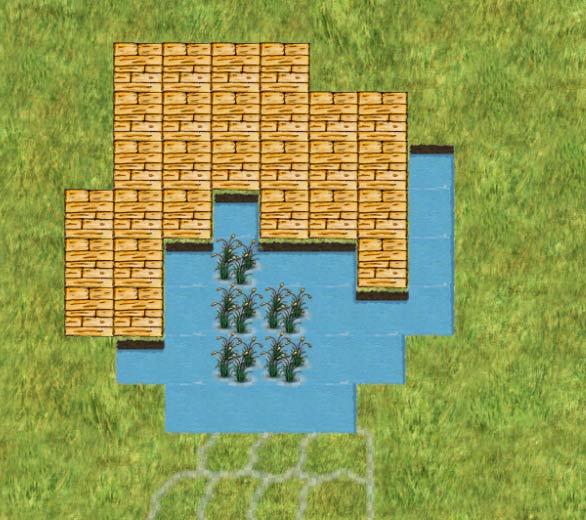
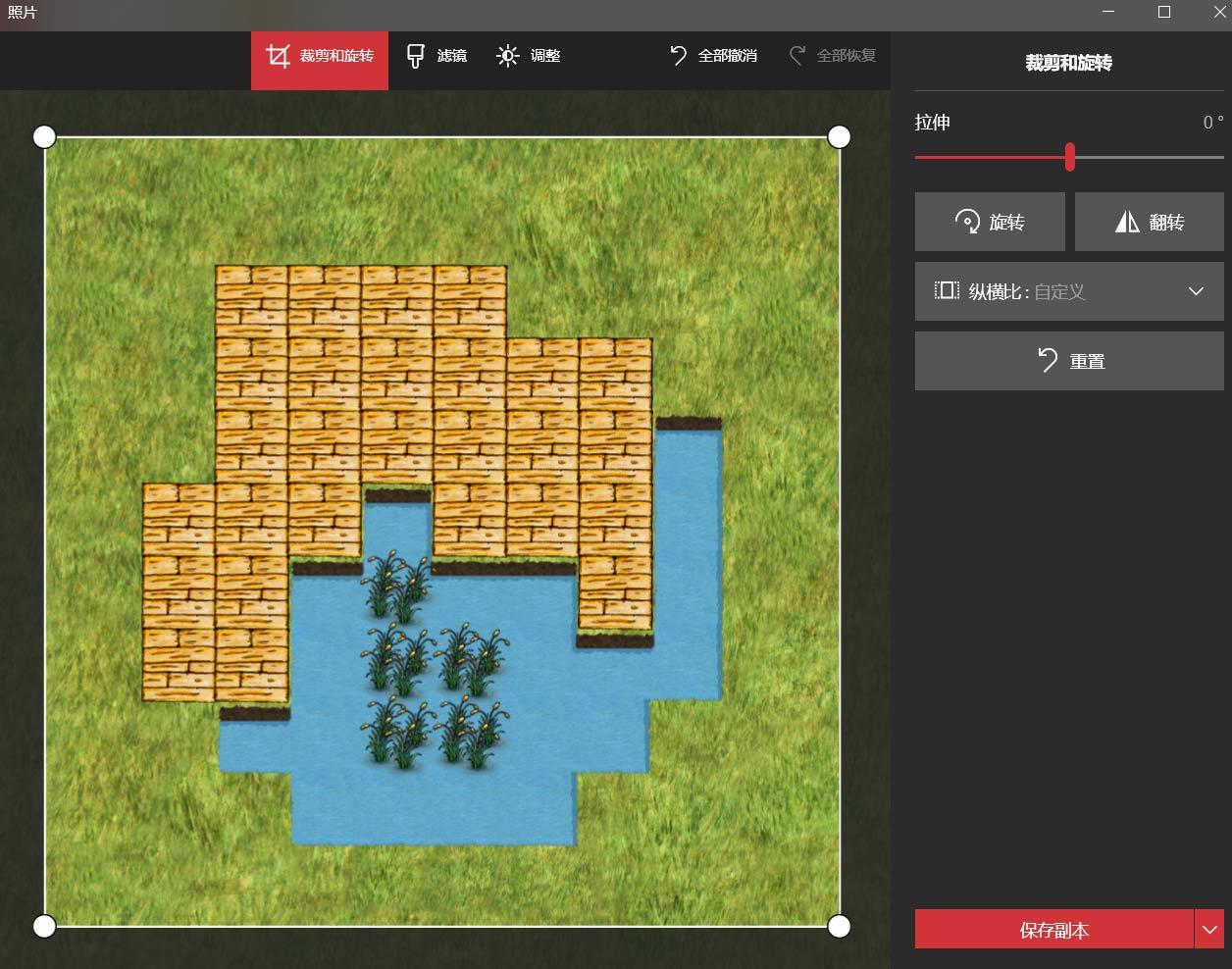
2019/10/31补充:是cc v2.1.2版本
——————————————————————————————
这个问题如何解决呢?相关的代码如下
on_touch_end : function(t) {
this.init();
// create the capture
this.schedule(() => {
let picData = this.initImage();
//this.createCanvas(picData);
//this.label.string = ‘Showing the capture’
this.saveFile(picData);
    }, 0, 0);
	console.log(this.camera)
},
init () {
this.label.string = ‘’;
let texture = new cc.RenderTexture();
let gl = cc.game._renderContext;
texture.initWithSize(2000, 2000, gl.STENCIL_INDEX8);
//texture.initWithSize(cc.visibleRect.width, cc.visibleRect.height, gl.STENCIL_INDEX8);
//cc.visibleRect.width是最终屏幕显示区域的大小,假如改大也可显示更多内容
this.camera.targetTexture = texture;
this.texture = texture;
console.log(“1:”);
console.log(cc.visibleRect.width + “=====” + cc.visibleRect.height);
console.log(this.texture);
},
initImage () {
let data = this.texture.readPixels();
//this._width = this.texture.width;
// this._height = this.texture.height;
	this._width = this.texture.width;
    this._height = this.texture.height;
    let picData = this.filpYImage(data, this._width, this._height);
    return picData;
},
saveFile (picData) {
if (CC_JSB) { //CC_JSB这个是true
let filePath = jsb.fileUtils.getWritablePath() + ‘render_to_sprite_image.png’;
        let success = jsb.saveImageData(picData, this._width, this._height, filePath)
        if (success) {
            cc.log("save image data success, file: " + filePath);
        }
        else {
            cc.error("save image data failed!");
        }
    }
},
filpYImage (data, width, height) {
// create the data array
let picData = new Uint8Array(width * height * 4);
let rowBytes = width * 4;
for (let row = 0; row < height; row++) {
let srow = height - 1 - row;
let start = srow * width * 4;
let reStart = row * width * 4;
// save the piexls data
for (let i = 0; i < rowBytes; i++) {
picData[reStart + i] = data[start + i];
}
}
return picData;
},