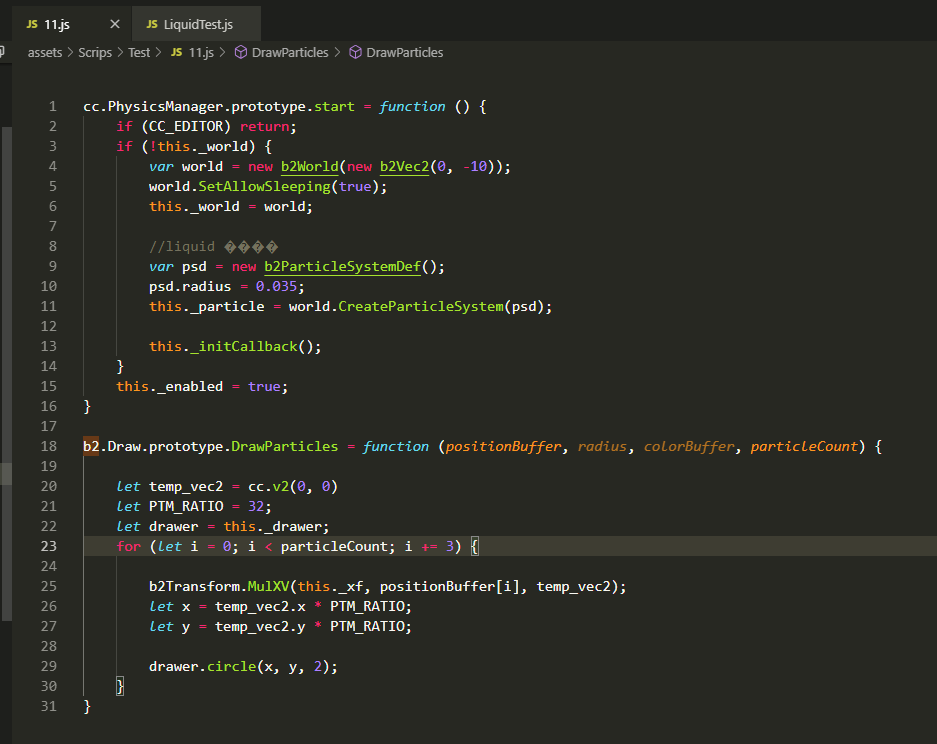
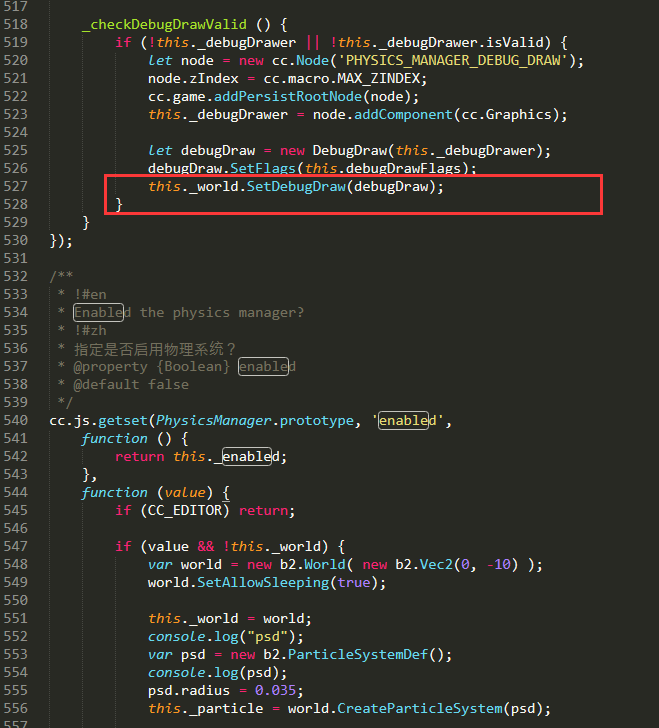
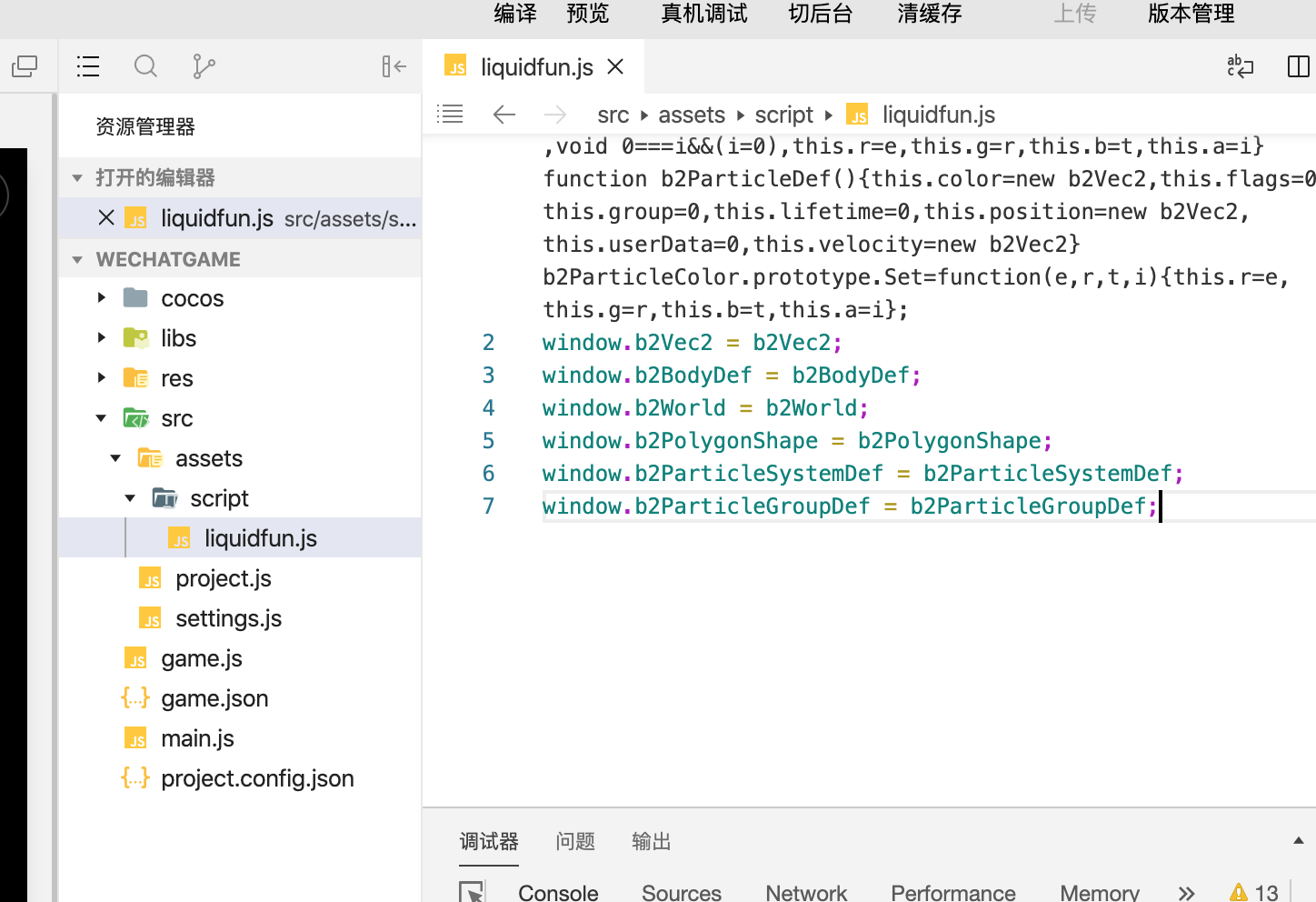
下面的代码是我 重写的DrawParticles 其中就是在设置shader的一些信息,
b2.Draw.prototype.DrawParticles = function( positionBuffer, radius, colorBuffer, particleCount){
//console.log(‘DrawParticles start’);
let particle_size_multiplier = 8; // no falloff
let global_alpha = 0.35; // instead of texture
g_material.setU_pointSize(radius * PTM_RATIO * particle_size_multiplier);
let centers = new Array();
for(var i=0; i < particleCount; i++) {
let vec2 = b2.Vec2(positionBuffer[i].x *PTM_RATIO,positionBuffer[i].y *PTM_RATIO);
centers[i] = vec2;
g_material.setA_position(centers[i]);
}
//g_material.setA_texCoord();
let temp_vec2 = cc.v2( 0, 0)
let drawer = this._drawer;
//g_material.setU_color(0, 0, 0, global_alpha);
if(colorBuffer != null){
	g_material.setU_color(colorBuffer[0].r, colorBuffer[0].g, colorBuffer[0].b, global_alpha);
}else{
	g_material.setU_color(0.1, 0.2, 0.3, global_alpha);
}
};
官方的demo中 有一些参考,上面的实现也是参考这个函数来的,但是 结果 没有出现,而且对官方中的一些函数也是一知半解,比如这个glVertexAttribPointer 是不是也是在设置shader的信息。不知道大佬可不可以给参谋一下!!
void GLESDebugDraw::DrawParticles(const b2Vec2 *centers_old, float32 radius, const b2ParticleColor colors, int32 count)
{
/
// normally this is how we’d enable them on desktop OpenGL,
// but for some reason this is not applying textures, so we use alpha instead
glEnable(GL_POINT_SPRITE);
glTexEnvi(GL_POINT_SPRITE, GL_COORD_REPLACE, GL_TRUE);
*/
const float particle_size_multiplier = 8; // no falloff
const float global_alpha = 0.35f; // instead of texture
mShaderProgram->setUniformLocationWith1f(mPointSizeLocation, radius * mRatio * particle_size_multiplier);

GL::blendFunc(GL_SRC_ALPHA, GL_ONE);

b2Vec2 *centers = (b2Vec2 *) alloca(sizeof(b2Vec2) * count);
for(int i=0; i<count; i++) {
    centers[i].x = centers_old[i].x *mRatio;
    centers[i].y = centers_old[i].y *mRatio;
}

glVertexAttribPointer(GLProgram::VERTEX_ATTRIB_POSITION, 2, GL_FLOAT, GL_FALSE, 0, centers);
glVertexAttrib4f(GLProgram::VERTEX_ATTRIB_TEX_COORDS, 0, 0, 1, 1);

if (0 /*colors*/)
{
    // hack to render with proper alpha on desktop for Testbed
    b2ParticleColor * mcolors = const_cast<b2ParticleColor *>(colors);
    for (int i = 0; i < count; i++)
    {
        mcolors[i].a = static_cast<uint8>(global_alpha * 255);
    }
    glVertexAttribPointer(GLProgram::VERTEX_ATTRIB_COLOR, 4, GL_UNSIGNED_BYTE, GL_TRUE, 0, &colors[0].r);
}
else
{
    glVertexAttrib4f(GLProgram::VERTEX_ATTRIB_COLOR, 1, 1, 1, global_alpha);
    mShaderProgram->setUniformLocationWith4f(mColorLocation, 1, 1, 1, global_alpha);
}

glDrawArrays(GL_POINTS, 0, count);
CC_INCREMENT_GL_DRAWN_BATCHES_AND_VERTICES(1,count);
}