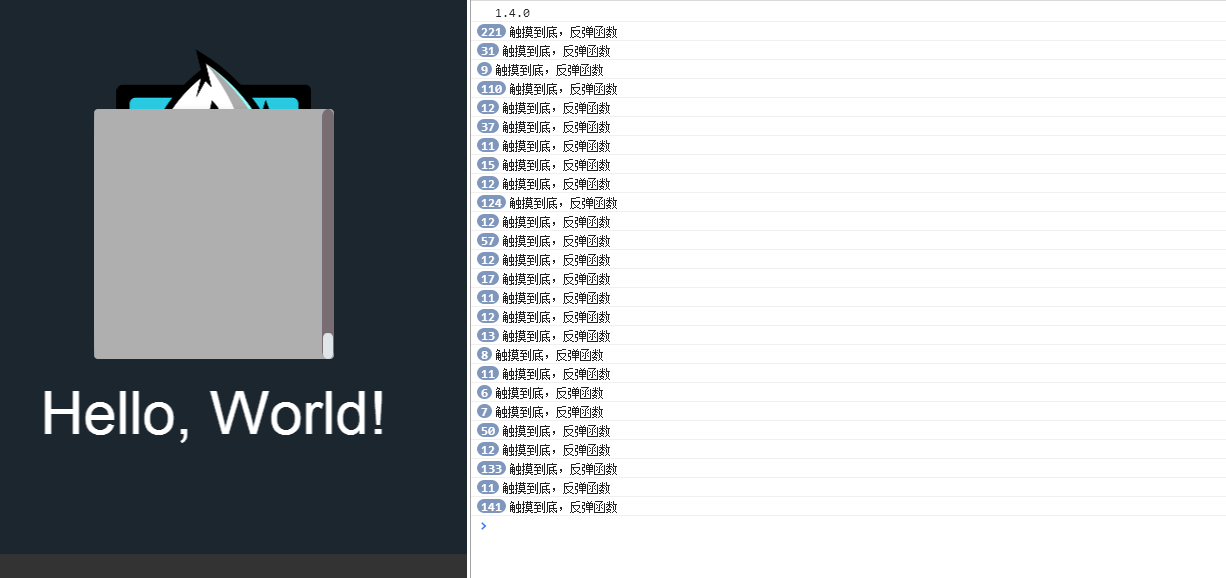
creator版本:1.4.0
问题:我添加ScrollView.EventType.BOUNCE_BOTTOM 监听事件后,滚到底后回调函数没有触发。
代码:
properties: {
label: {
default: null,
type: cc.Label
},
   nodellScrollview: cc.Node,
    // defaults, set visually when attaching this script to the Canvas
    text: 'Hello, World!'
},
onLoad: function ()
{
this.label.string = this.text;
var self = this;
this.nodellScrollview.on(cc.ScrollView.EventType.BOUNCE_BOTTOM, self.OnScrollEnd, self);
},
OnScrollEnd:function()
{
cc.log(“触摸到底,反弹函数”);
},
请问该怎么修改?