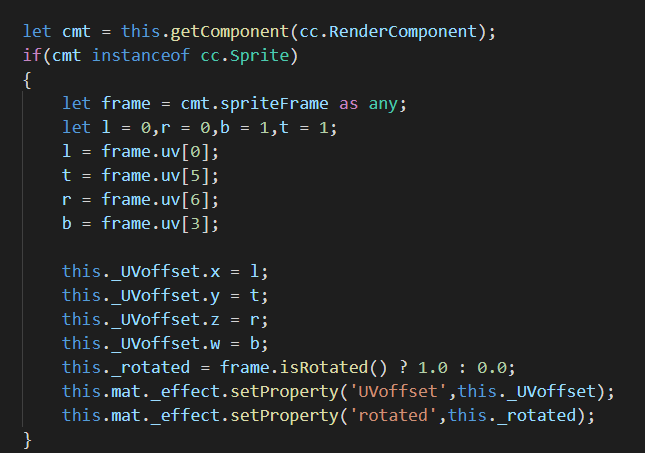
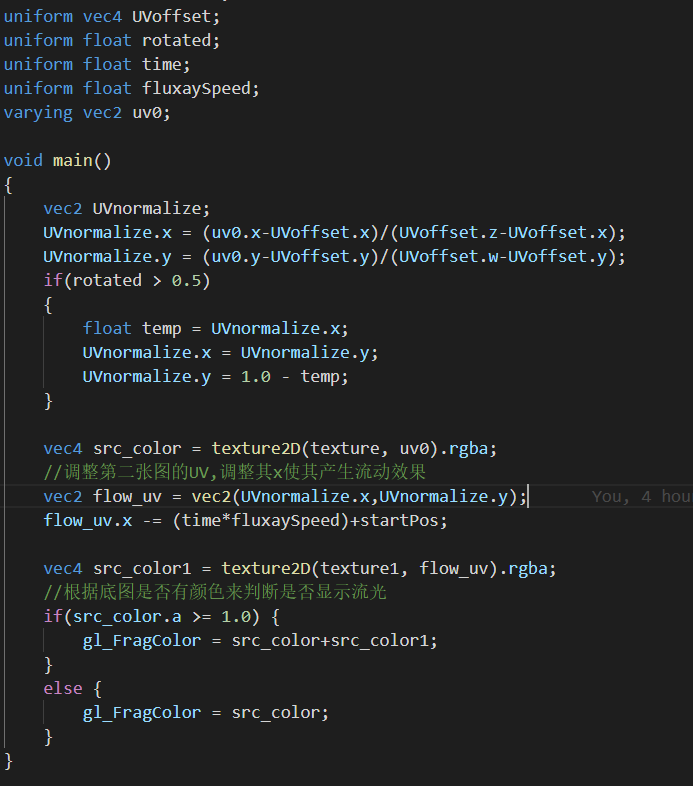
shader在模拟器表现正常,在浏览器中表现不正常,何解?大佬们 cocos creator 版本2.1.2
%{
techniques: [
{
passes: [
{
vert: vs
frag: fs
cullMode: none
blend: true
}
]
layer: 0
}
]
properties: {
texture: {
type: sampler2D
value: null
}
alphaThreshold: {
type: number
value: 0.5
}
x_radius: {
type: number
value: 0.74426
}
y_radius: {
type: number
value: 0.6776
}
origin: {
type: vec2
value: [1.238, 0.544]
}
}
%}
%% vs {
precision highp float;
uniform mat4 cc_matViewProj;
#if _USE_MODEL
uniform mat4 cc_matWorld;
#endif
attribute vec3 a_position;
attribute lowp vec4 a_color;
#if USE_TEXTURE
attribute mediump vec2 a_uv0;
varying mediump vec2 v_uv0;
#endif
varying lowp vec4 v_color;
void main () {
mat4 mvp;
.#if _USE_MODEL
mvp = cc_matViewProj * cc_matWorld;
#else
mvp = cc_matViewProj;
.#endif
#if USE_TEXTURE
v_uv0 = a_uv0;
#endif
v_color = a_color;
gl_Position = mvp * vec4(a_position, 1);
}
}
%% fs {
precision mediump float;
.#if USE_TEXTURE
uniform sampler2D texture;
uniform float x_radius;
uniform float y_radius;
uniform mediump vec2 origin;
varying mediump vec2 v_uv0;
.#endif
.#include
varying lowp vec4 v_color;
float calculate (vec2 origin, vec2 position) {
float x = position.x - origin.x;
float y = position.y - origin.y;
return x * x / (x_radius * x_radius) + y * y / (y_radius * y_radius);
}
void main () {
vec4 color = v_color;
float dist = calculate(origin, v_uv0);
if USE_TEXTURE
color *= texture2D(texture, v_uv0);
#if _USE_ETC1_TEXTURE
  color.a *= texture2D(texture, v_uv0 + vec2(0, 0.5)).r;
#endif
#endif
ALPHA_TEST(color);
#。if USE_OPPOSITE
if(dist > 1.0) {
color.a = .5;
}
#else
if(dist < 1.0) {
color.a = .0;
}
#endif
gl_FragColor = color;
}
}
效果如下:

浏览器中: