
报错内容如下:
FAILURE: Build failed with an exception.
- What went wrong:
A problem occurred configuring project ‘:game’.
Failed to install the following Android SDK packages as some licences have not been accepted.
patcher;v4 SDK Patch Applier v4
emulator Android Emulator
platforms;android-27 Android SDK Platform 27
build-tools;28.0.3 Android SDK Build-Tools 28.0.3
tools Android SDK Tools
platform-tools Android SDK Platform-Tools
To build this project, accept the SDK license agreements and install the missing components using the Android Studio SDK Manager.
Alternatively, to transfer the license agreements from one workstation to another, see http://d.android.com/r/studio-ui/export-licenses.html
Using Android SDK: D:\Devtool\SDK\ndk\19.2.5345600
已经重装了一次android studio和SDK,折腾了五六个小时,解决了java版本问题,路径空格问题,但是现在卡在这里两个小时了,重启多次,网上查了好久也没有解决……现在已经抓狂了呜呜呜……
为什么我不管是玩单片机,还是做游戏,总是能遇到离谱的问题呢……
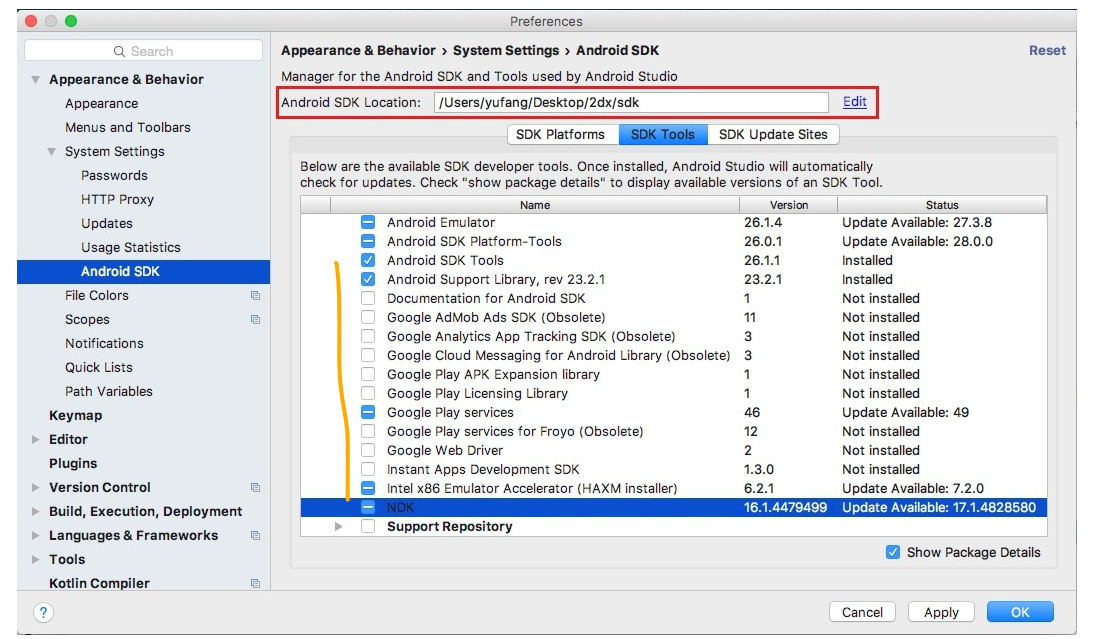
另外,我的Android Studio界面SDK tools和文档里的好像不太一样,少了很多东西,问题是出在这里吗?
文档:
我的:
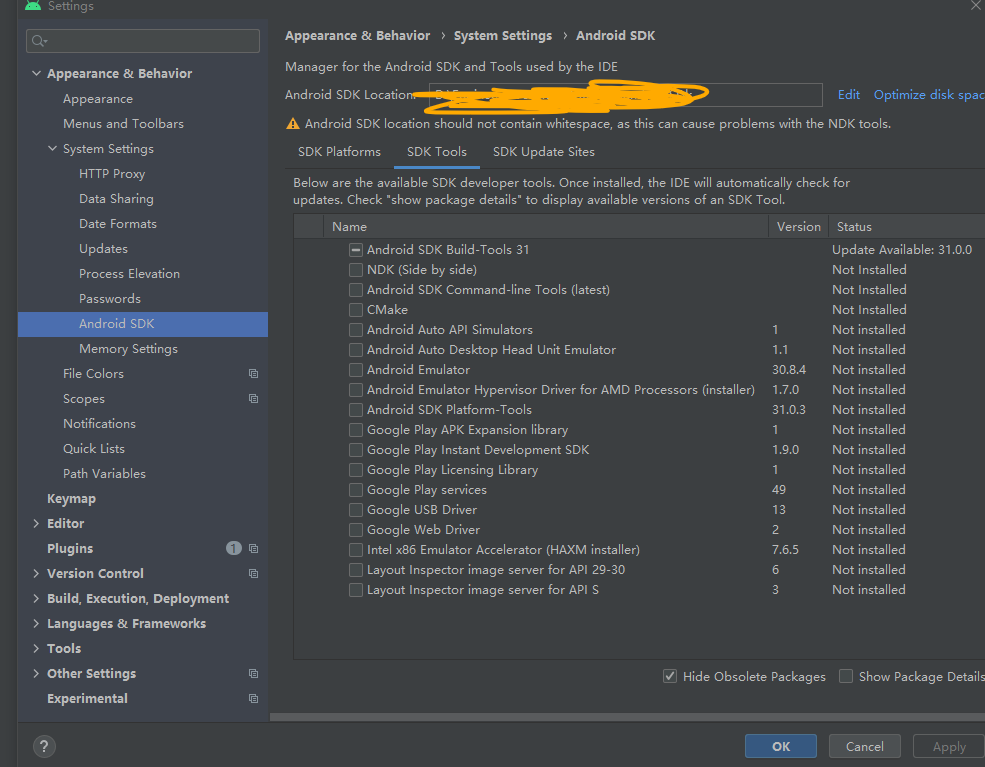
(截图没有勾选上是因为我刚刚又重装了android studio)