
1赞
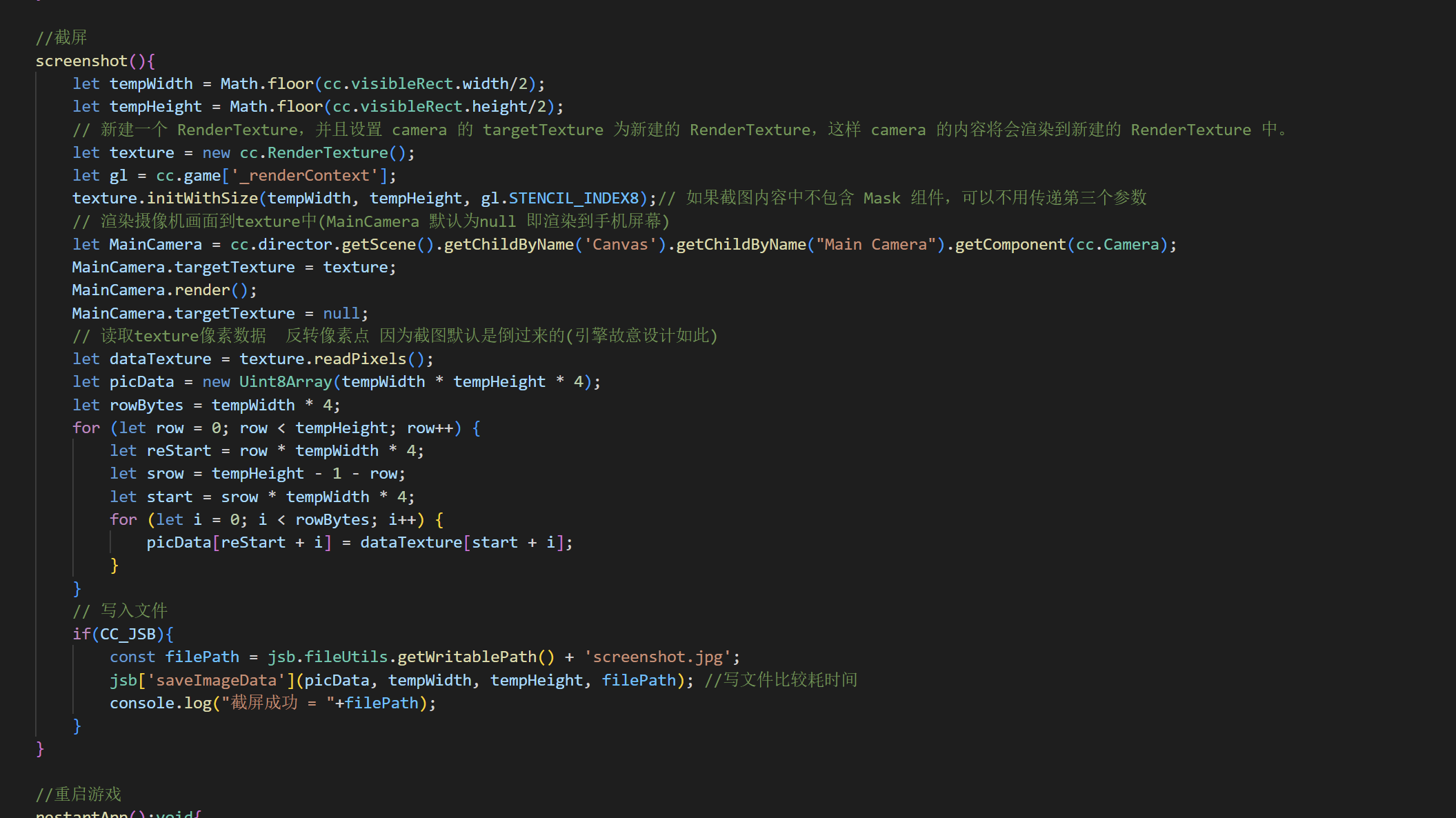
建议大佬来个代码版的,图片不利于CV 哈哈哈哈~~~
1赞
//截屏
screenshot(){

    let tempWidth = Math.floor(cc.visibleRect.width/2);

    let tempHeight = Math.floor(cc.visibleRect.height/2);

    // 新建一个 RenderTexture,并且设置 camera 的 targetTexture 为新建的 RenderTexture,这样 camera 的内容将会渲染到新建的 RenderTexture 中。

    let texture = new cc.RenderTexture();

    let gl = cc.game['_renderContext'];

    texture.initWithSize(tempWidth, tempHeight, gl.STENCIL_INDEX8);// 如果截图内容中不包含 Mask 组件,可以不用传递第三个参数

    // 渲染摄像机画面到texture中(MainCamera 默认为null 即渲染到手机屏幕)

    let MainCamera = cc.director.getScene().getChildByName('Canvas').getChildByName("Main Camera").getComponent(cc.Camera);

    MainCamera.targetTexture = texture;

    MainCamera.render();

    MainCamera.targetTexture = null;

    // 读取texture像素数据  反转像素点 因为截图默认是倒过来的(引擎故意设计如此)

    let dataTexture = texture.readPixels();

    let picData = new Uint8Array(tempWidth * tempHeight * 4);

    let rowBytes = tempWidth * 4;

    for (let row = 0; row < tempHeight; row++) {

        let reStart = row * tempWidth * 4;

        let srow = tempHeight - 1 - row;

        let start = srow * tempWidth * 4;

        for (let i = 0; i < rowBytes; i++) {

            picData[reStart + i] = dataTexture[start + i];

        }

    }

    // 写入文件

    if(CC_JSB){

        const filePath = jsb.fileUtils.getWritablePath() + 'screenshot.jpg';

        jsb['saveImageData'](picData, tempWidth, tempHeight, filePath); //写文件比较耗时间

        console.log("截屏成功 = "+filePath);

    }

}
5赞
可以可以666
大佬牛逼~mark一个备用
这个办法能截图 但是没办法截Canvas之外渲染的图片 有没有办法截图到Canvas渲染户之外的图片呢?比如用户开脚本挂了个悬浮窗 想要截图这个当做证据 没有没办法呢?
不是一个概念,你这个是原生截屏(也是一般理解的截屏),直接调用原生方法就可以了
如果调用原生方法 就会被用户发现 我需要做一个 检测用户是否异常的后台截图…看来是不太可能了…因为有玩家用脚本刷