各位大大好,小弟是最近才剛開始學習COCOS的萌新,目前在看B站上 “Cocos 布道师「放空」,25堂课带你零基础入门 Cocos Creator 做一款经典射击游戏!” ,整個過程還算順利。
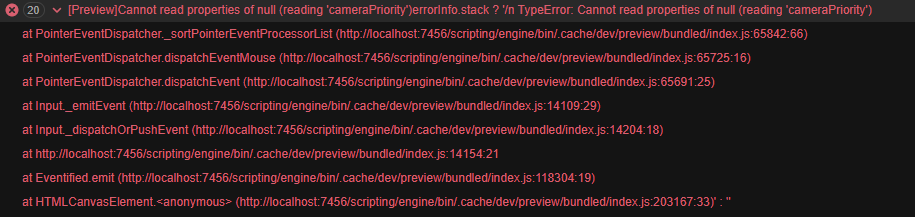
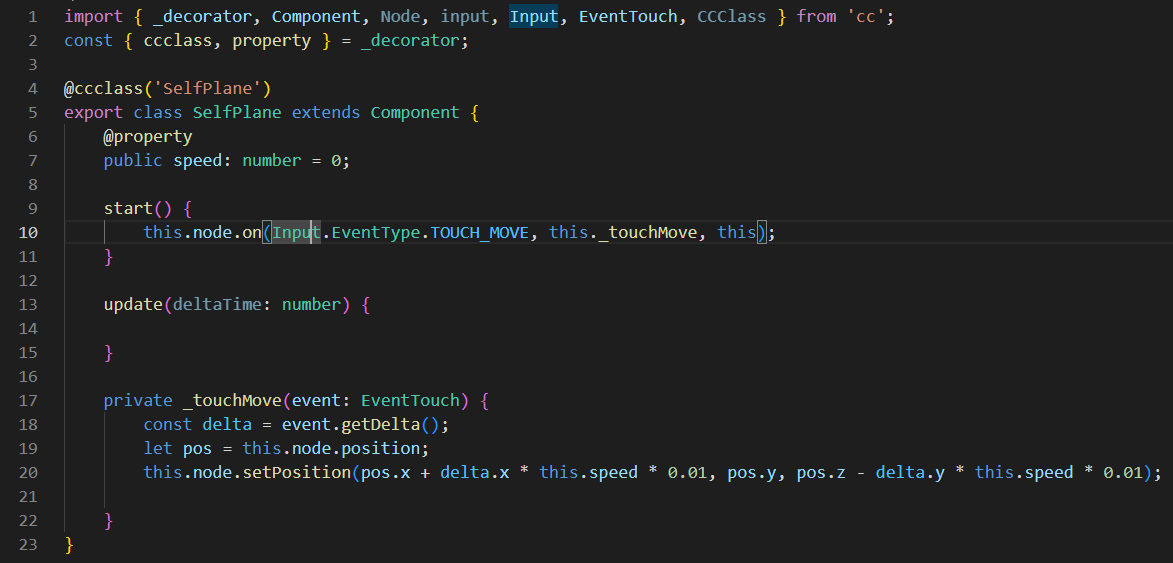
但我發現,這個教程中飛機移動的設計,是只要點擊螢幕上任何地方,就可以控制飛機移動,這顯得有點不太合理,所以我就想自己嘗試把觸發事件判斷的範圍縮小到,只有按著飛機模型本身或者一個跟飛機模型大小差不多的範圍(類似collionsion body or rigid body那種大小)才會觸發判斷事件,但是怎麼試都試不出來,相關資訊如下,還請高手指導。
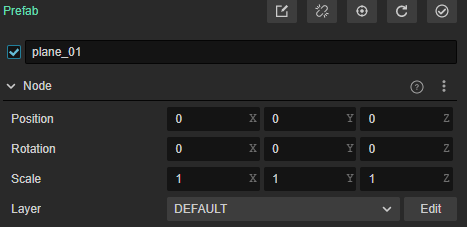
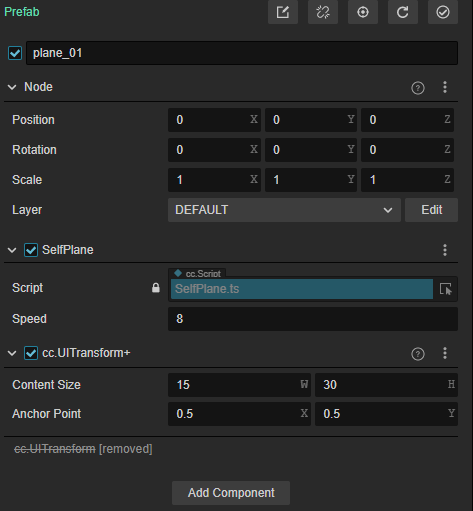
node
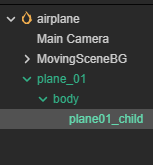
code
import { _decorator, Component, Node, input, Input, EventTouch } from ‘cc’;
const { ccclass, property } = _decorator;
@ccclass('SelfPlane')
export class SelfPlane extends Component {
    @property
    public speed: number = 0;

    start() {
        input.on(Input.EventType.TOUCH_MOVE, this._touchMove, this);
    }

    update(deltaTime: number) {

    }

    private _touchMove(event: EventTouch) {
        const delta = event.getDelta();
        let pos = this.node.position;
        this.node.setPosition(pos.x + delta.x * this.speed * 0.01, pos.y, pos.z - delta.y * this.speed * 0.01);

    }
}
如果把寫好的script掛在plane01的根結點plane01或body上都可以點擊螢幕任何位置移動飛機。
我原本是想,如果掛在最底層子結點plane01_child上應該可以實現我的想法吧? 結果也是一樣點擊螢幕任何位置可以移動飛機,而且移動距離會變成原本的好幾倍。