2D节相机渲染问题:渲染出来的图比预计的多了一圈,如何解决?

Creator 版本: 2.4.10

目录结构:
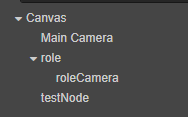
1720495877113

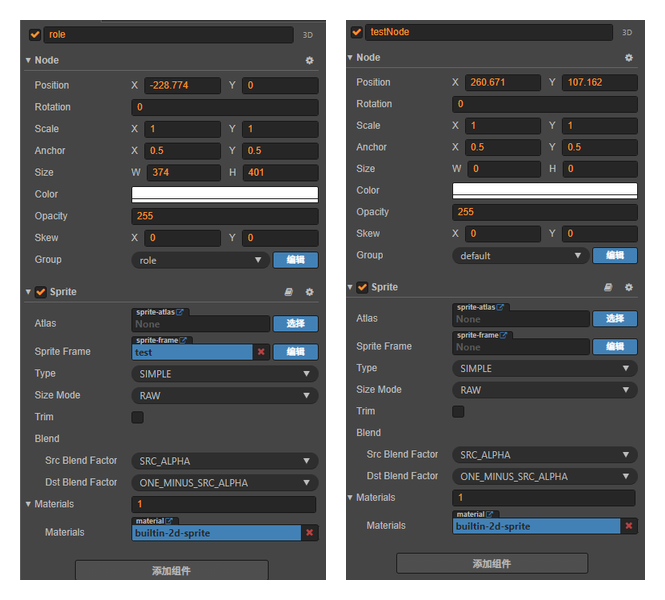
节点 role 分组为 role

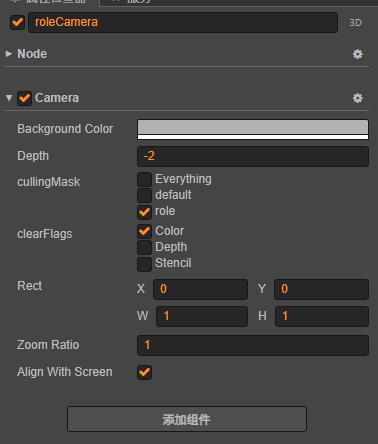
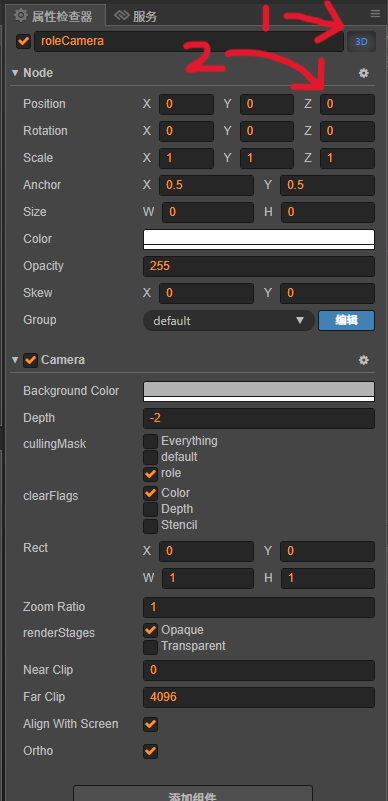
roleCamera 属性如下:

1720495984780

testNode 展示 roleCamera 所拍摄到 role 的图像,代码如下:

@property(cc.Node) role: cc.Node = null;
@property(cc.Camera) roleCamera: cc.Camera = null;

protected update(dt: number): void {
    this.render();
}

render() {
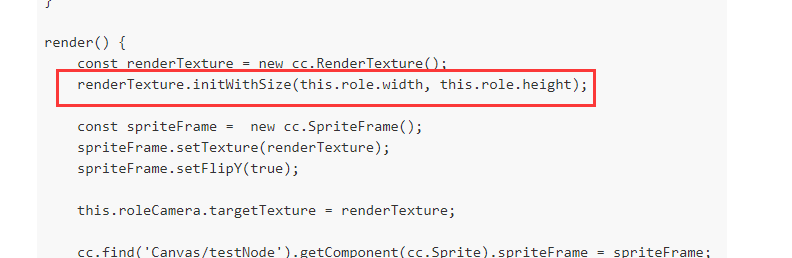
    const renderTexture = new cc.RenderTexture();
    renderTexture.initWithSize(this.role.width, this.role.height);

    const spriteFrame =  new cc.SpriteFrame();
    spriteFrame.setTexture(renderTexture);
    spriteFrame.setFlipY(true);

    this.roleCamera.targetTexture = renderTexture;
    
    cc.find('Canvas/testNode').getComponent(cc.Sprite).spriteFrame = spriteFrame;        
}

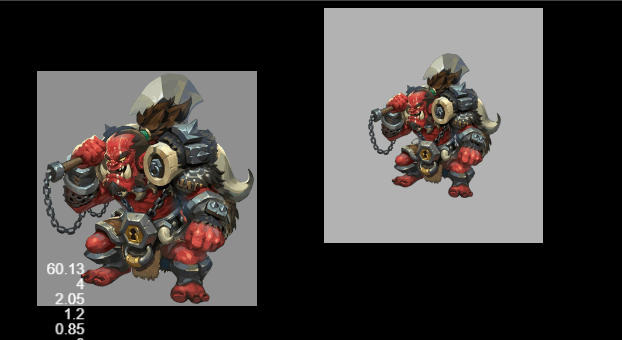
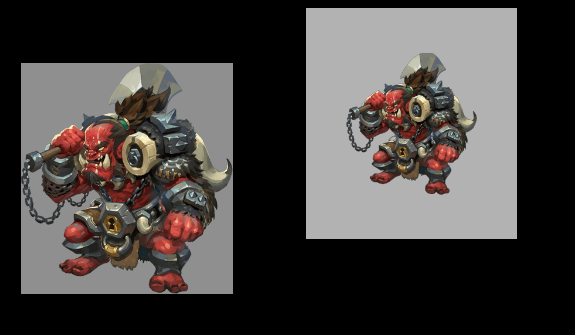
不知道是不是正常的,在不调整 相机ZoomRatio 时,testNode显示的比预想中要大一圈,如下图:
1720491886865

预期应该拍摄的和 role 是一样的。

请问,这是什么问题?怎么修改呢?
:thinking:

sprite组件的sizemode设置成Raw

Sprite 组件的 SizeMode 属性改为 RAW

和原来区别不大?

1720509742800

顺便 附张原图 如下:

test

背景灰色是Camera渲染的,为了方便观察。

求教 求教 :man_kneeling:

没看出啥问题,你要不打印下这个尺寸看有没有问题

1720576288719

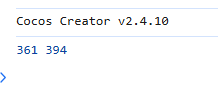
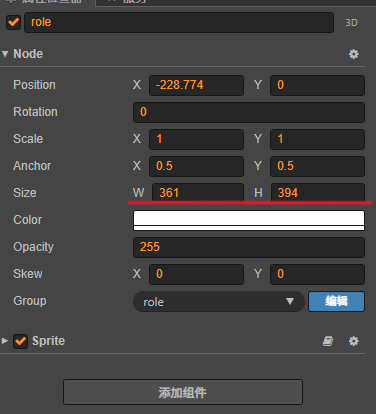
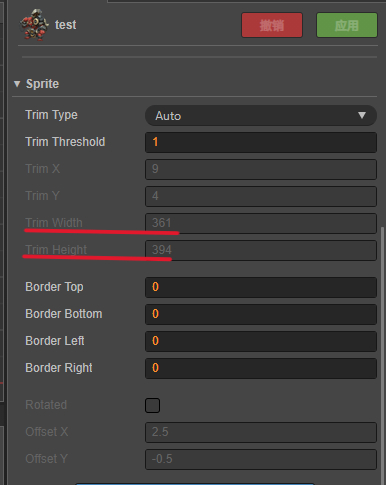
试过的,renderTextureSizerole节点 和 图片 大小一致

1720576105160

1720576125902

1720576170182

也搞不懂具体是啥问题 :thinking:

目前最方便的方法就是调整一下 roleCameraZoomRatio,但是我觉得不是应该渲染出来是和原来一样大小嘛,还是我对Camera理解的不对呢?

试了一下,好像确实只能改相机的缩放比例 ZoomRatio ,不过放大后,其实图片变糊了。还需要将 rendertexture 放大

我想到了,你相机拍摄的画面的大小应该是按屏幕尺寸算的。

要怎么修正一下呢,计算 role 节点尺寸相对于屏幕尺寸的比例,然后更新 roleCameraZoomRatio 吗?还是有什么办法可以使Camera的拍摄的画面为节点内容呢?

计算 role 节点尺寸相对于屏幕尺寸的比例

initRoleCamera() {
    // 修改相机缩放比例
    const heightRatio = this.role.height/cc.winSize.height;
    const widthRatio = this.role.width/cc.winSize.width;

    const minSideRatio = Math.min(heightRatio, widthRatio);

    this.roleCamera.zoomRatio = minSideRatio;
}

或者,修改 Camera 的拍摄的画面

initRoleCamera() {
    // 修改相机拍摄范围
    const maxSide = Math.max(this.role.height, this.role.width);

    this.roleCamera.alignWithScreen = false;
    this.roleCamera.ortho = true;
    this.roleCamera.orthoSize = maxSide/2;
}

正交ortho 会遇到的问题:设置正交的话摄像可能会拍摄不到画面

是摄像机距离的问题,编辑器调整为3D视图比较明显

解决方法1:设置 Camera z轴,使摄像机能拍摄到画面,此项目中,改为1即可。

解决方法2:设置 CameraNearClip,使摄像机能拍摄到画面,此项目中,改为0即可。