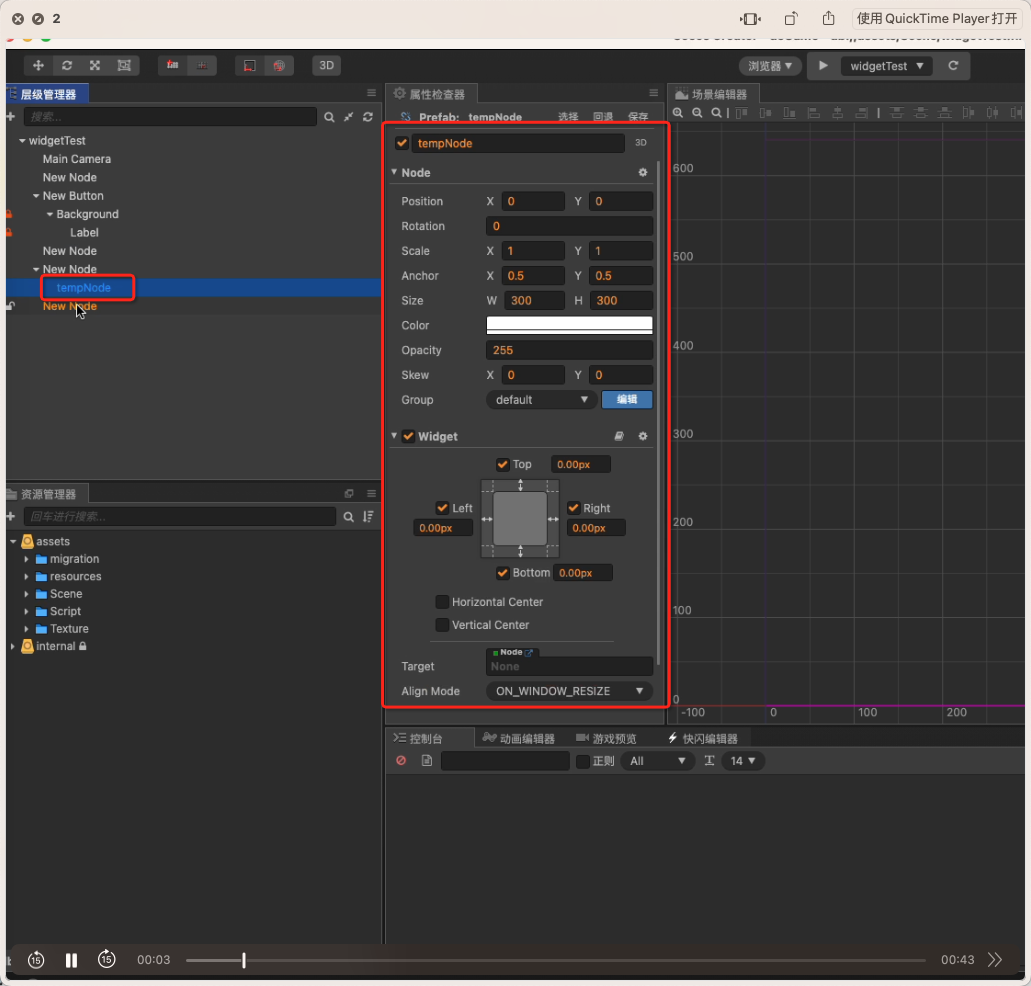
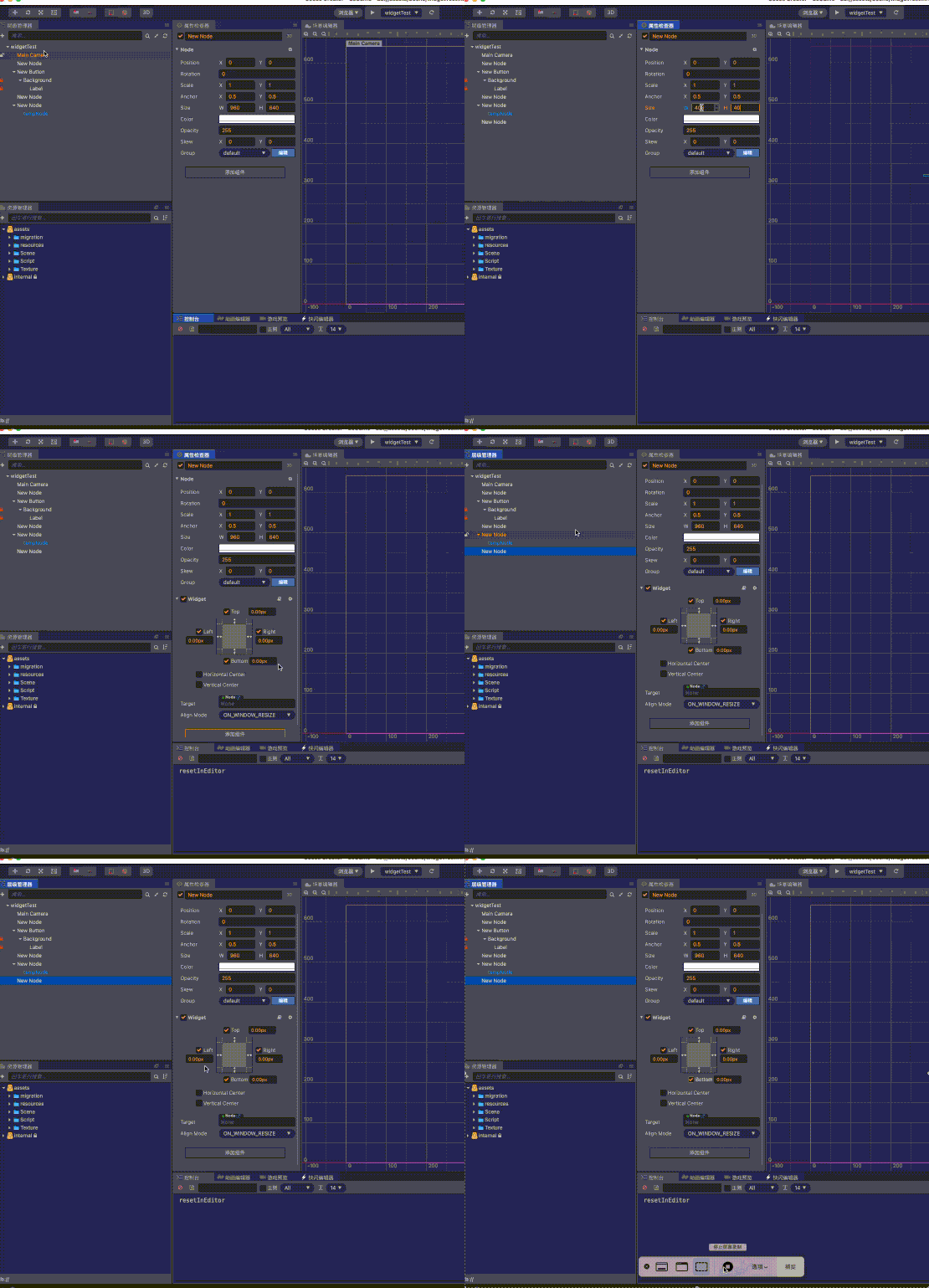
背景:
每次想添加背景、sprite、node-touch的时候,总会临时的需要设置 上下左右的widget距离。
点击四个属性,每个属性设置数值。需要操作四次点击,移动鼠标三次,输入数值4次。------想偷懒,不想输入,想自动生成。

背景:
每次想添加背景、sprite、node-touch的时候,总会临时的需要设置 上下左右的widget距离。
点击四个属性,每个属性设置数值。需要操作四次点击,移动鼠标三次,输入数值4次。------想偷懒,不想输入,想自动生成。
const { ccclass, property } = cc._decorator;
@ccclass
export default class NewClass extends cc.Component {
private _fullFlag: boolean = false;

@property
get fullFlag() {
    return this._fullFlag;
}

set fullFlag(value) {
    if (CC_EDITOR) {
        Editor.log('editor')
        let widgetS = this.node.getComponent(cc.Widget);
        widgetS.isAlignTop = true;
        widgetS.isAlignBottom = true;
        widgetS.isAlignLeft = true;
        widgetS.isAlignRight = true;
        this.node.getComponent(cc.Widget).left = 0;
        this.node.getComponent(cc.Widget).right = 0;
        this.node.getComponent(cc.Widget).top = 0;
        this.node.getComponent(cc.Widget).bottom = 0;
    }
    this._fullFlag = value;
}
onLoad() {

}

start() {

}

// update (dt) {}
}
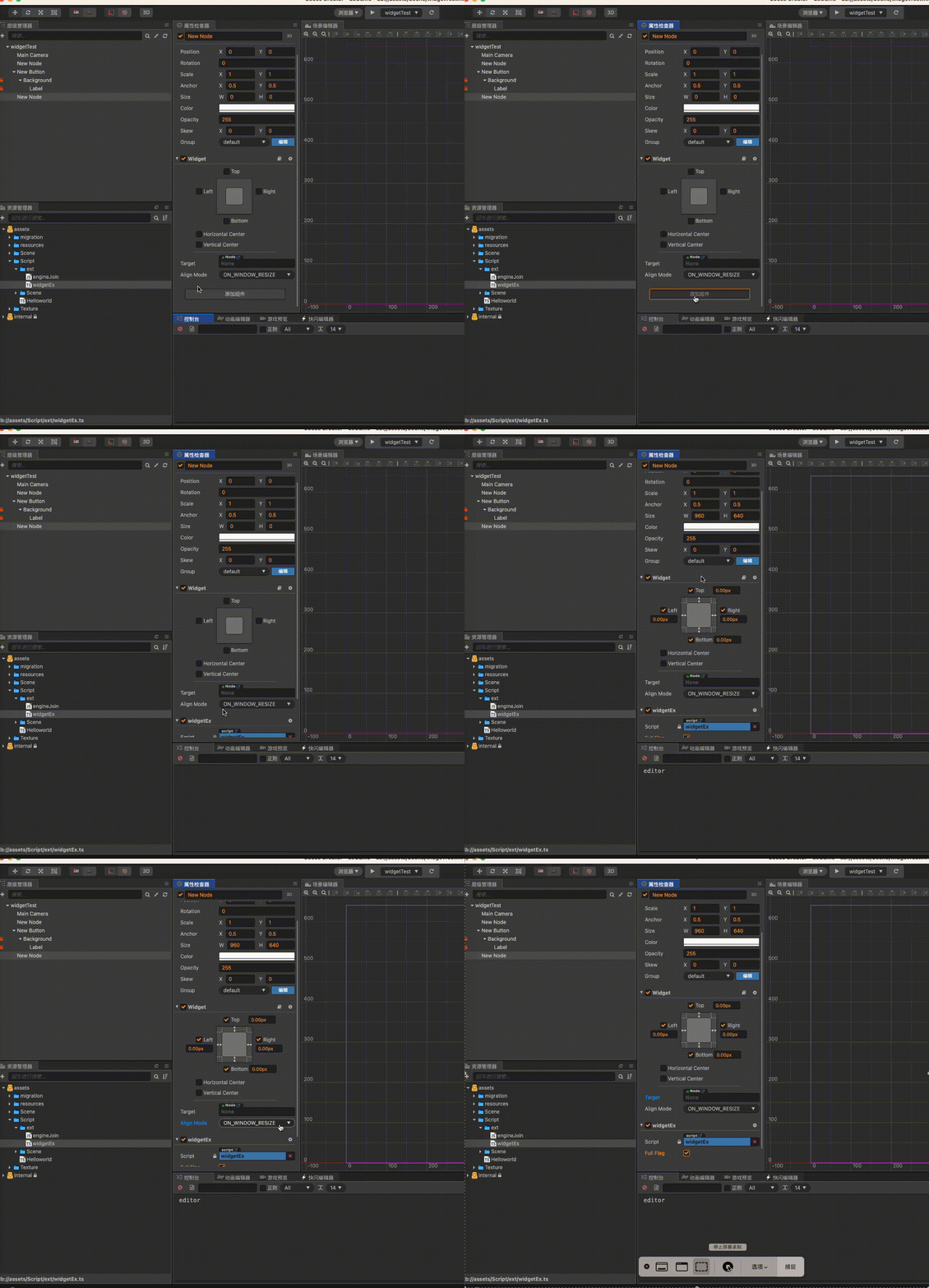
说个第四种,扩展 inspector 加个按钮,一键对齐target 节点