
做项目时,有多个Spine动画播放中途更换和同步的需求,记录一下。
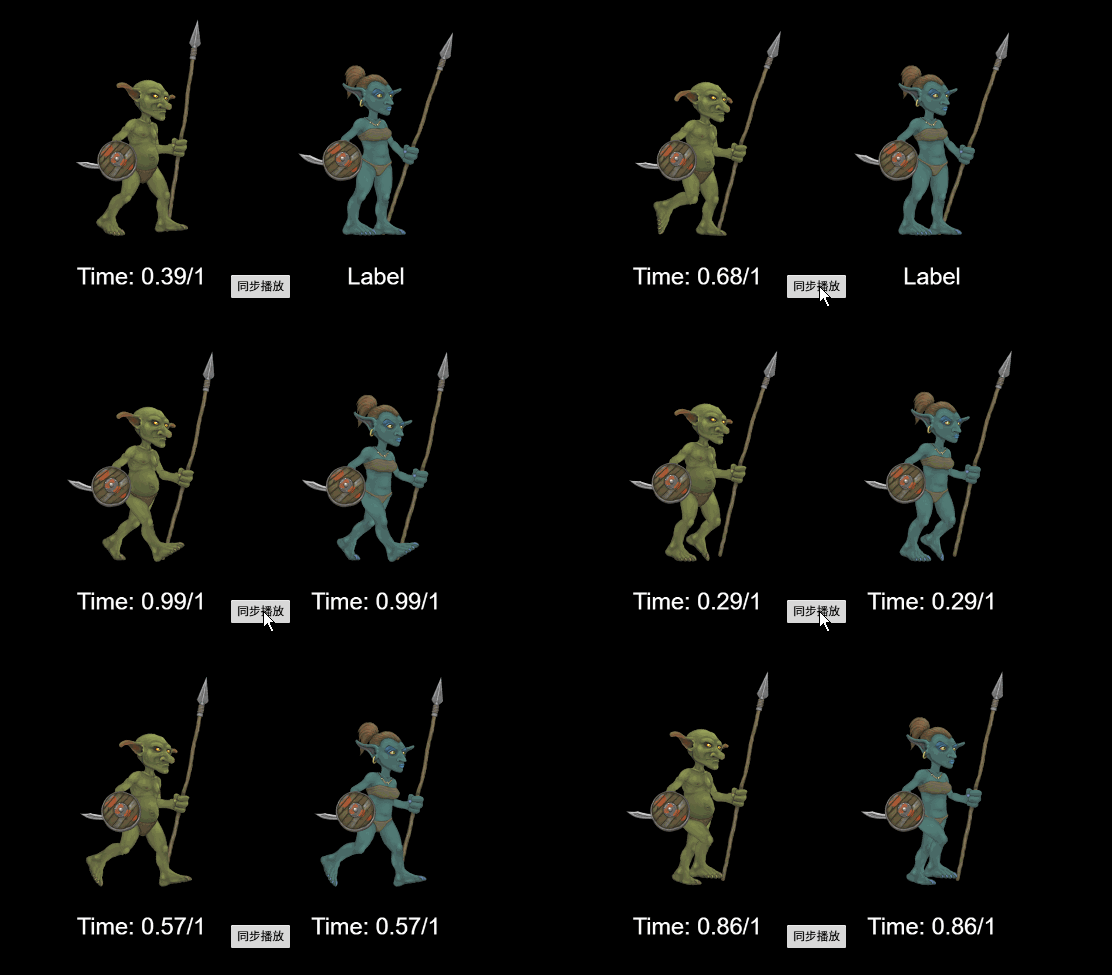
原理
sp.spine.TrackEntry 中设置 trackTime 参数,可以设置动画从指定时间播放,下个循环从头开始。
一开始修改的 animationStart 参数,这个参数可以使每次循环都是从这个时点开始播放,也可以做到。
其他:animationEnd、animationLast属性可以获取动画 结束时间、当前时间。
脚本
const {ccclass, property} = cc._decorator;

@ccclass
export default class SpineCtrl extends cc.Component {

    @property(sp.Skeleton) targetSpine: sp.Skeleton = null;

    private spine: sp.Skeleton = null;

    protected start(): void {
        this.spine = this.node.getComponent(sp.Skeleton);
    }

    /** 从指定时间开始播放Spine动画 */
    public playSpineFromTime(spine: sp.Skeleton, animName: string, loop: boolean, time: number): void {
        const trackEntry = spine.setAnimation(0, animName, loop);
        const duration = trackEntry.animation.duration;
        // 限制播放时间范围
        time = time % duration;
        // 设置Spine动画开始时间
        trackEntry.trackTime = time;
    }

    onBtn() {
        const FrameRate = 60;
        const SecondsPerFrame = 1 / FrameRate;

        const time = this.getSpineCurrentTime(this.targetSpine);

        // 在下一帧同步
        this.playSpineFromTime(this.spine, "walk", true, time + SecondsPerFrame);
        this.playSpineFromTime(this.targetSpine, "walk", true, time + SecondsPerFrame);
    }
}