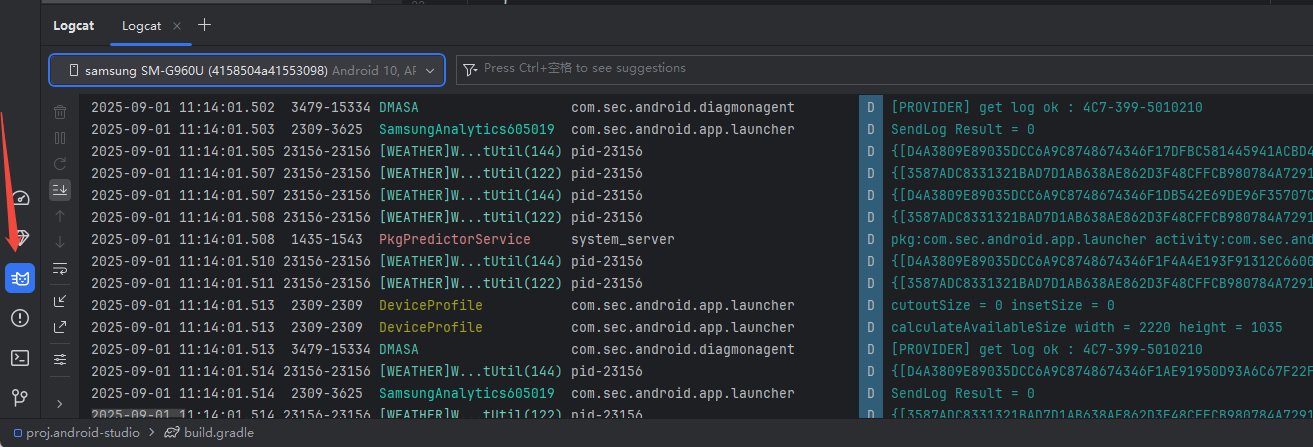
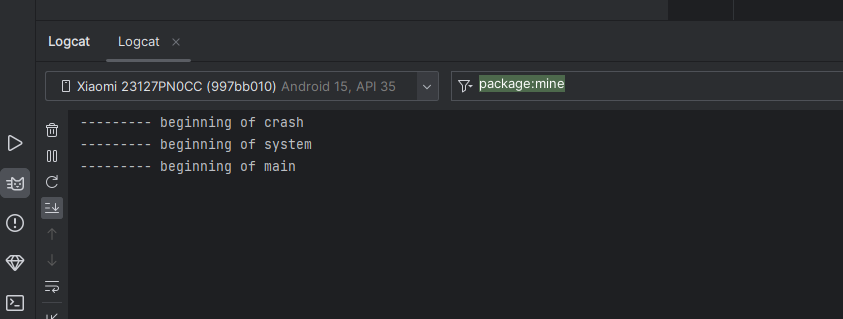
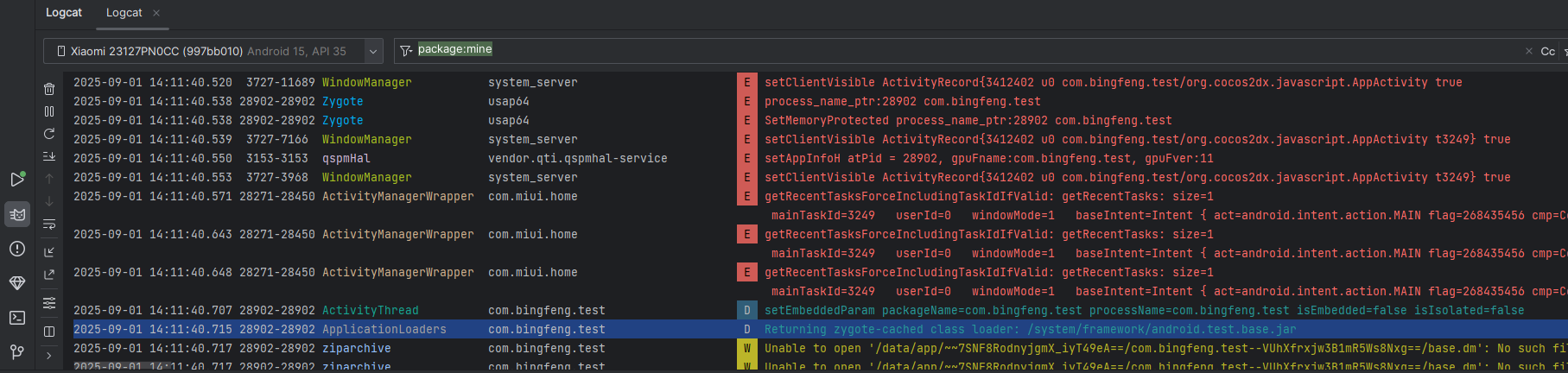
目前使用
Android Studio Hedgehog | 2023.1.1 Patch 1
ndk 23.1.7779620 gradle 8.0.2 gradle 插件 8.0.2
jdk17 Android API 28
换过 ndk 21.0.6113669 ndk 21.4.7075529 gradle 6.7.1 gradle插件4.2.2
jdk 1.8 Android API 28 Android API 33
都会出现这4个问题
第一个问题:
API ‘variant.getMergeAssets()’ is obsolete and has been replaced with ‘variant.getMergeAssetsProvider()’.
It will be removed in version 9.0 of the Android Gradle plugin.
For more information, see https://d.android.com/r/tools/task-configuration-avoidance.
To determine what is calling variant.getMergeAssets(), use -Pandroid.debug.obsoleteApi=true on the command line to display more information.
如图:

第二个问题
The specified Android SDK Build Tools version (30.0.2) is ignored, as it is below the minimum supported version (30.0.3) for Android Gradle Plugin 8.0.2.
Android SDK Build Tools 30.0.3 will be used.
To suppress this warning, remove “buildToolsVersion ‘30.0.2’” from your build.gradle file, as each version of the Android Gradle Plugin now has a default version of the build tools.
如图:

第三个问题:
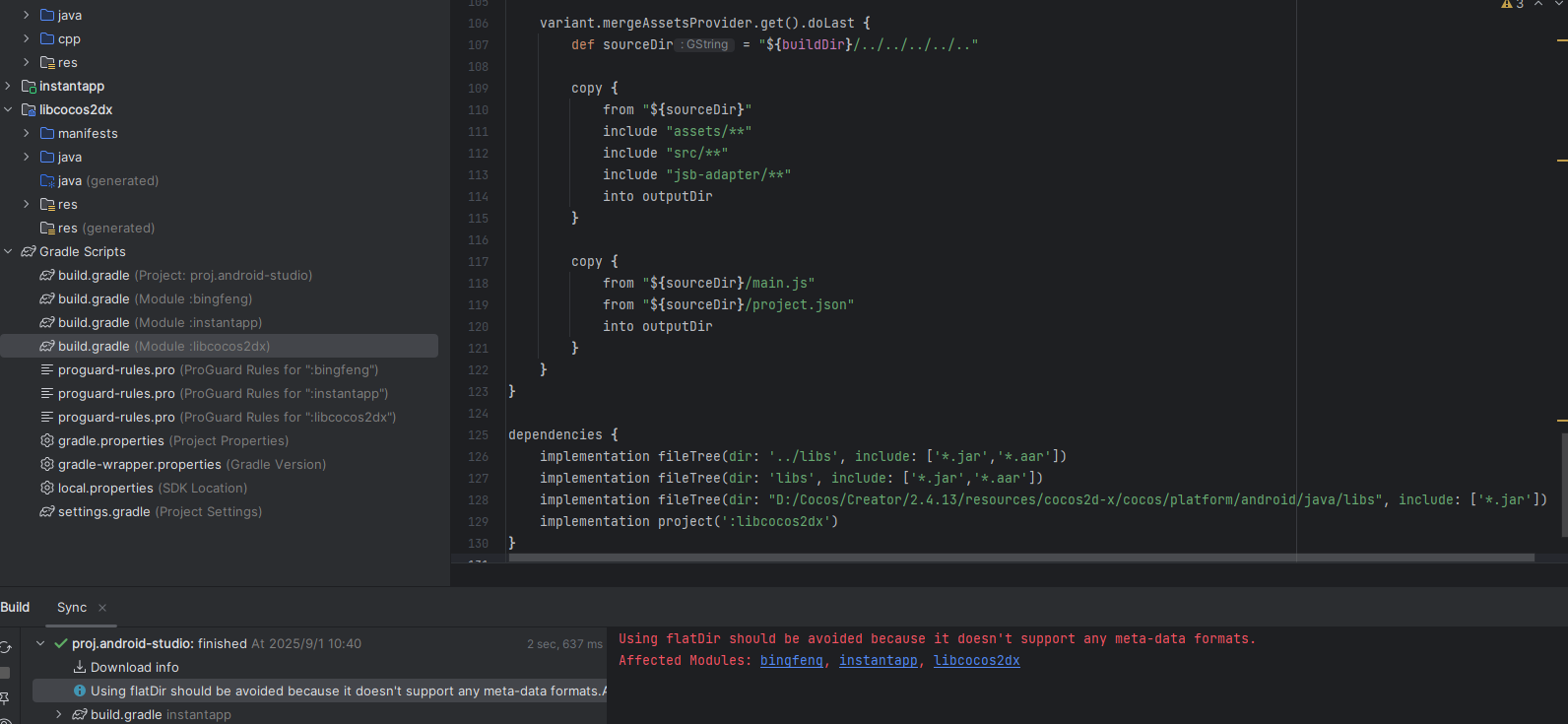
Using flatDir should be avoided because it doesn’t support any meta-data formats.
Affected Modules: bingfeng, instantapp, libcocos2dx
如图:

第四个问题:
[CXX5106] NDK was located by using ndk.dir property. This method is deprecated and will be removed in a future release. Please delete ndk.dir from local.properties and set android.ndkVersion to [23.1.7779620] in all native modules in the project. https://developer.android.com/r/studio-ui/ndk-dir
如图:

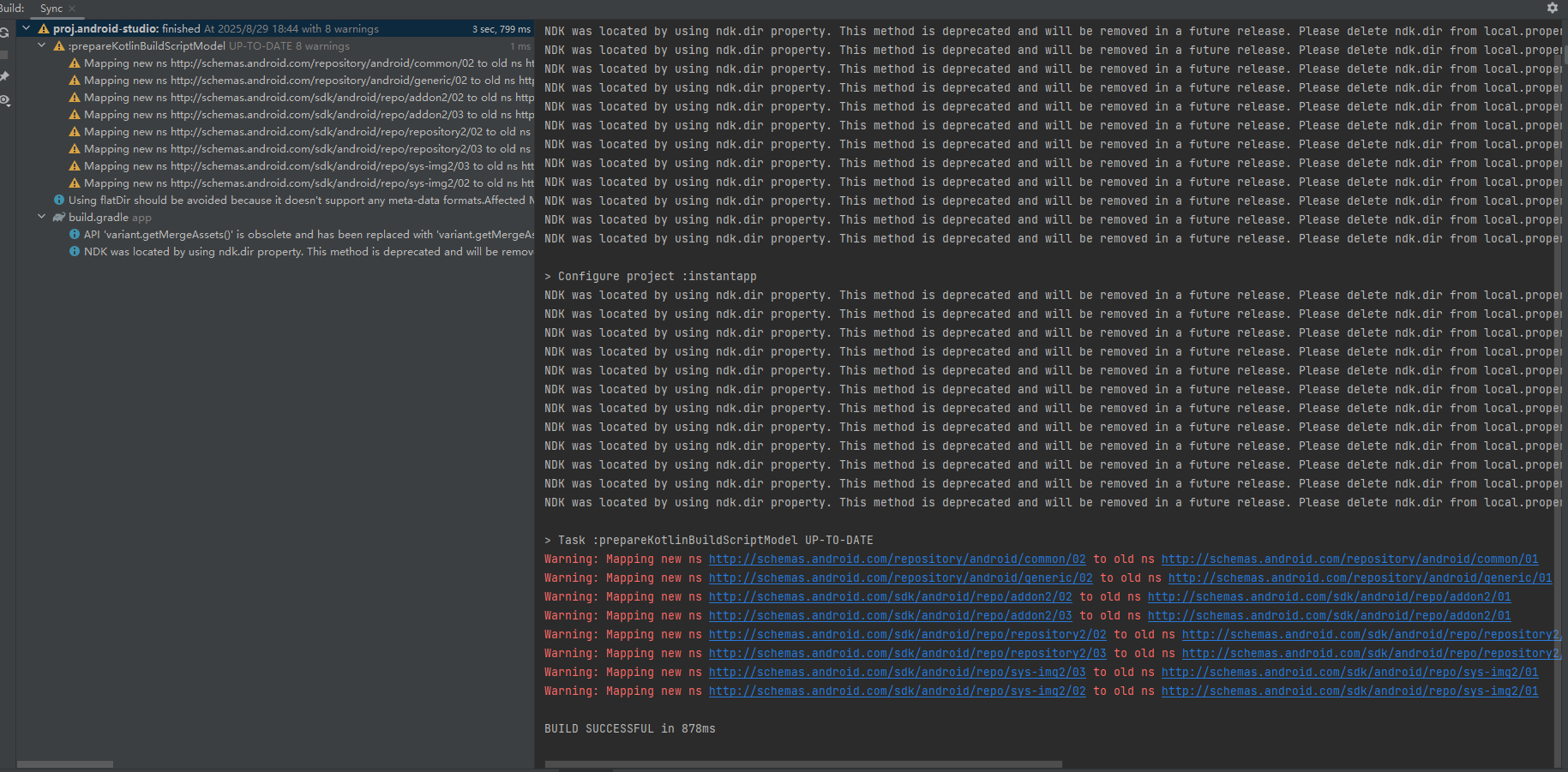
还有个问题,只有使用gradle 6.7.1 gradle 插件 4.2.2的时候才会出现,但是我解决不掉,网上也没有有效的解决方法,换成gradle 8.0.2 gradle插件 8.0.2 就没有这个问题了。
Task :prepareKotlinBuildScriptModel UP-TO-DATE
Warning: Mapping new ns http://schemas.android.com/repository/android/common/02 to old ns http://schemas.android.com/repository/android/common/01
Warning: Mapping new ns http://schemas.android.com/repository/android/generic/02 to old ns http://schemas.android.com/repository/android/generic/01
Warning: Mapping new ns http://schemas.android.com/sdk/android/repo/addon2/02 to old ns http://schemas.android.com/sdk/android/repo/addon2/01
Warning: Mapping new ns http://schemas.android.com/sdk/android/repo/addon2/03 to old ns http://schemas.android.com/sdk/android/repo/addon2/01
Warning: Mapping new ns http://schemas.android.com/sdk/android/repo/repository2/02 to old ns http://schemas.android.com/sdk/android/repo/repository2/01
Warning: Mapping new ns http://schemas.android.com/sdk/android/repo/repository2/03 to old ns http://schemas.android.com/sdk/android/repo/repository2/01
Warning: Mapping new ns http://schemas.android.com/sdk/android/repo/sys-img2/03 to old ns http://schemas.android.com/sdk/android/repo/sys-img2/01
Warning: Mapping new ns http://schemas.android.com/sdk/android/repo/sys-img2/02 to old ns http://schemas.android.com/sdk/android/repo/sys-img2/01
如图:
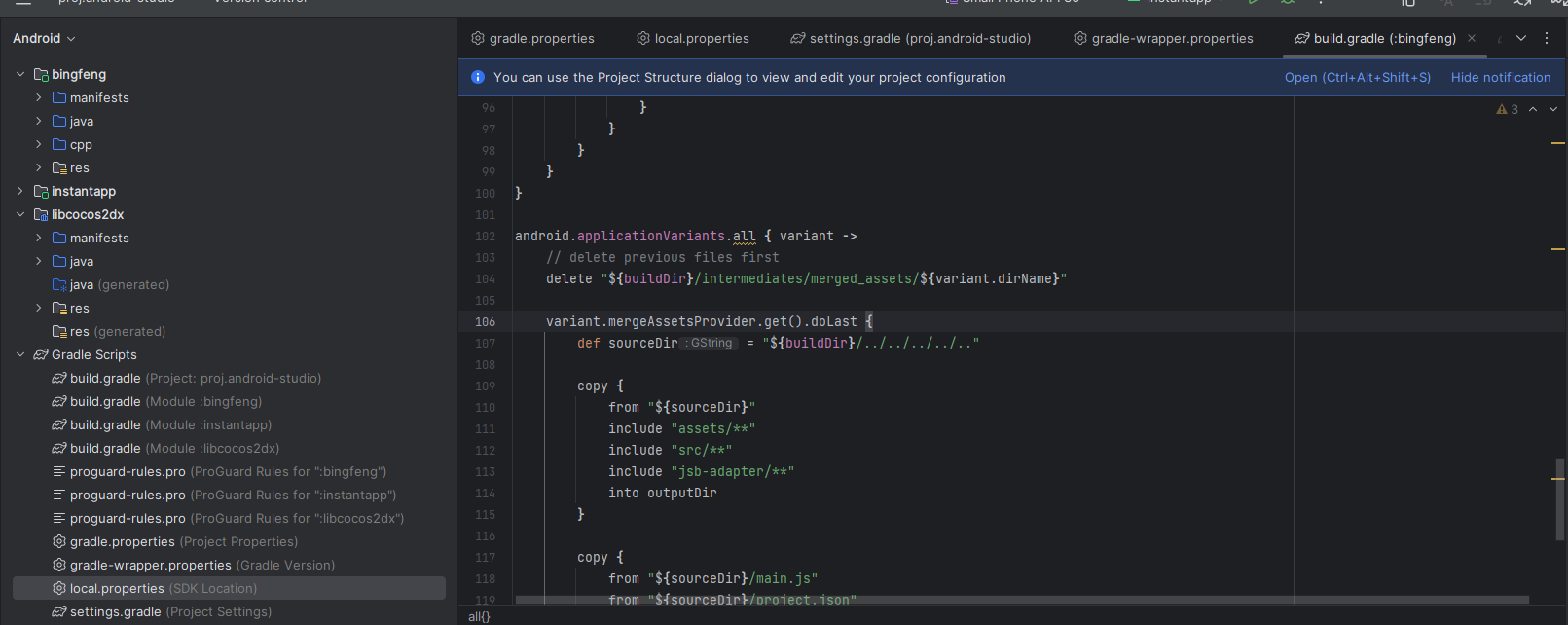
然后我第一个问题网上说解决办法是 把 app下的build.gradle下的variant.mergeAssets.doLast 替换成 variant.mergeAssetsProvider.get().doLast ,确实解决了
如图:
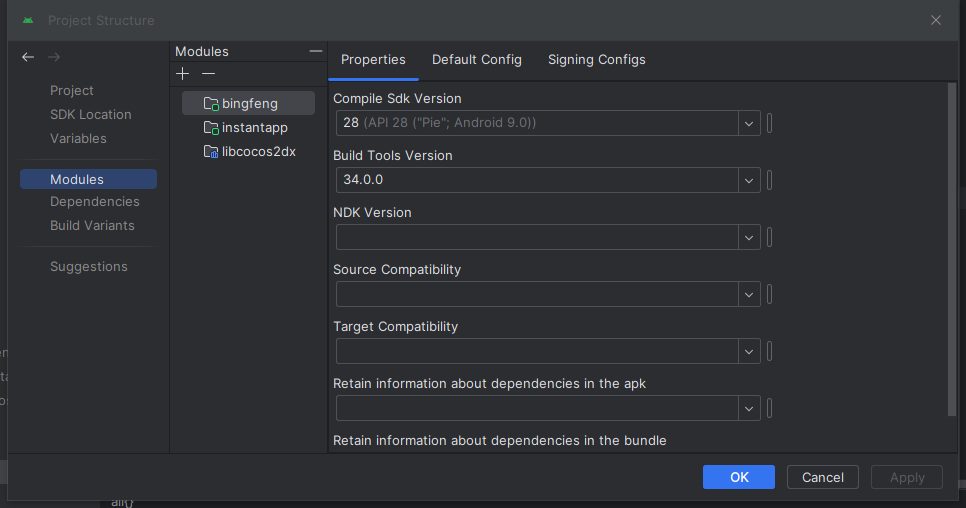
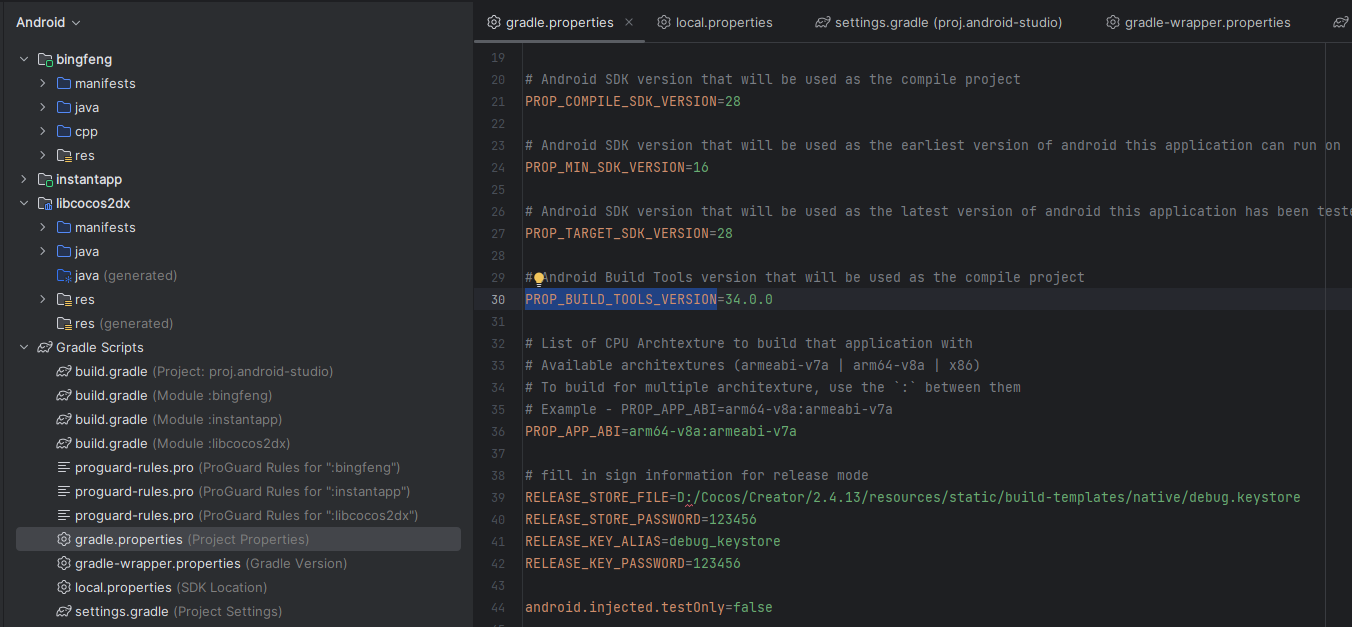
第二个问题,我打开Project Structure的Modules把各个模块的Build Tools Version从28.0.0(构建出来默认的就是28.0.0)都升级到34.0.0,然后错误就解决了。我看到gradle.properties里的PROP_BUILD_TOOLS_VERSION是28.0.0,虽然此时错误没了,但是以防万一还是修改成34.0.0了
如图:
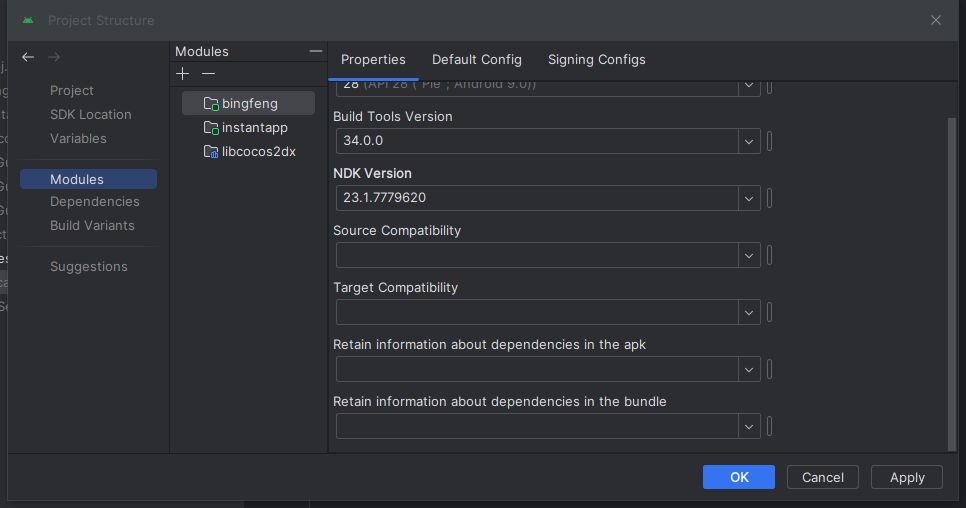
第四个问题,他的意思是说这个ndk.dir方法弃用了,只需要把各个模块ndk设置为23.1.7779620就行了,错误得以解决
如图:
现在只剩下第三个问题:
Using flatDir should be avoided because it doesn’t support any meta-data formats.
Affected Modules: bingfeng, instantapp, libcocos2dx
网上的解决方法很少,给出的是把build.gradle里的flatDir移除,但是我的build.gradle里却没有使用这个,还有两个解决方法我看不懂
如图:
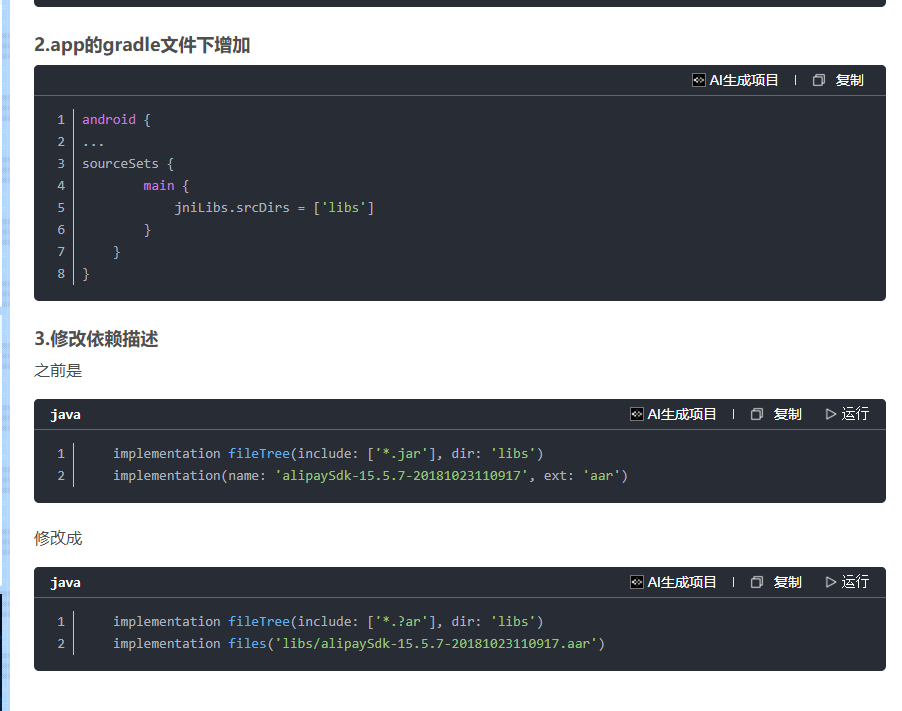
我的build.gradle里是这样的
dependencies {
implementation fileTree(dir: ‘…/libs’, include: [’.jar’,’.aar’])
implementation fileTree(dir: ‘libs’, include: [’.jar’,’.aar’])
implementation fileTree(dir: “D:/Cocos/Creator/2.4.13/resources/cocos2d-x/cocos/platform/android/java/libs”, include: [’*.jar’])
implementation project(’:libcocos2dx’)
}
如图:
虽然第三个问题没有解决
但是我可以生成apk文件,但是我上传到微信然后手机下载安装,打开游戏发现黑屏了,我重新构建包,重新编译,重新打包,还是黑屏,
AS版本我用过 2022.2.1 、2022.3.1 、最新版(用的是最新的gradle),都会出现这些问题,ndk也用过最低的,都这样,搞了快一个星期,人都麻了,大家有没有出现这些问题,求大佬解决方法,还是我构建的包有问题