Creator版本:1.3.1
构建命令:/Applications/CocosCreator.app/Contents/MacOS/CocosCreator --path ‘./’ --build ‘platform=ios;dest=build’
当前目录已经切到工程目录下
提示错误:
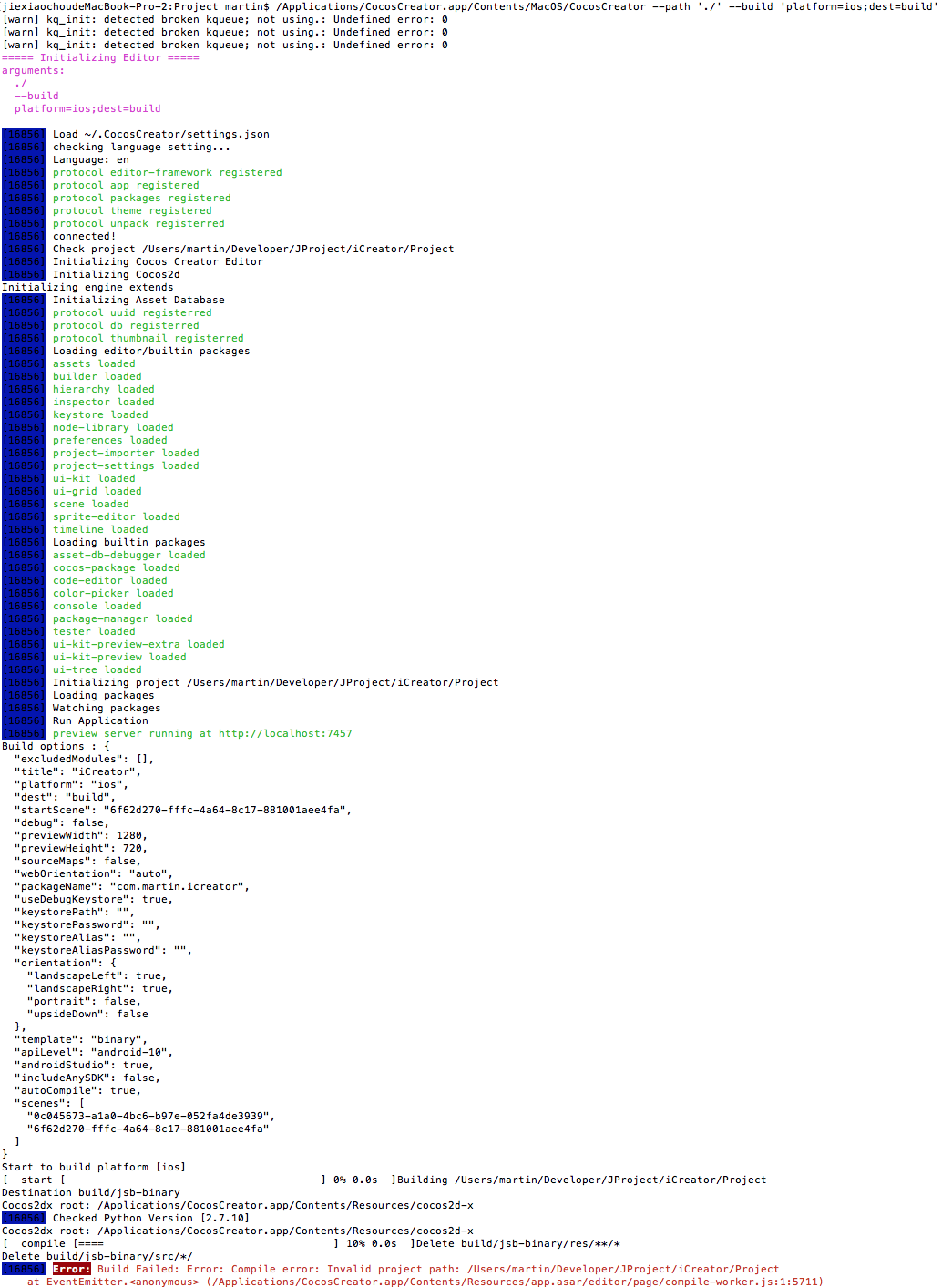
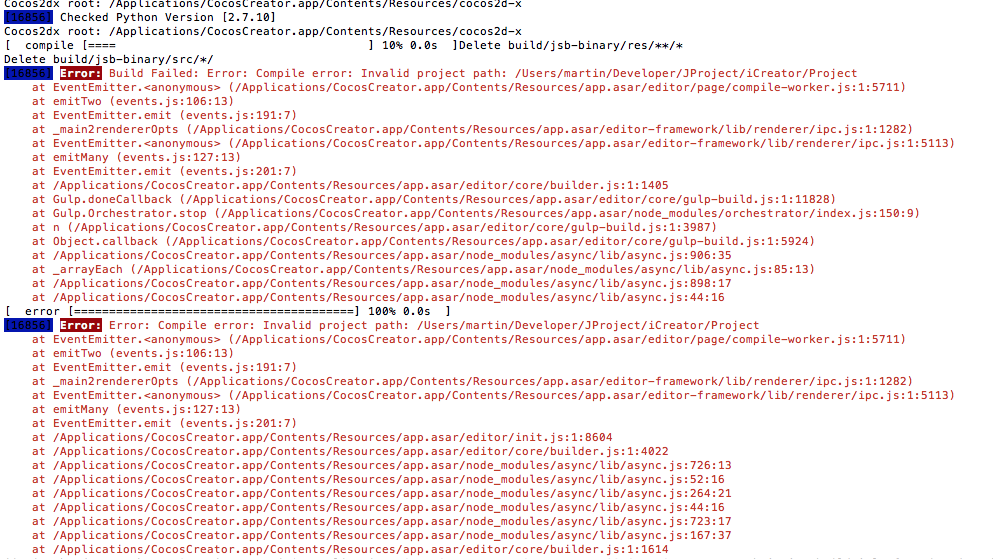
请教下是参数写的不对吗?

Creator版本:1.3.1
构建命令:/Applications/CocosCreator.app/Contents/MacOS/CocosCreator --path ‘./’ --build ‘platform=ios;dest=build’
当前目录已经切到工程目录下
提示错误:
请教下是参数写的不对吗?
1.3 版本的 dest 要写绝对路径
1.4 可以支持相对路径了
绝对路径试了也不行:
/Applications/CocosCreator.app/Contents/MacOS/CocosCreator --path ‘/Users/martin/Developer/JProject/iCreator/Project/’ --build ‘platform=ios;dest=/Users/martin/Developer/JProject/iCreator/Project/build/’
你的当前路径是不是在项目路径下
这个版本还有个 bug 是当前路径不能在项目路径下。。。
果然是这样!切到其它目录在执行就可以了,多谢
另外还有个问题,就是platform如何指定多个平台?platform=android,ios这样么?
不行
不过你可以自己在脚本里面写逻辑,一个任务完成后再执行另一个任务
明白了,谢谢
我这里有一个问题,windows下命令行指定dest无效,绝对路径也无效,最终还是指向了IDE中设置的路径。
版本1.3.2 win7_x64
后面更新为 buildPath 了,网站文档还没更新
具体请看 https://github.com/cocos-creator/creator-docs/blob/master/source/zh/publish/publish-in-command-line.md
请问怎么把creator项目用命令行打包成APK