
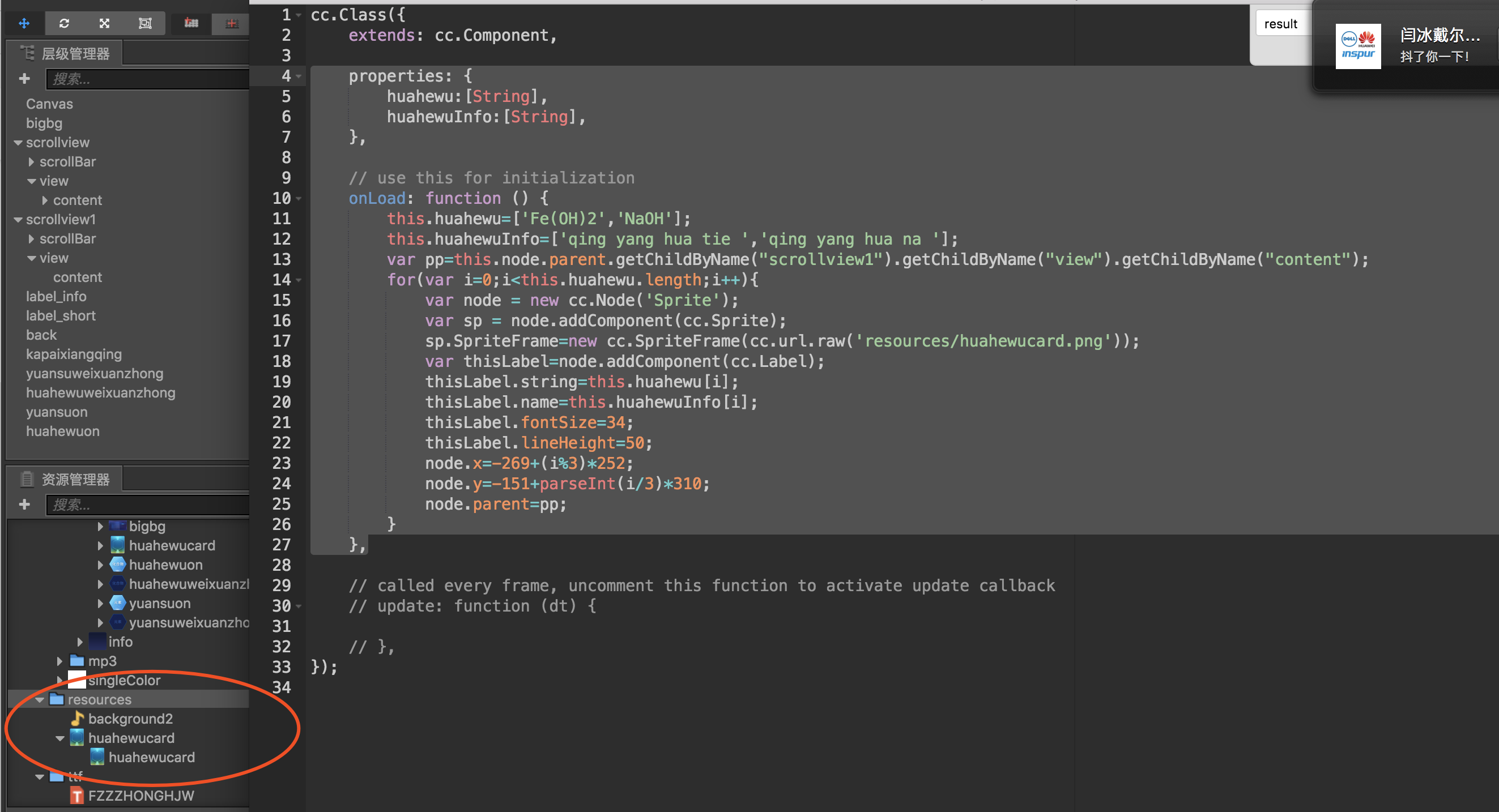
代码如下:
properties: {
huahewu:[String],
huahewuInfo:[String],
},
// use this for initialization
onLoad: function () {
    this.huahewu=['Fe(OH)2','NaOH'];
    this.huahewuInfo=['qing yang hua tie ','qing yang hua na '];
    var pp=this.node.parent.getChildByName("scrollview1").getChildByName("view").getChildByName("content");
    for(var i=0;i<this.huahewu.length;i++){
        var node = new cc.Node('Sprite');
        var sp = node.addComponent(cc.Sprite);
        sp.SpriteFrame=new cc.SpriteFrame(cc.url.raw('resources/huahewucard.png'));
        var thisLabel=node.addComponent(cc.Label);
        thisLabel.string=this.huahewu[i];
        thisLabel.name=this.huahewuInfo[i];
        thisLabel.fontSize=34;
        thisLabel.lineHeight=50;
        node.x=-269+(i%3)*252;
        node.y=-151+parseInt(i/3)*310;
        node.parent=pp;
    }
},
结果有两个问题:
1、精灵的背景图不显示;
2、提示一个报错信息:Should not add cc.Label to a node which size is already used by its other component.
这两个元素能显示出来名字,但显示不出来图片。
resourse下,有这个图片。
上传中…