文章地址
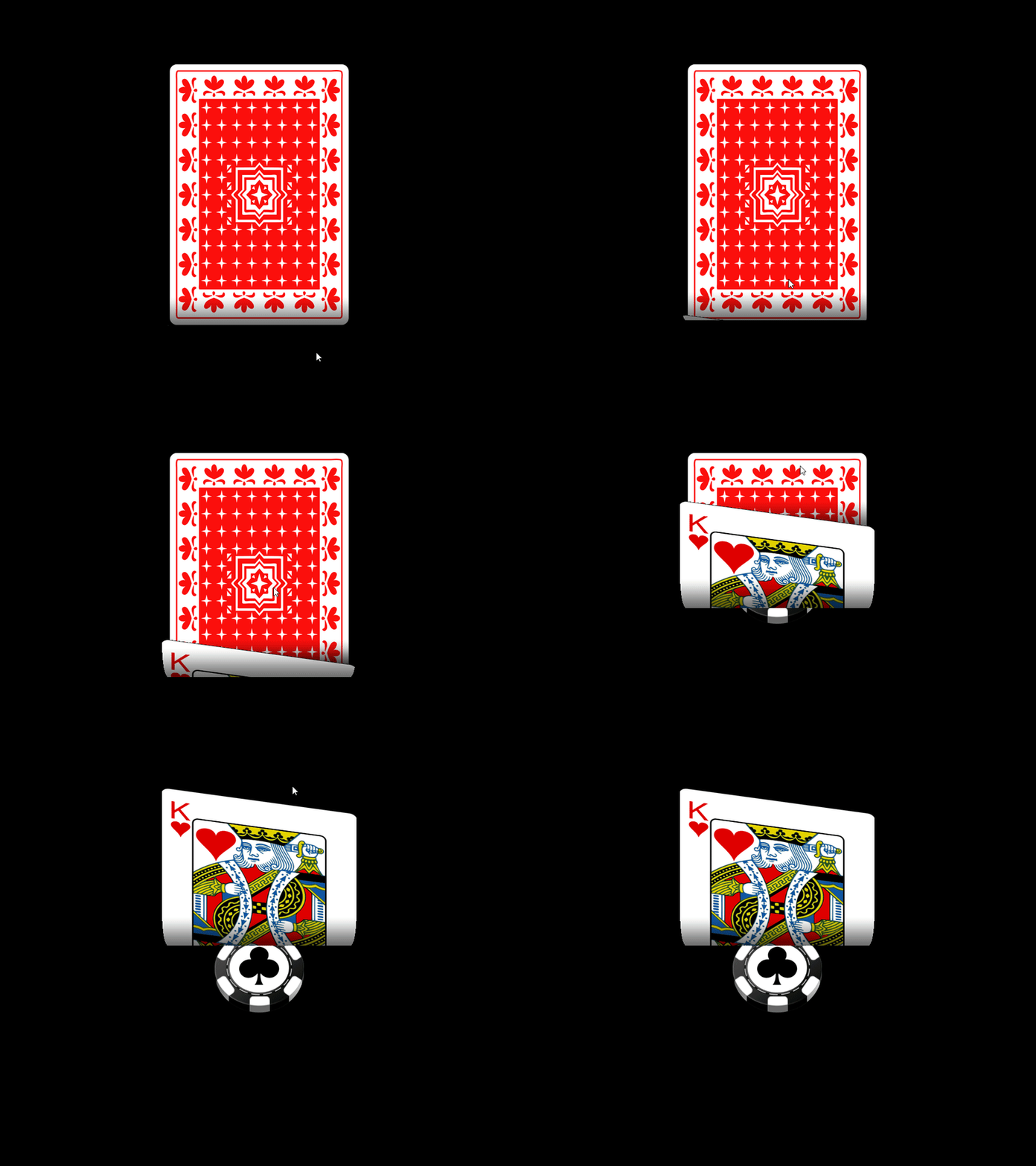
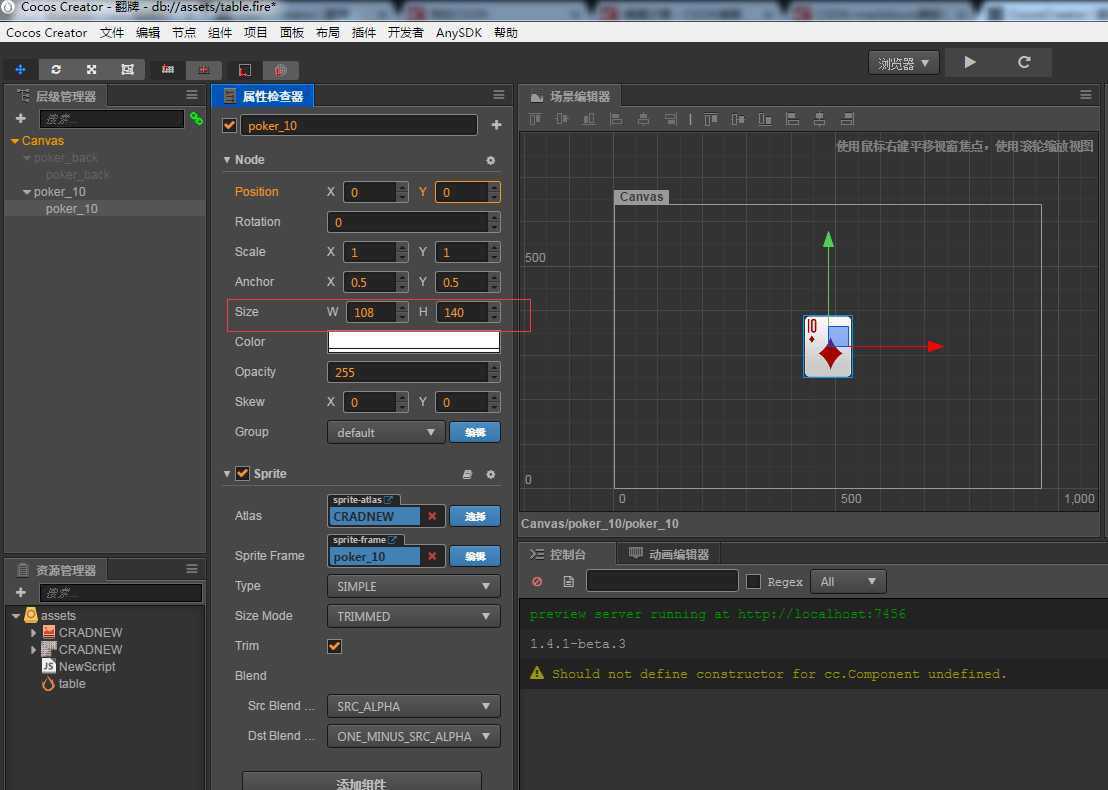
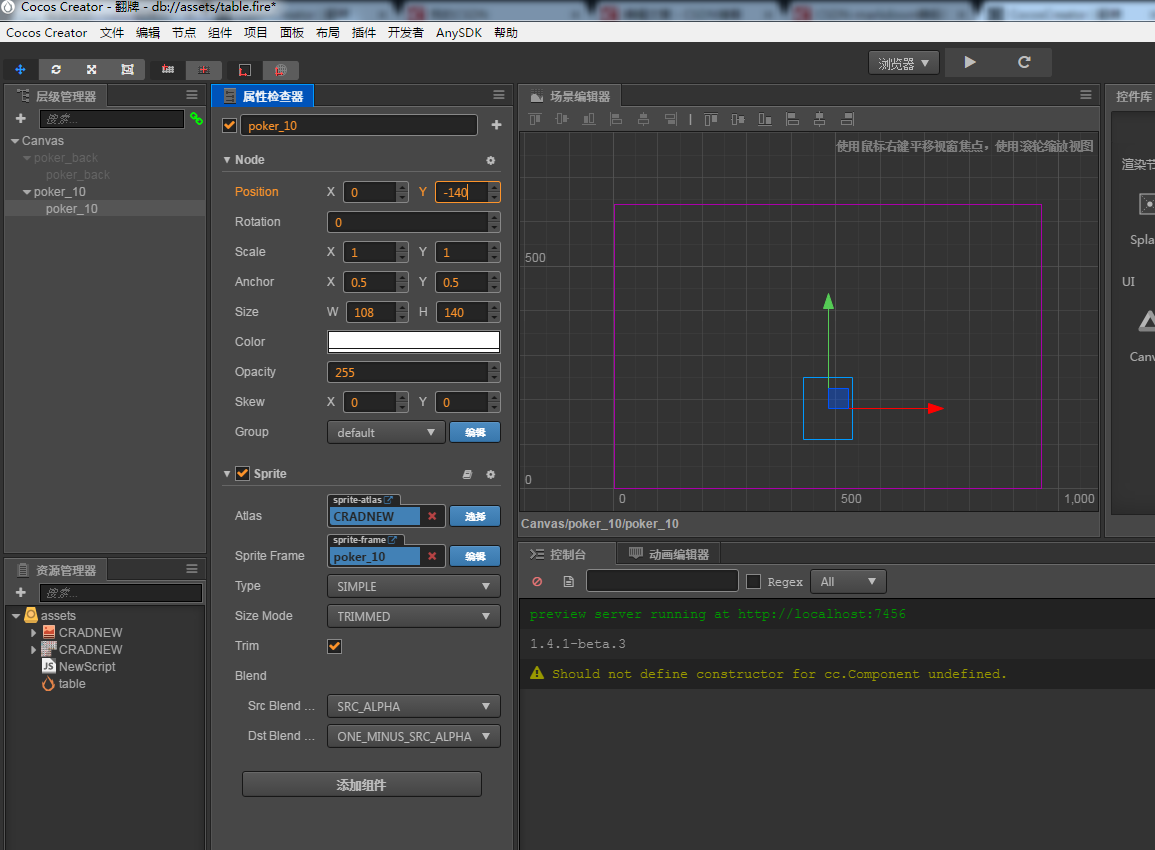
最后效果.

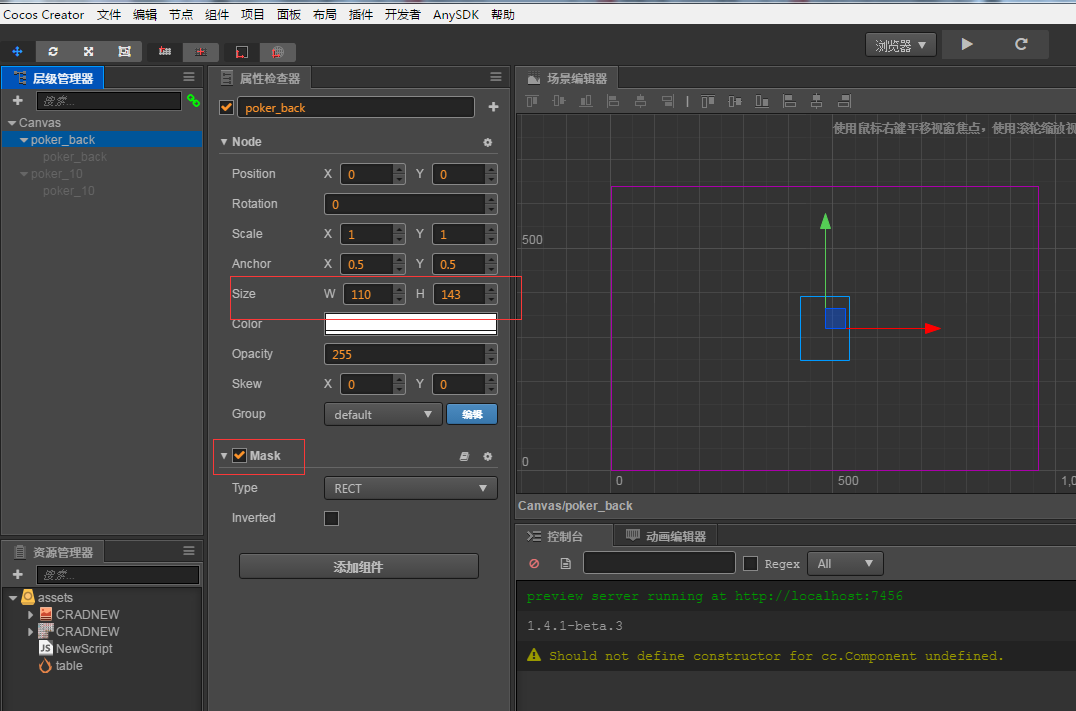
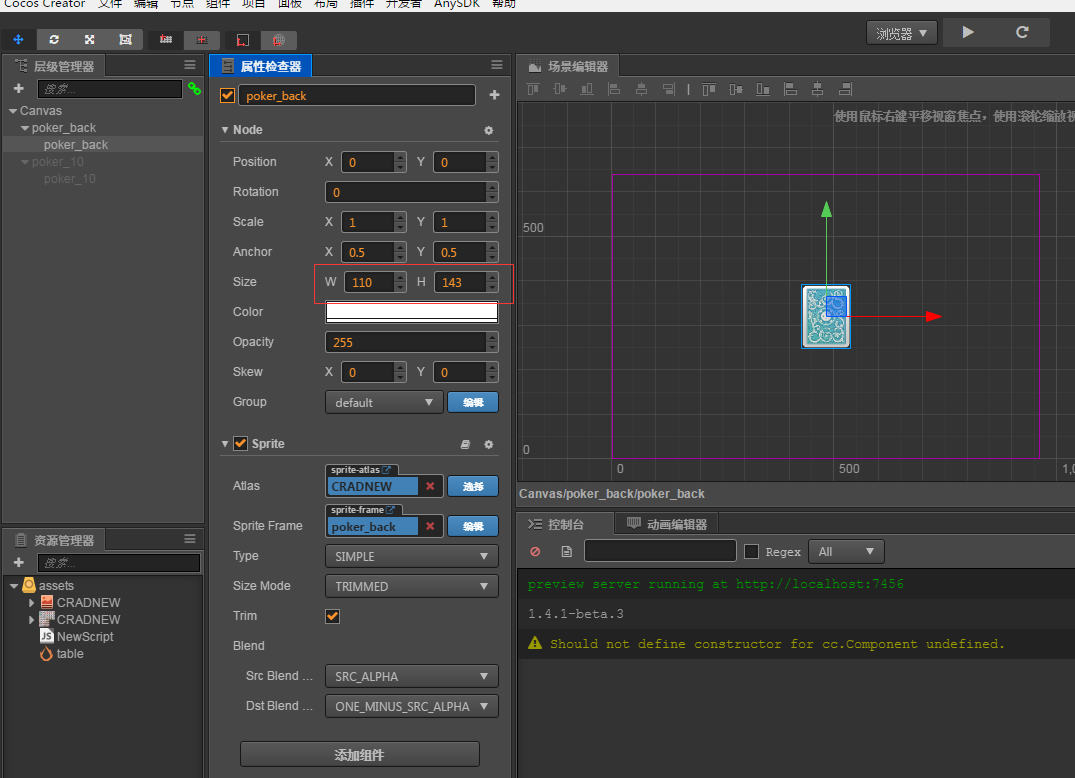
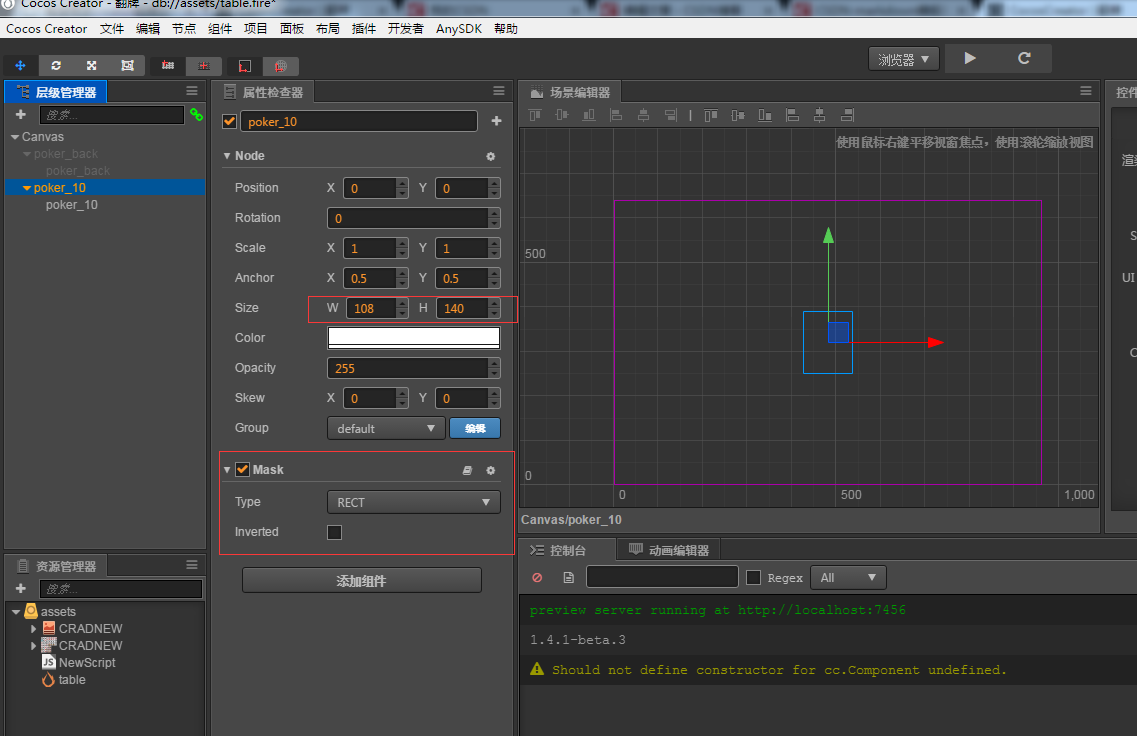
cc.Class({
extends: cc.Component,
properties: {
    // foo: {
    //    default: null,      // The default value will be used only when the component attaching
    //                           to a node for the first time
    //    url: cc.Texture2D,  // optional, default is typeof default
    //    serializable: true, // optional, default is true
    //    visible: true,      // optional, default is true
    //    displayName: 'Foo', // optional
    //    readonly: false,    // optional, default is false
    // },
    // ...
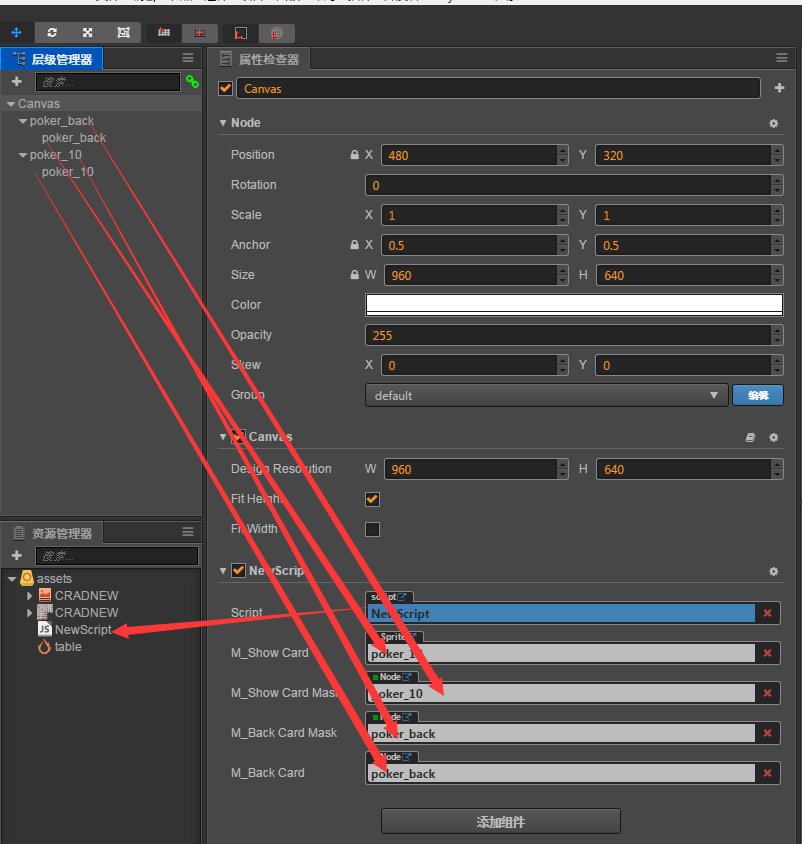
    m_ShowCard:cc.Sprite,
    m_ShowCardMask:cc.Node,

    m_BackCardMask:cc.Node,
    m_BackCard:cc.Node,
},
ctor:function()
{
    this.m_bMove = false;
    this.m_LastPos = 0;
},
// use this for initialization
onLoad: function () {
    this.node.on(cc.Node.EventType.TOUCH_START,this.onStart,this);
    this.node.on(cc.Node.EventType.TOUCH_END,this.onEnd,this);
    this.node.on(cc.Node.EventType.TOUCH_MOVE,this.onMove,this);
},

onStart:function(event)
{
    this.m_LastPos = event.touch.getLocation();
    this.m_bMove = true;
},
onEnd:function()
{
    this.m_bMove = false;

},
onMove:function(event)
{
    var pos = event.touch.getLocation();
    var y = pos.y - this.m_LastPos.y;
    this.m_LastPos = pos;
    this.m_ShowCard.node.y += y;
    this.m_ShowCardMask.y += y;
    this.m_BackCard.y -= y;
    this.m_BackCardMask.y += y;
},
// called every frame, uncomment this function to activate update callback
// update: function (dt) {

// },});