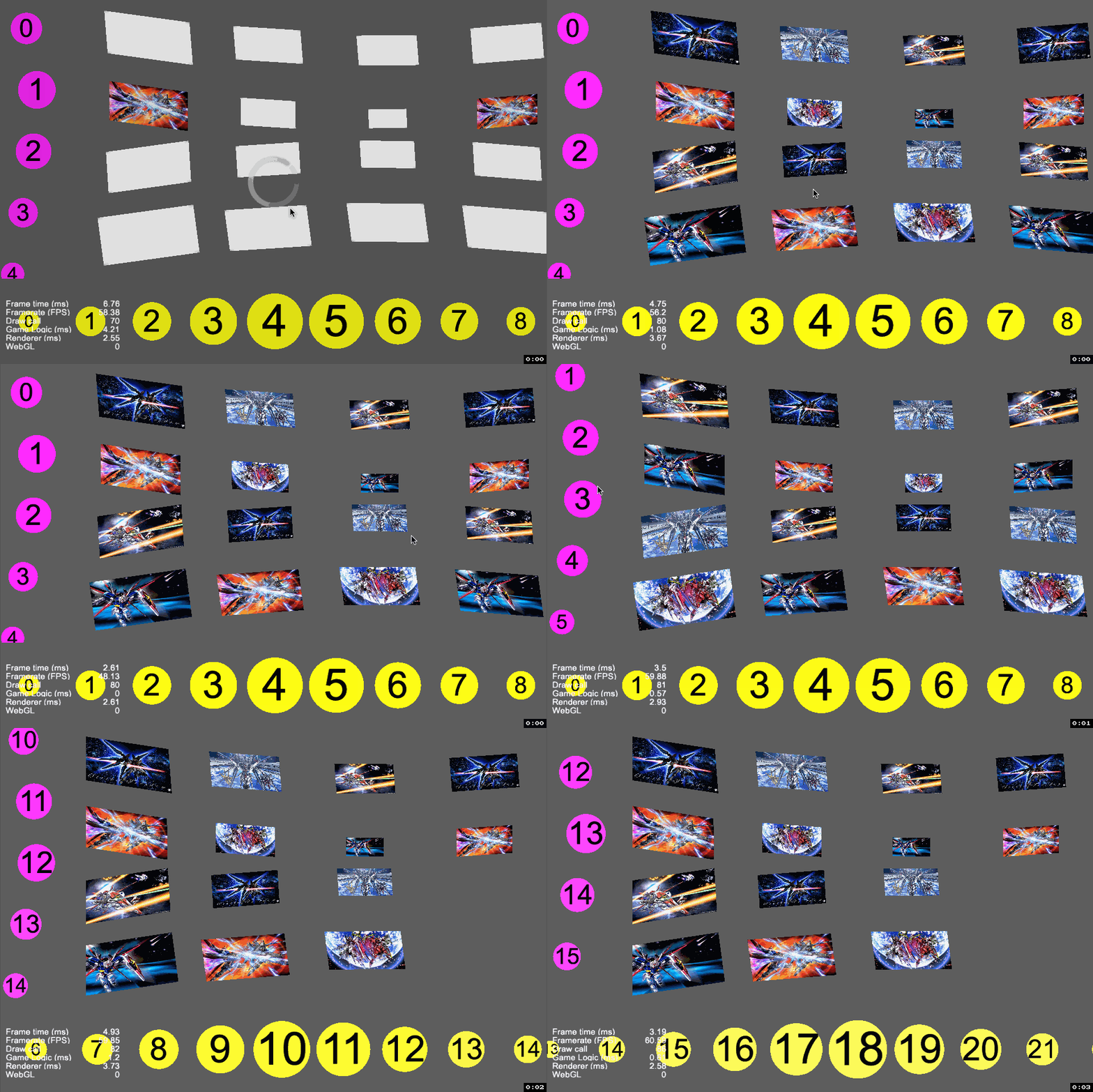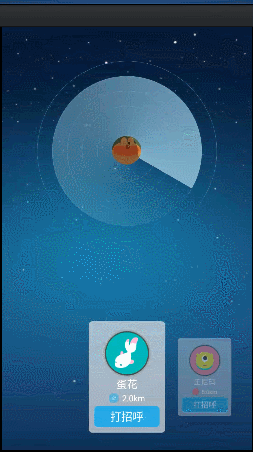
像这样的效果,有大佬提供一下思路吗?

像这样的效果,有大佬提供一下思路吗?
通过监听滑动事件。算距离来 动态 处理 应该可以做到吧
这是1.10.1 用pageView做的个滑动动态改变透明度的代码片段 ,改改应该可以
gloAr.CreatorUtil.func_seekNodeByName 是我们自己封装的一个找子节点的函数,需要自己实现
this.vari_gameCon 是pageView 的content
_func_setOpacity(children) {
        var self = this;
        children.forEach((child, i) => {
            let pos = self._func_getPositionInView(child)
            let width
            if (i == 0) {
                width = this._vari_bigWidth
            } else {
                width = this._vari_smallWidth
            }

            if (pos.x < 0 && (width + pos.x) > 0) {
                child.opacity = Math.floor(((width + pos.x) / width) * 255)
            } else if (pos.x >= 0) {
                child.opacity = 255
            }
        })
    },

_func_getPositionInView(item) {
    let pos = item.position
    pos.x -= gloAr.CreatorUtil.func_seekNodeByName(item, "Button").width / 2
    let worldPos = item.parent.convertToWorldSpaceAR(pos);
    let viewPos = this.vari_gamePageView.node.convertToNodeSpaceAR(worldPos);
    viewPos.x += this.vari_gamePageView.node.width / 2

    return viewPos;
},

_func_scrollOpacityRefresh() {
    // 滚动的时候加渐变
    this.vari_gamePageView.node.targetOff(this)
    var self = this;
    this.vari_gamePageView.node.on("scrolling", () => {
        this._vari_gameUpdateTimer += 0.05;
        if (this._vari_gameUpdateTimer < this._vari_gameUpdateInterval) return;
        this._vari_gameUpdateTimer = 0;

        this.vari_gameCon.children.forEach(child => {
            self._func_setOpacity(child.children)
        })

    }, this)
    this.vari_gamePageView.node.on("scroll-ended", () => {
        this._vari_gameUpdateTimer = 0;
        this.vari_gameCon.children.forEach(child => {
            self._func_setOpacity(child.children)
        })
    }, this)
},`楼上说的很对,监听滑动事件,通过各个item与scrollview的中心点距离算出每个item要缩放多少。
试下我写的组件。
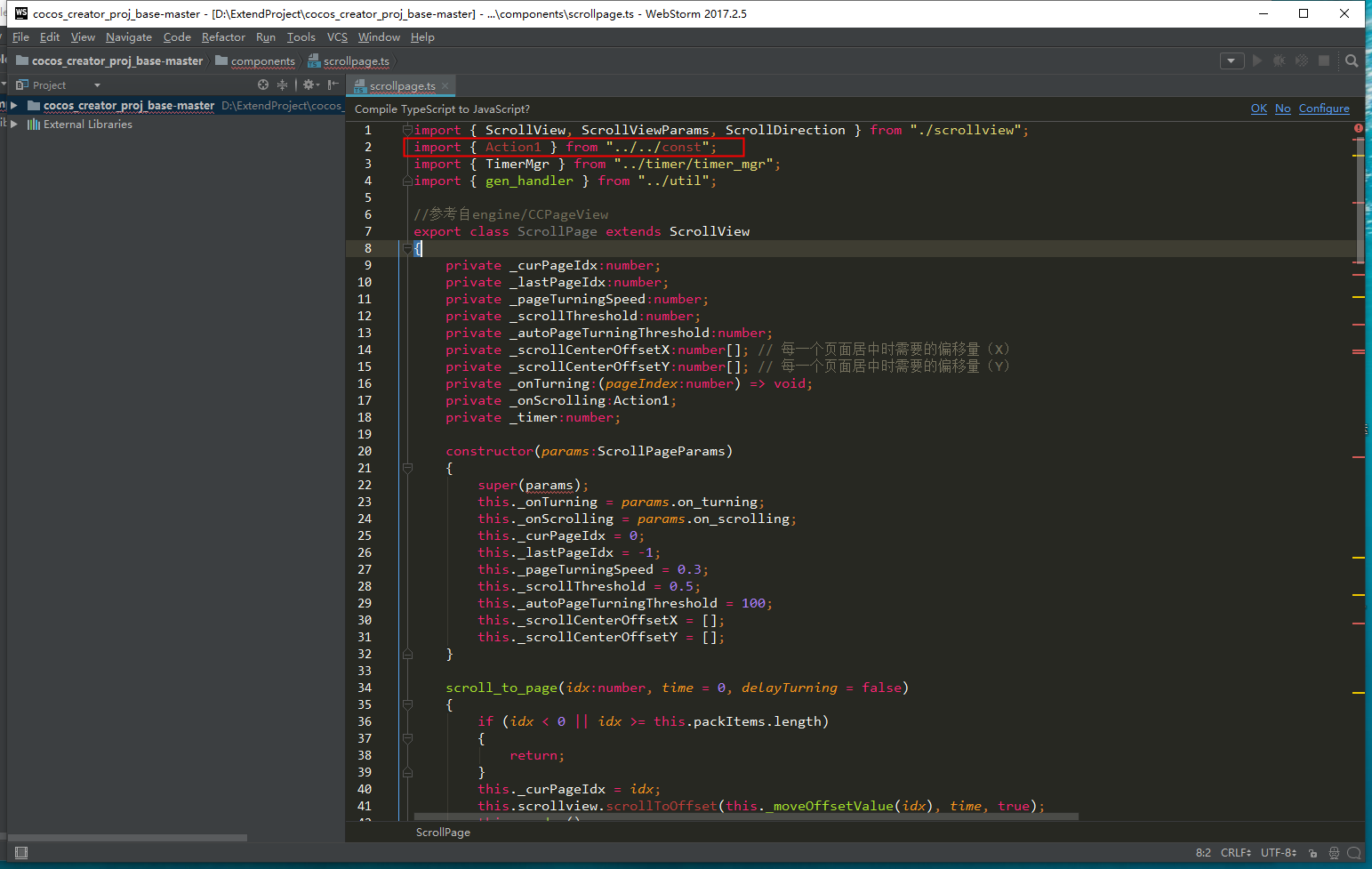
循环利用的pageview
private initSongsView()
    {
        const maskNode = this.scrollView.getChildByName("mask");
        const content = maskNode.getChildByName("content");
        const item_tpl = content.getChildByName("item");
        const scrollview = this.scrollView.getComponent(cc.ScrollView);
        const mask = maskNode.getComponent(cc.Mask);
        const templates:ScrollItemTemplate[] = [
            {key:PushViewItemType.PushSongItem, node:item_tpl, item_class:LatestSongPushItem},
        ];
        this._songsView = new ScrollPage({
            scrollview,
            mask,
            content,
            item_templates:templates,
            gap_x:-30,
            padding_left:124,
            padding_right:124,
            padding_top:200,
            direction:ScrollDirection.Horizontal,
            cb_host:this,
            on_turning:this.onTurning,
            on_scrolling:this.onScrolling,
            item_anchorX:0.5,
            item_anchorY:0.5,
        });
        const itemDatas:ScrollItemData[] = this._songs.map(data => {
            return {
                key:PushViewItemType.PushSongItem,
                data,
            }
        });
        this._songsView.set_data(itemDatas);
        this._songsView.scroll_to_page(0, 0, true);
        this._timer = TimerMgr.getInst().once(0, gen_handler(this.onScrolling, this), "LatestSongPushViewScrollingTimer", this.node);
    }
private onScrolling()
    {
        const centerX = this.scrollView.x + this.scrollView.width / 2;
        const items = this._songsView.renderedItems;
        items.forEach((item, i) => {
            const node = item.node;
            const nodeX = this.node.convertToNodeSpaceAR(node.convertToWorldSpaceAR(cc.v2(0, 0))).x;
            const dist = Math.abs(centerX - nodeX);
            if(dist > node.width) {
                node.setScale(0.8);
                // cc.log(`onScrolling, i=${i}, dist=${dist}`);
            }
            else {
                const scale = 0.8 + 0.2 * (1 - dist / node.width);
                node.setScale(scale);
                // cc.log(`onScrolling, i=${i}, dist=${dist}, scale=${scale}`);
            }
        });
    }
好的,谢啦
谢啦。