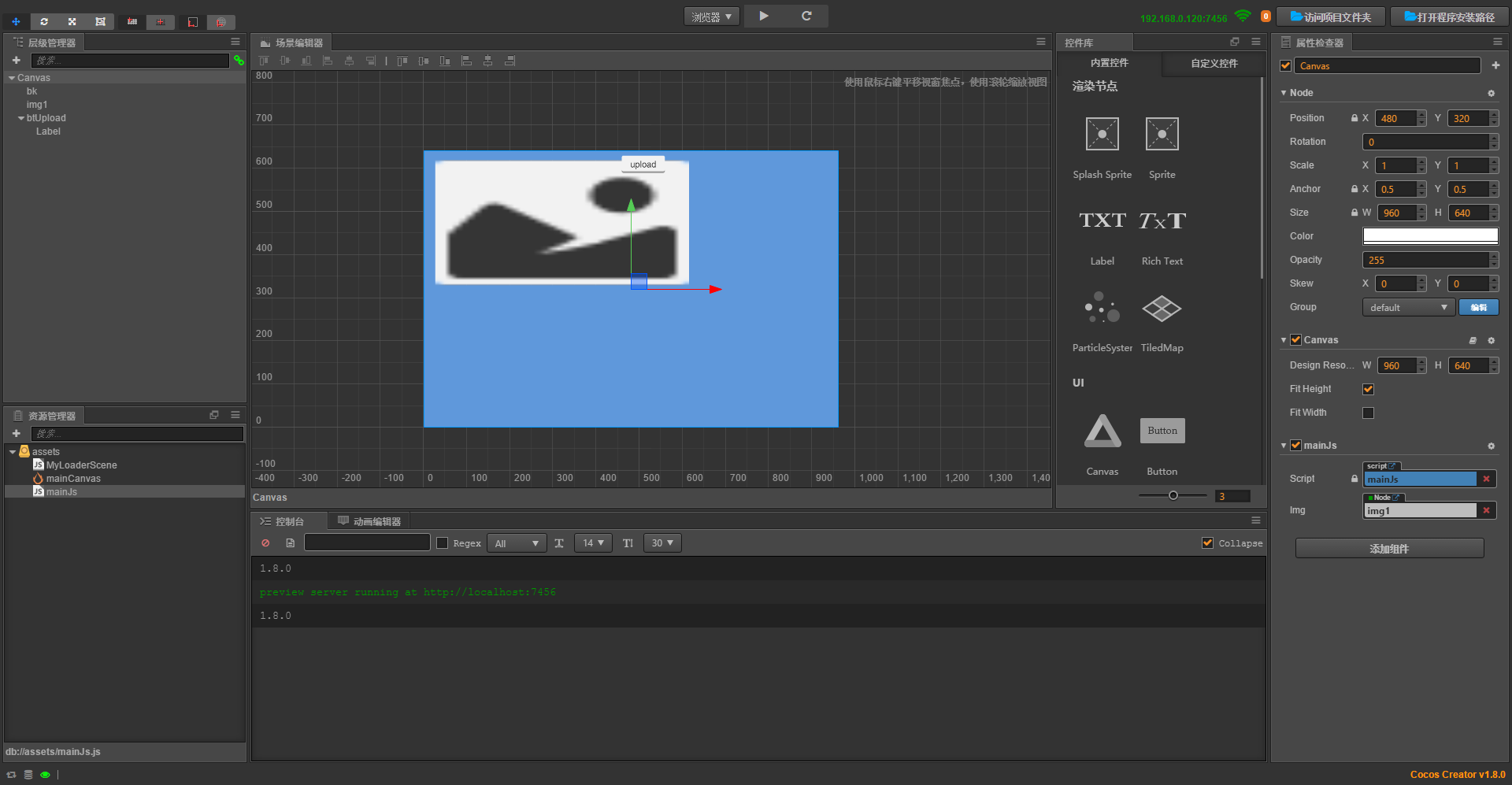
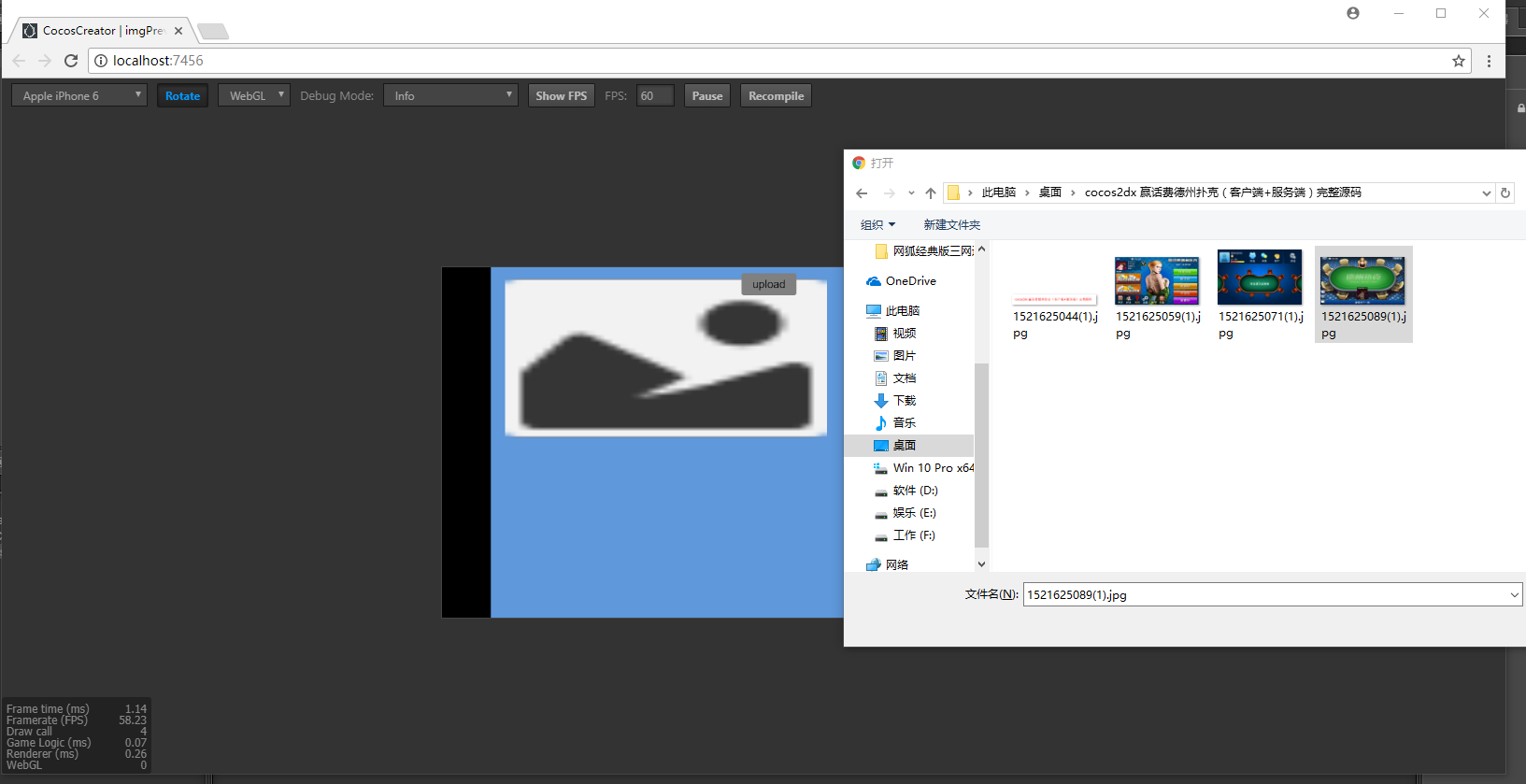
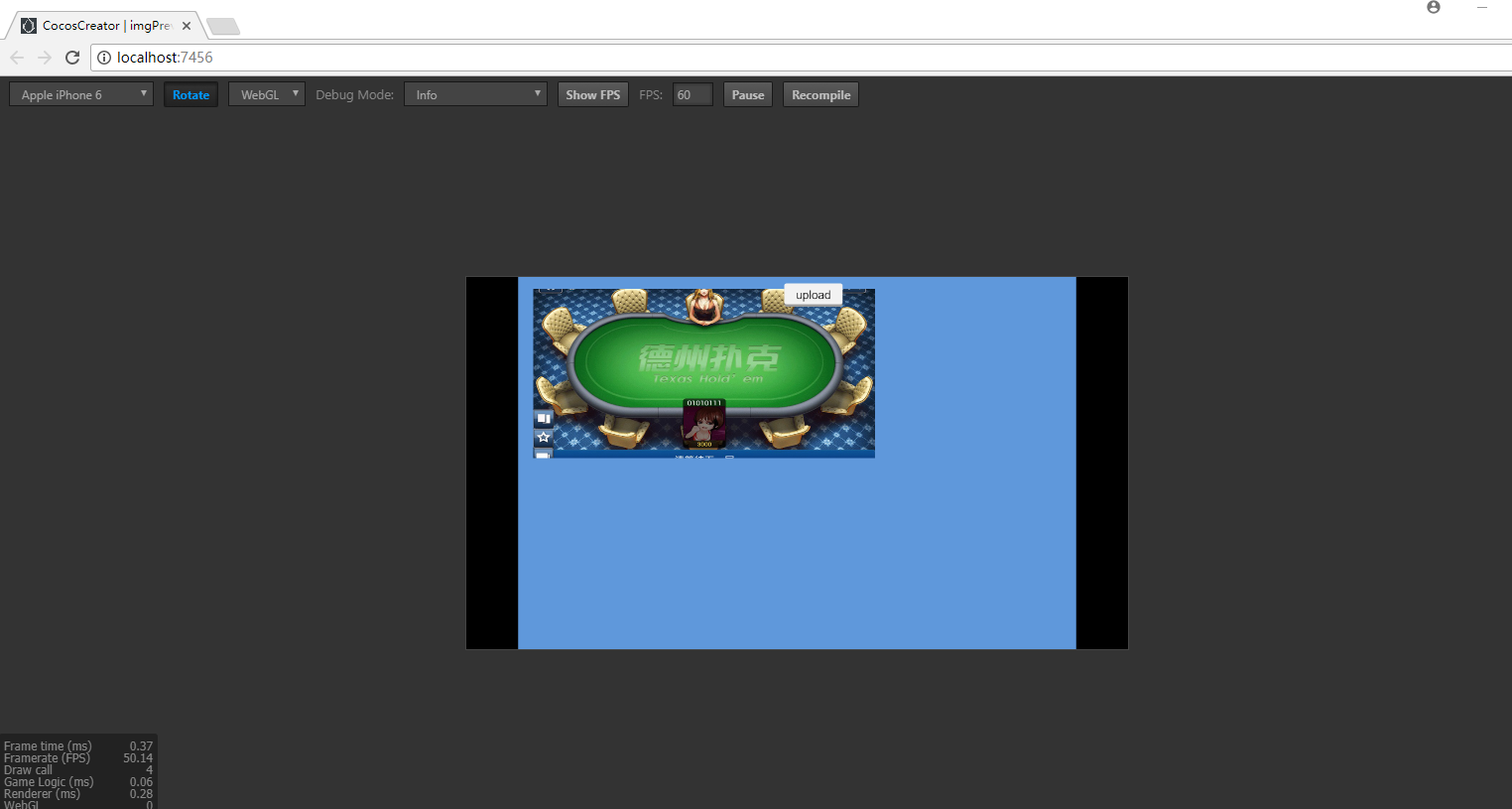
var mime = { ‘png’: ‘image/png’, ‘jpg’: ‘image/jpeg’, ‘jpeg’: ‘image/jpeg’, ‘bmp’: ‘image/bmp’ };
var selectedHandler;
var bytesHandler;
var thisRef;
var MAX_HEIGHT = 300;
var spImg;
function loadLocalimg(uri) {
//创建一个div
var my = document.getElementById(“divCreator”);
if (my == null) {
my = document.createElement(“div”);
document.body.appendChild(my);
my.style.position = “absolute”;
my.id = “divCreator”;
my.style.width = 100;
my.style.height = 100;
my.style.backgroundColor = “#ffffcc”;
}
my.innerHTML = ‘![]() ’;
’;
var img = document.getElementById(‘imghead’);
img.onload = function () {
var n = 0;
var spriteFrame = spImg.getComponent(‘cc.Sprite’).spriteFrame;
var texture = spriteFrame.getTexture();
texture.initWithElement(this);
texture.handleLoadedTexture();
cc.log(“width=” + this.width);
cc.log(“height=” + this.height);
n++;
}
img.src = uri;
my.style.display = ‘none’;
my.style.visibility = “hidden”;
}
function tmpSelectFile(evt) {
//console.log(“image selected…”);
var file = evt.target.files[0];
var type = file.type;
if (!type) {
type = mime[file.name.match(/.([^.]+)$/i)[1]];
}
var url = myCreateObjectURL(file);
loadLocalimg(url);
}
function myCreateObjectURL(blob) {
if (window.URL != undefined)
return window[‘URL’]‘createObjectURL’;
else
return window[‘webkitURL’]‘createObjectURL’;
}
cc.Class({
extends: cc.Component,
properties: {
    // foo: {
    //    default: null,
    //    url: cc.Texture2D,  // optional, default is typeof default
    //    serializable: true, // optional, default is true
    //    visible: true,      // optional, default is true
    //    displayName: 'Foo', // optional
    //    readonly: false,    // optional, default is false
    // },
    // ...
    img: {
        default: null, type: cc.Node
    },

},

onUpload: function (activate) {
    var fileInput = document.getElementById("fileInput");
    if (fileInput == null) {
        fileInput = document.createElement("input");
        fileInput.id = "fileInput";
        fileInput.type = "file";
        fileInput.accept = "image/*";
        fileInput.style.height = "0px";
        fileInput.style.display = "block";
        fileInput.style.overflow = "hidden";
        // fileInput.multiple = "multiple"; // 多选
        document.body.insertBefore(fileInput, document.body.firstChild);
        fileInput.addEventListener('change', tmpSelectFile, false);
    }
    setTimeout(function () { fileInput.click() }, 100);
},
// use this for initialization
onLoad: function () {

    spImg = this.img;
    var texture = spImg.getComponent('cc.Sprite').spriteFrame.getTexture();
    var n = 0;
    n++;

},
// called every frame, uncomment this function to activate update callback
// update: function (dt) {

// },
});