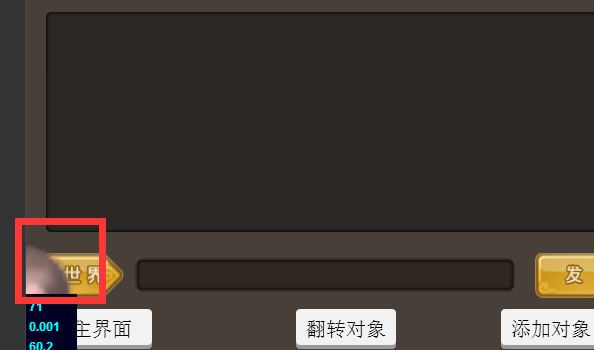
本来位置是在中间的。

本来位置是在中间的。
额 解决了
请问下是怎么解决的
var vertShader = “attribute vec4 a_position;\n”
+ “attribute vec2 a_texCoord;\n”
+ “attribute vec4 a_color;\n”
+ “varying vec4 v_fragmentColor;\n”
+ “varying vec2 v_texCoord;\n”
+ “void main()\n”
+ “{\n”
+ “gl_Position = CC_PMatrix * a_position;\n”
+ “v_fragmentColor = a_color;\n”
+ “v_texCoord = a_texCoord;\n”
+ “}”;
var actorVertShader = “attribute vec4 a_position;\n”
+ “attribute vec2 a_texCoord;\n”
+ “attribute vec4 a_color;\n”
+ “varying vec4 v_fragmentColor;\n”
+ “varying vec2 v_texCoord;\n”
+ “void main()\n”
+ “{\n”
+ “gl_Position = (CC_PMatrix * CC_MVMatrix) * a_position;\n”
+ “v_fragmentColor = a_color;\n”
+ “v_texCoord = a_texCoord;\n”
+ “}”;
actorVertShader spine 用这个
我用的是一个HSL的插件,主要用来给图片置灰,我不懂shader,不知道怎么改,谢谢