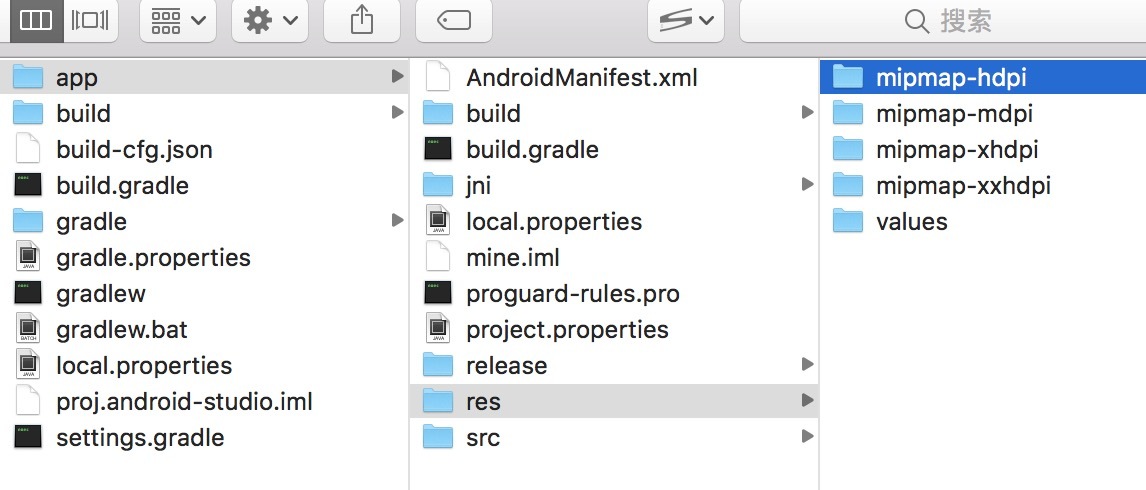
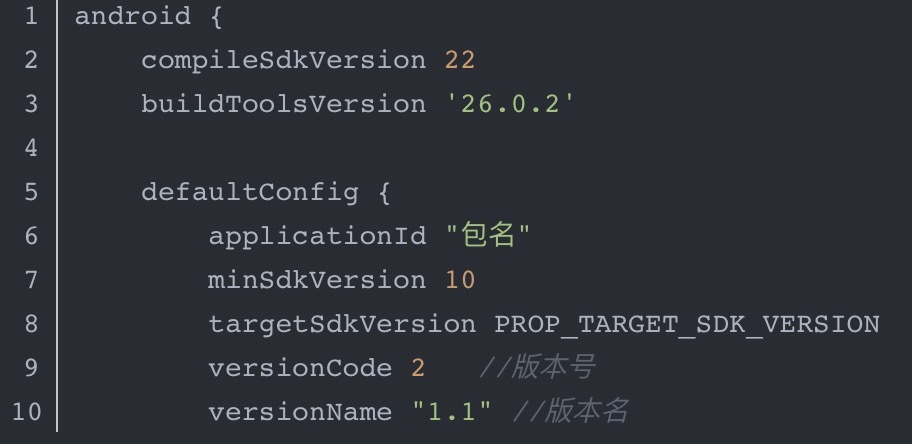
个人开发者求支持。。。

经验分享/开发记录:
【cocos creator引擎】
1、屏幕适配
var canvas = this.node.getComponent(cc.Canvas);
var size = canvas.designResolution;
var cSize = cc.view.getFrameSize();
if (cSize.width/cSize.height >= size.width/size.height){
canvas.fitWidth = false;
canvas.fitHeight = true;
}else{
canvas.fitWidth = true;
canvas.fitHeight = false;
}
canvas.alignWithScreen();
2、声音
支持动态加载:
var url = cc.url.raw(“resources/audio/”+sName+".mp3");
cc.audioEngine.play(url, false, 1);
官方的建议是使用cc.AudioSource,地址:http://docs.cocos.com/creator/manual/zh/audio/audio.html,不支持动态加载
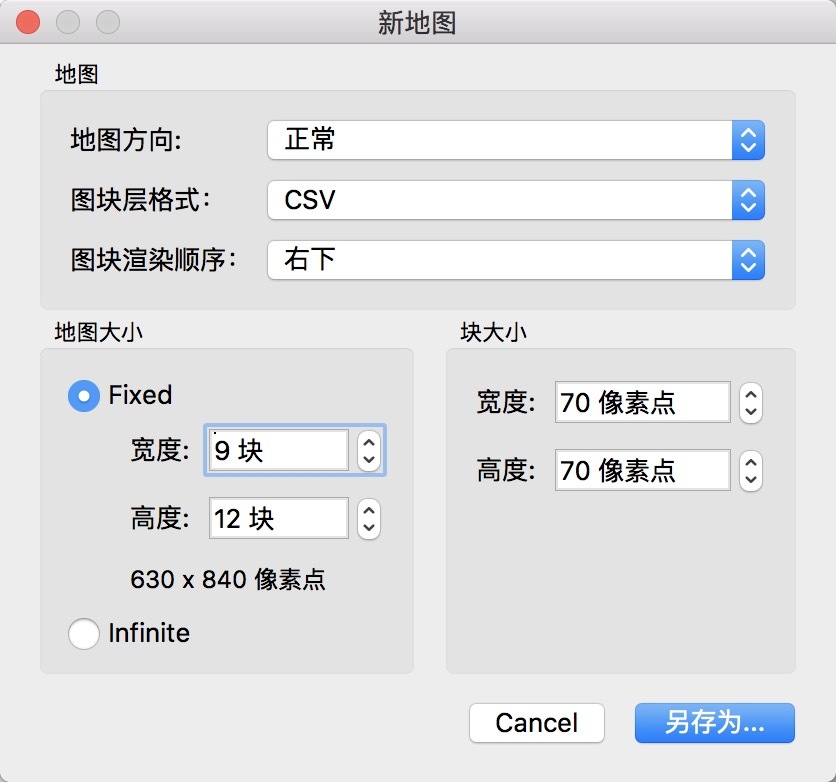
3、tileMap地图
下载地址/Mac:http://www.pc6.com/mac/217810.html
优势:资源、性能消耗小
使用:使用tiled制作csv文件的地图,直接拖到编辑器的层级管理器中
常用接口:
gid: 图快中元素的索引,从1开始计数
iR:列数,从0开始计数
iL:行数,从0开始计数
左上为0行0列
this.iR = this.iL = 0;
this._tiledMap = this.node.getComponent(‘cc.TiledMap’);
this._layerLab = this._tiledMap.getLayer(“lab”);
var gid = this._layerLab.getTileGIDAt(this.iR, this.iL);
this._layerLab.setTileGIDAt(gid, this.iR, this.iL);
//tilemap中左下为(0, 0)
//正常坐标转换成tilemap坐标
var touchPos = event.touch.getLocation();
var nPos = this.node.convertToNodeSpace(touchPos);
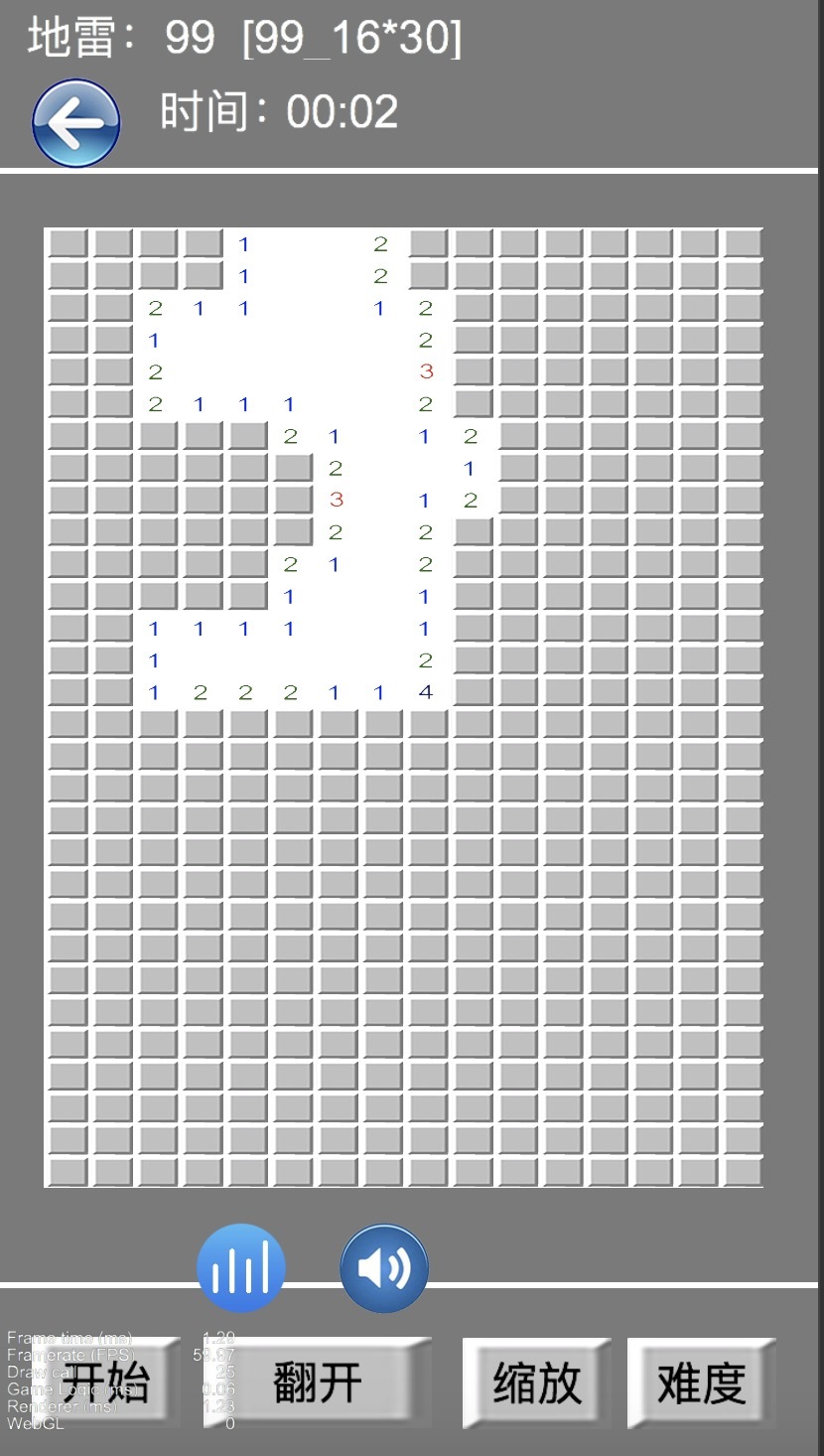
实例:
【微信小游戏】
1、软件著作权
http://ry365.com.cn/software/v2/order/index
2、微信小游戏常用api
2.1 判断是否微信api: if (window.wx){};
2.2 授权、获取用户头像、名字
wx.getUserInfo({
success: function (res) {
GLB.wxUserInfo = res.userInfo;
},
fail: function (argument) {
wx.getSystemInfo({
success: function(data) {
GLB.getUserInfoBtn = wx.createUserInfoButton({
type: ‘text’,
text: ‘授权’,
style: {
left: data.screenWidth * 0.2,
top: data.screenHeight * 0.5,
width: data.screenWidth * 0.65,
height: data.screenHeight * 0.07,
lineHeight: data.screenHeight * 0.07,
backgroundColor: ‘#fe714a’,
color: ‘#ffffff’,
textAlign: ‘center’,
fontSize: data.screenHeight * 0.05,
borderRadius: 8
}
});
GLB.getUserInfoBtn.onTap(function(res) {
if (GLB.isClickCd) {
return;
}
GLB.isClickCd = true;
setTimeout(function() {
GLB.isClickCd = false;
}, 1000);
GLB.wxUserInfo = res.userInfo;
GLB.getUserInfoBtn.hide();
});
}
});
},
})
2.3 微信游戏圈
this.btn = wx.createGameClubButton({
icon: ‘green’,
style: {
left: 20,
top: 20,
width: 50,
height: 50,
}
});
this.btn.show();
2.4 banner广告
var systemInfo = wx.getSystemInfoSync();
this.bannerAd = wx.createBannerAd({
adUnitId: 'adunit-XXX’,
style: {
left: 0,
top: systemInfo.windowHeight - 144,
width: 720,
}
});
var self = this;
this.bannerAd.onResize(res => {
self.bannerAd.style.top = systemInfo.windowHeight - self.bannerAd.style.realHeight
})
this.bannerAd.show();
2.5 激励式广告
var self = this;
this.videoAd = wx.createRewardedVideoAd({
adUnitId: 'adunit-XXX’
})
this.videoAd.onClose(res => {
if (res && res.isEnded || res === undefined){
// 成功回掉 callback();
}else{
}
})
self.videoAd.show()
.catch(err => {
self.videoAd.load()
.then(() => self.videoAd.show())
})
2.6 微信分享
wx.shareAppMessage({
title: “吃老子一个雷!”,
imageUrl: canvas.toTempFilePathSync({
destWidth: 500,
destHeight: 400
})
});
【服务器插件】
matchvs插件:http://www.matchvs.com/service?page=creatorStart
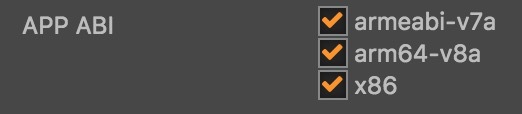 都要选,否则apk无法打开;