
如题,我们游戏需要在一个节点添加多个physics box collider以完成不同目的,
测试发现:
在子节点中添加physics box collider无碰撞效果。
在节点上添加多个physics box collider,执行会引发asset错误,看上去只有最外层的collider生效。
打开physics debug,发现子节点的box collider没绘制出来。
使用的是cocos creator v1.6.0
想问一下,是不是引擎本身不支持
多谢!
不支持 子节点和父节点都添加 physics box collider
但是支持一个节点添加多个 physics box collider 的,你的 asset错误 是什么样的?
添加多个physics box collider 现在在编辑器上,无法调节单个physics box collider的Size属性,
调完一个会同时设置另外一个的Size属性。
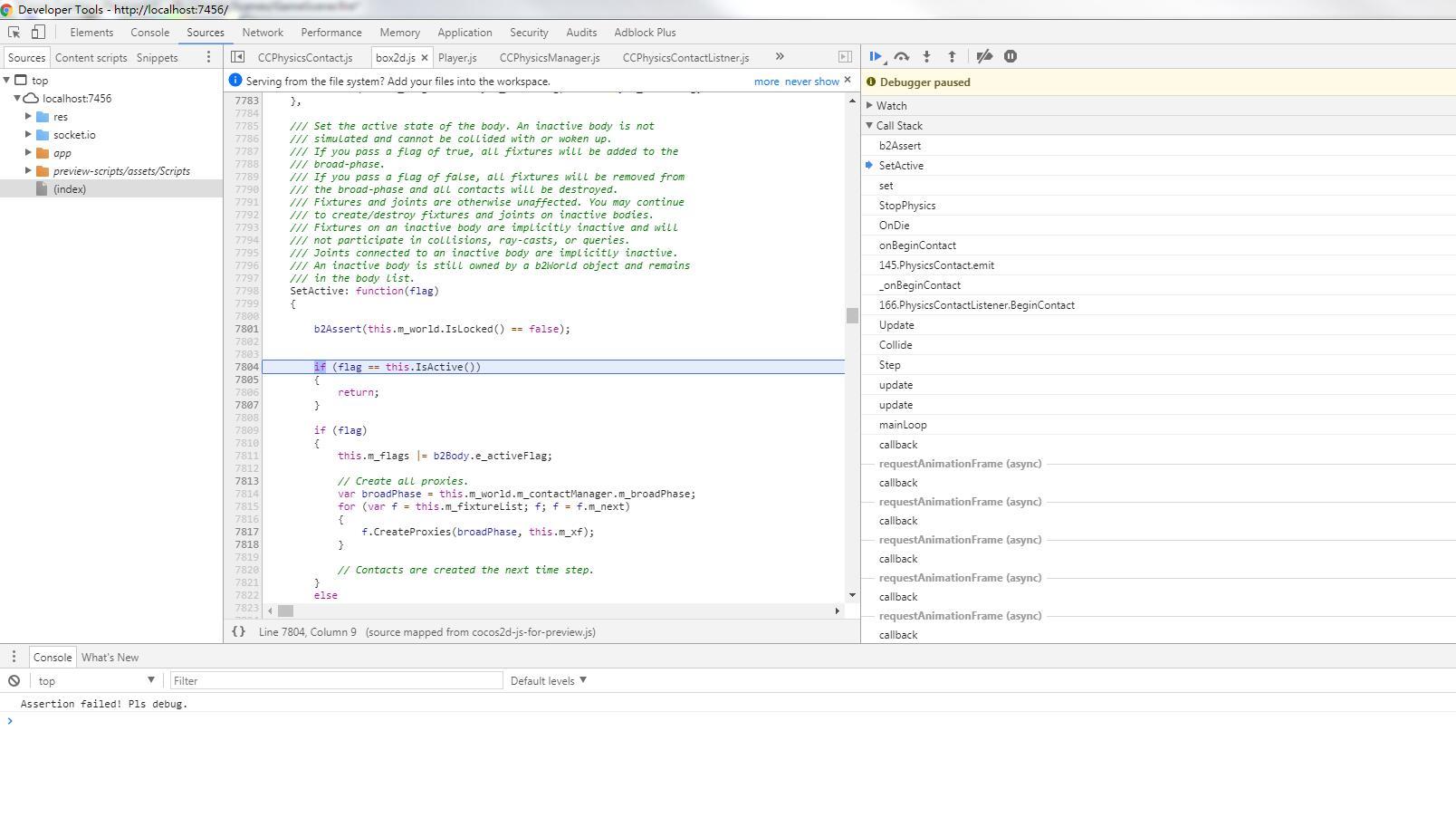
如果换成physics box collider + physics circle collider, 会引发一个asset错误,看截图。

在物理回调里面 rigidbody 会被锁住
你可以记录下这个 rigidbody ,然后在 update 中设置这个值?
这是一个已知的 inspector bug, 会尽快修复~
这个重现了,你会动态修改节点的 scale 值?
没有动态改,只是默认的scale值是3

看到你有使用 flip action
一个建议是可以将 sprite 放到这个物理节点的子节点,然后对这个 sprite 进行flip action,这样就不会影响到物理节点了
多谢,
你说的
在物理回调里面 rigidbody 会被锁住
你可以记录下这个 rigidbody ,然后在 update 中设置这个值?
这个方法,会有性能开销吗?
会有一点点开销
另一个方式是使用 scheduleOnce 在延迟调用的回调里面设置
动态关闭物,我现在按这个方案做,遇到下面的问题:
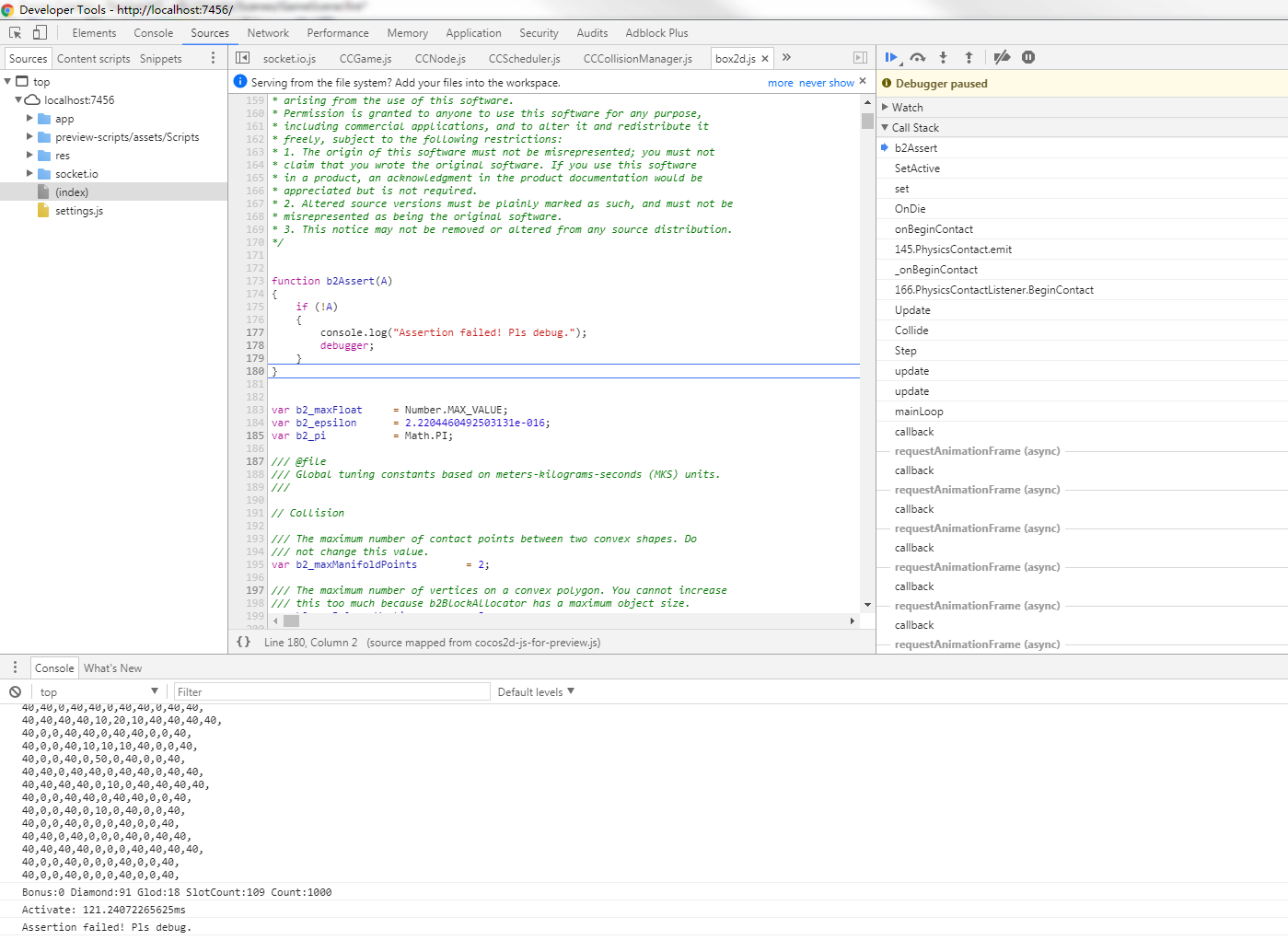
Assertion failed! Pls debug.
box2d.js:5518 Uncaught TypeError: Cannot read property ‘aabb’ of undefined
at b2DynamicTree.GetFatAABB (box2d.js:5518)
at b2BroadPhase.TestOverlap (box2d.js:2717)
at b2ContactManager.Collide (box2d.js:11010)
at b2World.Step (box2d.js:9064)
at CCClass.update (CCPhysicsManager.js:181)
at TheClass.update (CCScheduler.js:401)
at TheClass.mainLoop (CCDirector.js:1395)
at callback (CCGame.js:567)
另一个错误是:
可以发个 demo 上来么,我看下你的代码?
sorry, 现在没时间简化个demo出来,
我现在这样移除:
node.removeComponent(cc.PhysicsBoxCollider);
node.removeComponent(cc.RigidBody);
貌似也可以。
这样也可以。。。这些组件被移除的时候是延迟处理的,不过损耗会比设置 rigidbody 的 active 要高
我搞了个简单的demo,
在onBeginContact里面设置 rigidbody.active属性,
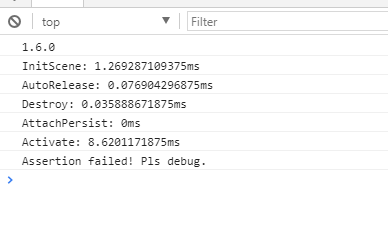
在v1.6.0编辑器上跑会有asset错误。麻烦看看
TestPhysics.zip (198.0 K
修改后的 test.js
cc.Class({
    extends: cc.Component,

    properties: {
        // foo: {
        //    default: null,      // The default value will be used only when the component attaching
        //                           to a node for the first time
        //    url: cc.Texture2D,  // optional, default is typeof default
        //    serializable: true, // optional, default is true
        //    visible: true,      // optional, default is true
        //    displayName: 'Foo', // optional
        //    readonly: false,    // optional, default is false
        // },
        // ...
    },

    // use this for initialization
    onLoad: function () {
        this.rigidbody = this.node.getComponent(cc.RigidBody);

        this.disableRigidBody = function () {
            this.rigidbody.active = false;
        }.bind(this);
    },

    onBeginContact: function () {
        this.scheduleOnce(this.disableRigidBody);
    },


});
多谢,用scheduleOnce解决问题了
再多问个问题,
碰撞发生时,我们现在想知道是哪个方向发生碰撞了,
我使用:
var worldManifold = contact.getWorldManifold();
var normal = worldManifold.normal;
normal的值调试发现是 (0, 1) (0, -1) (1, 0) (-1, 0)这四个值,我打算用这个作为判断方向,
是否可行?
我们碰撞用的都是PhysicsBoxCollider。
可以的
谢,
我在一个节点上用了PhysicsBoxCollider和PhysicsPolygonCollider,
PhysicsPolygonCollider用来做视野判断,对于PhysicsPolygonCollider,我们只希望得到碰撞通知,不希望会有刚体碰撞效果,
我现在在
onBeginContact 中使用contact.disabledOnce = true,但是没有效果
有其他方案吗?