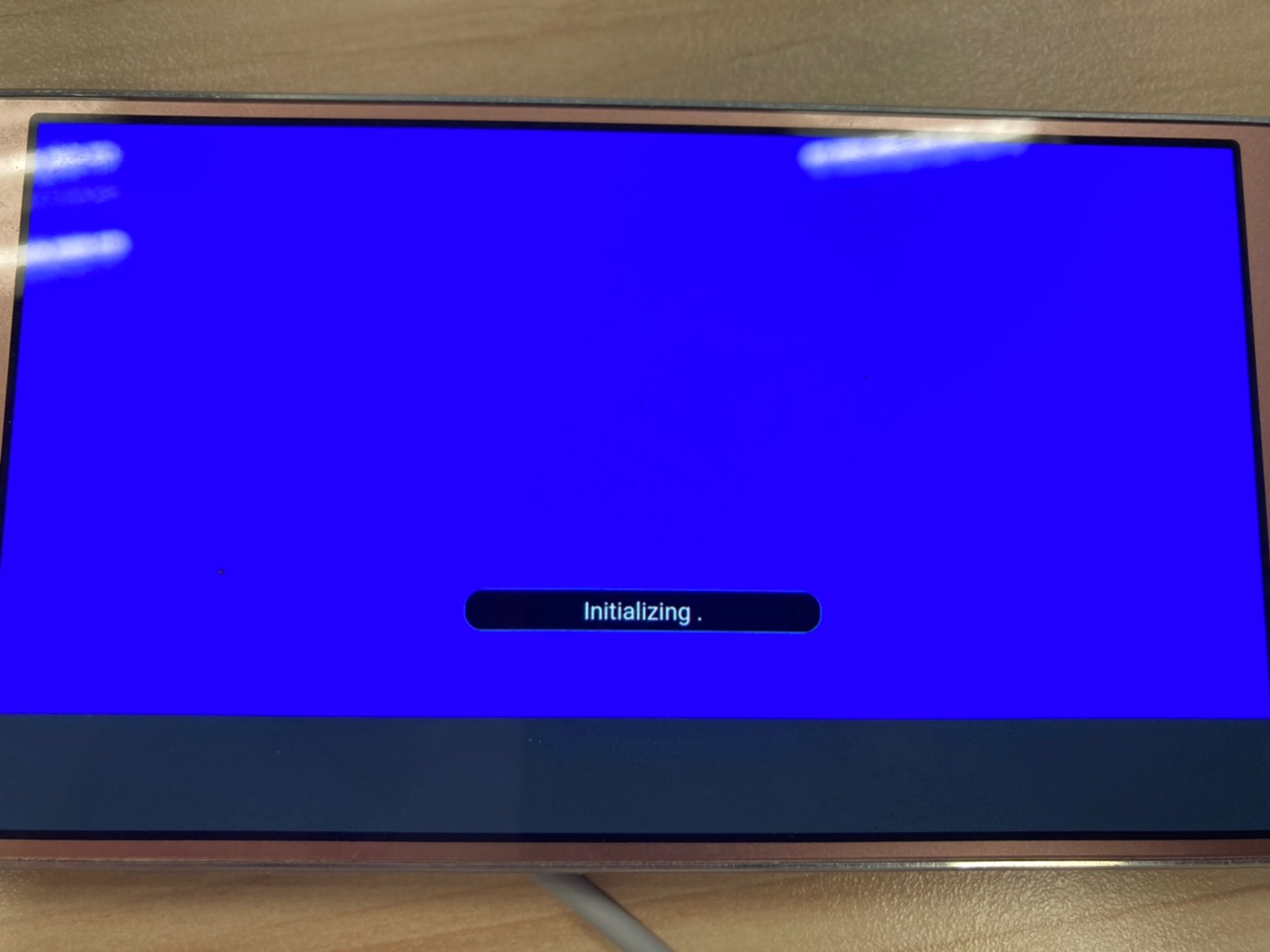
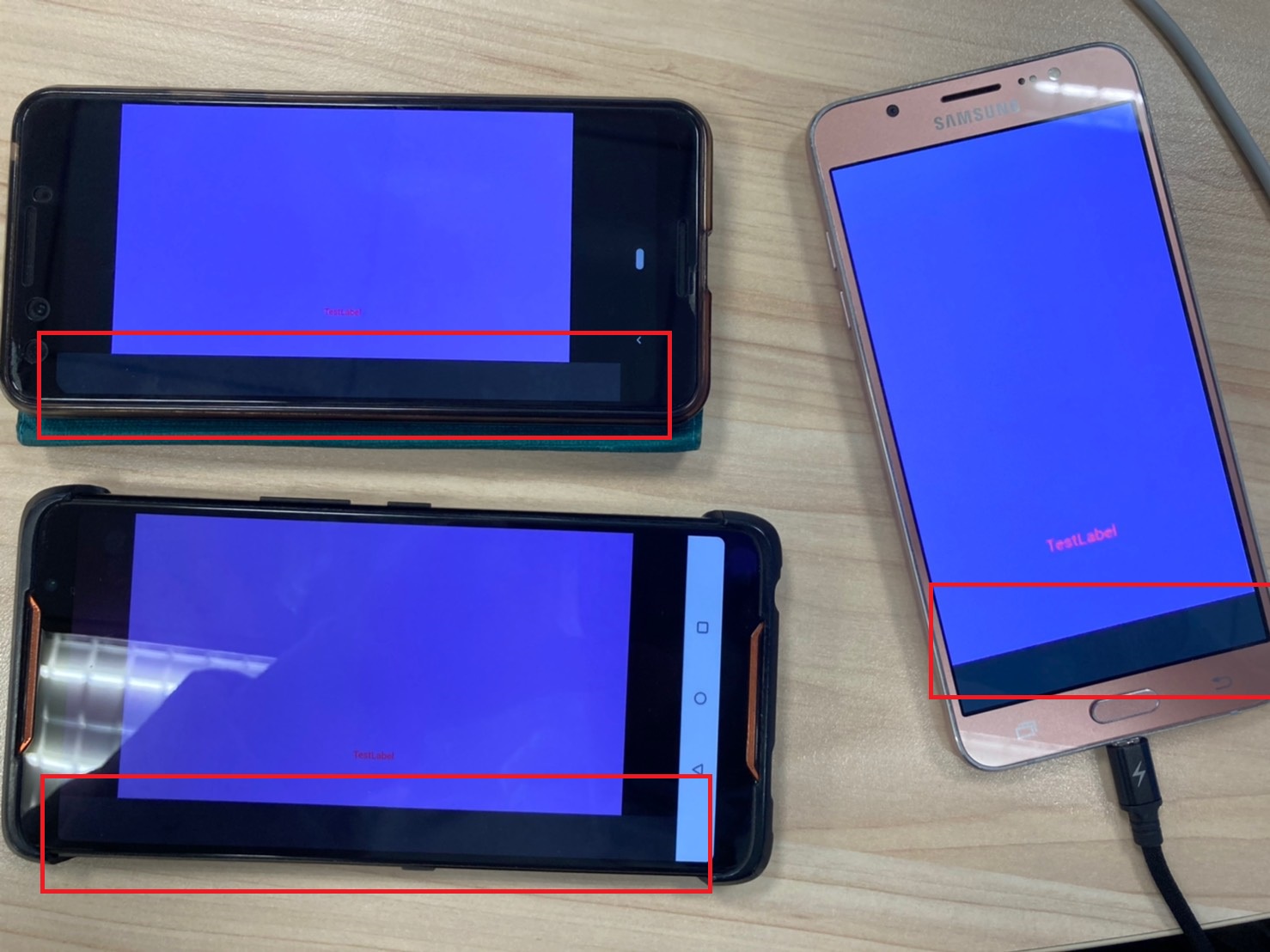
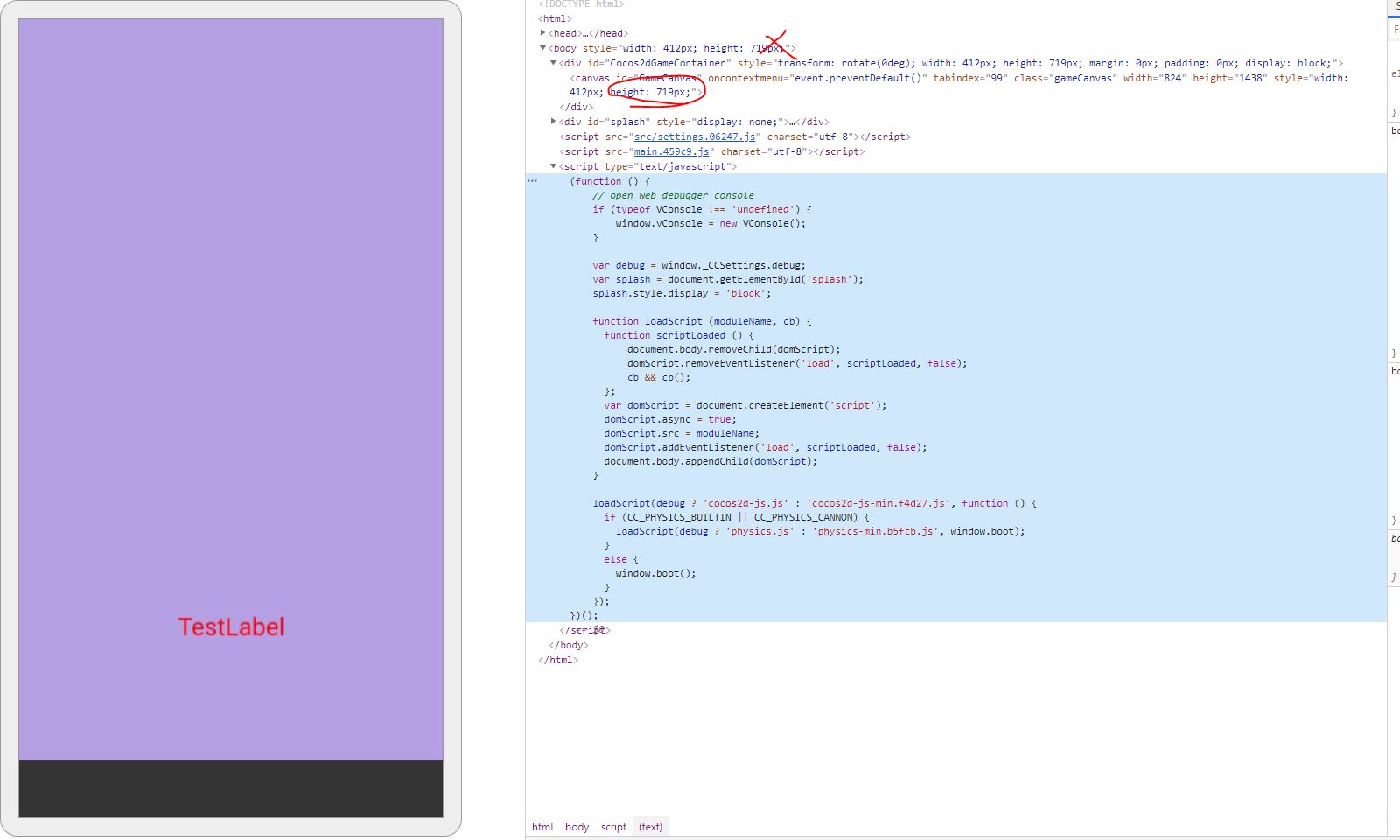
目前我的暫時解法是再偵測orientationchange和resize,
再針對 cc.game.canvas.style.width和 cc.game.canvas.style.height再修正一次螢幕比。
就沒有灰邊,
此作法可以先供參考。
start ()
{
window.addEventListener(“orientationchange”, function(event)
    {

        var DevicePixelRatio=window.devicePixelRatio;

        if ( window.orientation == 180 || window.orientation == 0 )

        {

           //直立

           cc.game.canvas.style.width=(1280/DevicePixelRatio).toString()+"px";

           cc.game.canvas.style.height=(720/DevicePixelRatio).toString()+"px";

        }

        if( window.orientation == 90 || window.orientation == -90 )

        {

           //橫式

           cc.game.canvas.style.width=(1280/DevicePixelRatio).toString()+"px";

           cc.game.canvas.style.height=(720/DevicePixelRatio).toString()+"px";

        }

    });

    window.addEventListener("resize", function(event)

    {

        var DevicePixelRatio=window.devicePixelRatio;

        if ( window.orientation == 180 || window.orientation == 0 )

        {

           //直立

           cc.game.canvas.style.width=(1280/DevicePixelRatio).toString()+"px";

           cc.game.canvas.style.height=(720/DevicePixelRatio).toString()+"px";

        }

        if( window.orientation == 90 || window.orientation == -90 )

        {

           //橫式

           cc.game.canvas.style.width=(1280/DevicePixelRatio).toString()+"px";

           cc.game.canvas.style.height=(720/DevicePixelRatio).toString()+"px";

        }

    });

    document.addEventListener('mousedown', function testFullScreen () {

        if(cc.screen.fullScreen()==false )

        {

            cc.screen.requestFullScreen();


        }

      }, true);

      document.addEventListener('touchstart', function testFullScreen () {

        if(cc.screen.fullScreen()==false )

        {

            cc.screen.requestFullScreen();

        }

      }, true);

}