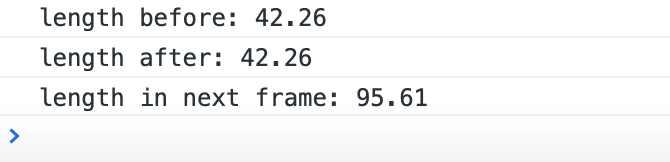
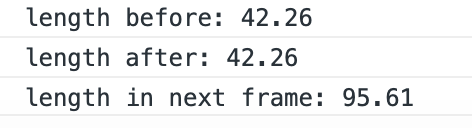
3.0版本在给label动态设置string之后调用updateRenderData()方法,无法立即获取到新的label宽度
@ccclass('LabelTestManager')
export class LabelTestManager extends Component {
    @property(Label)
    contentLabel!: Label;

    start () {
        console.log(`length before: ${this.contentLabel.getComponent(UITransform)?.width}`);
        this.contentLabel.string = 'hello world';
        this.contentLabel.updateRenderData(true);
        console.log(`length after: ${this.contentLabel.getComponent(UITransform)?.width}`);
        this.scheduleOnce(() => {
            console.log(`length in next frame: ${this.contentLabel.getComponent(UITransform)?.width}`)
        });
    }
}
结果: