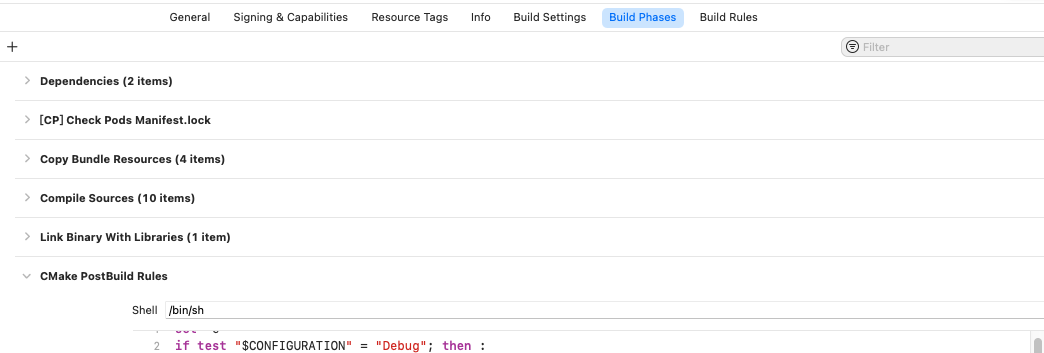
- Creator 版本: 3.4.0
- 目标平台:iOS 10.0
有勾选 “跳过 Xcode 工程的更新”,请问也有人有相同问题吗?
Pod 后找不到原本cocos 的档案,请问路径要去哪里改
也请引擎组查看一下,谢谢
ScriptEngine::evalString catch exception:
ERROR: Uncaught Error: Failed to require file ‘jsb-adapter/jsb-builtin.js’, not found!, location: (no filename):0:0
STACK:
- [0]anonymous@(no filename):1
11:49:29 [ERROR]: [ERROR] file /Users/xxx/native/engine/common/Classes/Game.cpp: line 54
11:49:29 [ERROR]:
Uncaught Exception:
- location : (see stack)
- msg : Uncaught Error: Failed to require file ‘jsb-adapter/jsb-builtin.js’, not found!
- detail :
- [0]anonymous@(no filename):1
ScriptEngine::evalString script (no filename), failed!
ScriptEngine::evalString catch exception:
ERROR: Uncaught Error: Failed to require file ‘main.js’, not found!, location: (no filename):0:0
STACK:
- [0]anonymous@(no filename):1
11:49:29 [ERROR]: [ERROR] file /Users/xxx/native/engine/common/Classes/Game.cpp: line 54
11:49:29 [ERROR]:
Uncaught Exception:
- location : (see stack)
- msg : Uncaught Error: Failed to require file ‘main.js’, not found!
- detail :
- [0]anonymous@(no filename):1
ScriptEngine::evalString script (no filename), failed!
Assertion failed: (isObject()), function toObject, file Value.cpp, line 492.