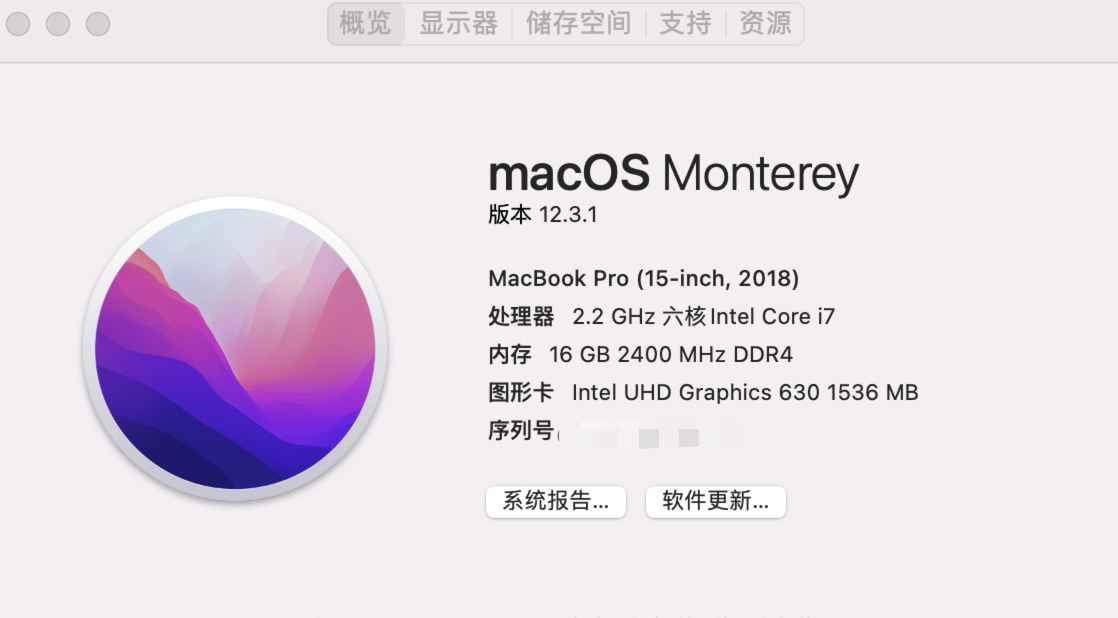
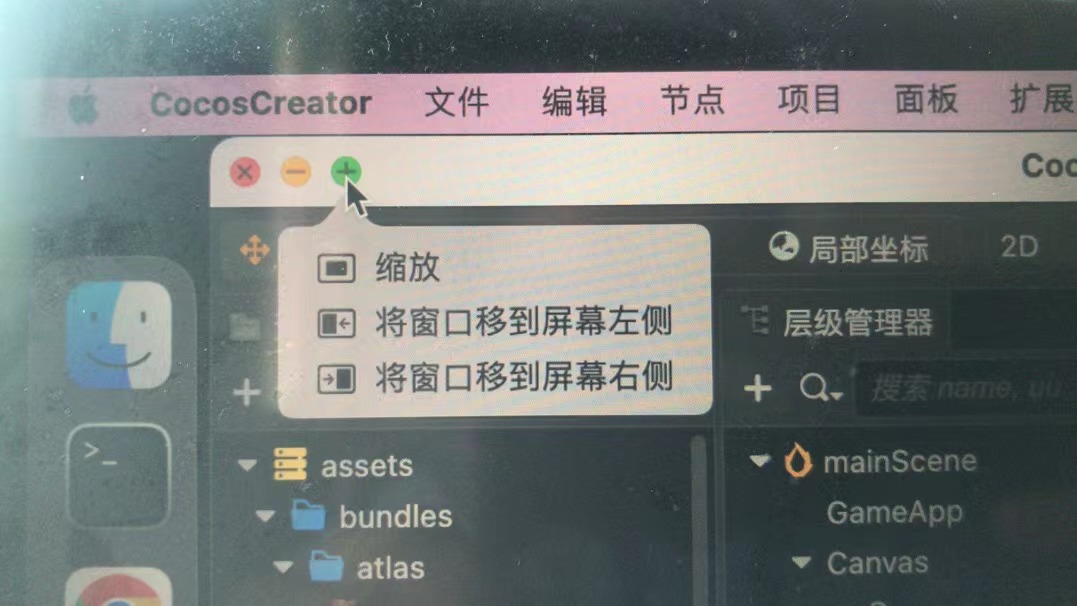
截图红框哪个地方是个
 号,只能把编辑器放大到和显示器一样的大小,并不能全屏幕。我记得很久之前是可以全屏幕的。我卸载重装了几次都是不能全屏幕的。。。

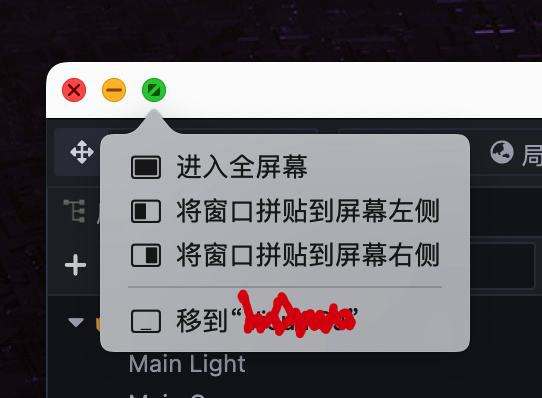
我电脑上是正常的额。
看你的截图,应该也是 big sur 以上了吧?
能不能提供一下系统的号~另外其他软件正常么?
大佬 ,有办法处理吗?
你那边不能全屏幕是啥表现?估计是你的 mac 电脑上有一些设置没弄对吧
表现就是全屏幕显示。我不知道哪里设置不对,因为其他的窗口都可以全屏幕显示,除了cocos creator editor
你那边把这个类似路径下的 /Users/zzf520/.CocosCreator/editor/window.json 打包上传一下
{
“version”: 1,
“windows”: [
{
“uuid”: “9e18bd38-7b70-4006-ad71-d3767477bc66”,
“url”: “main.html”,
“userData”: {
“layout”: {
“version”: 1,
“layout”: {
“min-width”: 1106,
“min-height”: 452,
“direction”: “row”,
“percent”: 1,
“minimize”: false,
“children”: [
{
“min-width”: 200,
“min-height”: 200,
“direction”: “none”,
“percent”: 0.17023841462508027,
“minimize”: false,
“active”: “assets”,
“panels”: [
“assets”
]
},
{
“min-width”: 200,
“min-height”: 200,
“direction”: “none”,
“percent”: 0.11861536634353938,
“minimize”: false,
“active”: “hierarchy”,
“panels”: [
“hierarchy”
]
},
{
“min-width”: 300,
“min-height”: 200,
“direction”: “none”,
“percent”: 0.2578608017766486,
“minimize”: false,
“active”: “inspector”,
“panels”: [
“inspector”
]
},
{
“min-width”: 400,
“min-height”: 452,
“direction”: “column”,
“percent”: 0.4532854172547318,
“minimize”: false,
“children”: [
{
“min-width”: 400,
“min-height”: 300,
“direction”: “none”,
“percent”: 0.4366812227074236,
“minimize”: false,
“active”: “scene”,
“panels”: [
“scene”
]
},
{
“min-width”: 350,
“min-height”: 150,
“direction”: “none”,
“percent”: 0.5633187772925764,
“minimize”: false,
“active”: “console”,
“panels”: [
“animator”,
“assets.preview”,
“console”
]
}
]
}
]
}
}
},
“options”: {
“center”: true,
“width”: 1100,
“height”: 700,
“webPreferences”: {
“nodeIntegration”: true,
“webviewTag”: true,
“enableRemoteModule”: true,
“contextIsolation”: false,
“backgroundThrottling”: false
},
“show”: false,
“fullscreen”: false
},
“bounds”: {
“x”: 67,
“y”: 25,
“width”: 1213,
“height”: 775
}
}
]
}
zhangtaideMacBook-Pro:editor zhangtai$
我看到你的 window.json 中 “fullscreen” 为 false。这导致编辑器不支持全屏显示。你把 “fullscreen”: false 删除了,重新打开编辑器就可以解决问题。
可以了 非常6
该主题在最后一个回复创建后14天后自动关闭。不再允许新的回复。