project - 副本.zip (5.2 KB)
-
Creator 版本: 3.5.2
-
目标平台: Android
-
重现方式:
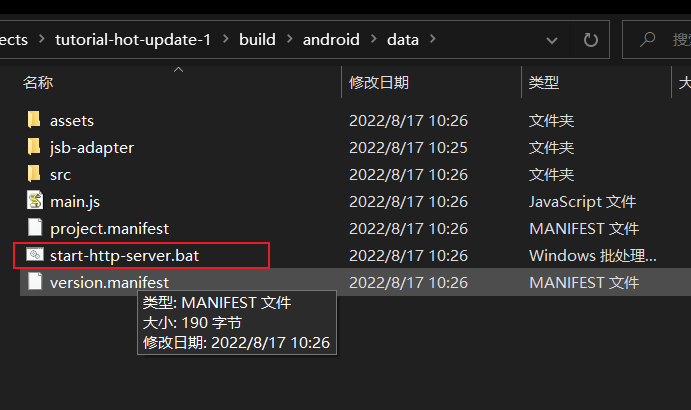
加载远程热更描述文件 project.manifest ,此文件具体内容建附件(下载查看时扩展名改为 manifest)
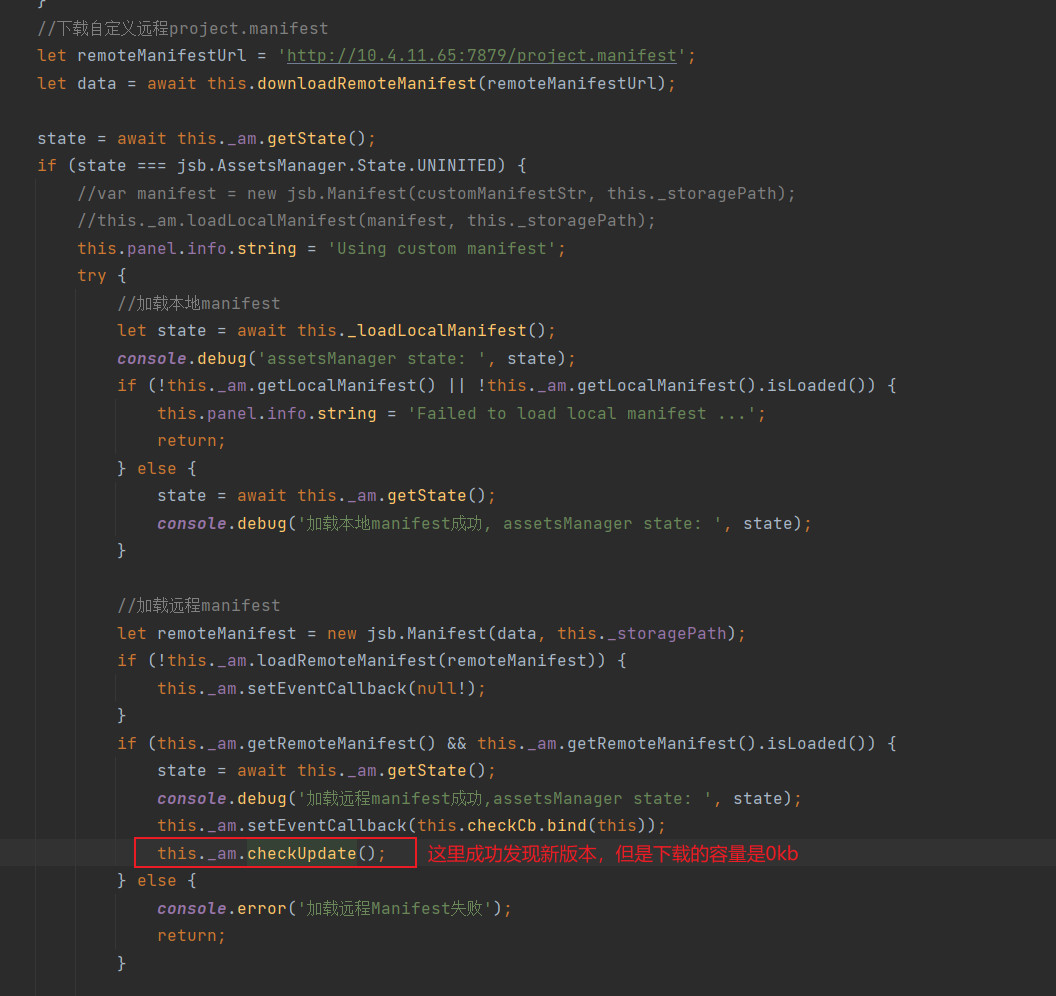
关键代码: let remoteManifest = new jsb.Manifest(“http://10.4.11.65:7879/project.manifest”);
    loadCustomManifest() {
        if (this._am.getState() === jsb.AssetsManager.State.UNINITED) {
            //var manifest = new jsb.Manifest(customManifestStr, this._storagePath);
            //this._am.loadLocalManifest(manifest, this._storagePath);
            this.panel.info.string = 'Using custom manifest';
            this._loadLocalManifest().then((state) => {
                console.debug('assetsManager state: ', state);
                if (!this._am.getLocalManifest() || !this._am.getLocalManifest().isLoaded()) {
                    this.panel.info.string = 'Failed to load local manifest ...';
                    return;
                }

                if (this._am.getState() === jsb.AssetsManager.State.UNCHECKED) {
                    let remoteManifest = new jsb.Manifest("http://10.4.11.65:7879/project.manifest");
                    console.debug('remote manifest: ', JSON.stringify(remoteManifest));
                    if (this._am.loadRemoteManifest(remoteManifest)) {
                        console.debug('_am getRemoteManifest', this._am.getRemoteManifest());
                        this._am.setEventCallback(this.checkCb.bind(this));
                        this._am.checkUpdate();
                        this._updating = true;
                    }
                    else {
                        console.error('加载远程Manifest失败');
                    }
                }
            }).catch( err => {
                    console.error('读取远程 manifest 出错: ', err.message);
                }
            );
        }
    }
- 首个报错:Do not know how to serialize a BigInt
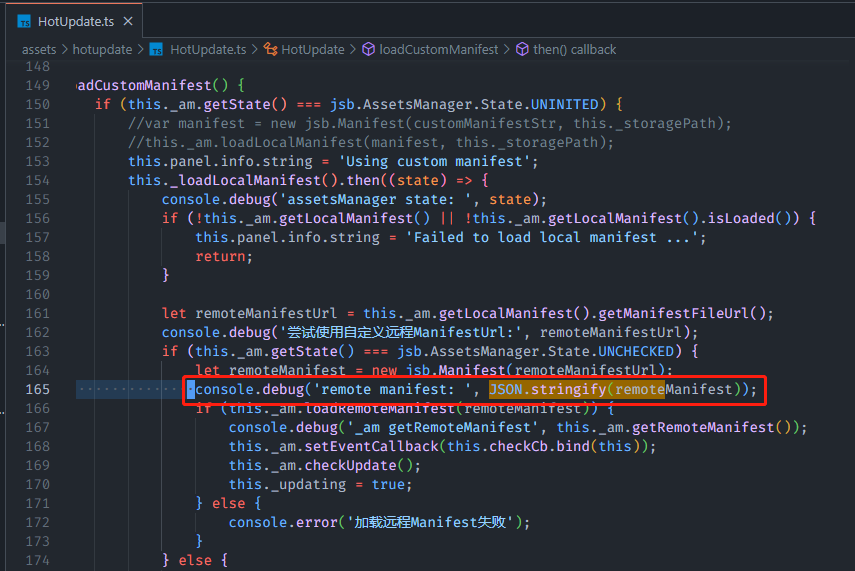
 ,AssetsManager.loadRemoteManifest() 函数会返回false