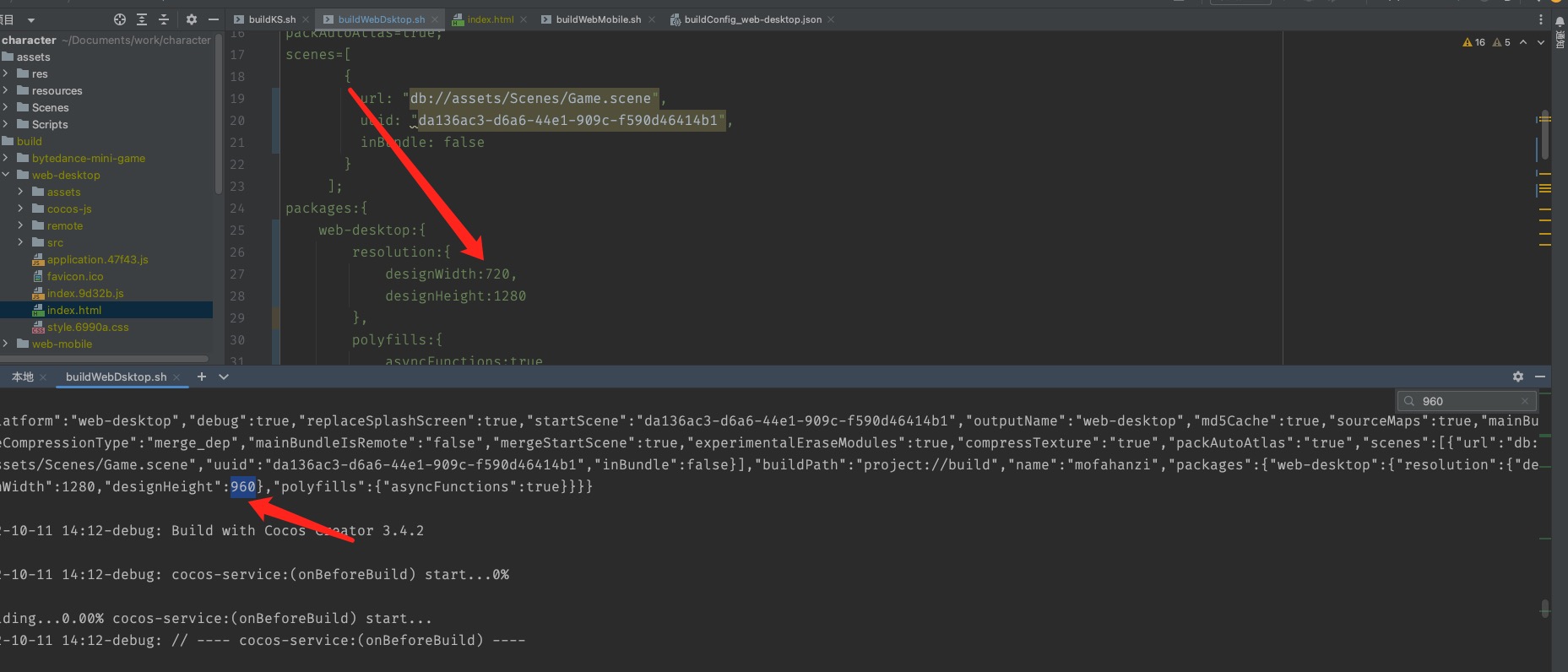
我的命令构建没有报错,也没有任何问题,只是构建出来的index.html 里面的有个标签
<div id="GameDiv" style="width: 1280px; height: 960px;">
  <div id="Cocos3dGameContainer">
    <canvas id="GameCanvas" width="1280" height="960"></canvas>
  </div>
但是我配置的是720 1280 这让我很是头疼 找不到原因 求各位大大解决方案 。
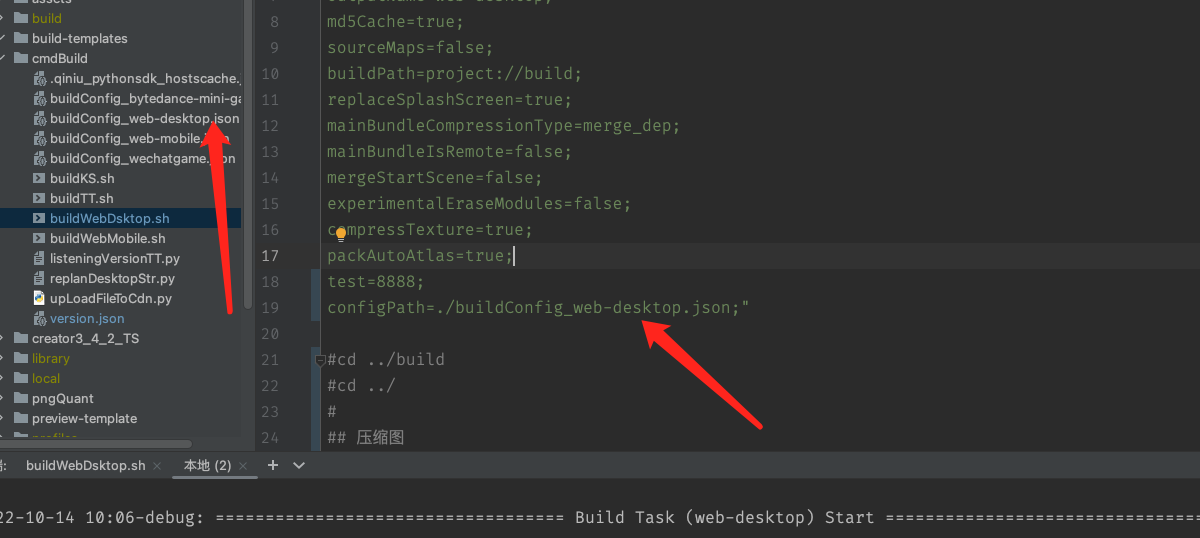
附上我的代码
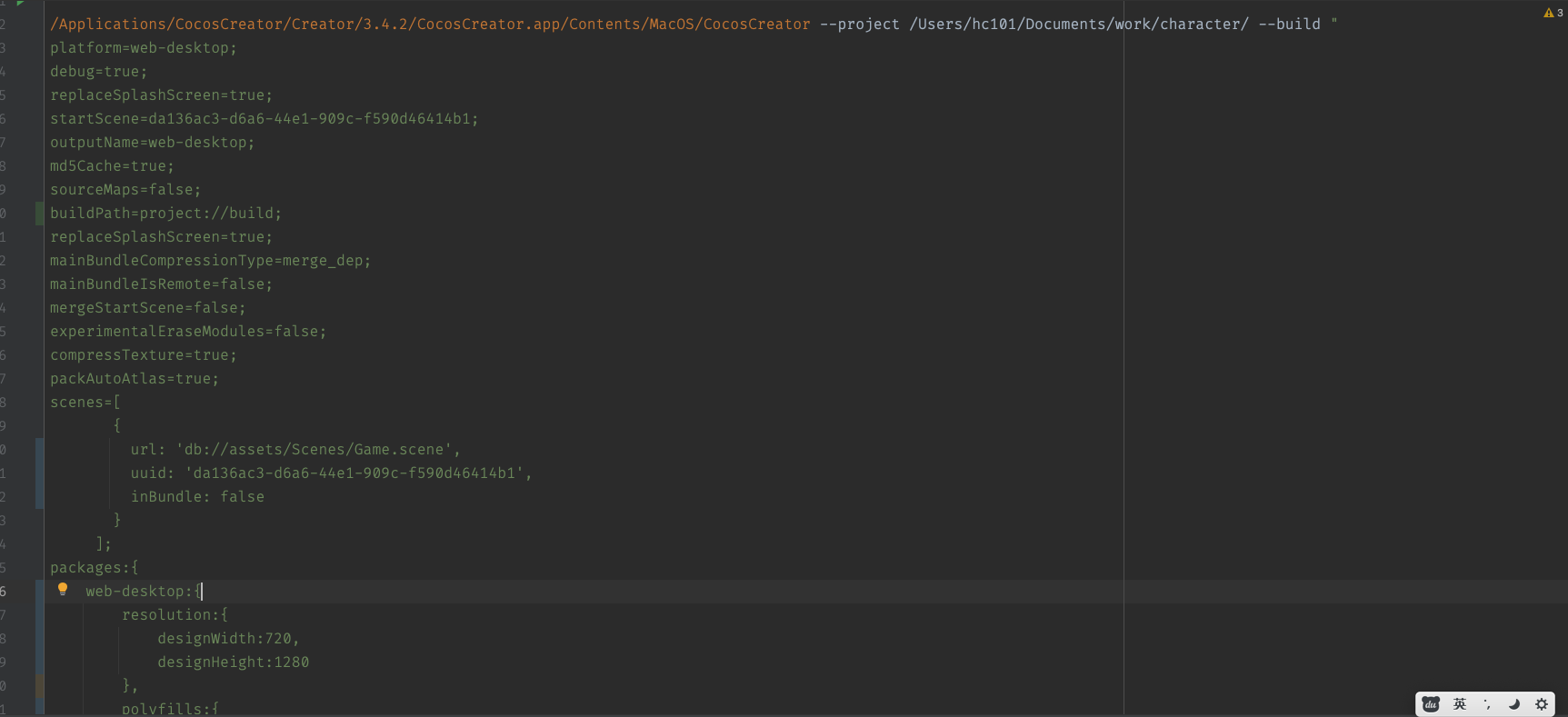
/Applications/CocosCreator/Creator/3.4.2/CocosCreator.app/Contents/MacOS/CocosCreator --project /Users/hc101/Documents/work/character/ --build "
platform=web-desktop;
debug=true;
replaceSplashScreen=true;
startScene=da136ac3-d6a6-44e1-909c-f590d46414b1;
outputName=web-desktop;
md5Cache=true;
sourceMaps=false;
buildPath=project://build;
replaceSplashScreen=true;
mainBundleCompressionType=merge_dep;
mainBundleIsRemote=false;
mergeStartScene=false;
experimentalEraseModules=false;
compressTexture=true;
packAutoAtlas=true;
scenes=[
{
url: ‘db://assets/Scenes/Game.scene’,
uuid: ‘da136ac3-d6a6-44e1-909c-f590d46414b1’,
inBundle: false
}
];
packages:{
web-desktop:{
resolution:{
designWidth:720,
designHeight:1280
},
polyfills:{
asyncFunctions:true
}
},
cocos-service: {
configID: ‘e43a6b’,
services: [
{
service_id: ‘235’,
service_component_name: ‘service-analytics’,
builder: ‘/Users/hc101/.CocosCreator/.service/analytics/builder/builder.js’,
enable: false,
params: {}
}
],
version: ‘3.0.2’
}
}";