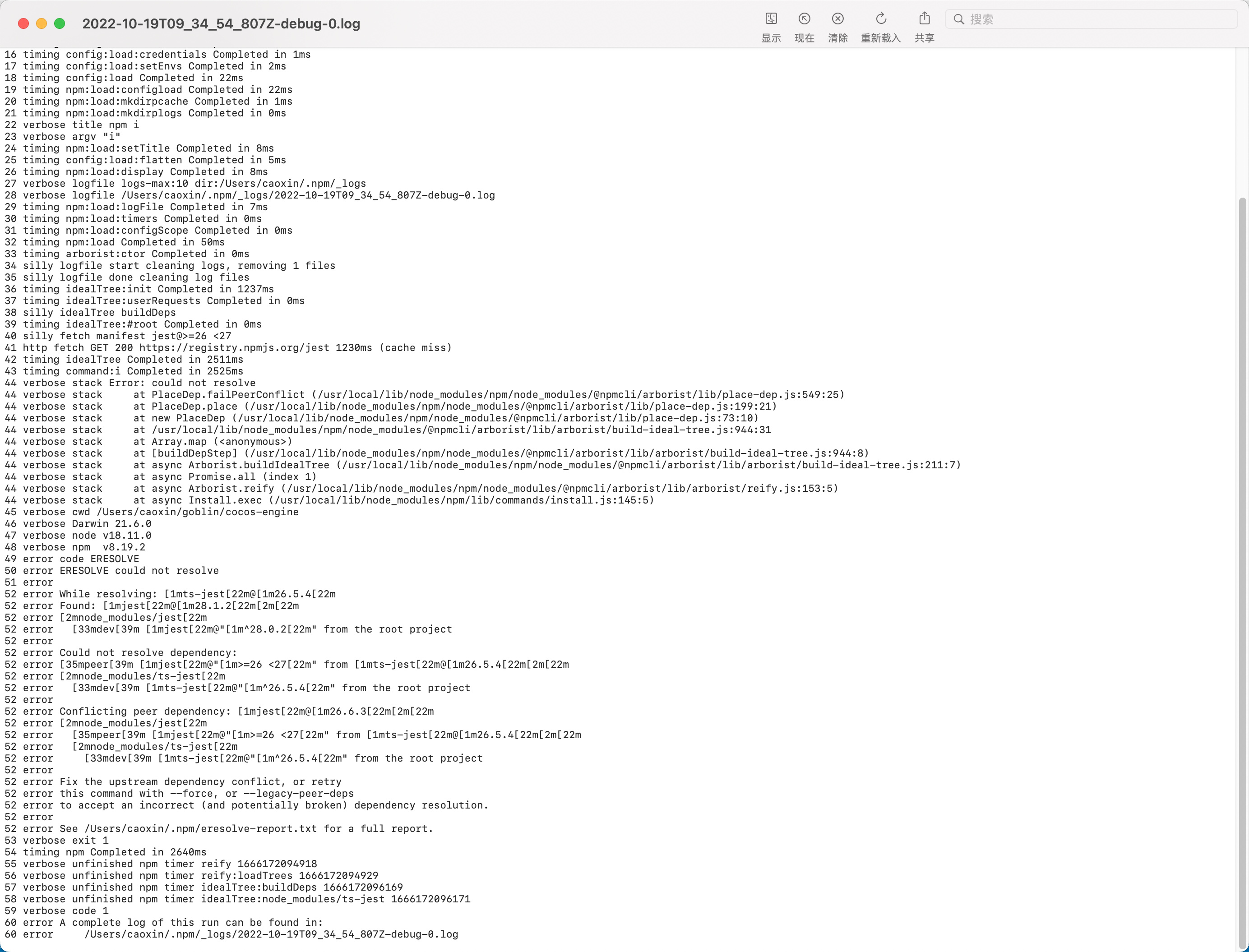
克隆 https://github.com/cocos/cocos-engine.git 在分支v3.6.1下执行npm install 报一下错误
added 2167 packages, and audited 2169 packages in 2m
116 packages are looking for funding
  run `npm fund` for details

20 vulnerabilities (5 moderate, 14 high, 1 critical)

To address issues that do not require attention, run:
  npm audit fix

To address all issues (including breaking changes), run:
  npm audit fix --force

Run `npm audit` for details.
然后 npm cache clean --force 清除缓存,并删掉 node_modules
重新执行 npm i 出现以下错误 求看看
❯ npm i
npm ERR! code ERESOLVE
npm ERR! ERESOLVE could not resolve
npm ERR!
npm ERR! While resolving: ts-jest@26.5.4
npm ERR! Found: jest@28.1.2
npm ERR! node_modules/jest
npm ERR!   dev jest@"^28.0.2" from the root project
npm ERR!
npm ERR! Could not resolve dependency:
npm ERR! peer jest@">=26 <27" from ts-jest@26.5.4
npm ERR! node_modules/ts-jest
npm ERR!   dev ts-jest@"^26.5.4" from the root project
npm ERR!
npm ERR! Conflicting peer dependency: jest@26.6.3
npm ERR! node_modules/jest
npm ERR!   peer jest@">=26 <27" from ts-jest@26.5.4
npm ERR!   node_modules/ts-jest
npm ERR!     dev ts-jest@"^26.5.4" from the root project
npm ERR!
npm ERR! Fix the upstream dependency conflict, or retry
npm ERR! this command with --force, or --legacy-peer-deps
npm ERR! to accept an incorrect (and potentially broken) dependency resolution.
npm ERR!
npm ERR! See /Users/caoxin/.npm/eresolve-report.txt for a full report.

npm ERR! A complete log of this run can be found in:
npm ERR!     /Users/caoxin/.npm/_logs/2022-10-19T09_34_54_807Z-debug-0.log