
I am currently trying to use UIMeshRenderer in a list to display the inventory of a player.
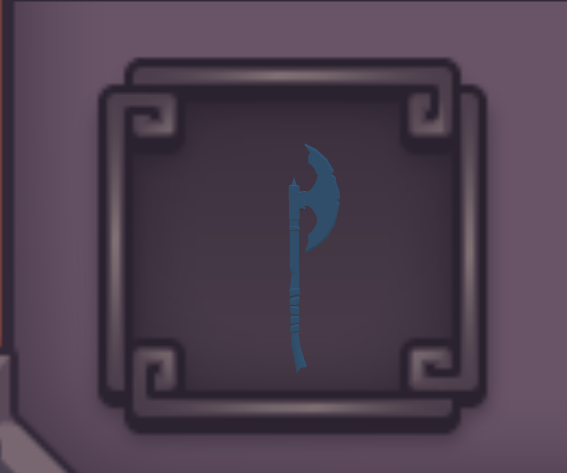
The weapon shows up fine in the editor, ( after scaling it 5000, 5000, 5000)
however when pressing the ‘preview’ it dissapears.
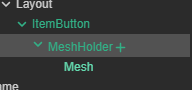
This is my hierarchy, The ItemButton and (MeshHolder + Mesh) are seperate prefabs

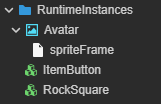
I am using a typescript component to dynamically refresh these tasks, like so:
resources.load(`ArmoryIcons/MeshHolder`, Prefab, (err, PrefabIcon) => {
                DataArray.forEach(element => {
                    let NewBtn = instantiate(this.ItemBtn)
                    let ElementHeader = (Section == 'Characters' ? 'Body_Material0' : `${element}_Material0`)

                    resources.load(`${Section}/${element}/${ElementHeader}`, Mesh, (err, meshinst) => {
                        let NewDisplayBtn = instantiate(PrefabIcon)

                        console.log(meshinst)

                        NewBtn.parent = this.node
                        NewDisplayBtn['parent'] = NewBtn
                        NewDisplayBtn.getChildByName('Mesh').getComponent(MeshRenderer).mesh = meshinst

                        this.Debounce = false;
                    })
                });
            })
Why is the mesh not viewable in the preview? Is there a better way to go about this?
