分享把3D动画输出成序列帧图片的一种方法,希望对大家有所帮助,代码工程将整理到 Cocos 论坛。
实现效果
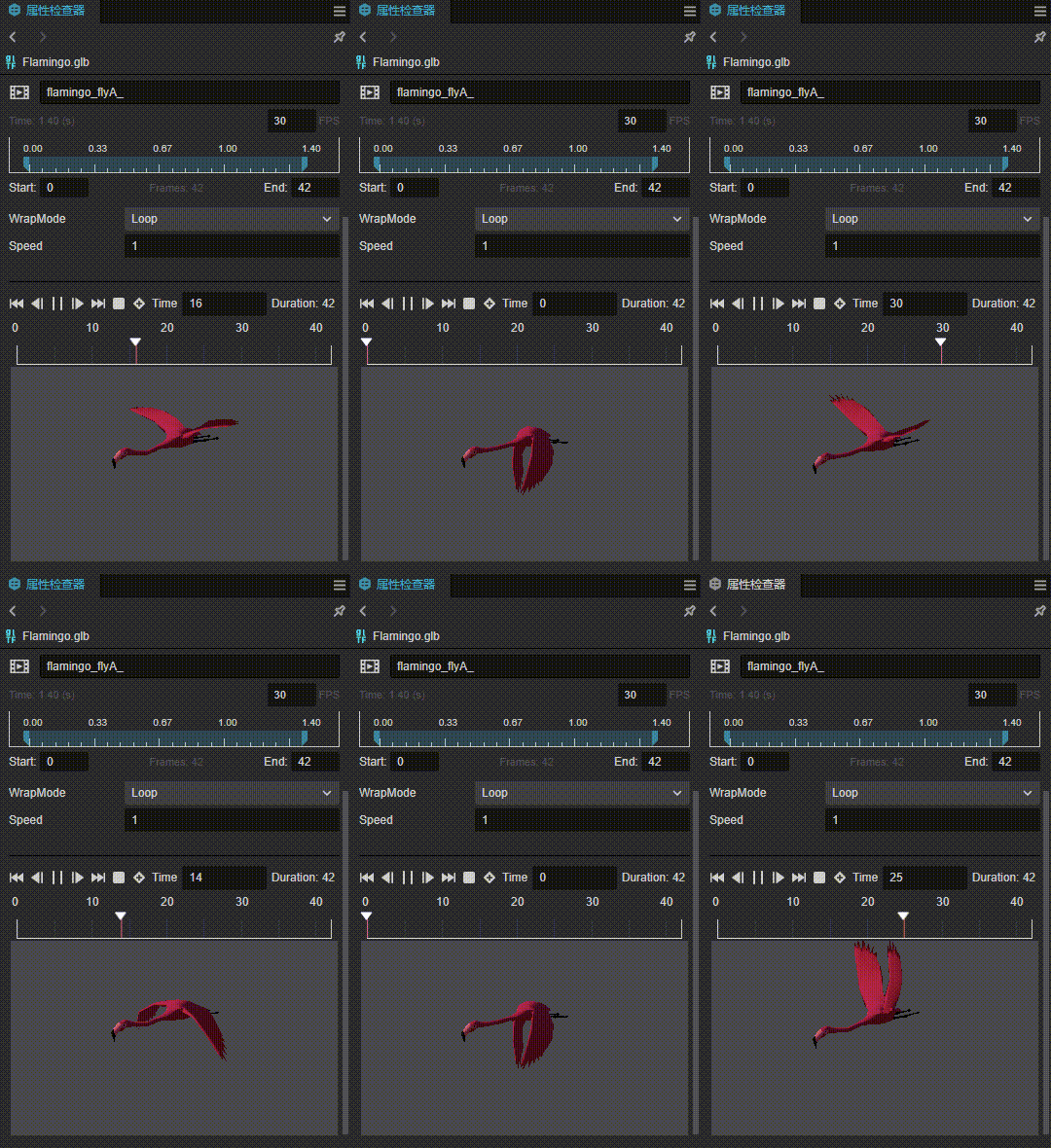
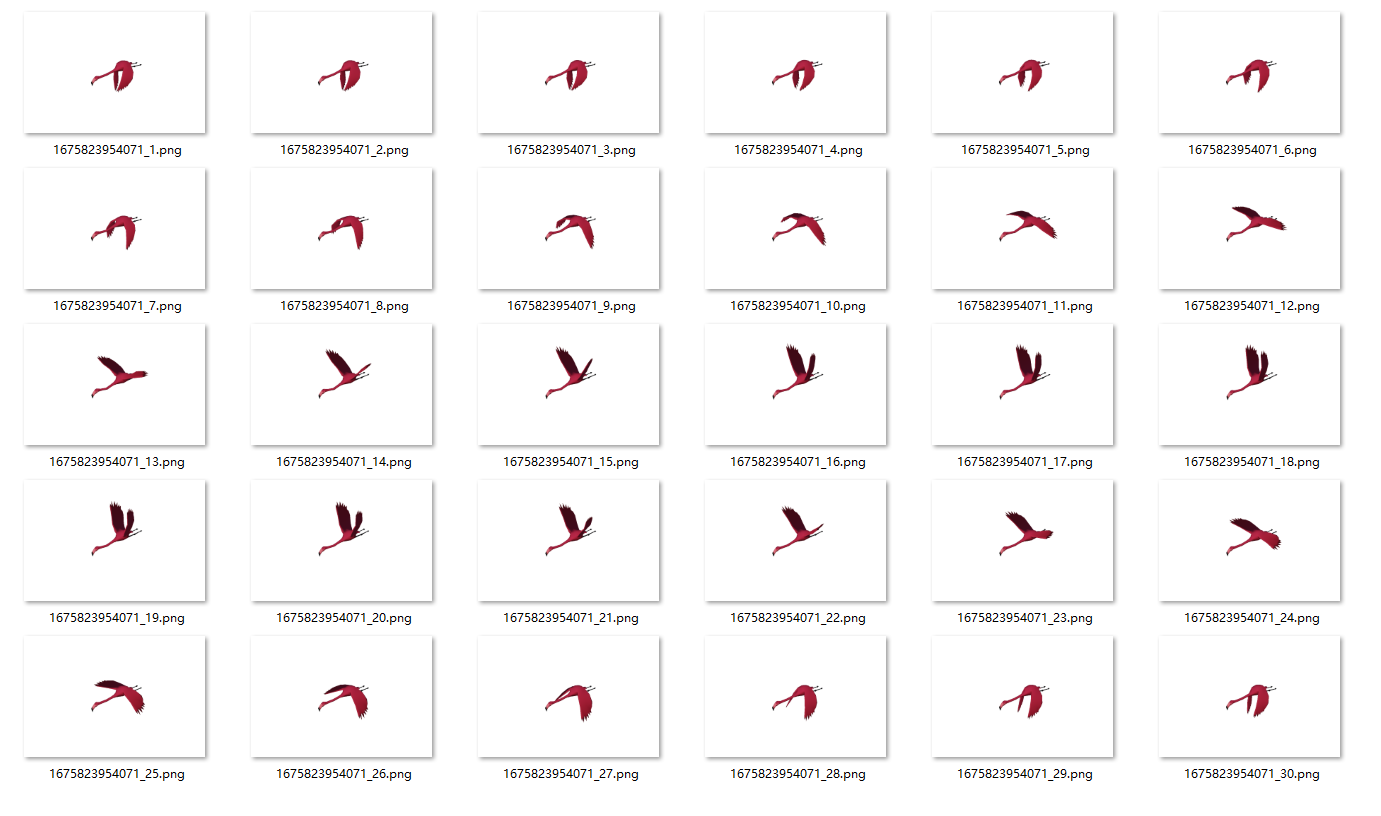
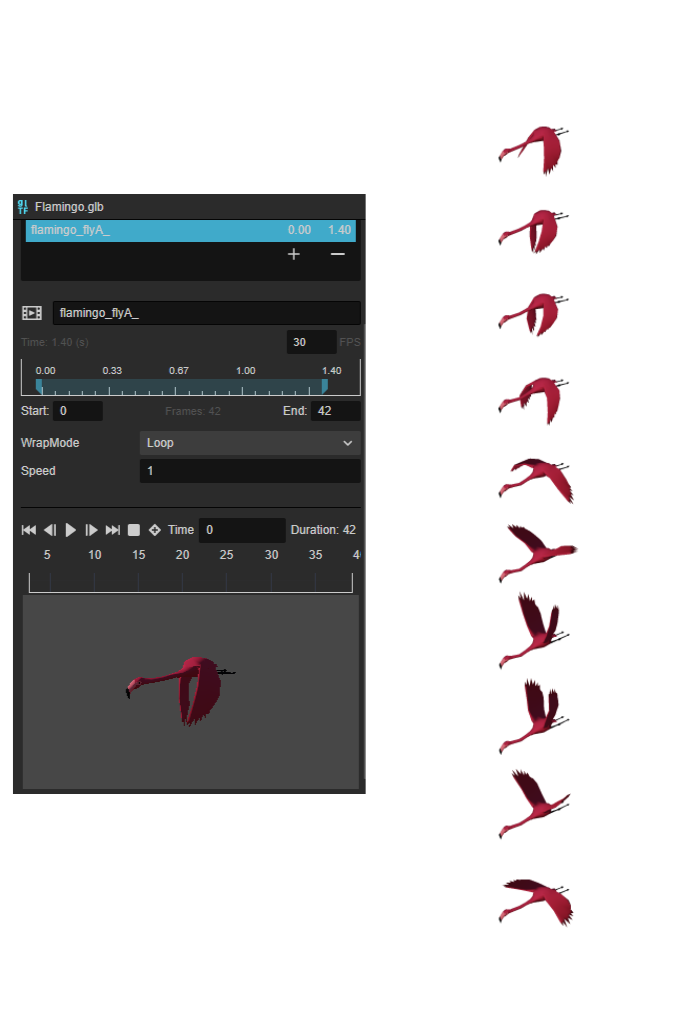
配置环境
- Cocos Creator 3.6.2 编辑器
- Chrome 浏览器
实现
原理
- 相机渲染成一张纹理
- 读取纹理数据传给 Canvas 绘制
- Canvas 生成纹理数据传给 HTML
<a>标签

步骤
- 将动画的模型放入场景中
- 调整相机视角,修改相机参数
- 引入脚本组件,填充参数
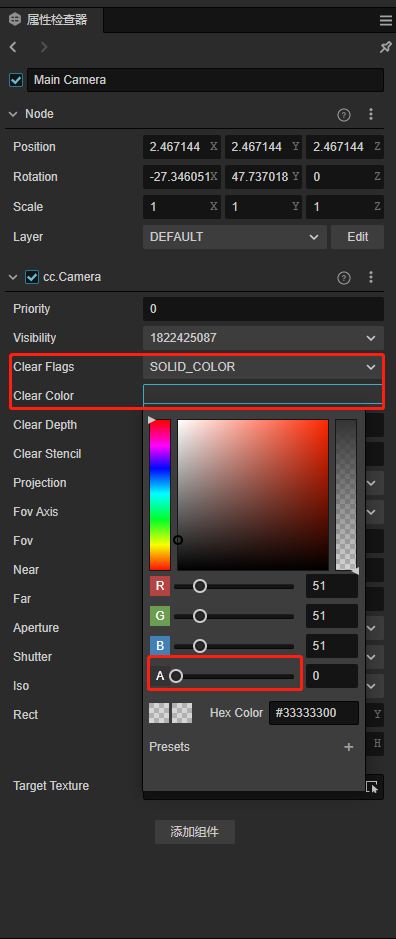
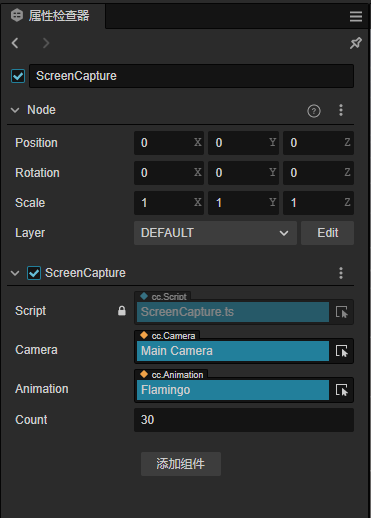
讲解视频
https://www.bilibili.com/video/BV1g8411u7Pp
工程代码
ScreenCapture.ts
面向网络编程,拼凑起来的代码,在此感谢各路神仙
import {
    _decorator, Component, log, Camera
    , math, view, RenderTexture, Animation
} from 'cc';
const { ccclass, property } = _decorator;

@ccclass('ScreenCapture')
export class ScreenCapture extends Component {
    @property(Camera)
    camera: Camera = null!

    @property(Animation)
    animation: Animation = null!

    @property
    count = 3

    start() {
        log('欢迎关注微信公众号【白玉无冰】 https://mp.weixin.qq.com/s/4WwCjWBtZNnONh8hZ7JVDA')
        const defaultState = this.animation.getState(this.animation.defaultClip!.name)
        let count = this.count;
        if (count < 2) count = 2;
        defaultState.stop();
        const stepTime = defaultState.duration / count;
        const doAfterCap = () => {
            count--;
            if (count > 0) {
                defaultState.update(stepTime);
                this.doCapture(doAfterCap)
            }
        }
        defaultState.update(0);
        this.doCapture(doAfterCap);
    }

    private doCapture(doAfterCap = () => {

    }) {
        let vSize = new math.Size
        vSize.width = view.getVisibleSize().width
        vSize.height = view.getVisibleSize().height
        let texture = new RenderTexture();
        texture.reset(vSize);
        this.camera.targetTexture = texture;
        this.scheduleOnce(() => {
            this.saveCapture(texture)
            this.camera.targetTexture = null;
            doAfterCap()
        }, 0)
    }

    private index = 0
    private timestamp = Date.now()
    private saveCapture(rt: RenderTexture) {
        let data: string = this.getImgBase(rt)
        this.saveAs(`${this.timestamp}_${++this.index}`, data)
    }

    private getImgBase(texture: RenderTexture) {
        const rtW = Math.floor(texture.width);
        const rtH = Math.floor(texture.height);
        const texPixels = new Uint8Array(rtW * rtH * 4);
        let data = texture.readPixels(0, 0, rtW, rtH, texPixels)!

        let canvas = document.createElement('canvas')
        let ctx = canvas.getContext('2d')!

        canvas.width = texture.width
        canvas.height = texture.height

        let width = texture.width
        let height = texture.height

        let rowBytes = width * 4
        for (let row = 0; row < height; row++) {
            let srow = height - 1 - row
            let imgData = ctx.createImageData(width, 1)
            let start = srow * width * 4
            for (let i = 0; i < rowBytes; i++) {
                imgData.data[i] = data[start + i]
            }
            ctx.putImageData(imgData, 0, row)
        }
        let dataUrl = canvas.toDataURL('image/png')
        console.log(dataUrl)
        return dataUrl
    }

    private saveAs(fileName: string, data: any | string) {
        var element = document.createElement('a');
        if (typeof data === "string") {
            element.setAttribute('href', data);
        }
        else {
            element.setAttribute('href', 'data:text/plain;charset=utf-8,' + encodeURIComponent(data));
        }

        element.setAttribute('download', fileName);
        element.style.display = 'none';
        document.body.appendChild(element);
        element.click();
        document.body.removeChild(element);
    }
}
示例工程
capture-ccc3.6.2.zip (488.2 KB)
参考资料
- https://developer.mozilla.org/en-US/docs/Web/API/HTMLCanvasElement
- https://developer.mozilla.org/en-US/docs/Web/API/HTMLAnchorElement
- https://developer.mozilla.org/en-US/docs/web/api/htmlelement/click
更多精彩