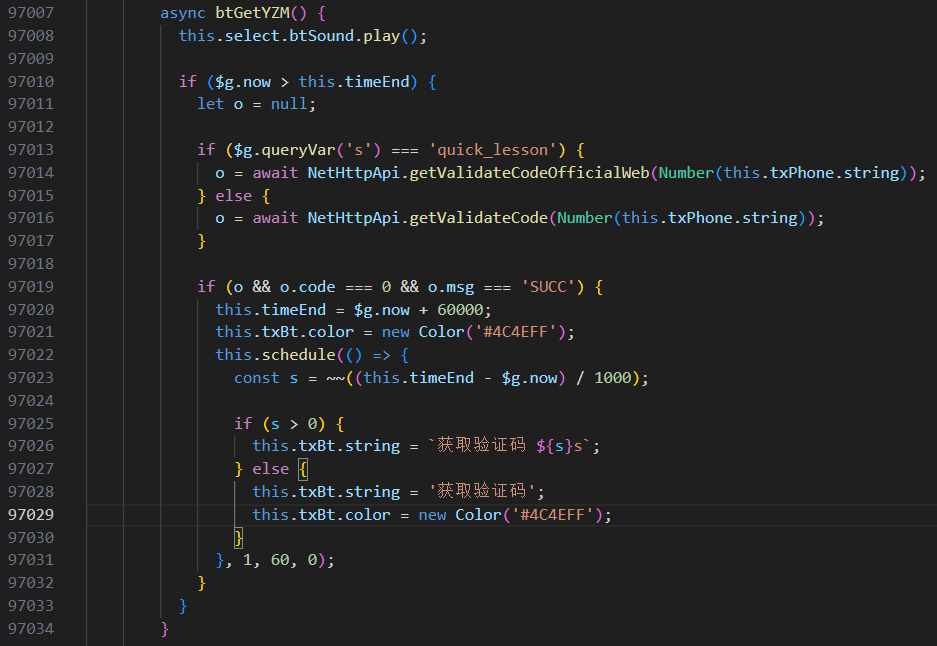
async btGetYZM() {
          this.select.btSound.play();

          if ($g.now > this.timeEnd) {
            let o = null;

            if ($g.queryVar('s') === 'quick_lesson') {
              o = await NetHttpApi.getValidateCodeOfficialWeb(Number(this.txPhone.string));
            } else {
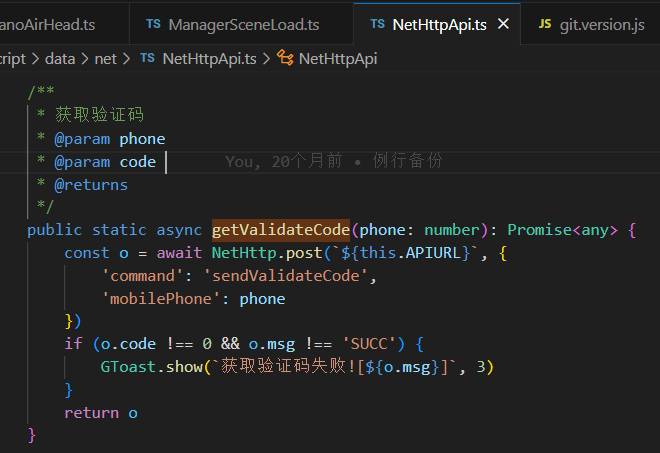
              o = await NetHttpApi.getValidateCode(Number(this.txPhone.string));
            }

            if (o && o.code === 0 && o.msg === 'SUCC') {
              this.timeEnd = $g.now + 60000;
              this.txBt.color = new Color('#4C4EFF');
              this.schedule(() => {
                const s = ~~((this.timeEnd - $g.now) / 1000);

                if (s > 0) {
                  this.txBt.string = `获取验证码 ${s}s`;
                } else {
                  this.txBt.string = '获取验证码';
                  this.txBt.color = new Color('#4C4EFF');
                }
              }, 1, 60, 0);
            }
          }
        }
    // ·open():建立到服务器的新请求。
    // ·send():向服务器发送请求。
    // ·abort():退出当前请求。
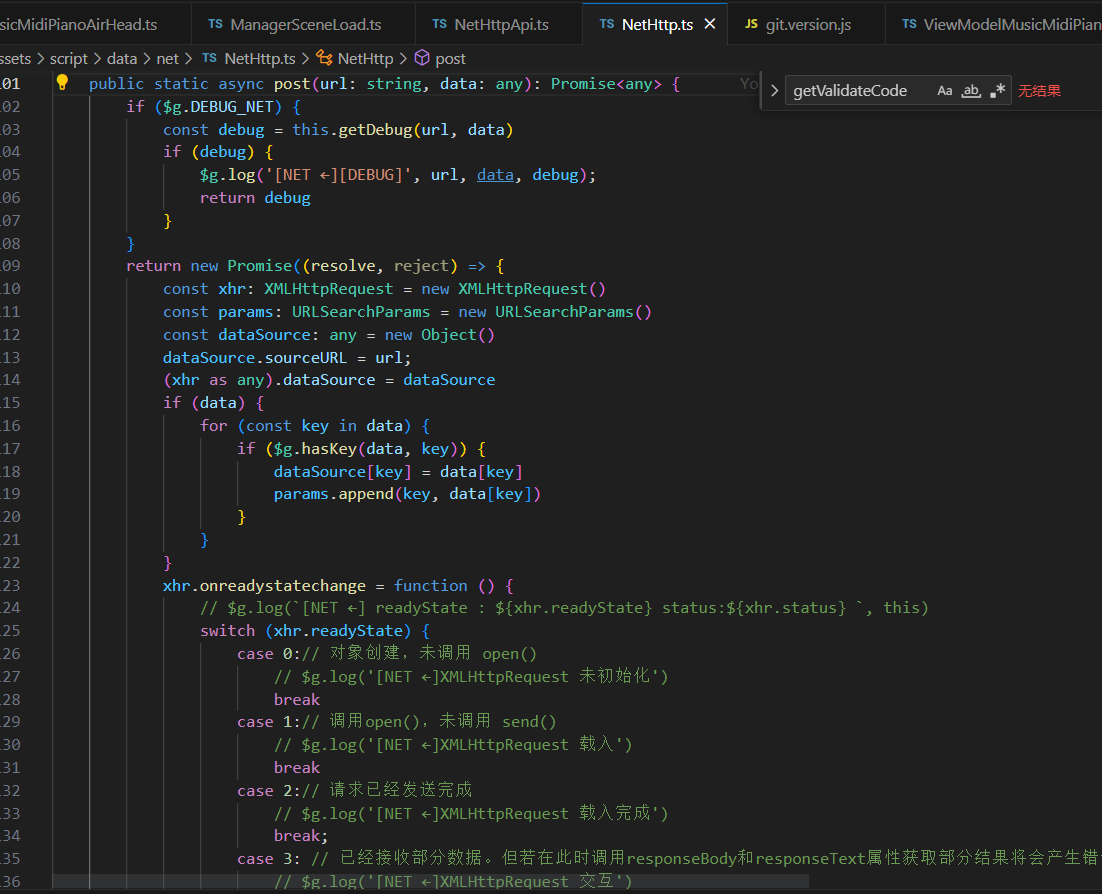
    public static async post(url: string, data: any): Promise<any> {
        if ($g.DEBUG_NET) {
            const debug = this.getDebug(url, data)
            if (debug) {
                $g.log('[NET ←][DEBUG]', url, data, debug);
                return debug
            }
        }
        return new Promise((resolve, reject) => {
            const xhr: XMLHttpRequest = new XMLHttpRequest()
            const params: URLSearchParams = new URLSearchParams()
            const dataSource: any = new Object()
            dataSource.sourceURL = url;
            (xhr as any).dataSource = dataSource
            if (data) {
                for (const key in data) {
                    if ($g.hasKey(data, key)) {
                        dataSource[key] = data[key]
                        params.append(key, data[key])
                    }
                }
            }
            xhr.onreadystatechange = function () {
                // $g.log(`[NET ←] readyState : ${xhr.readyState} status:${xhr.status} `, this)
                switch (xhr.readyState) {
                    case 0:// 对象创建,未调用 open()
                        // $g.log('[NET ←]XMLHttpRequest 未初始化')
                        break
                    case 1:// 调用open(),未调用 send()
                        // $g.log('[NET ←]XMLHttpRequest 载入')
                        break
                    case 2:// 请求已经发送完成
                        // $g.log('[NET ←]XMLHttpRequest 载入完成')
                        break;
                    case 3: // 已经接收部分数据。但若在此时调用responseBody和responseText属性获取部分结果将会产生错误,因为状态和响应头部还不完全可用
                        // $g.log('[NET ←]XMLHttpRequest 交互')
                        break;
                    case 4:// 已经接收到了全部数据,并且连接已经关闭。
                        // 响应中的数字状态码:表示为有效响应,成功的请求
                        $g.log(`[NET ←] url : ${(xhr as any).dataSource.sourceURL}, readyState : ${xhr.readyState} status:${xhr.status} size:${~~(xhr.responseText.length / 1024)} k`, JSON.parse(xhr.responseText))
                        if (xhr.status >= 200 && xhr.status < 400) {
                            const res: string = xhr.responseText
                            if (res) {
                                // 解析完的json 文件再返回 回调函数
                                return resolve(JSON.parse(res))
                            } else {
                                $g.log('[NET ←]返回字符串为空', this);
                                return resolve('')
                            }
                        }
                        break;
                }
            }
            xhr.onerror = function (this: XMLHttpRequest, e: ProgressEvent<EventTarget>) {
                $g.logErr('[NET ←] OnError', e)
                //@ts-ignore
                GToast.show(`网络连接错误, 请重试![${e?.target?.dataSource?.sourceURL}]`, 3)
                return resolve('')
            }
            xhr.ontimeout = function (this: XMLHttpRequest, e: ProgressEvent<EventTarget>) {
                $g.logErr('[NET ←] OnTimeOut', e)
                //@ts-ignore
                GToast.show(`网络连接超时, 请重试![${e?.target?.dataSource?.sourceURL}]`, 3)
                return resolve('')
            }
            xhr.open("POST", `${NetHttp.apiURL}${url}`, true);
            // note: In Internet Explorer, the timeout property may be set only after calling the open()
            // method and before calling the send() method.
            // 超时时间(毫秒)
            xhr.timeout = 20000
            // 告诉服务器如何解析内容
            xhr.setRequestHeader('Content-Type', 'application/x-www-form-urlencoded;charset=UTF-8')
            // 跨域请求,*代表允许全部类型
            xhr.setRequestHeader('Access-Control-Allow-Origin', '*')
            // [可能是后端]允许请求方式
            // xhr.setRequestHeader('Access-Control-Allow-Methods', 'POST, GET, OPTIONS, DELETE')
            // [可能是后端]用来指定本次预检请求的有效期,单位为秒,在此期间不用发出另一条预检请求
            // xhr.setRequestHeader('Access-Control-Max-Age', '3600')
            // [可能是后端]请求包含的字段内容,如有多个可用哪个逗号分隔如下
            // xhr.setRequestHeader('Access-Control-Allow-Headers', 'content-type,x-requested-with,Authorization, x-ui-request,lang')
            // [可能是后端]访问控制允许凭据,true为允许
            // xhr.setRequestHeader('Access-Control-Allow-Credentials', 'true')

            $g.log('[NET →]', dataSource)
            xhr.send(params);
        })
    }