
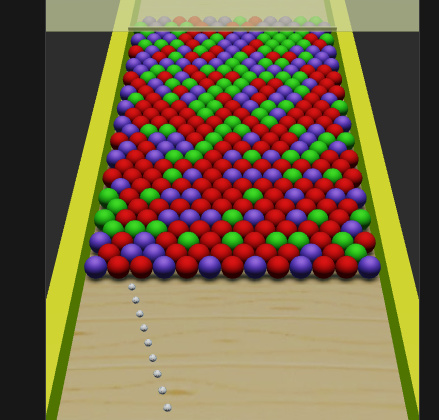
The frame time is higher and my game is lagged when I’m adding about more than about 240 3D instance objects.
So what is the solution?
Thank you!
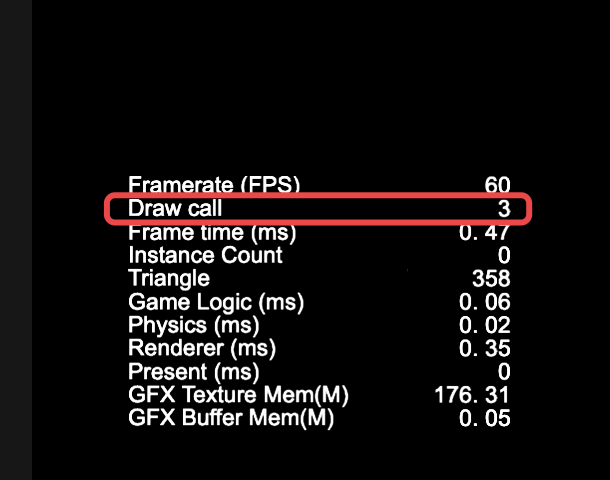
When debugging in the browser, click on show fps above to view the game’s draw call,
If the value of drawcall increases with the number of balls, this indicates that the batch render was not successful
1赞
I think it’s not my case.
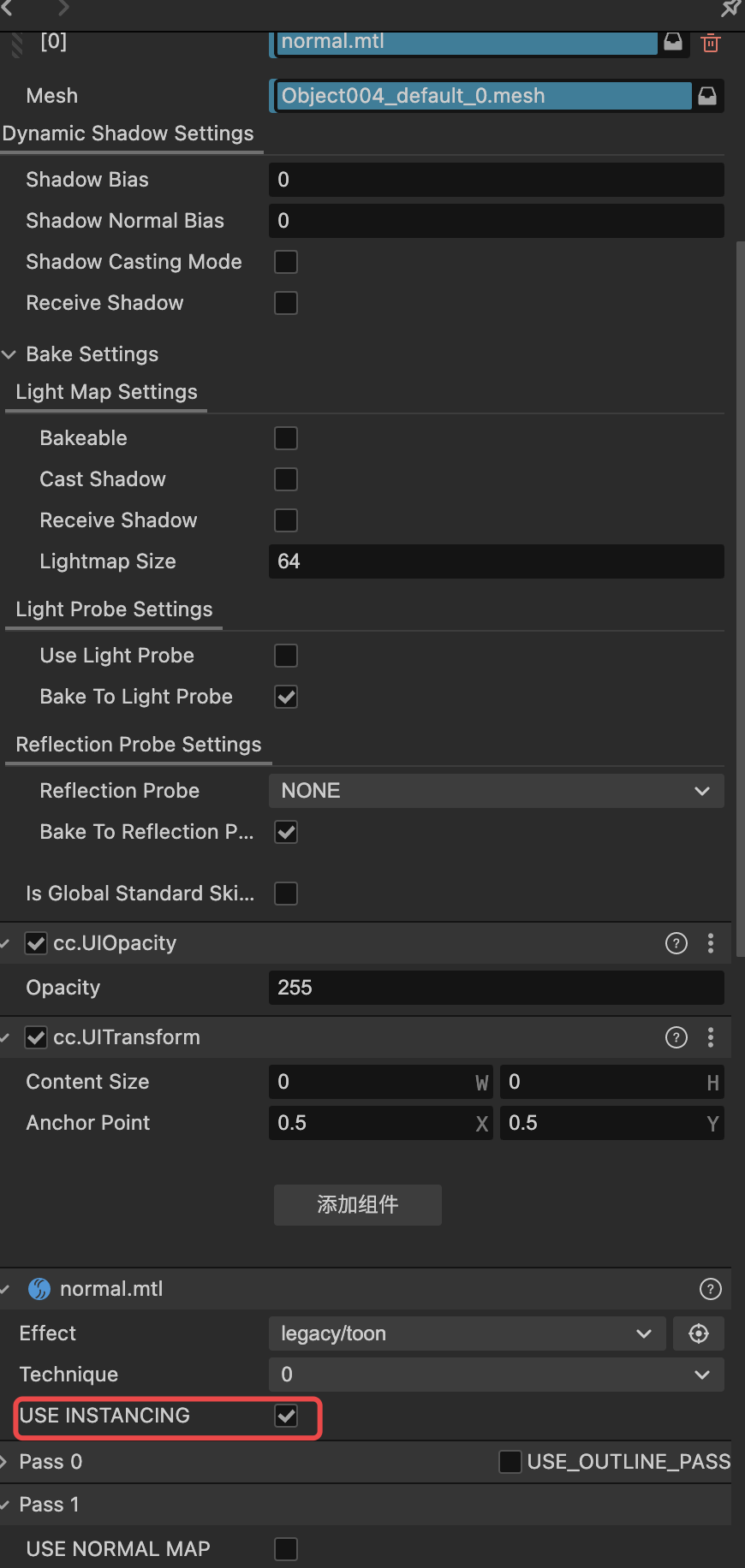
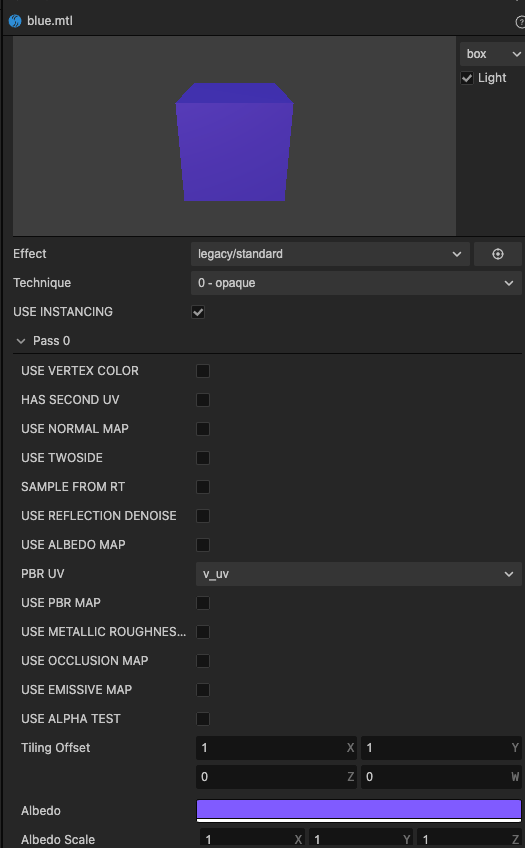
Because my project has used instant batching.
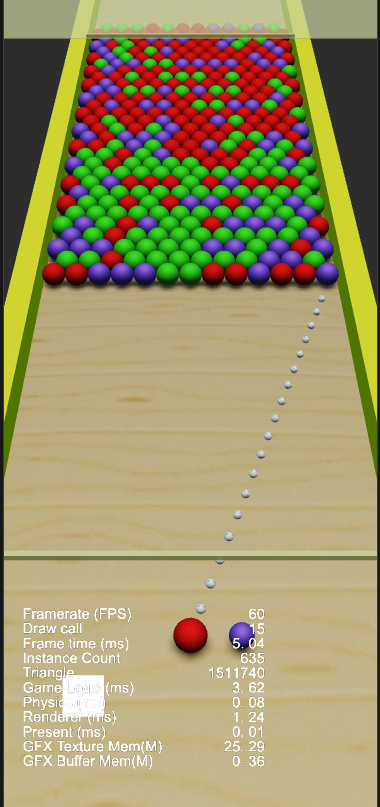
It’s about 15 draw callls.
The frame times it’s so high (in just the moment - it’s about 20) when i’m add more bubble after this with large number
You can see it below.
Is it a physical collision problem?
If the performance deteriorates at the moment of collision, it is a problem with the physical module.
If more spheres are added, will the performance immediately deteriorate or will it be linear? If it deteriorates immediately, it’s the problem with the engine. If it is linear, but the drawcall is not high, and the physics is not high, then the engine’s performance is poor.
You can check the execution time of JavaScript in Chrome browser to see if your own logic is consuming too much time
1赞
This make sense 
I love this way to explain my issue.
Can this be optimize?
Or we have to optimize other logic to use as small as possible?
I’m using cocos creator 3.7.3.
Is this problem of engine version?
If you want to optimize logic, you need to first know where the logic is occupying the frame time. It can be captured through Chrome.
Currently, the frame time of 5ms is still good, while the logic time of 3.62ms is high. Such a lightweight game should not have such high logical time
1赞
Although the current 3D performance is not very good, it can definitely meet the needs of such lightweight games.
When the frame time is high, you should take a look at which part is affecting the frame time.
1赞
This helps me a lot.
Thank you!