新手小白求助Creator 2.x 的缓动系统代码改成Creator 3.x问题

新手学习官方示例教程《摘星星》,教程使用的cocos版本是Cocos Creator 2.4.0。有一段代码如下:
// 跳跃上升
var jumpUp = cc.tween().by(this.jumpDuration, {y: this.jumpHeight}, { easing: ‘sineOut’ });
// 下落
var jumpDown = cc.tween().by(this.jumpDuration, {y: -this.jumpHeight}, { easing: ‘sineIn’ });

我想改把上面两行代码改成使用Cocos Creator 3.x 版本的API,代码如下:
//跳跃上升
let jumpUp = tween().by(this.jumpDuration, {position: new Vec3(0, this.jumpHeight, 0)}, {easing: ‘sineOut’});
//下落
let jumpDown = tween().by(this.jumpDuration, {position: new Vec3(0, -this.jumpHeight, 0)}, {easing: ‘sineIn’});
但是不能实现相同的缓动效果,不知道是哪里出问题了,求助知道的大佬指点下,谢谢了!

目测代码没问题啊,tween(this.player).永远重复(jumpUp, jumpDown).start(); 就可以了

感谢,回复!代码 {y: this.jumpHeight} 只是改变了y轴的坐标,而我写的代码 {position: new Vec3(0, this.jumpHeight, 0)} 不但改变了y轴还把x轴坐标改成了0。这里我想和上面一样只修改y轴的坐标,x轴坐标不修改,这里不知道怎么写代码 :rofl:

const obj = { y: 0 };
const aimY = 666;

tween(obj).to(3, { y: aimY }, { update: () => { 设置 this.player 的 y } }).start();
1赞

感谢,提供帮助!有个疑问,我看API文档to方法是修改绝对值,by方法是修改相对值,这里用to会不会有问题?

如果用 to,起始点你可以取当前的 player.position.y ; 如果用 by 可以取 0

感谢,回复!你说的方法我参照的示例代码做了没有达到效果,不知道是不是我写的方法不对。下面是我最开始的实现缓动功能的代码,请问下具体要怎么修改呢?

   onLoad(){
       let jumpAction = this.runJumpAction();    
       tween().target(this.node).then(jumpAction).start();
       //加速度方向开关
       this.accLeft = false;
       this.accRight = false;
       // 主角当前水平方向速度
       this.xSpeed = 0;`

       //初始化键盘输入监听
       input.on(Input.EventType.KEY_DOWN, this.onKeyDown, this);
       input.on(Input.EventType.KEY_UP, this.onKeyUp, this);
   }

   runJumpAction(){
       //跳跃上升 
       let jumpUp = tween().by(this.jumpDuration, {position: new Vec3(0, this.jumpHeight, 0)}, {easing: 'sineOut'});
       //下落
       let jumpDown = tween().by(this.jumpDuration, {position: new Vec3(0, -this.jumpHeight, 0)}, {easing: 'sineIn'});
       // 创建一个缓动,按 jumpUp、jumpDown 的顺序执行动作
       let twn = tween().sequence(jumpUp, jumpDown);
       //不断重复
       return tween().repeatForever(twn);
   }

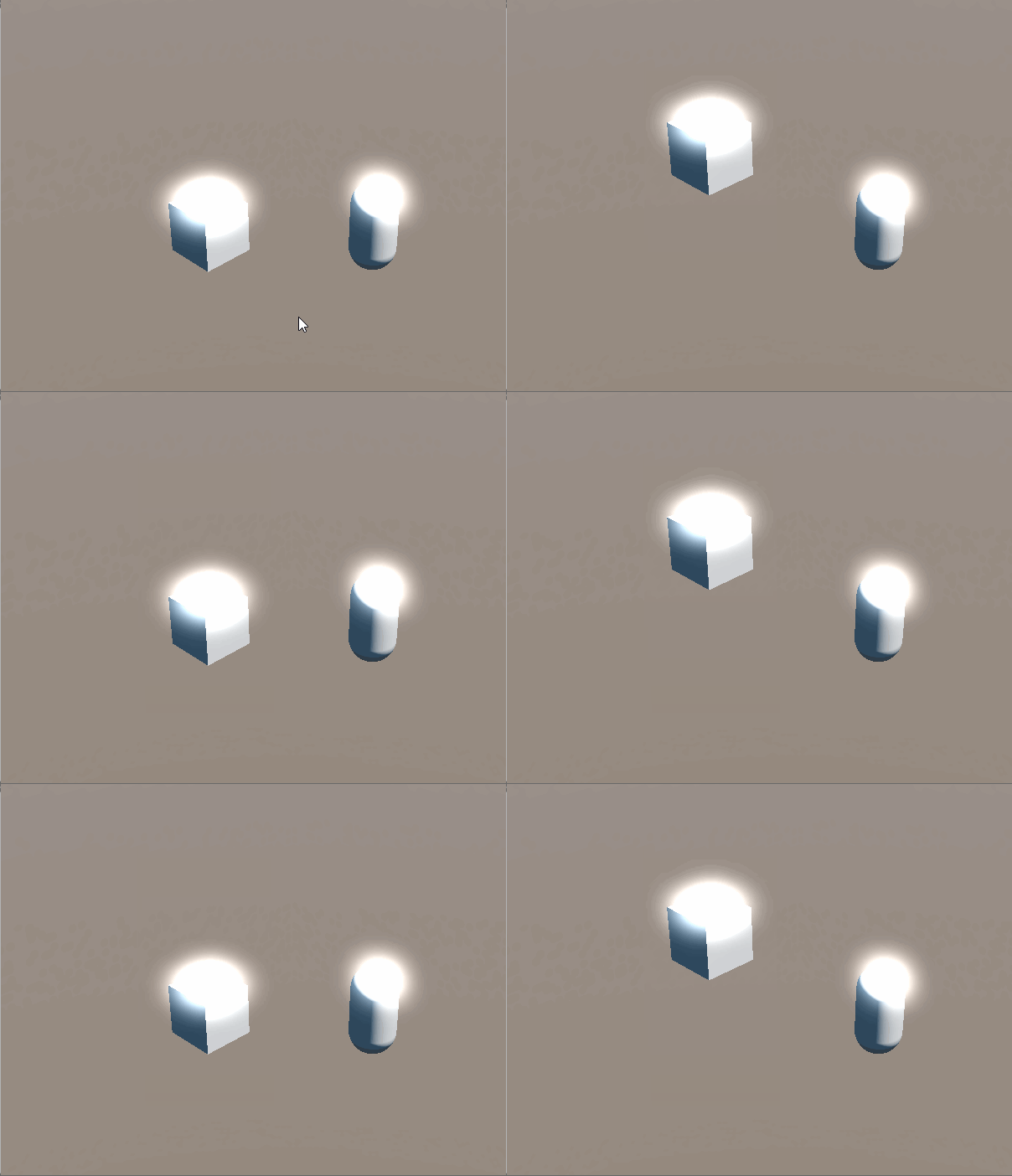
这是效果:
show3

这是代码:

import { _decorator, Component, Node, tween, v3 } from 'cc';
const { ccclass, property } = _decorator;

@ccclass('NewComponent')
export class NewComponent extends Component {
    start() {
        const obj = { y: 0 }
        const jumpHeight = 3;

        const tween1 = tween(obj).to(2, { y: jumpHeight }, {
            onUpdate: (target: { y: number }, ratio) => {
                const pos = this.node.getPosition();
                pos.y = target.y;
                this.node.setPosition(pos);
            },
            easing: 'sineOut'
        });

        const tween2 = tween(obj).to(2, { y: 0 }, {
            onUpdate: (target: { y: number }, ratio) => {
                const pos = this.node.getPosition();
                pos.y = target.y;
                this.node.setPosition(pos);
            },
            easing: 'sineIn'
        });

        tween(obj).repeatForever(tween().sequence(tween1, tween2)).start();
    }

    update(deltaTime: number) {

    }
}


真的太感谢了,按照你的示例,终于实现了。这些语法有点让人抓狂,对新手学习很不友好,都无从下手。 :rofl: :rofl: :rofl:对新手学习有什么建议嘛?

只改变Postion.y可以先把缓动节点的坐标先复制一份tempVec3然后把y设置到你想要的值,在twen.to(time, {postion:tempVec3})

缓动功能只是控制y轴的跳动,x轴的方向也要能控制运动,这个x轴是通过事件来控制左右运动的。

建议新手多写一些Demo,挺住 :rofl:

好的,感谢!!! :grinning: