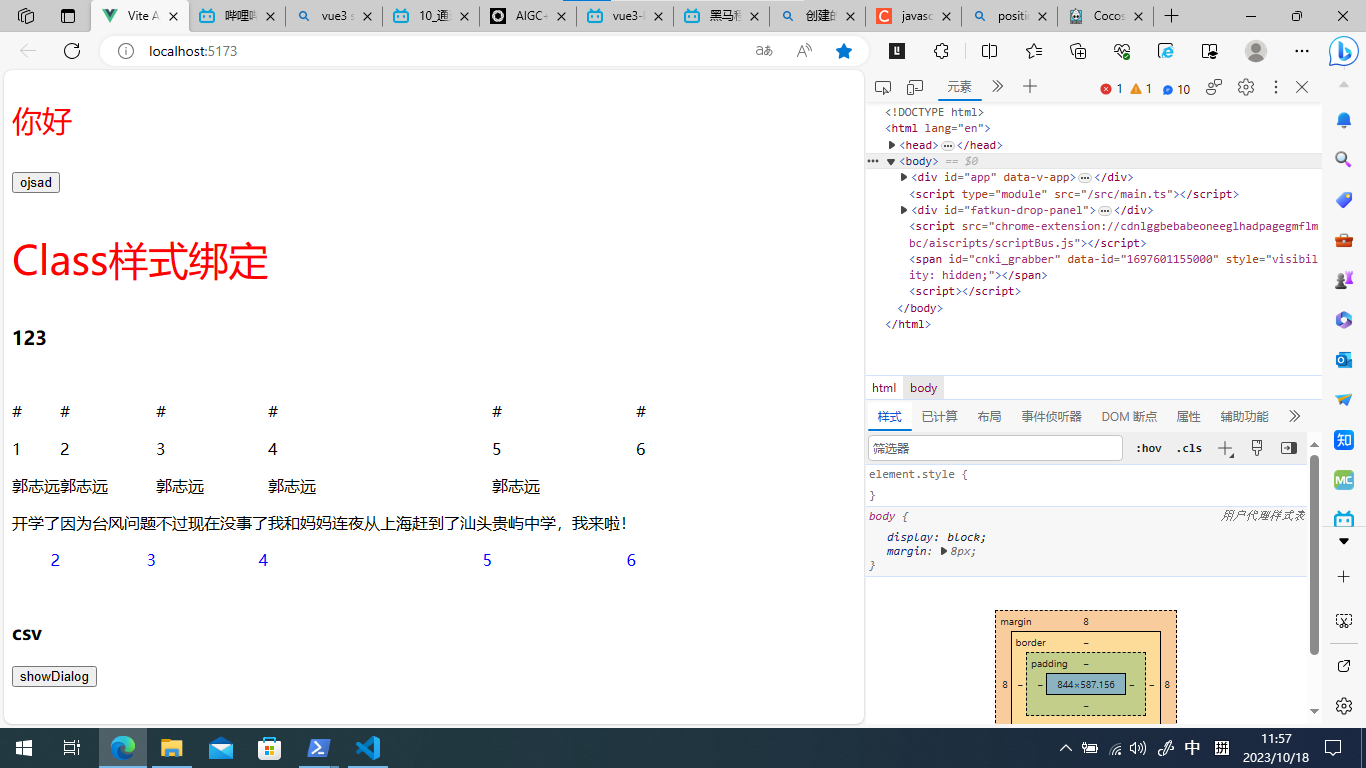
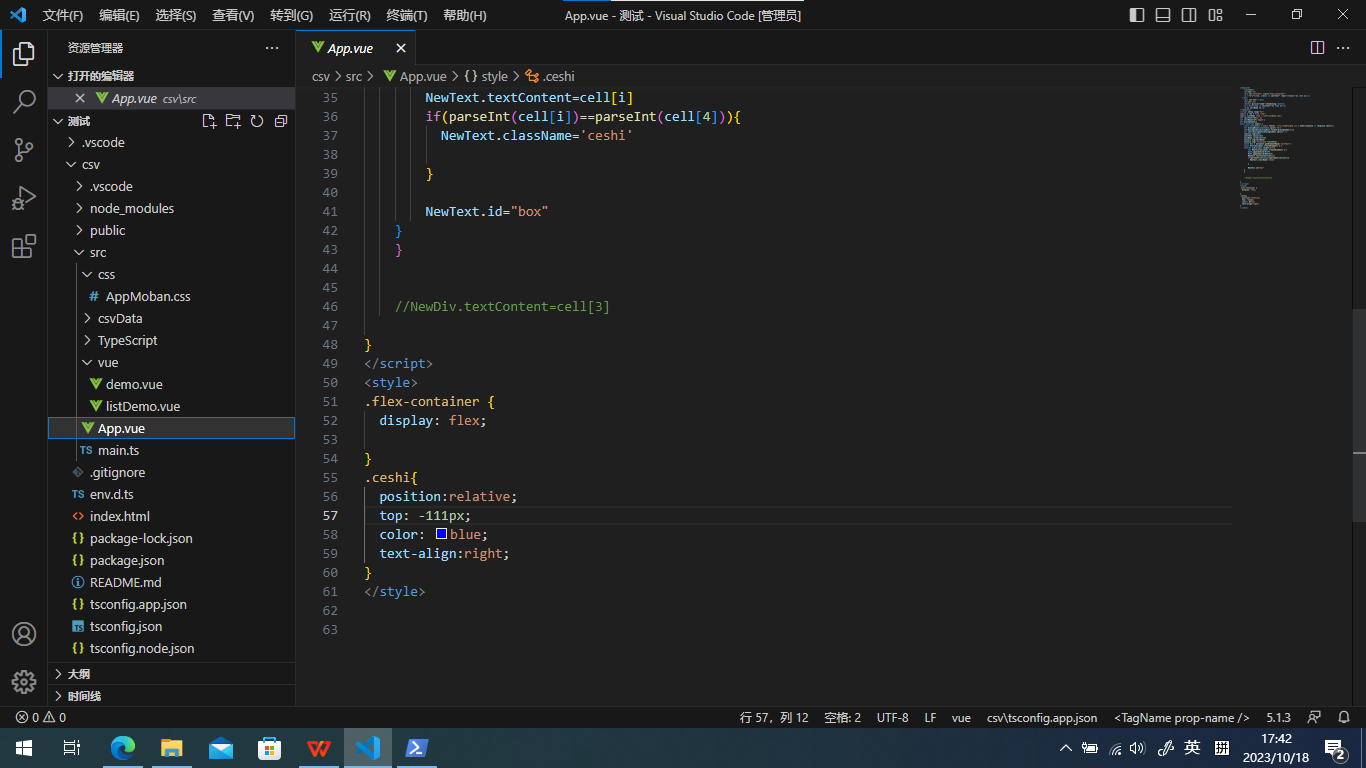
没懂你的图要做什么,就看到你想做一个带有选项的dialog,
那么按照我对这个需求的理解,我用现在常用的方法给你演示下:
使用 ElementUI 可以轻松实现,实现如下:
页面部分:
<template>
  <div>
    <el-button type="text" @click="centerDialogVisible = true">点击打开 Dialog</el-button>

    <el-dialog title="提示" :visible.sync="centerDialogVisible" width="30%" center>
      <el-select v-model="value" placeholder="请选择">
        <el-option
          v-for="item in options"
          :key="item.value"
          :label="item.label"
          :value="item.value">
        </el-option>
      </el-select>
      <span slot="footer" class="dialog-footer">
        <el-button @click="centerDialogVisible = false">取 消</el-button>
        <el-button type="primary" @click="centerDialogVisible = false">确 定</el-button>
      </span>
    </el-dialog>
  </div>
</template>
script部分:
<script>
export default {
  data() {
    return {
      centerDialogVisible: false,
      options: [{
        value: '选项1',
        label: '黄金糕'
      }, {
        value: '选项2',
        label: '双皮奶'
      }, {
        value: '选项3',
        label: '蚵仔煎'
      }, {
        value: '选项4',
        label: '龙须面'
      }, {
        value: '选项5',
        label: '北京烤鸭'
      }],
      value: ''
    };
  }
};
</script>