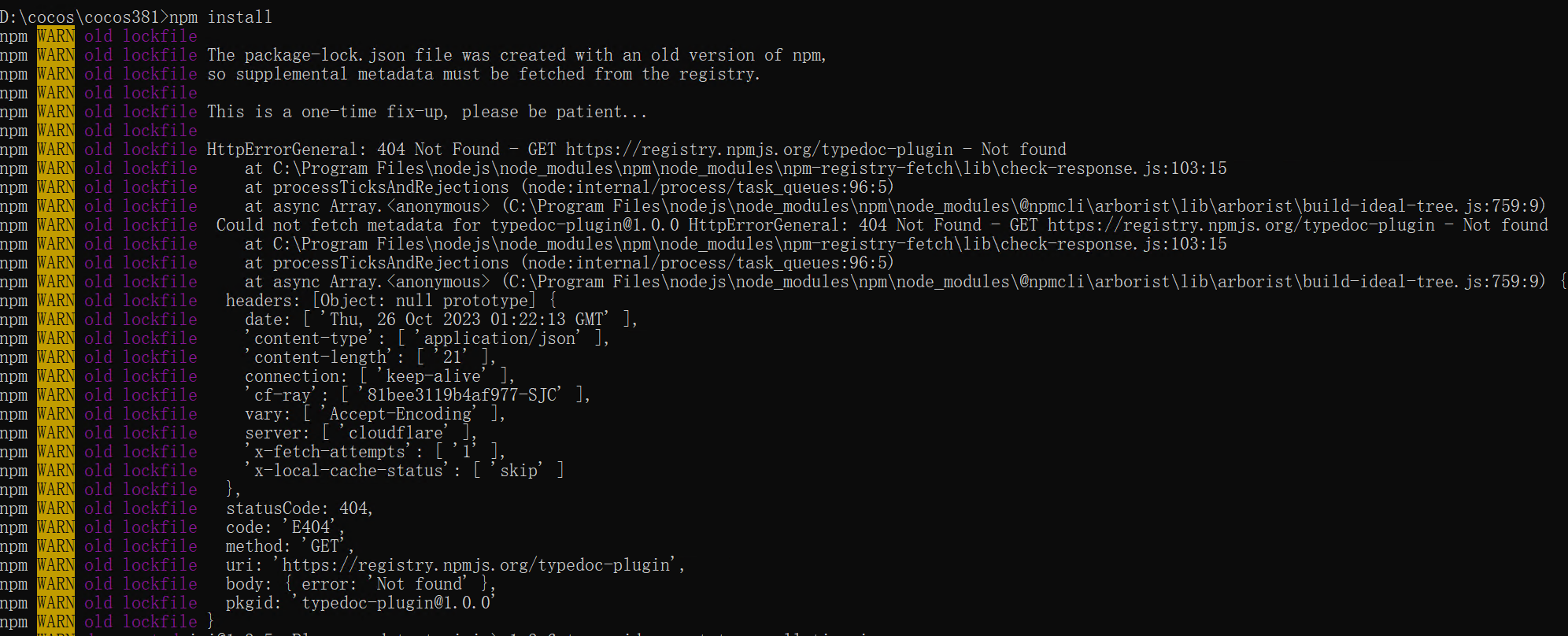
在github下载的 3.7.4版本引擎,
node版本 v13.9.0
执行 npm install 时报以下错误:
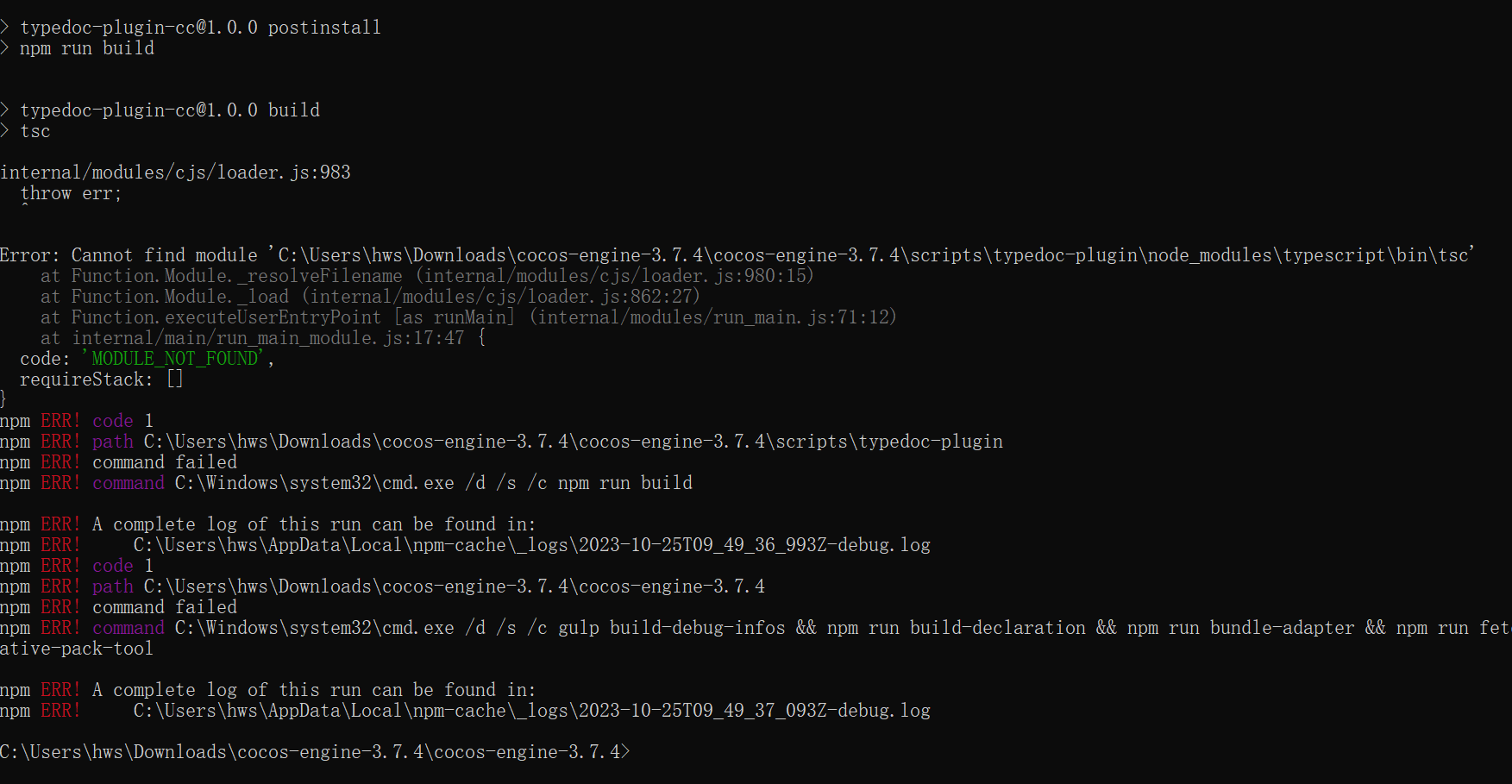
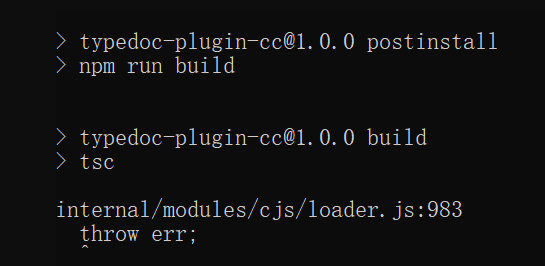
internal/modules/cjs/loader.js:983
throw err;
^
Error: Cannot find module ‘C:\Users\hws\Downloads\cocos-engine-3.7.4\cocos-engine-3.7.4\scripts\typedoc-plugin\node_modules\typescript\bin\tsc’
at Function.Module._resolveFilename (internal/modules/cjs/loader.js:980:15)
at Function.Module._load (internal/modules/cjs/loader.js:862:27)
at Function.executeUserEntryPoint [as runMain] (internal/modules/run_main.js:71:12)
at internal/main/run_main_module.js:17:47 {
code: ‘MODULE_NOT_FOUND’,
requireStack: []
}
npm ERR! code 1
npm ERR! path C:\Users\hws\Downloads\cocos-engine-3.7.4\cocos-engine-3.7.4\scripts\typedoc-plugin
npm ERR! command failed
npm ERR! command C:\Windows\system32\cmd.exe /d /s /c npm run build
npm ERR! A complete log of this run can be found in:
npm ERR! C:\Users\hws\AppData\Local\npm-cache_logs\2023-10-25T09_49_36_993Z-debug.log
npm ERR! code 1
npm ERR! path C:\Users\hws\Downloads\cocos-engine-3.7.4\cocos-engine-3.7.4
npm ERR! command failed
npm ERR! command C:\Windows\system32\cmd.exe /d /s /c gulp build-debug-infos && npm run build-declaration && npm run bundle-adapter && npm run fetch-ral && npm run install:typedoc-plugin && npm run install:native-pack-tool
npm ERR! A complete log of this run can be found in:
npm ERR! C:\Users\hws\AppData\Local\npm-cache_logs\2023-10-25T09_49_37_093Z-debug.log
C:\Users\hws\Downloads\cocos-engine-3.7.4\cocos-engine-3.7.4>node -v
v13.9.0