-
Creator 版本:3.8.1
-
目标平台:谷歌浏览器
-
重现方式:官方示例
-
重现概率:必现
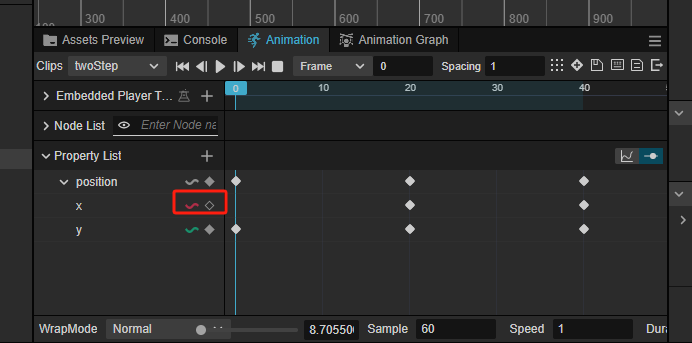
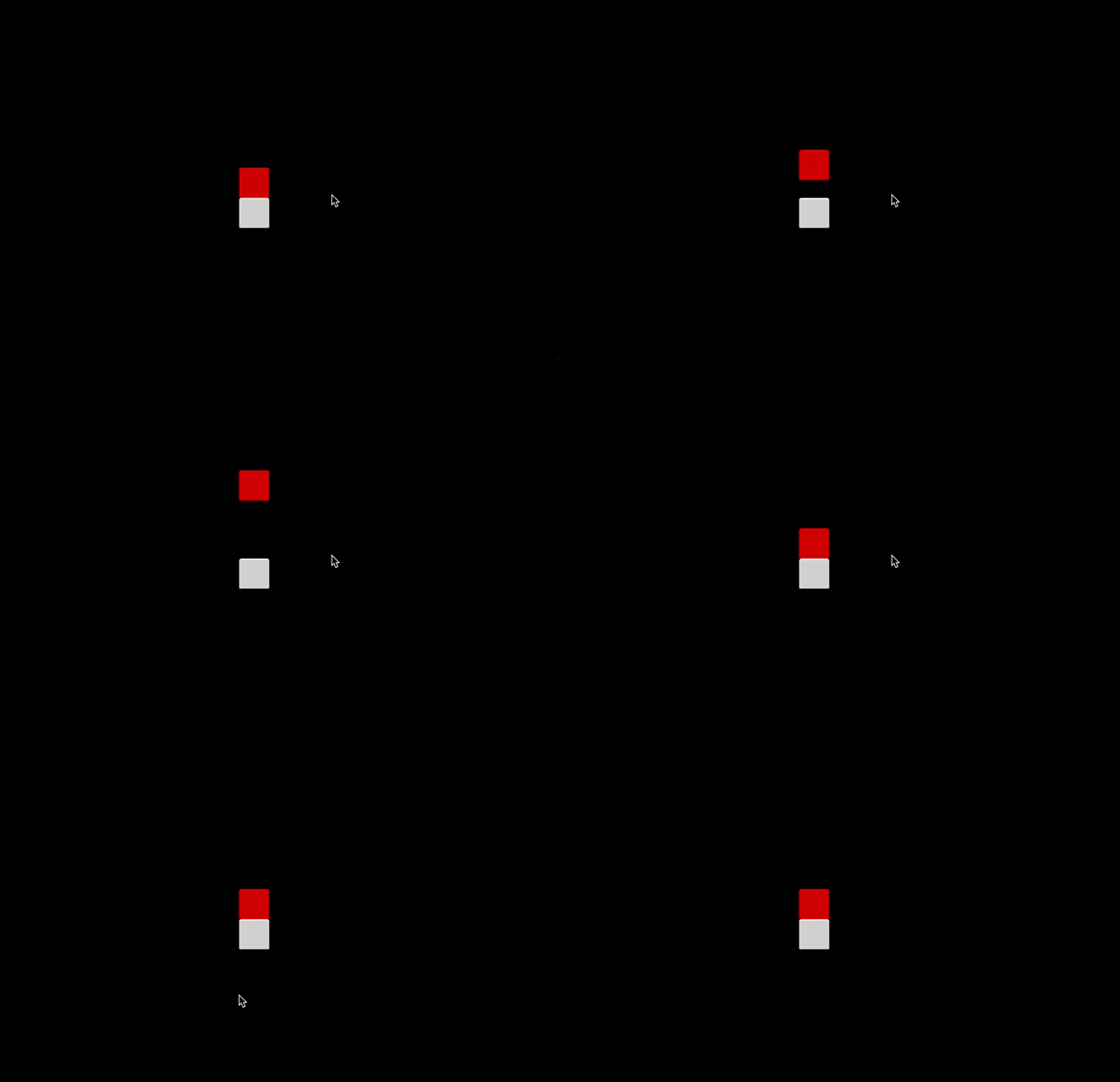
按照3.8版本的《快速上手:制作第一个 2D 游戏》给方块创建了一个动画 把这个动画执行之后发现方块原先的位移没有了 就是方块现在只是原地跳跃 并不是像官方一样跳跃前进 注释掉动画代码后方块则正常前行
import {
  _decorator,
  Component,
  Vec3,
  EventMouse,
  input,
  Input,
  Animation,
} from "cc";
const { ccclass, property } = _decorator;
export const BLOCK_SIZE = 40;

@ccclass("PlayerController")
export class PlayerController extends Component {
  @property({ type: Animation })
  public BodyAnim: Animation | null = null!;

  // 是否开始跳跃
  private _startJump: boolean = false;
  // 跳跃次数
  private _jumpStep: number = 0;
  // 当前跳跃时间
  private _curJumpTime: number = 0;
  // 跳跃时间
  private _jumpTime: number = 0.1;
  // 跳跃速度
  private _curJumpSpeed: number = 0;
  // 当前位置
  private _curPos: Vec3 = new Vec3();
  // 当前位置
  private _deltaPos: Vec3 = new Vec3(0, 0, 0);
  // 目标位置
  private _targetPos: Vec3 = new Vec3();
  start() {
    input.on(Input.EventType.MOUSE_UP, this.onMouseUp, this);
  }

  jumpByStep(step: number) {
    if (this._startJump) {
      return;
    }
    this._startJump = true;
    this._jumpStep = step;
    this._curJumpTime = 0;
    this._curJumpSpeed = (this._jumpStep * BLOCK_SIZE) / this._jumpTime;
    this.node.getPosition(this._curPos);
    Vec3.add(
      this._targetPos,
      this._curPos,
      new Vec3(this._jumpStep * BLOCK_SIZE, 0, 0)
    );
    if (this.BodyAnim) {
      if (step === 1) {
        this.BodyAnim.play("stepOne");
      } else {
        this.BodyAnim.play("stepTwo");
      }
    }
  }

  onMouseUp(event: EventMouse) {
    if (event.getButton() === 0) {
      this.jumpByStep(1);
    } else if (event.getButton() === 2) {
      this.jumpByStep(2);
    }
  }

  update(deltaTime: number) {
    if (this._startJump) {
      this._curJumpTime += deltaTime;
      if (this._curJumpTime > this._jumpTime) {
        // end
        this.node.setPosition(this._targetPos);
        this._startJump = false;
      } else {
        // tween
        this.node.getPosition(this._curPos);
        this._deltaPos.x = this._curJumpSpeed * deltaTime;
        Vec3.add(this._curPos, this._curPos, this._deltaPos);
        this.node.setPosition(this._curPos);
      }
    }
  }
}
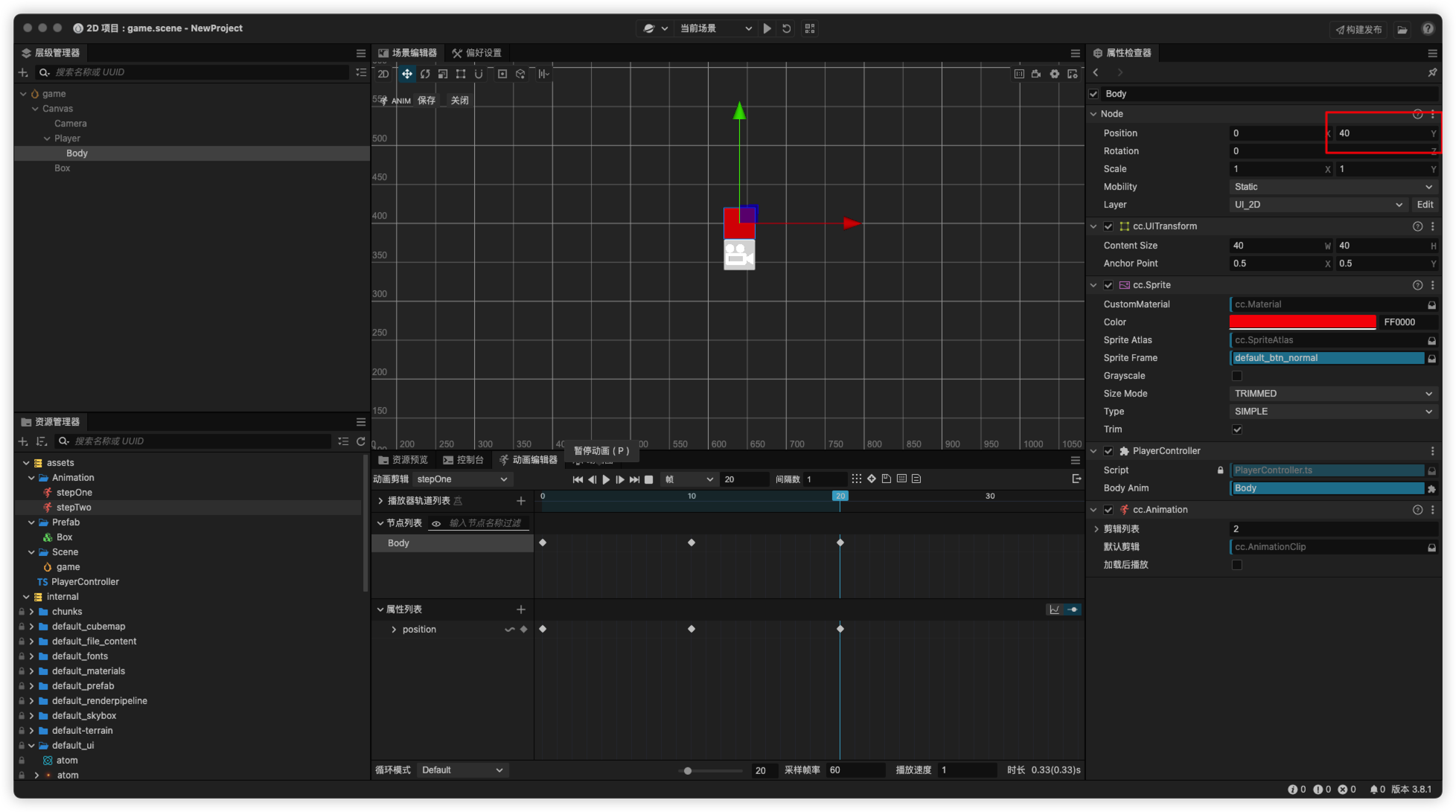
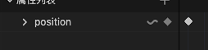 x y z 都修改了的 你update 修改x 给动画还原了