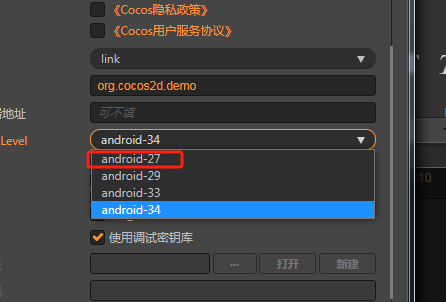
-
Creator 版本:3.6.3
-
目标平台: Android
-
重现方式:AndroidStudio打包
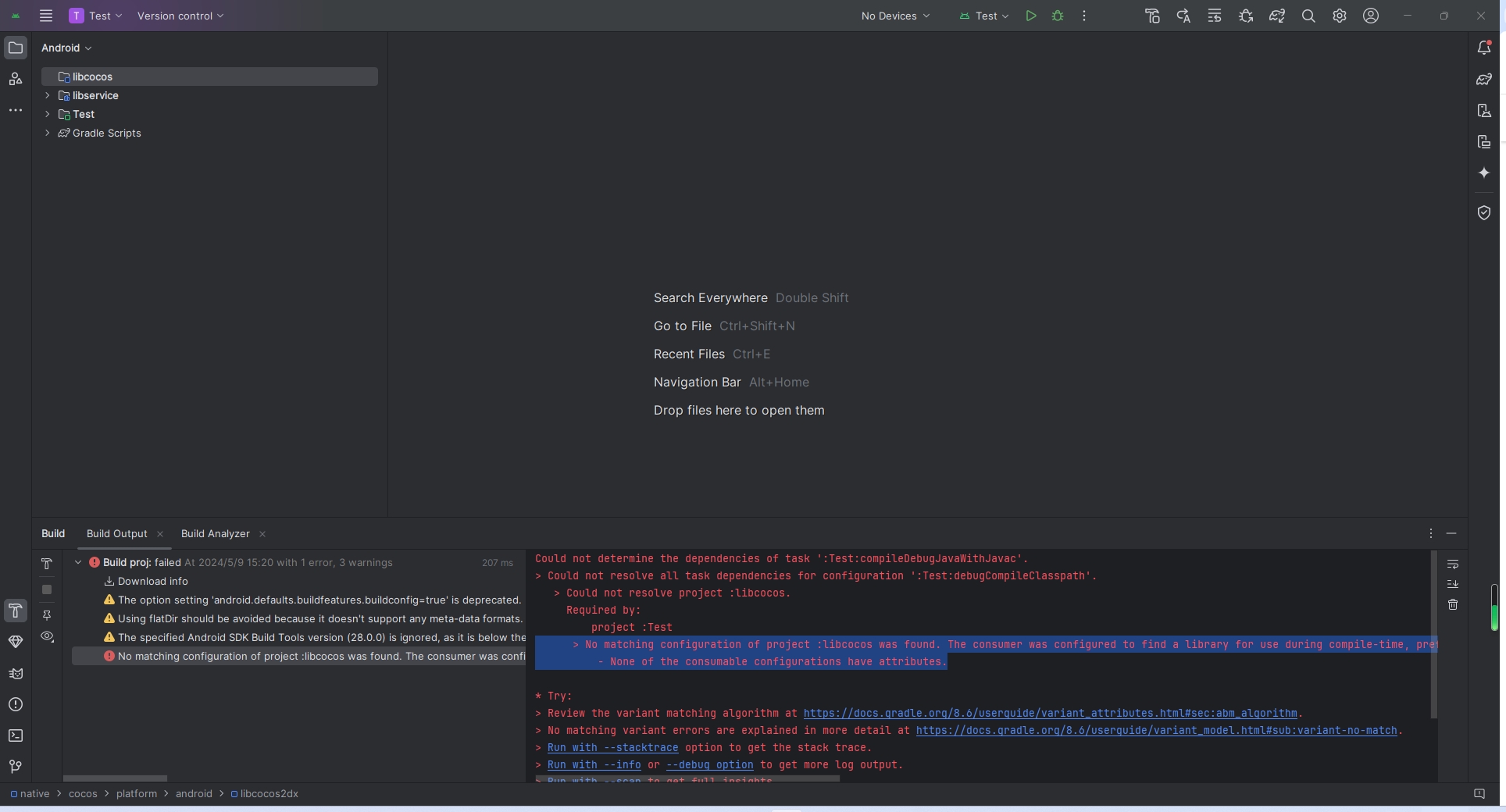
打包一直提示这个
> No matching configuration of project :libcocos was found. The consumer was configured to find a library for use during compile-time, preferably optimized for Android, as well as attribute ‘com.android.build.api.attributes.BuildTypeAttr’ with value ‘debug’, attribute ‘com.android.build.api.attributes.AgpVersionAttr’ with value ‘8.4.0’, attribute ‘org.jetbrains.kotlin.platform.type’ with value ‘androidJvm’ but:
- None of the consumable configurations have attributes.
论坛里看到说改生成配置settings.gradle,删掉build再重新生成的,都没用。实在没办法了,卡了两三天了。希望有大佬解答一下。
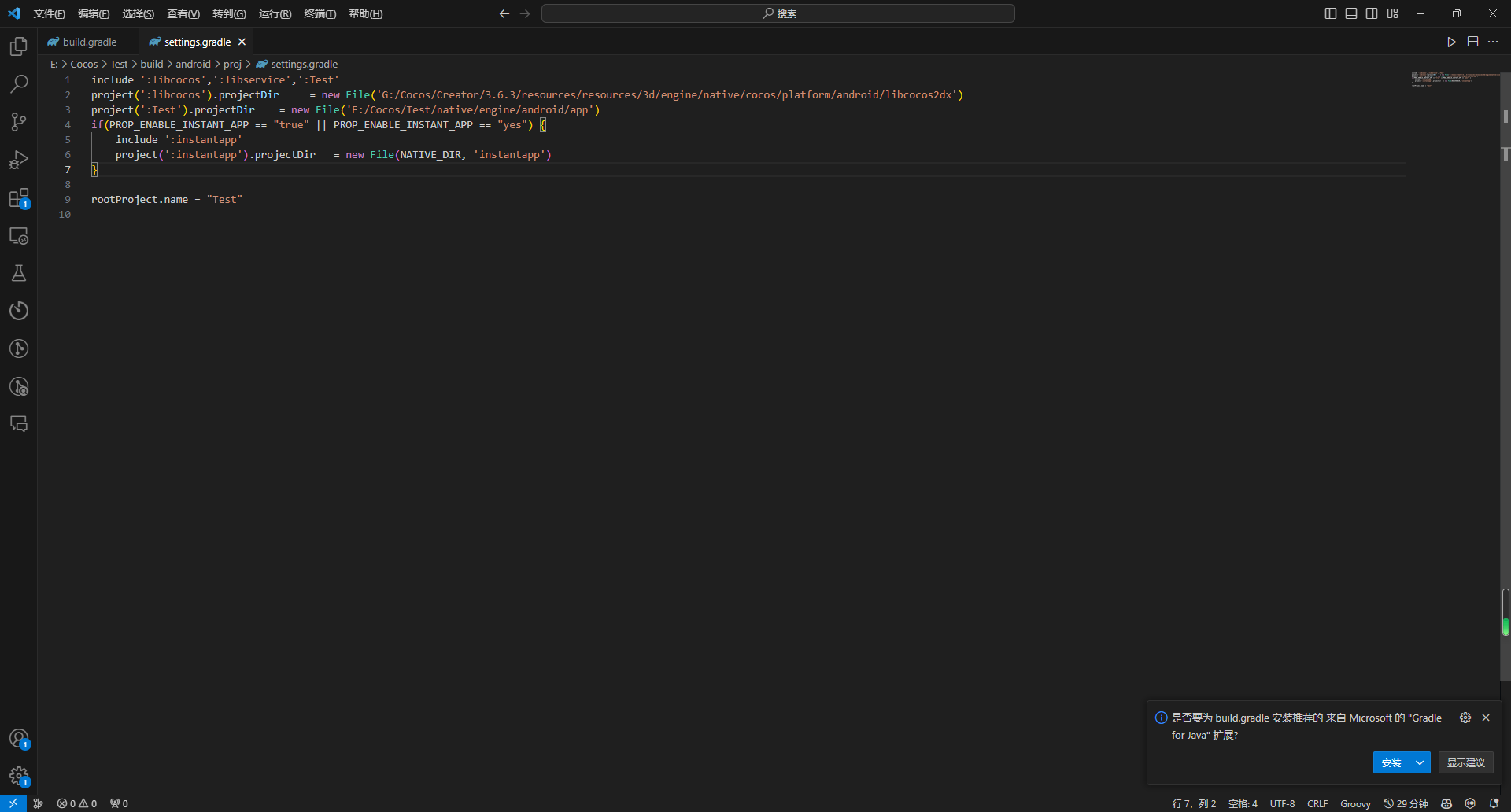 改完后,又说Could not determine the dependencies of task ‘:libservice:extractDebugAnnotations’.
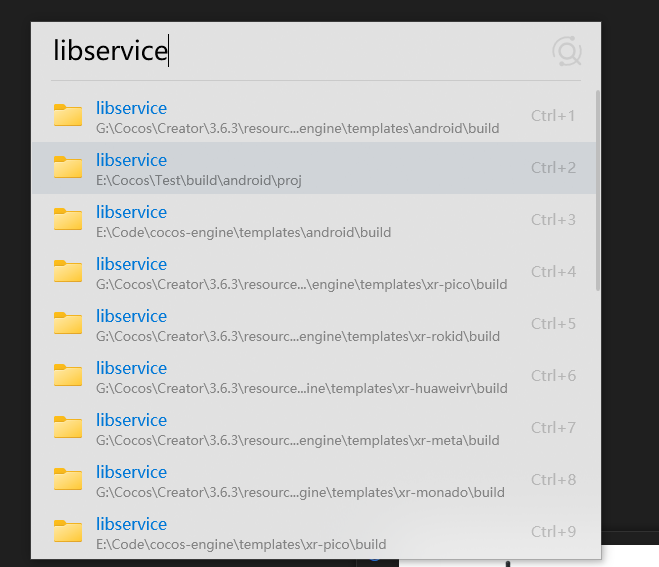 现在报libserver找不到,这个我看帖子都不添加,本身自带不是么