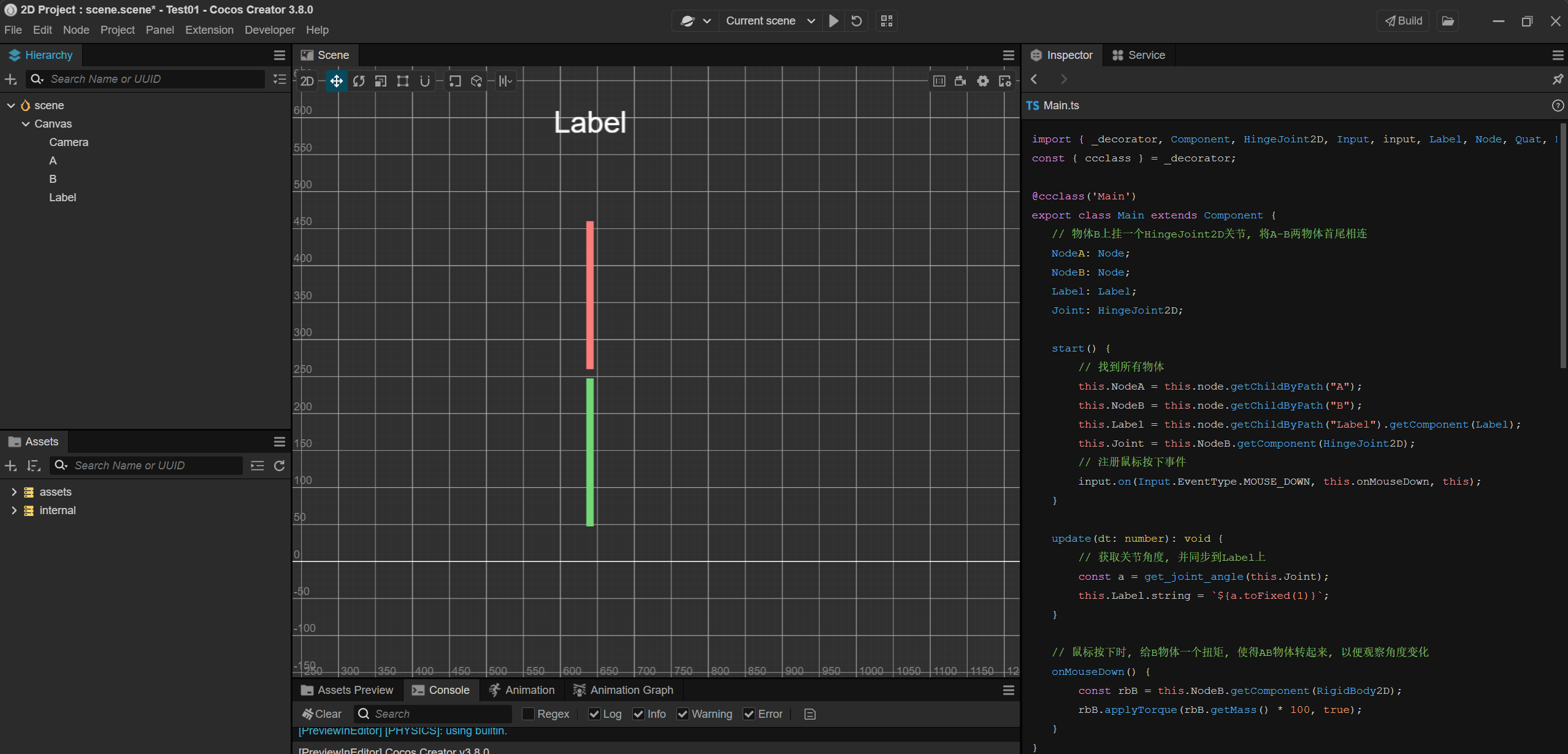
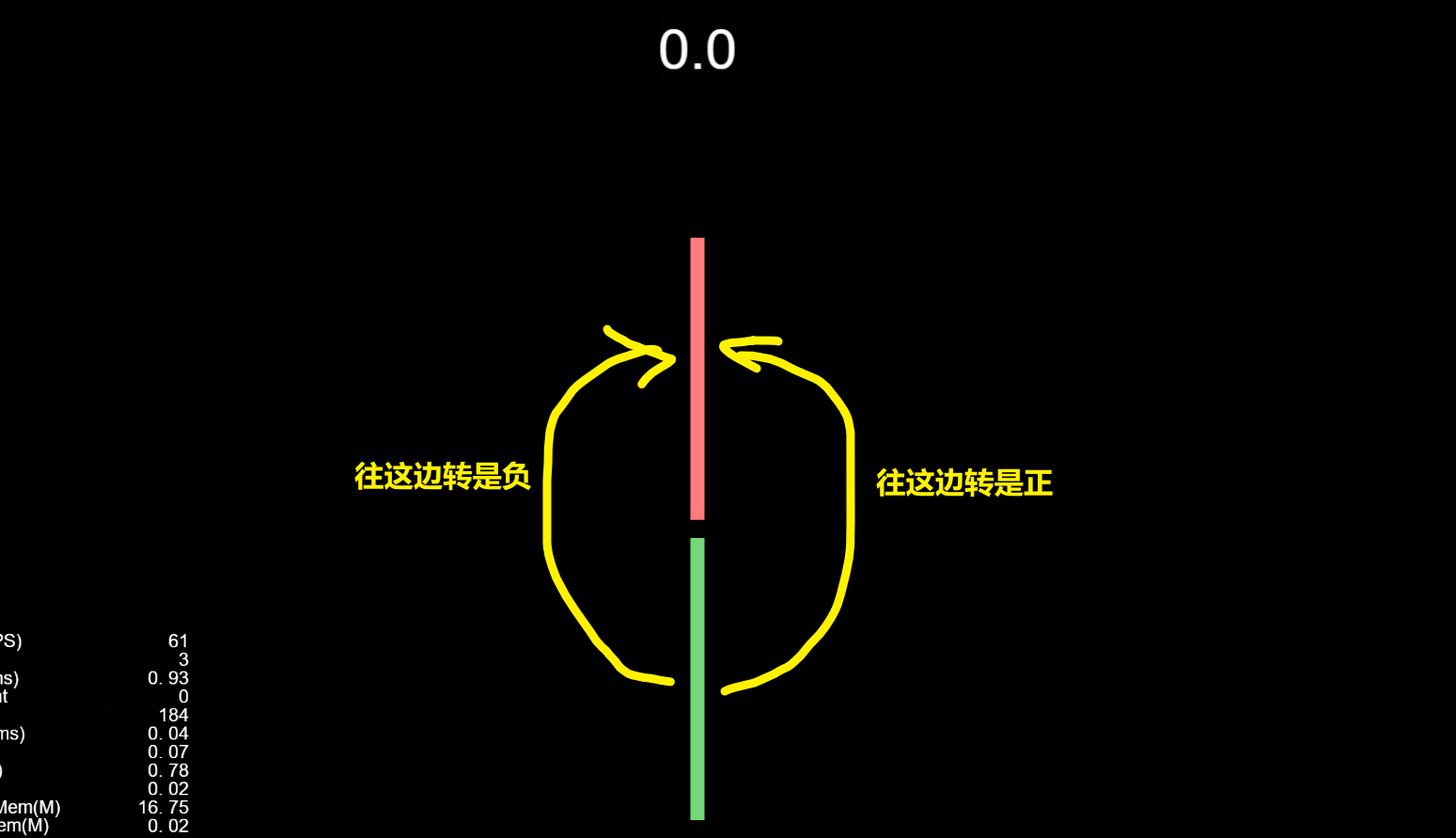
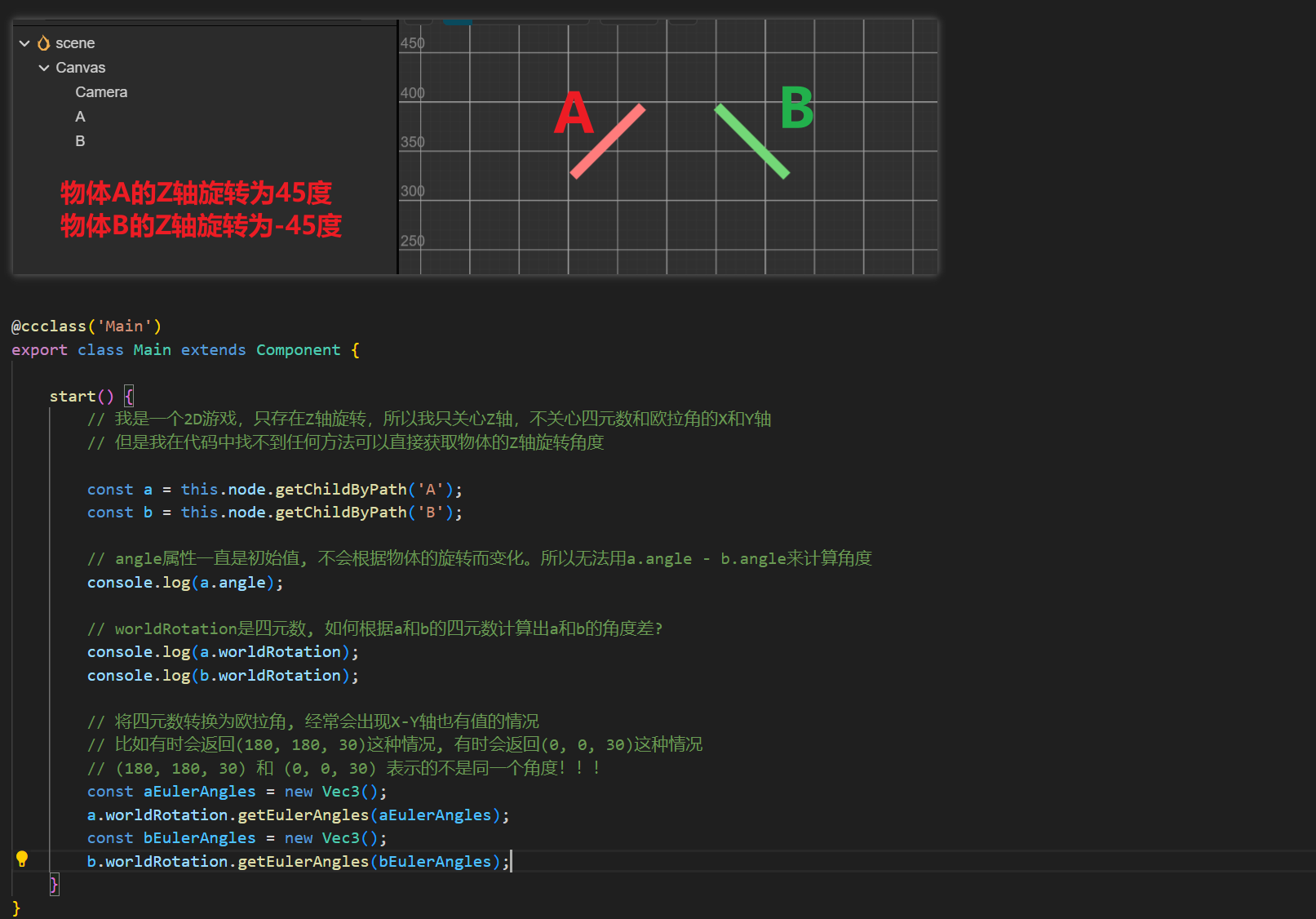
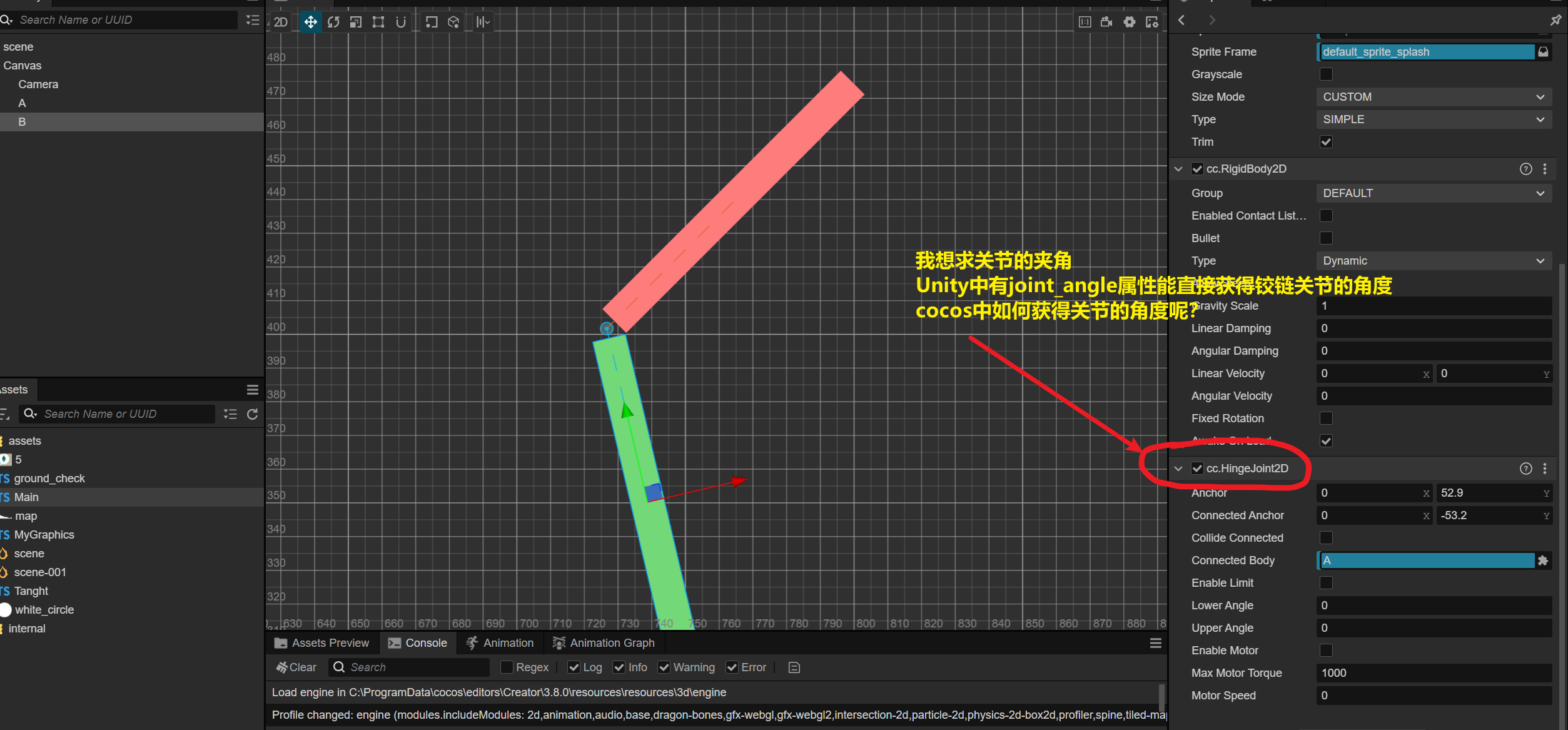
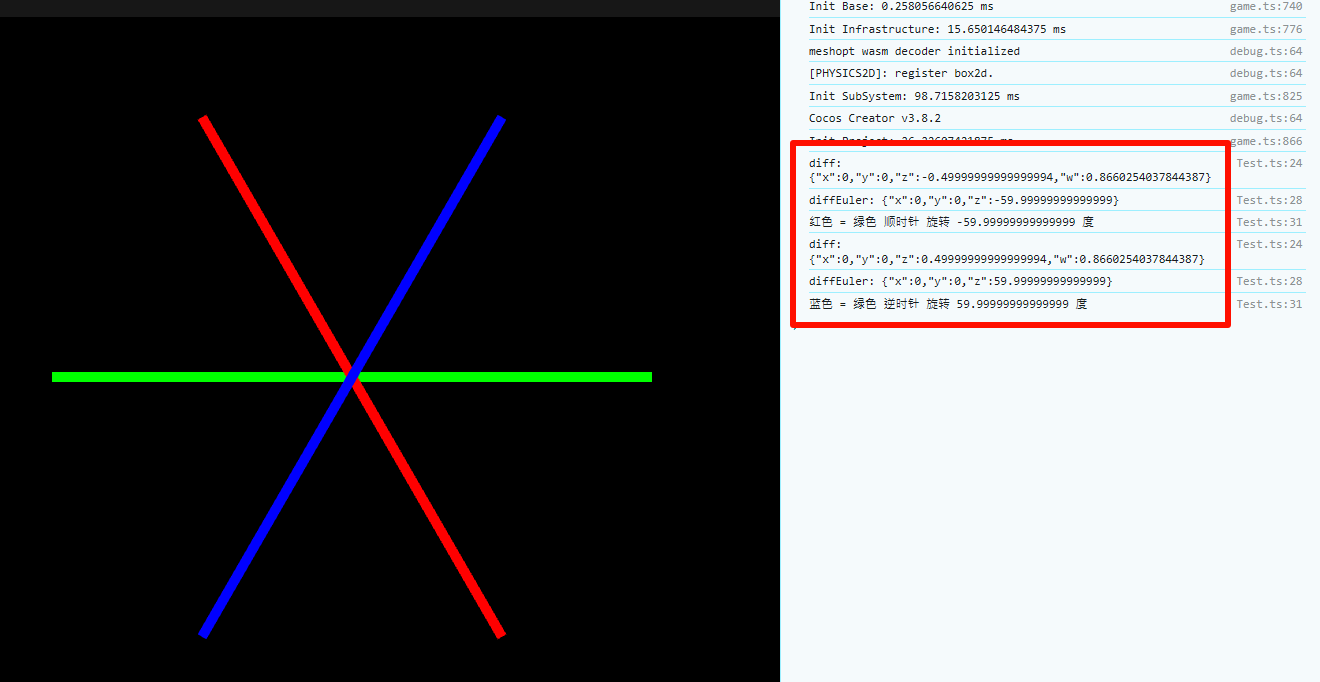
找到了一个方法,目前来看没有问题,但是我无法证明此方法没有BUG。
用到的API是Quat.getAxisAngle, 这个函数可以获取四元数的旋转轴和旋转弧度。
对于2D游戏来说,旋转轴要么是Z轴正方向,要么是Z轴负方向。
下面是我的代码,大家可以看看 
import { _decorator, Component, HingeJoint2D, Input, input, Label, Node, Quat, RigidBody2D, Vec3 } from 'cc';
const { ccclass } = _decorator;

@ccclass('Main')
export class Main extends Component {
    // 物体B上挂一个HingeJoint2D关节, 将A-B两物体首尾相连
    NodeA: Node;
    NodeB: Node;
    Label: Label;
    Joint: HingeJoint2D;

    start() {
        // 找到所有物体
        this.NodeA = this.node.getChildByPath("A");
        this.NodeB = this.node.getChildByPath("B");
        this.Label = this.node.getChildByPath("Label").getComponent(Label);
        this.Joint = this.NodeB.getComponent(HingeJoint2D);
        // 注册鼠标按下事件
        input.on(Input.EventType.MOUSE_DOWN, this.onMouseDown, this);
    }

    update(dt: number): void {
        // 获取关节角度, 并同步到Label上
        const a = get_joint_angle(this.Joint);
        this.Label.string = `${a.toFixed(1)}`;
    }

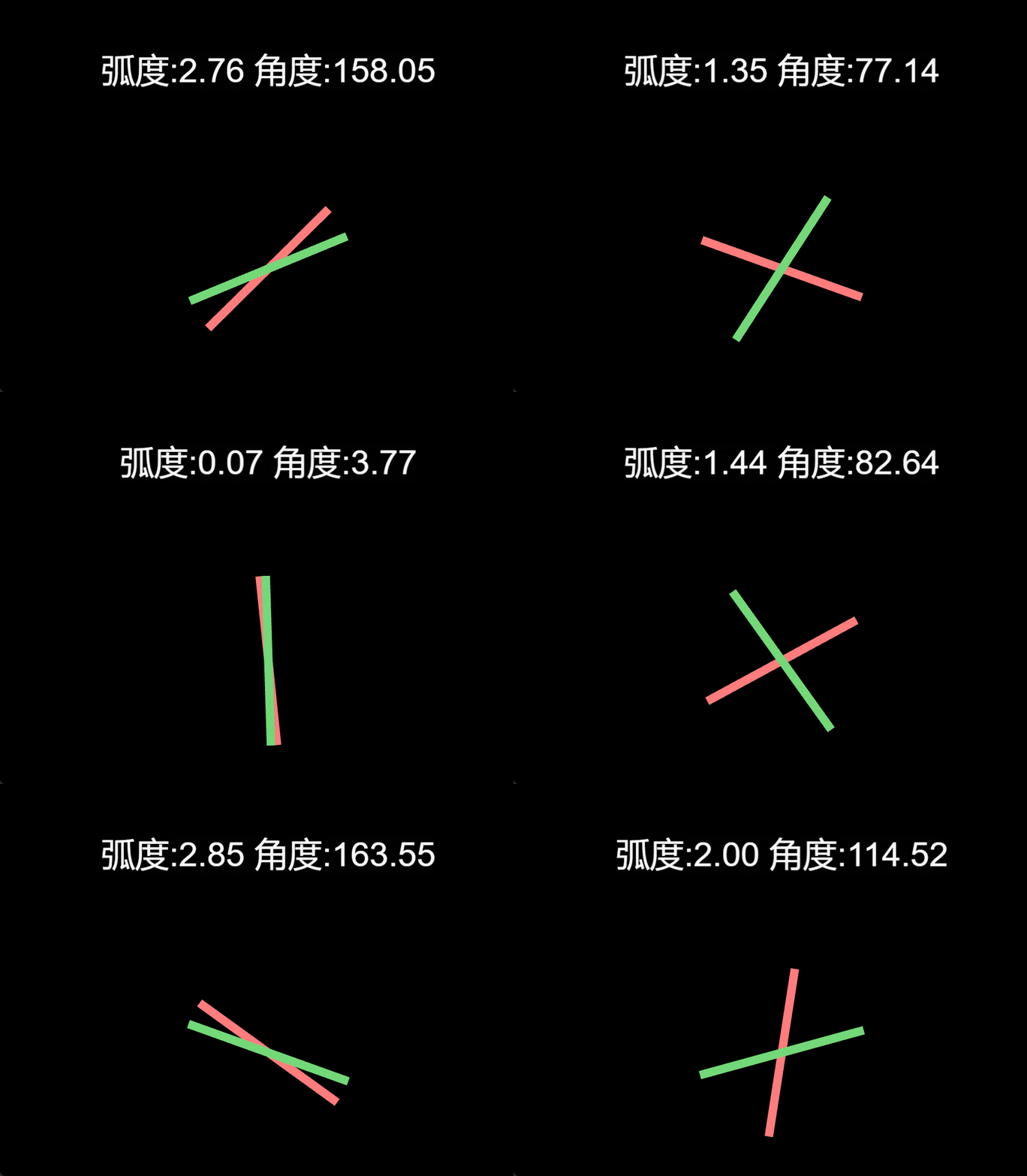
    // 鼠标按下时, 给B物体一个扭矩, 使得AB物体转起来, 以便观察角度变化
    onMouseDown() {
        const rbB = this.NodeB.getComponent(RigidBody2D);
        rbB.applyTorque(rbB.getMass() * 100, true);
    }
}
// 将四元数转换为角度, 角度范围为[0-360)
export function quat_to_angle(q: Quat): number {
    // Quat.getAxisAngle()可以获取四元数对应的旋转轴和旋转弧度
    // rad为弧度, 范围是[0, 2*PI), 这是确定的, 我看了源代码
    let axis = new Vec3();
    const rad = Quat.getAxisAngle(axis, q);
    // 如果rad为0或者2*PI, 则直接返回0, 因为此时的axis是没有意义的
    if (rad < 0.000001 || 2 * Math.PI - rad < 0.000001) {
        return 0;
    }
    // 2D游戏中, 只有z轴旋转, x和y轴的值应该(也许,大概,差不多)为0
    // *********************这是我通过观察后得到的结论, 源码中的数学公式看不懂, 我无法证明!!!!!!!!!!!
    // 如果我的结论正确的话, 那么2D游戏的旋转轴只有两种情况:(0,0,1)和(0,0,-1)
    if (Math.abs(axis.x) > 0.001 || Math.abs(axis.y) > 0.001) {
        console.error('quat_to_angle error', axis.x, axis.y, axis.z, rad);
        return 0;
    }
    // 将弧度转换为角度
    const a = rad / Math.PI * 180;
    // 如果旋转轴是Z轴的负方向, 则需要转化一下角度
    if (axis.z < 0) {
        return 360 - a;
    }
    return a;
}


// 将角度规范到[0-360)之间
export function normalized_angle_360(a: number): number {
    while (a < 0) {
        a += 360;
    }
    while (a >= 360) {
        a -= 360;
    }
    return a;
}

// 将角度规范到[0-180]U(-180,0)之间
export function normalized_angle_180(a: number): number {
    a = normalized_angle_360(a);
    if (a > 180) {
        a -= 360;
    }
    return a;
}

// 获取关节角度
// three_hundred_and_sixty为true的话, 返回的范围是[0-360)
// three_hundred_and_sixty为false的话, 返回的范围是[0-180]U(-180,0)
export function get_joint_angle(joint: HingeJoint2D, three_hundred_and_sixty: boolean = false): number {
    const a1 = quat_to_angle(joint.node.worldRotation);
    let a = a1;
    if (joint.connectedBody != null) {
        const a2 = quat_to_angle(joint.connectedBody.node.worldRotation);
        a = a1 - a2;
    }
    if (three_hundred_and_sixty) {
        a = normalized_angle_360(a);
    } else {
        a = normalized_angle_180(a);
    }
    return a;
}