版本:cocos creator 3.72
平台:web端(其他平台不会搞)
之前有一个需求,需要在游戏启动加载场景的时候显示进度条,一开始是用的ccc的插屏功能。但是后面需求越来越多了,例如需要在加载的时候显示gif啥的。所以就去掉了插屏,自己在index.html用div和css中自己写了一个闪屏界面。然后加载场景的方法中加了下当前进度的回调。
public loadScene(sceneName: string, onLaunched?: Director.OnSceneLaunched, onUnloaded?: Director.OnUnload) {

        if (this._loadingScene) {

            warnID(1208, sceneName, this._loadingScene);

            return false;

        }

        const bundle = assetManager.bundles.find((bundle) => !!bundle.getSceneInfo(sceneName));

        if (bundle) {

            this.emit(Director.EVENT_BEFORE_SCENE_LOADING, sceneName);

            this._loadingScene = sceneName;

            console.time(`LoadScene ${sceneName}`);

            bundle.loadScene(sceneName, (finished: number, total: number) => {

                window?.updateProgressBar(finished, total) //这里是我加的代码

            }, (err, scene) => {

                console.timeEnd(`LoadScene ${sceneName}`);

                this._loadingScene = '';

                if (err) {

                    error(err);

                    if (onLaunched) {

                        onLaunched(err);

                    }

                } else {

                    this.runSceneImmediate(scene, onUnloaded, onLaunched);

                }

            });

            return true;

        } else {

            errorID(1209, sceneName);

            return false;

        }

    }
再编译一下引擎,ok,完美解决。
这几天逛论坛,又发现了个插件修改源码的,感觉蛮不错的。因为直接修改引擎ts源码,到时候升级引擎的时候,还需要一个方法一个方法的再修改一下。感觉不太好维护。所以又把方案升级一下啊。
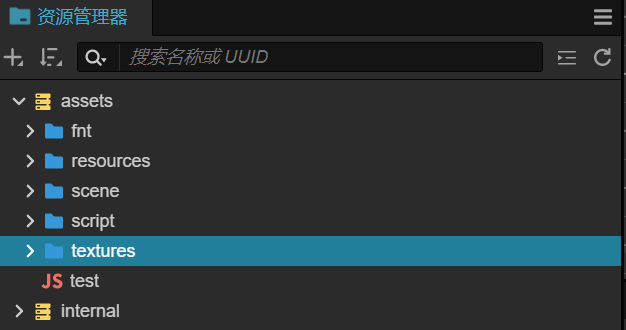
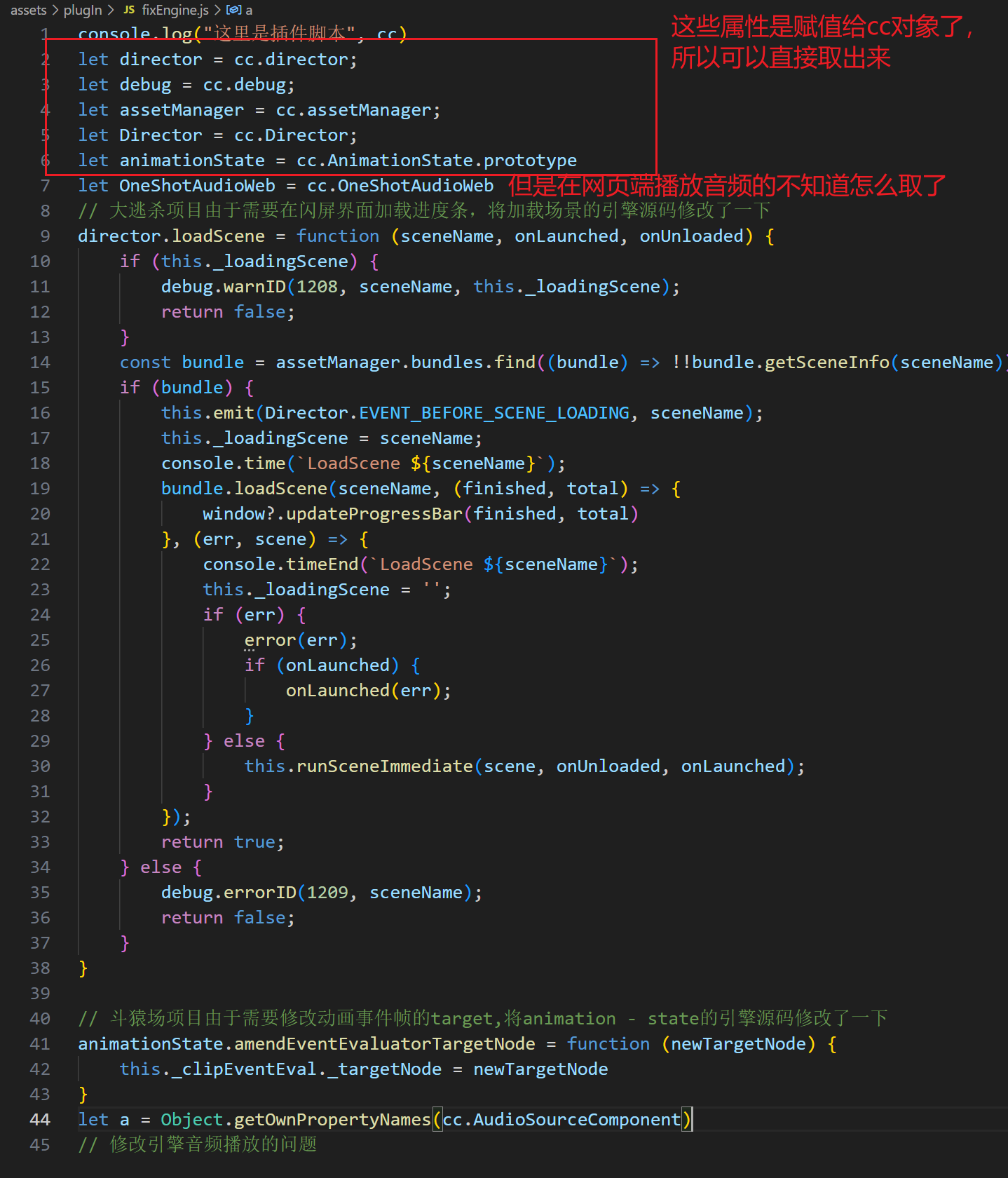
然后再到这里里面去获取全局的cc对象再重写需要的方法就ok啦
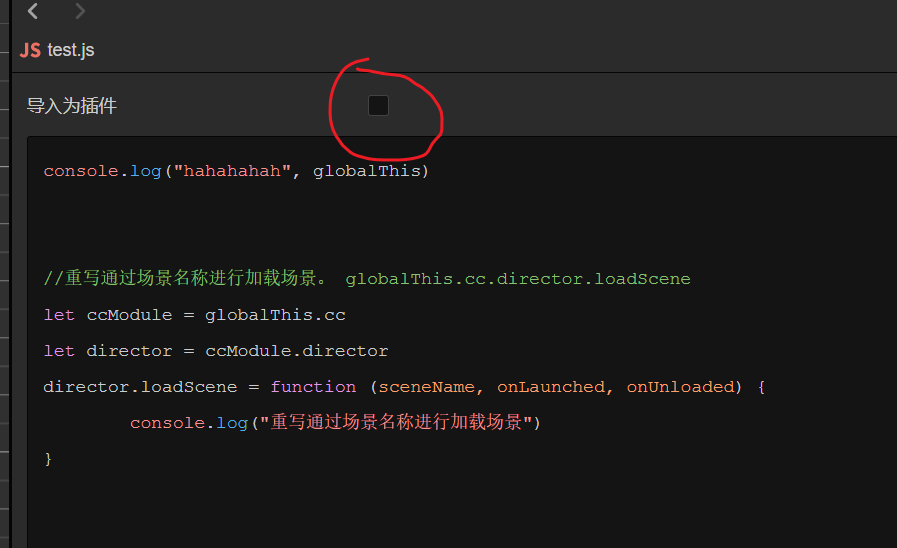
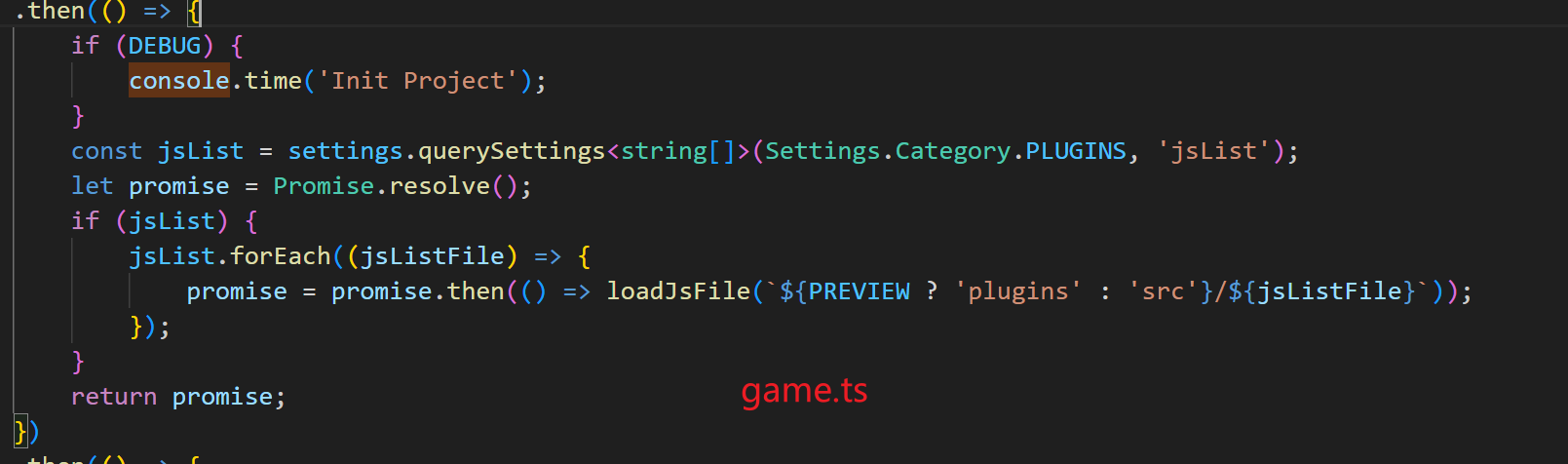
在game.ts中去加载的插件脚本,所以是加载完成后才去启动游戏的。