
-
Creator 版本:3.8.3
-
目标平台:安卓
-
重现方式:必现
-
代码:
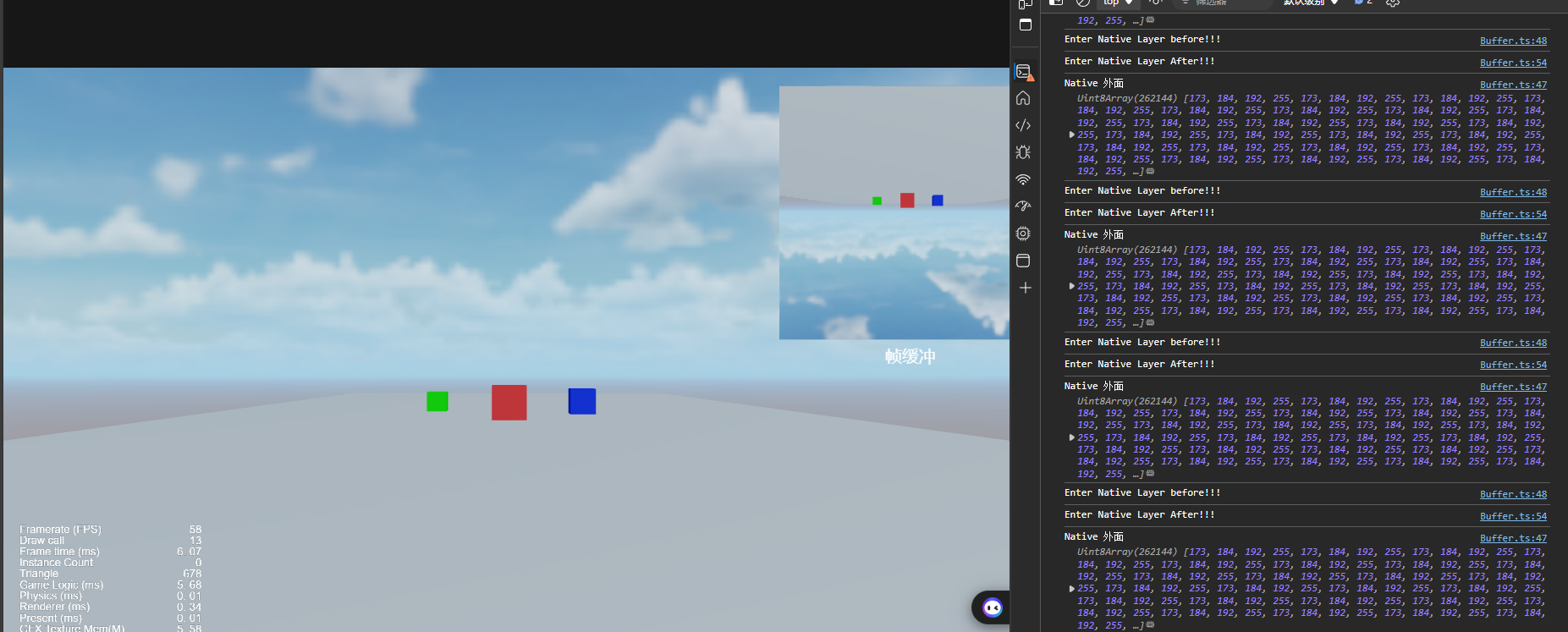
很简单的代码,就是打印数据显示不一致,很离谱。@ccclass('Buffer') export class Buffer extends Component { @property(Sprite) sprite:Sprite = null; @property(Camera) camera:Camera = null; private renderTexture:RenderTexture|null=null; start() { if (!this.camera) { return; } this.renderTexture = new RenderTexture(); this.renderTexture.reset({ width:256, height:256, }); this.camera.targetTexture = this.renderTexture; } update(deltaTime: number) { if (!this.camera) { return; } const width = this.renderTexture.width; const height = this.renderTexture.height; const texPixels = new Uint8Array(width*height*4); this.renderTexture.readPixels(0,0,width,height,texPixels); this.sprite.spriteFrame.texture = this.renderTexture; // 将数据转化并传输到java层 var data = uint8ArrayToBase64(texPixels); console.log("Native 外面",texPixels); console.log("Enter Native Layer before!!!"); if (NATIVE) { native.bridge.sendToNative("sendBufferData", data); console.log("Enter Native Layer!!!"); console.log("Native 里面",texPixels); } console.log("Enter Native Layer After!!!"); }}
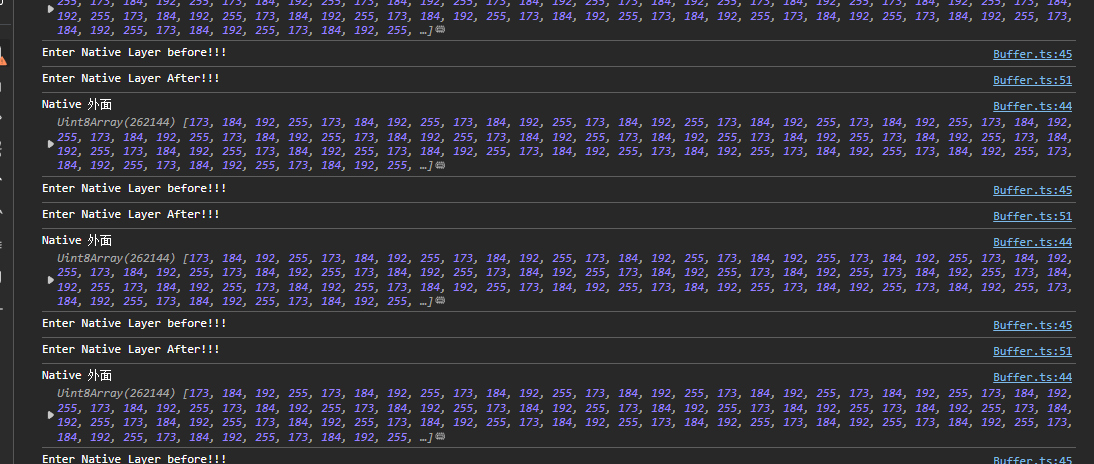
在cocos端就有数据显示:
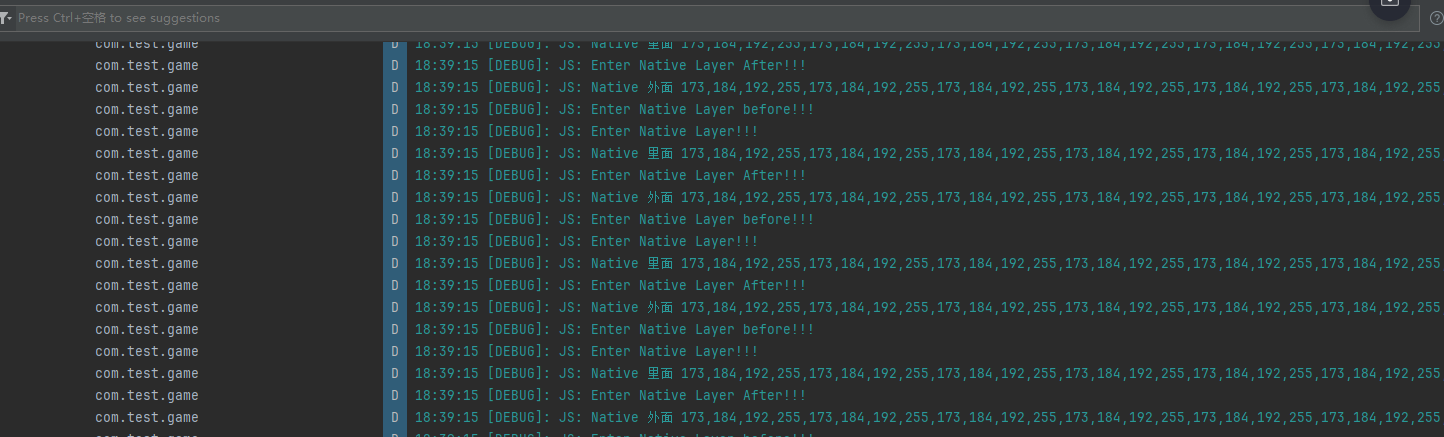
但是在安卓端就没有数据显示了,同一段代码,就离谱。
请教大佬们有没有遇到过这个问题,希望能指点迷津,大佬们,呜呜呜~~~

图片挂啦~
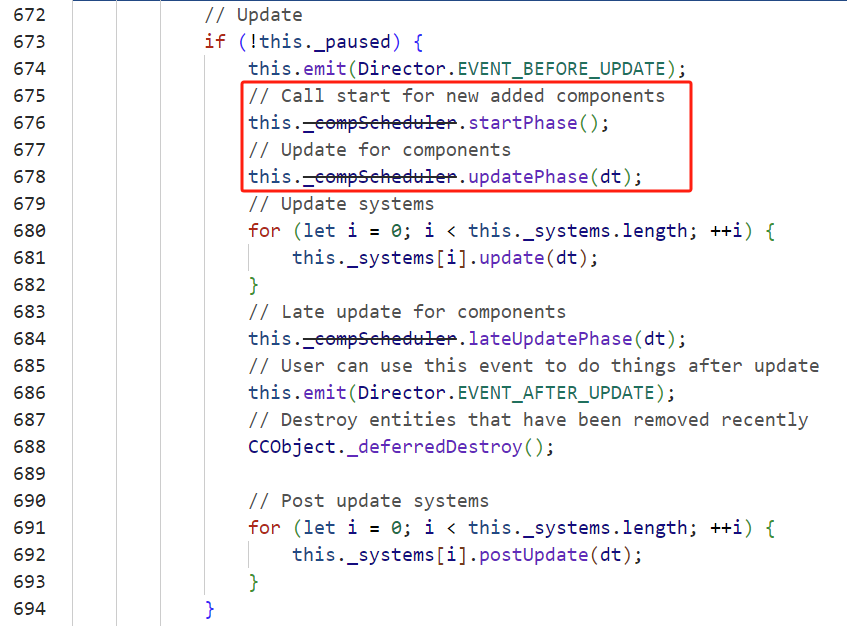
执行顺序start -> update
然后start中将renderTexture给了camera,这时需要下一帧才有数据。
你这里将读取纹理数据写在了update(每帧调用),应该只有第一帧没数据显示吧?
HMI显示是会显示的,但是就是没有数据,而且cocos模拟器的日志是有数据的。编译成安卓,原本的日志打印也没数据了。所以很离谱。
你说的我理解,但是好像并不能解决这个问题,大佬 
发个demo帮你看一下
应该资源文件就可以把,场景文件也在里面了
我试试看。
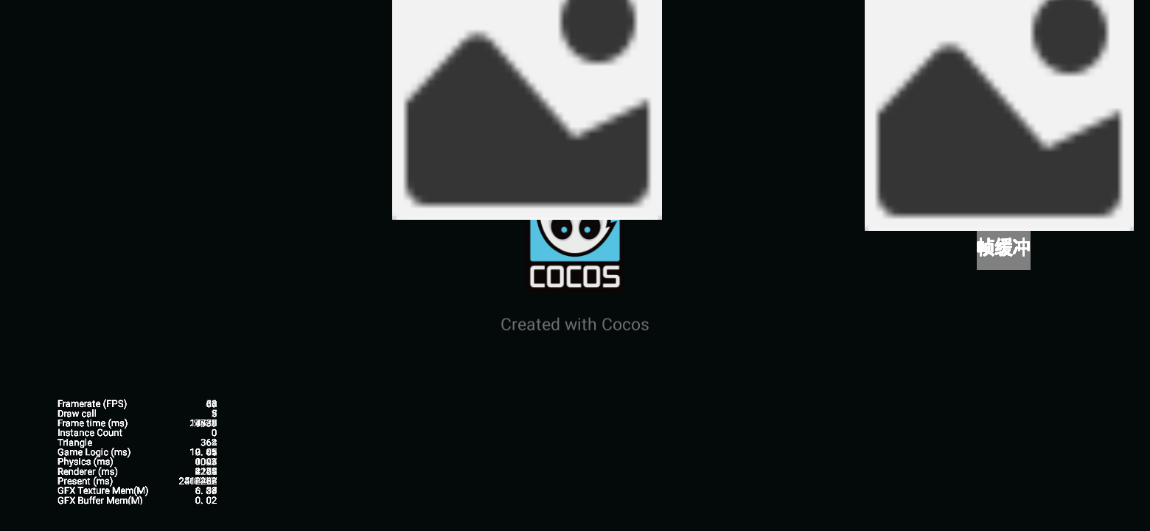
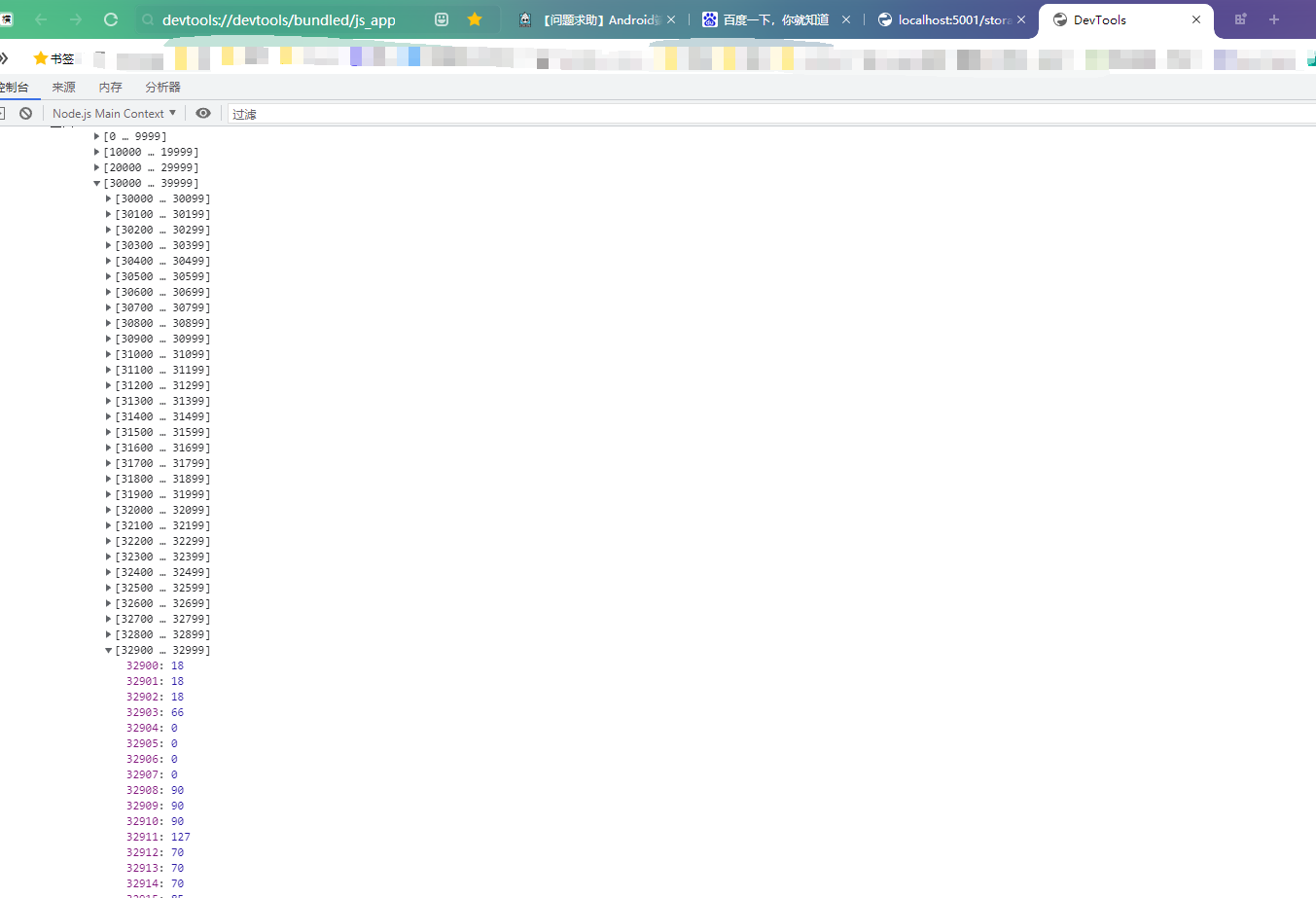

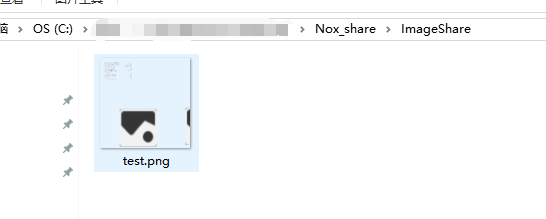
这是通过
native.saveImageData(this.texPixels, width, height, ${native.fileUtils.getWritablePath()}/test.png);
保存下来的图片
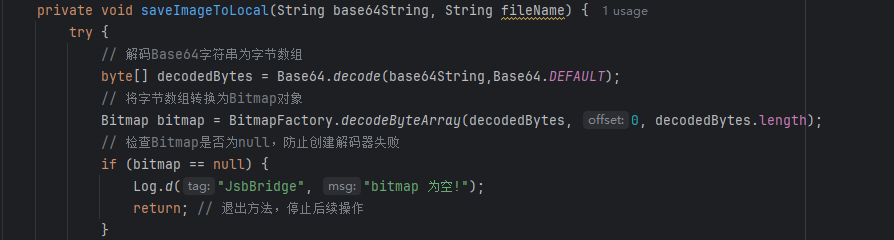

你是要保存图片吗?是的话这个api可以使用
native.saveImageData(this.texPixels, width, height, ${native.fileUtils.getWritablePath()}/test.png );
我也是用你的demo测试的,模拟器调试,能正常截图并保存,用你的demo不能直接跑起来,我删除了一些3D元素,和部分不相关的代码
assets.zip (13.4 KB)
大佬,我是想传输数据到安卓端然后给到另一个进程 
目前是先把照片存下来看一下有没有数据,但是好像不尽人意。
你把这里改一下,改成我这种写法
this.texPixels = this.renderTexture.readPixels(0, 0, width, height);
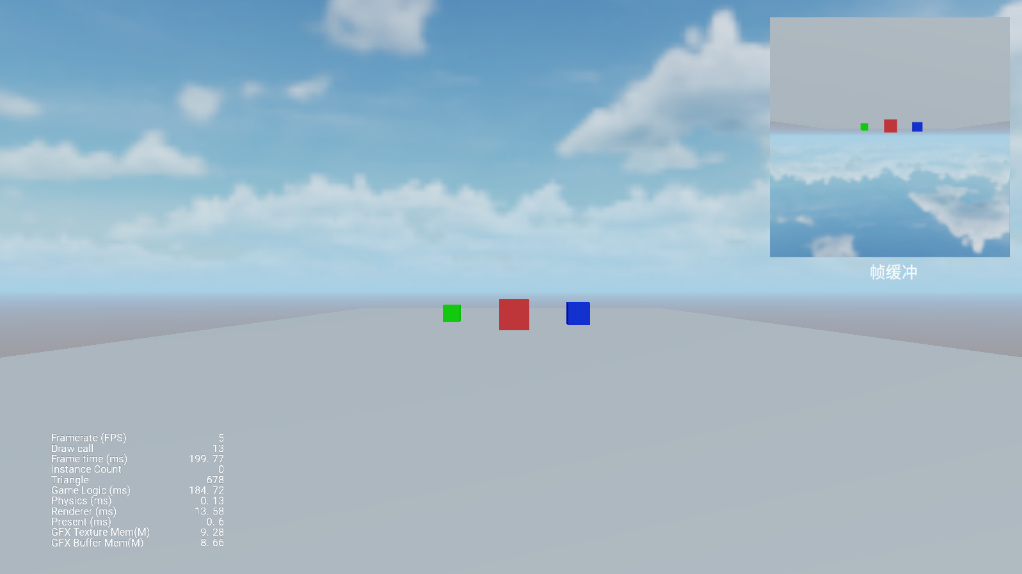
原因是native
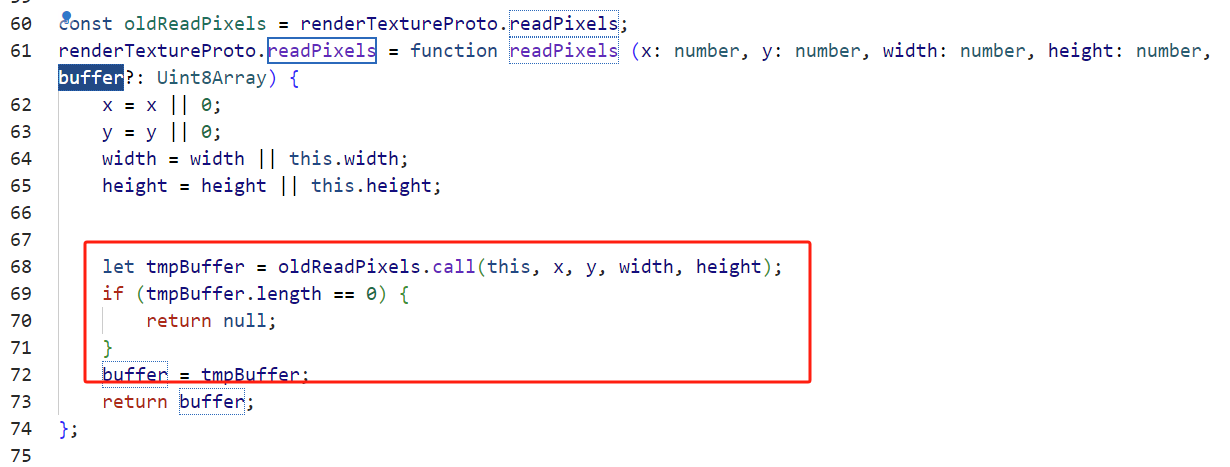
传进去的buffer会被替换,所以外面传进来的永远不会变,全是0,所以native必须使用readPixels返回的Uint8Array
真的可以了,太强了,大佬,非常感谢,膜拜了膜拜了
大佬你这个源码怎么找到的啊?我这好像找不到,另外有什么快速定位函数在源码位置的方法吗? 
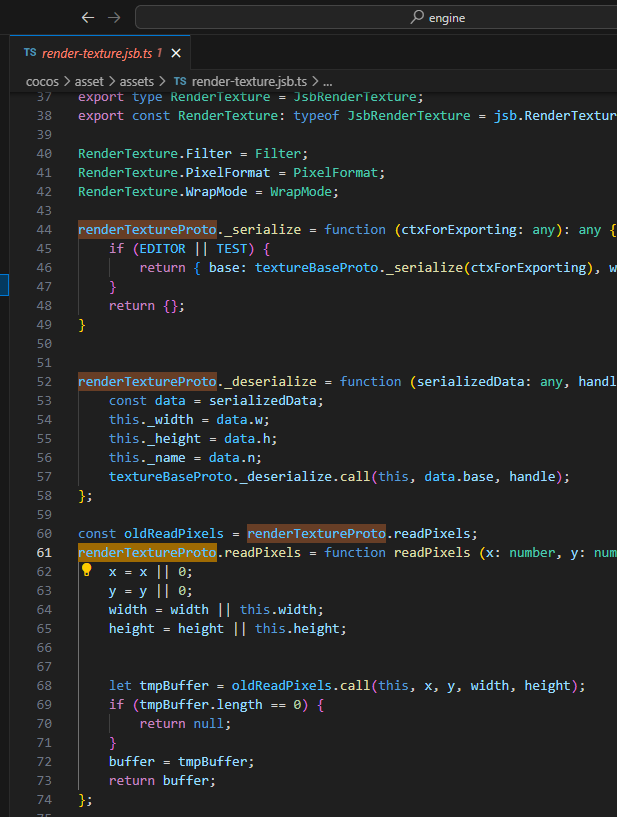
遇到问题看相关的代码(通过函数查找,然后找对应平台的代码),直接跑去引擎找,这样积累下去对CocosCreator的了解更加深刻
感谢感谢 
嗯嗯,非常感谢大佬的帮助