
感谢反馈,我们会尽快修复
可以先到 engine/editor/i18n/zh/modules/ui.js 目录下改一下
目前只有DEFAULT写入深度。UI可以读取深度。
385版本,我导出的glb模型明明已经选择了烘焙所有动画,为啥还会提示这个?
[Scene] Instancing/Batching enabled for non-baked skinning model ‘enemy_Gebulin/Gobelin_OK’, this may result in unexpected rendering artifacts. Consider turning it off in the material if you do not intend to do this.
Error: [Scene] Instancing/Batching enabled for non-baked skinning model ‘enemy_Gebulin/Gobelin_OK’, this may result in unexpected rendering artifacts. Consider turning it off in the material if you do not intend to do this.
at console.warn (C:\ProgramData\cocos\editors\Creator\3.8.5\resources\app.asar\node_modules@sentry\src\instrument\console.ts:40:20)
at warn (C:\ProgramData\cocos\editors\Creator\3.8.5\resources\resources\3d\engine\bin.cache\dev\editor\bundled\index.js:160148:12)
at warnID (C:\ProgramData\cocos\editors\Creator\3.8.5\resources\resources\3d\engine\bin.cache\dev\editor\bundled\index.js:160336:5)
at SkinningModel._updateInstancedAttributes (C:\ProgramData\cocos\editors\Creator\3.8.5\resources\resources\3d\engine\bin.cache\dev\editor\bundled\index.js:109123:13)
at SkinningModel._updateAttributesAndBinding (C:\ProgramData\cocos\editors\Creator\3.8.5\resources\resources\3d\engine\bin.cache\dev\editor\bundled\index.js:215193:16)
at SkinningModel.initSubModel (C:\ProgramData\cocos\editors\Creator\3.8.5\resources\resources\3d\engine\bin.cache\dev\editor\bundled\index.js:214859:16)
at SkinningModel.initSubModel (C:\ProgramData\cocos\editors\Creator\3.8.5\resources\resources\3d\engine\bin.cache\dev\editor\bundled\index.js:108723:24)
at SkinningModel.initSubModel (C:\ProgramData\cocos\editors\Creator\3.8.5\resources\resources\3d\engine\bin.cache\dev\editor\bundled\index.js:109087:17)
模型需要满足什么条件才不会出现这个提示?
修改扩展配置后,禁用扩展并重新启用,通过Editor.Package.getPackages()获取的到的数据没有更新,这个算是bug还是功能暂时没有完善呐

非常感谢老师,幸苦了老师!
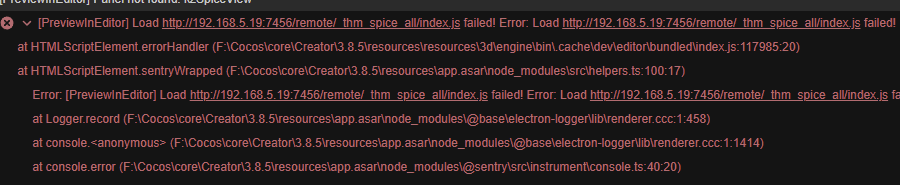
大佬你好,希望在接下来的版本,可以修正label标签阴影的表现
1赞
3.8.3中微信小游戏也有类似问题
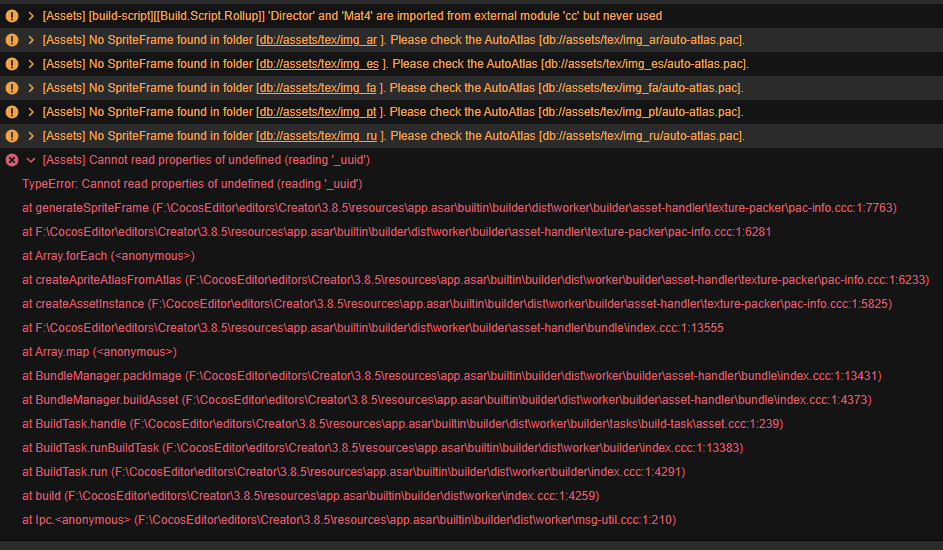
构建失败。
似乎和多语言有关。
目前我把非开发语言相关的图,按照语言,放在一个独立的目录里面。然后每个语言下,放了一个合图文件。
上面警告找不到精灵帧,实际这些目录下是有几十个图的。
把 某些语言文件夹下的合图文件删除,可以通过构建。
子节点加了刚体后,父节点设置的scale.x为-1的镜像效果就丢失了 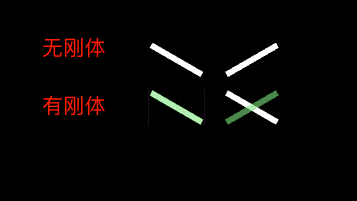
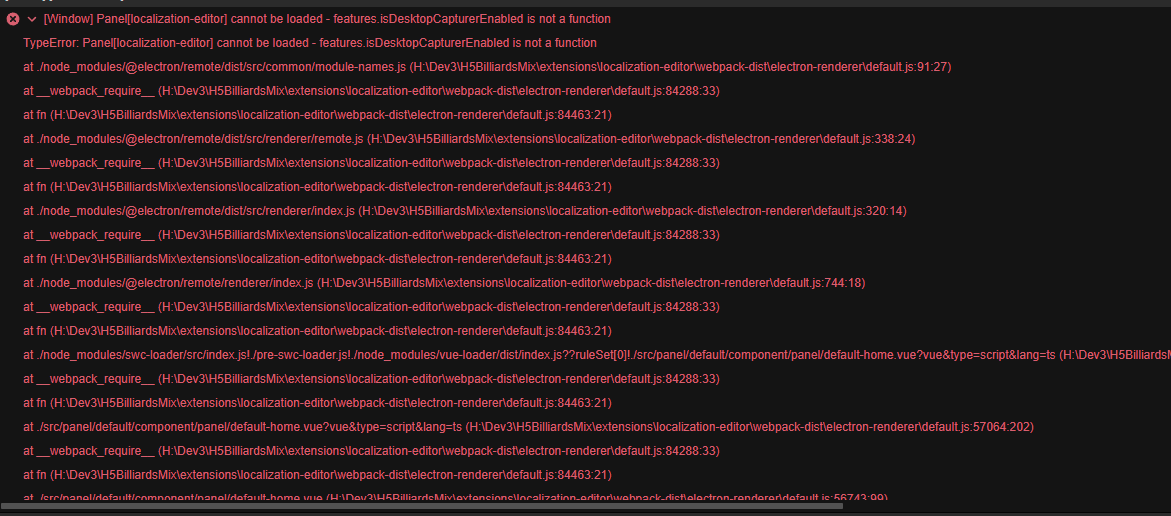
退回3.8.4,成功打开了l10n面板。
想起了绕过该问题的办法,以前解决过该问题,今天自己又忘了!!!
构建前,l10n面板当前预览语言,一定选择开发语言(我自己是zh),即点击一下开发语言的 “预览” 按钮,然后再构建,就不会再报这错了。包括上面的警告也没有了,一片干净。浪费了半天时间。
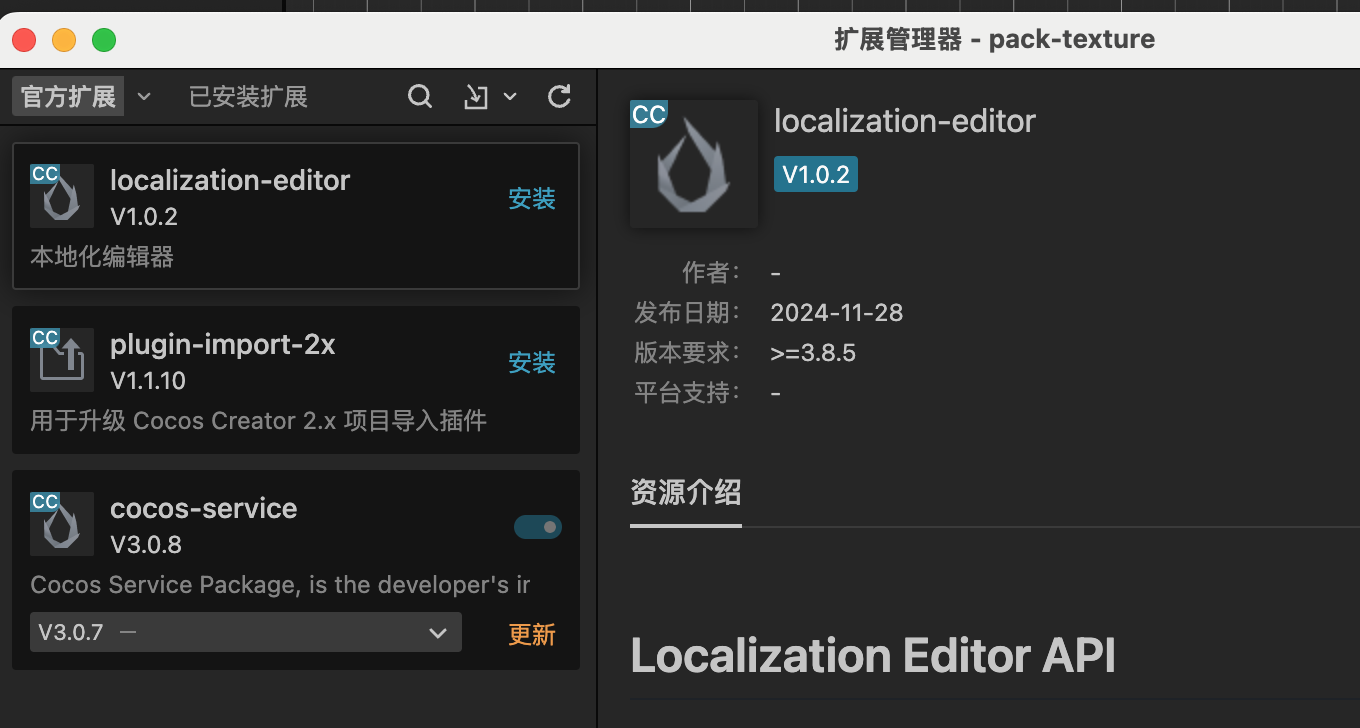
哪位大佬帮忙看看
不知道怎么搞了。。。。 