
防抖机制的反思与改进:Cocos Creator 中方块跳跃误差
1. 问题描述
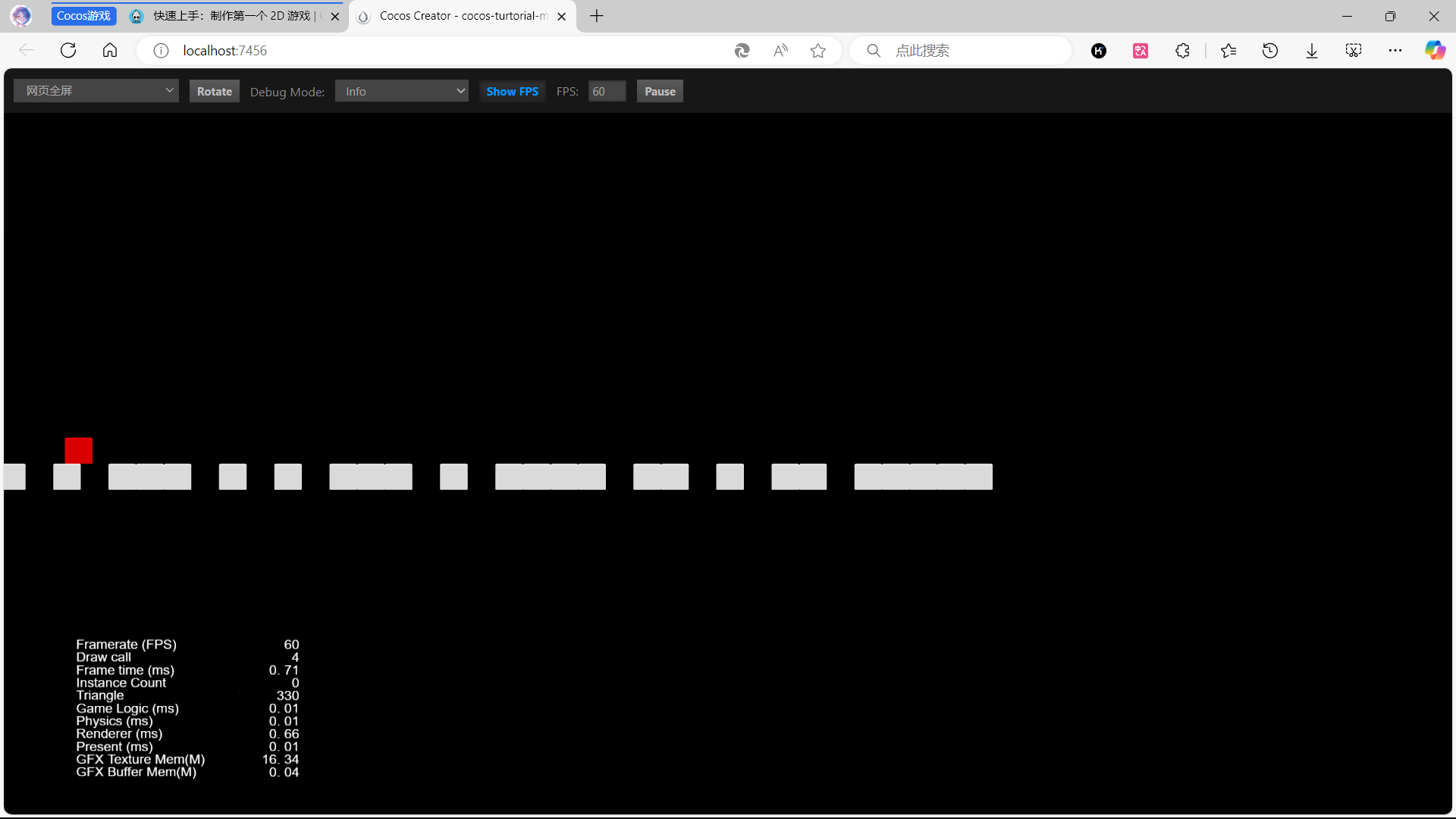
在游戏开发领域,玩家体验始终是核心关注点。为了提升游戏的流畅性和响应性,我在使用 Cocos Creator 开发时,引入了防抖机制来优化方块跳跃动画,相关细节可参考文章 《优化玩家体验:Cocos Creator 中的动画防抖策略》 。然而,深入开发和测试后发现,防抖机制虽减少了动画抖动,但导致新问题——方块跳跃距离不再严格保持设定的 40 个单位。为此,我决定调整策略,放弃防抖机制,转而采用非空判断。
经过调试和日志记录,我确认跳跃距离偏差并非由其他代码逻辑引起,而是防抖机制本身所致。
2. 原因分析
防抖机制通过延迟执行事件来防止多次触发,适用于按钮点击等场景。但在动画处理中,延迟执行会影响动画的起始时间,进而影响执行精度。
在方块跳跃动画中,期望每次跳跃精确移动 40 个单位。然而,防抖机制导致连续跳跃时部分动作被延迟,累积误差使跳跃距离不再精确。
3. 解决方案
为解决此问题,我取消防抖机制,采用非空判断确保动画准确执行。
3.1 非空判断逻辑实现
具体代码如下:
// 检查当前对象的 BodyAnim 属性是否存在
if (!this.BodyAnim) {
    // 如果 BodyAnim 不存在,则直接返回,不执行后续代码
    return;
}
此逻辑确保在执行跳跃动画前,BodyAnim 属性存在,避免因属性不存在导致的错误。同时,去除了防抖机制,保证跳跃动画及时执行,消除跳跃距离误差。
3.2 精准性与稳定性优化
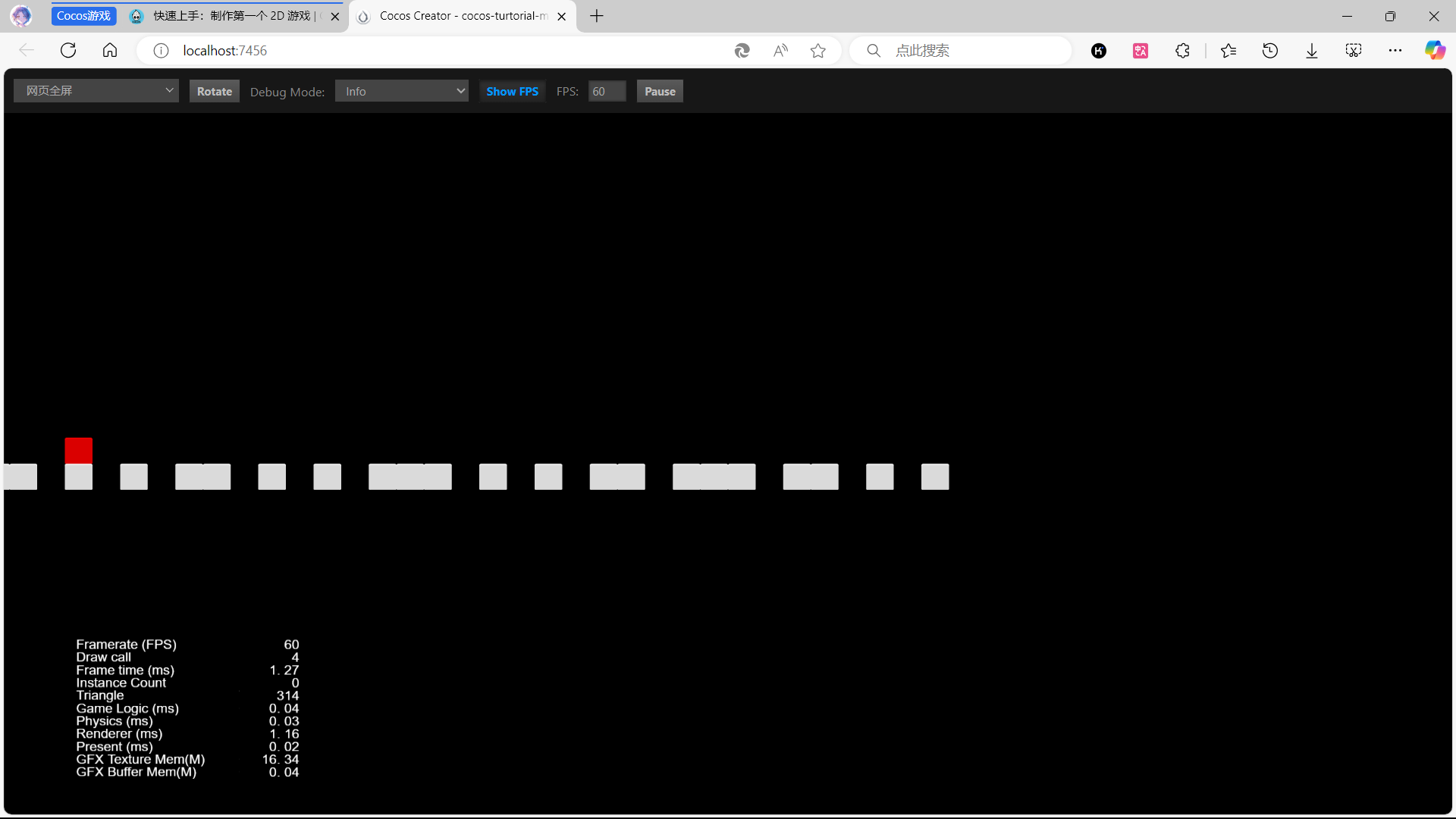
引入非空判断后,方块跳跃的精准性和稳定性得到有效改善,每次跳跃更接近预期值,提升了玩家的操作体验。
3.3 完整代码示例
以下为包含非空判断逻辑的玩家控制器组件PlayerController.ts示例:
/**
 * @author MYXH <1735350920@qq.com>
 * @license GNU GPL v3
 * @version 0.0.1
 * @date 2024-12-30
 * @description 玩家控制器
 */

import {
    _decorator,
    Component,
    Vec3,
    EventMouse,
    input,
    Input,
    Animation,
} from "cc";
const { ccclass, property } = _decorator;

/**
 * @description 添加一个放大比
 */
export const BLOCK_SIZE = 40;

@ccclass("PlayerController")
export class PlayerController extends Component {
    /**
     * @description 是否开始跳跃
     */
    private _startJump: boolean = false;

    /**
     * @description 跳跃步数:一步或者两步
     */
    private _jumpStep: number = 0;

    /**
     * @description 当前跳跃时间
     */
    private _curJumpTime: number = 0;

    /**
     * @description 跳跃时间
     */
    private _jumpTime: number = 0.1;

    /**
     * @description 移动速度
     */
    private _curJumpSpeed: number = 0;

    /**
     * @description 当前的位置
     */
    private _curPos: Vec3 = new Vec3();

    /**
     * @description 位移
     */
    private _deltaPos: Vec3 = new Vec3(0, 0, 0);

    /**
     * @description 目标位置
     */
    private _targetPos: Vec3 = new Vec3();

    /**
     * @description 身体动画
     */
    @property(Animation)
    BodyAnim: Animation = null;

    /**
     * @description 开始
     * @returns void
     */
    start() {
        input.on(Input.EventType.MOUSE_UP, this.onMouseUp, this);
    }

    /**
     * @description 重置
     * @returns void
     */
    reset() {}

    /**
     * @description 鼠标抬起事件
     * @param event 鼠标事件
     * @returns void
     */
    onMouseUp(event: EventMouse) {
        if (event.getButton() === 0) {
            this.jumpByStep(1);
        } else if (event.getButton() === 2) {
            this.jumpByStep(2);
        }
    }

    /**
     * @description 跳跃
     * @param step 跳跃的步数 1 或者 2
     * @returns void
     */
    jumpByStep(step: number) {
        if (this._startJump) {
            return;
        }

        this._startJump = true; // 标记开始跳跃
        this._jumpStep = step; // 跳跃的步数 1 或者 2
        this._curJumpTime = 0; // 重置开始跳跃的时间

        const clipName = step == 1 ? "oneStep" : "twoStep"; // 根据步数选择动画

        // 检查当前对象的 BodyAnim 属性是否存在
        if (!this.BodyAnim) {
            // 如果 BodyAnim 不存在,则直接返回,不执行后续代码
            return;
        }

        const state = this.BodyAnim.getState(clipName); // 获取动画状态
        this._jumpTime = state.duration; // 获取动画的时间

        this._curJumpSpeed = (this._jumpStep * BLOCK_SIZE) / this._jumpTime; // 根据时间计算出速度
        this.node.getPosition(this._curPos); // 获取角色当前的位置
        Vec3.add(
            this._targetPos,
            this._curPos,
            new Vec3(this._jumpStep * BLOCK_SIZE, 0, 0)
        ); // 计算出目标位置

        // 播放动画
        if (step === 1) {
            // 调用 BodyAnim 的 play 方法,播放名为 "oneStep" 的动画
            this.BodyAnim.play("oneStep");
        } else if (step === 2) {
            // 否则如果 step 等于 2
            // 调用 BodyAnim 的 play 方法,播放名为 "twoStep" 的动画
            this.BodyAnim.play("twoStep");
        }
    }

    /**
     * @description 更新
     * @param deltaTime 时间间隔
     * @returns void
     */
    update(deltaTime: number) {
        if (this._startJump) {
            this._curJumpTime += deltaTime; // 累计总的跳跃时间
            if (this._curJumpTime > this._jumpTime) {
                // 当跳跃时间是否结束
                // end
                this.node.setPosition(this._targetPos); // 强制位置到终点
                this._startJump = false; // 清理跳跃标记
            } else {
                // tween
                this.node.getPosition(this._curPos);
                this._deltaPos.x = this._curJumpSpeed * deltaTime; //每一帧根据速度和时间计算位移
                Vec3.add(this._curPos, this._curPos, this._deltaPos); // 应用这个位移
                this.node.setPosition(this._curPos); // 将位移设置给角色
            }
        }
    }
}
以下为游戏管理器组件GameManager.ts示例:
/**
 * @author MYXH <1735350920@qq.com>
 * @license GNU GPL v3
 * @version 0.0.1
 * @date 2025-01-17
 * @description 游戏管理器
 */

import {
    _decorator,
    CCInteger,
    Component,
    Prefab,
    Node,
    instantiate,
} from "cc";
import { BLOCK_SIZE } from "./PlayerController";
const { ccclass, property } = _decorator;

/**
 * @description 方块类型
 */
enum BlockType {
    /**
     * @description 无
     */
    BT_NONE,

    /**
     * @description 石头
     */
    BT_STONE,
}

@ccclass("GameManager")
export class GameManager extends Component {
    /**
     * @description 方块预制体
     */
    @property({ type: Prefab })
    public boxPrefab: Prefab | null = null;

    /**
     * @description 路径长度
     */
    @property({ type: CCInteger })
    public roadLength: number = 50;

    /**
     * @description 路径
     */
    private _road: BlockType[] = [];

    start() {
        this.generateRoad();
    }

    /**
     * @description 生成路径
     * @returns void
     */
    generateRoad() {
        // 清除当前节点下的所有子节点
        this.node.removeAllChildren();

        // 初始化路径数组
        this._road = [];
        // startPos
        this._road.push(BlockType.BT_STONE);

        // 生成路径数组,根据前一个块类型决定当前块类型
        for (let i = 1; i < this.roadLength; i++) {
            if (this._road[i - 1] === BlockType.BT_NONE) {
                // 如果前一个块是 BT_NONE,则当前块为 BT_STONE
                this._road.push(BlockType.BT_STONE);
            } else {
                // 否则,随机生成 0 或 1
                this._road.push(Math.floor(Math.random() * 2));
            }
        }

        // 根据路径数组生成对应的块并添加到当前节点下
        for (let j = 0; j < this._road.length; j++) {
            let block: Node | null = this.spawnBlockByType(this._road[j]);

            if (block) {
                this.node.addChild(block);
                // 设置块的位置,每个块之间的间隔为 BLOCK_SIZE
                block.setPosition(j * BLOCK_SIZE, 0, 0);
            }
        }
    }

    /**
     * @description 根据块类型生成块节点
     * @param type 块类型
     * @returns 块节点
     */
    spawnBlockByType(type: BlockType) {
        if (!this.boxPrefab) {
            // 如果没有预制体,则返回 null
            return null;
        }

        let block: Node | null = null;

        // 根据块类型生成对应的块节点
        switch (type) {
            case BlockType.BT_STONE:
                // 如果块类型是 BT_STONE,则生成 boxPrefab 的实例
                block = instantiate(this.boxPrefab);
                break;
        }

        return block;
    }

    update(deltaTime: number) {}
}
4. 结论
调整策略后,经多次测试确认,方块跳跃距离恢复至设定的 40 个单位,无累积误差。这一改变提升了游戏精度,改善了玩家操作体验。
此次调整使我深刻认识到,不同机制适用于不同场景。在游戏开发中,需根据实际情况灵活选择最合适策略,以确保玩家获得最佳体验。