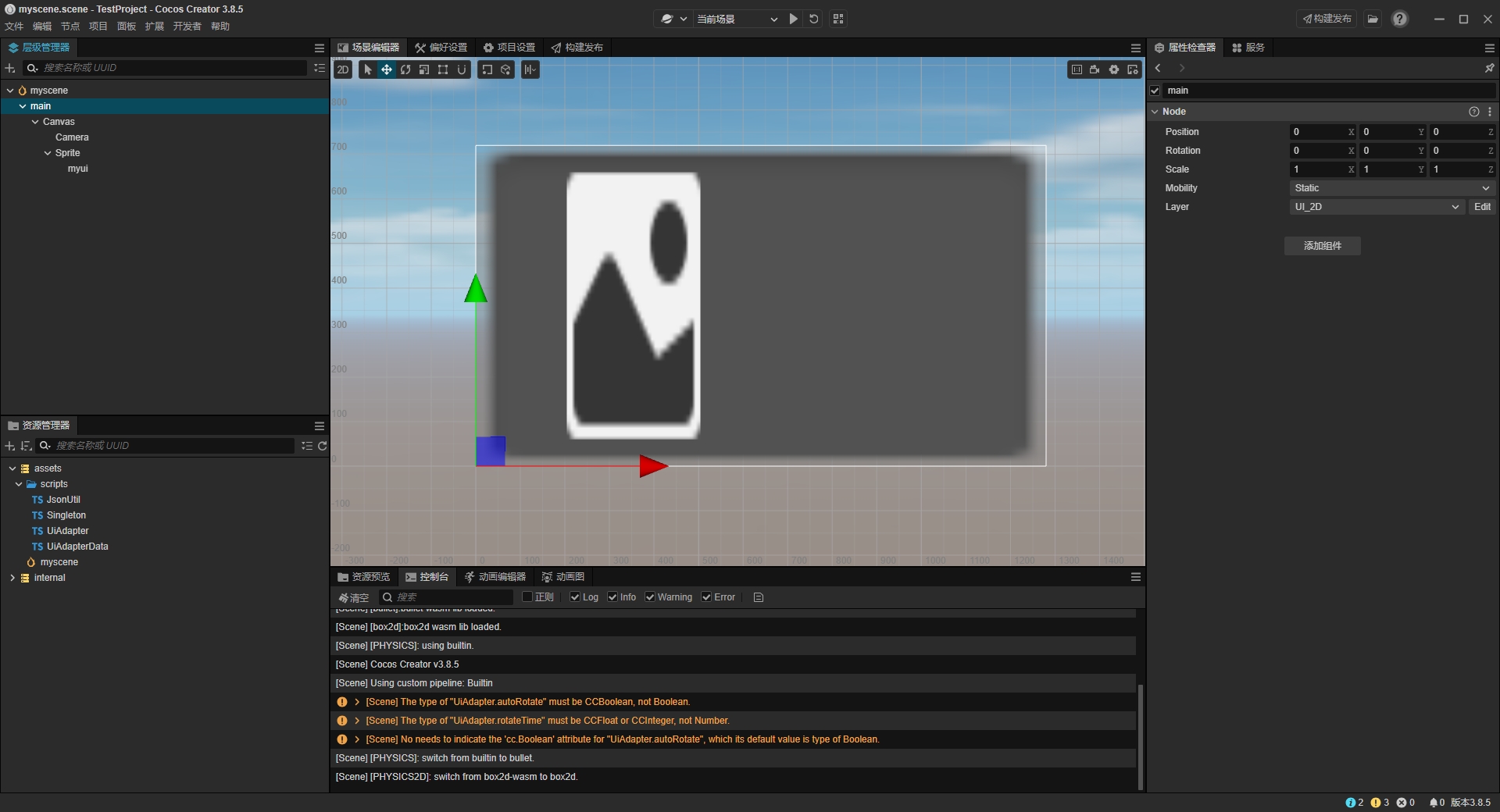
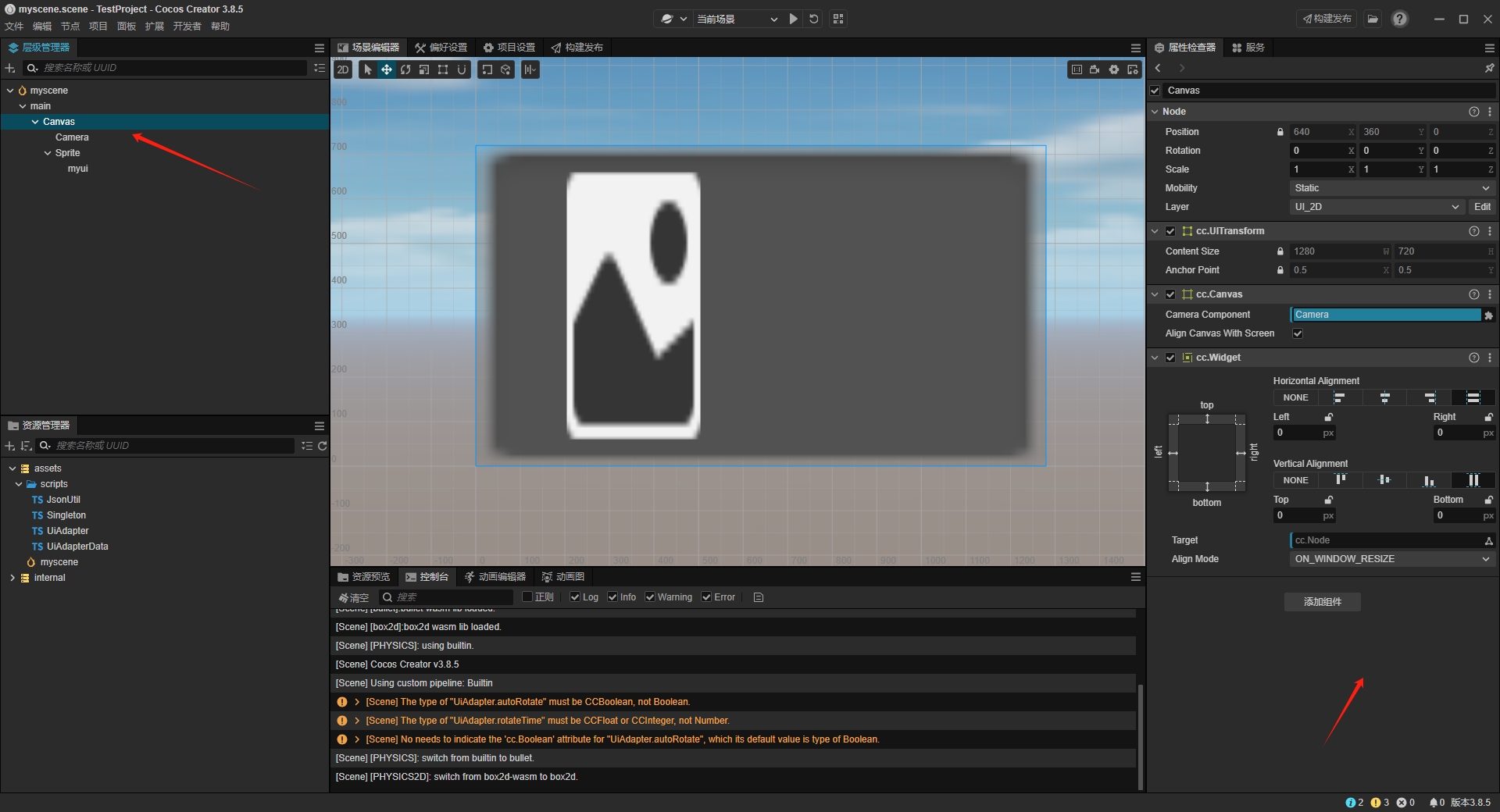
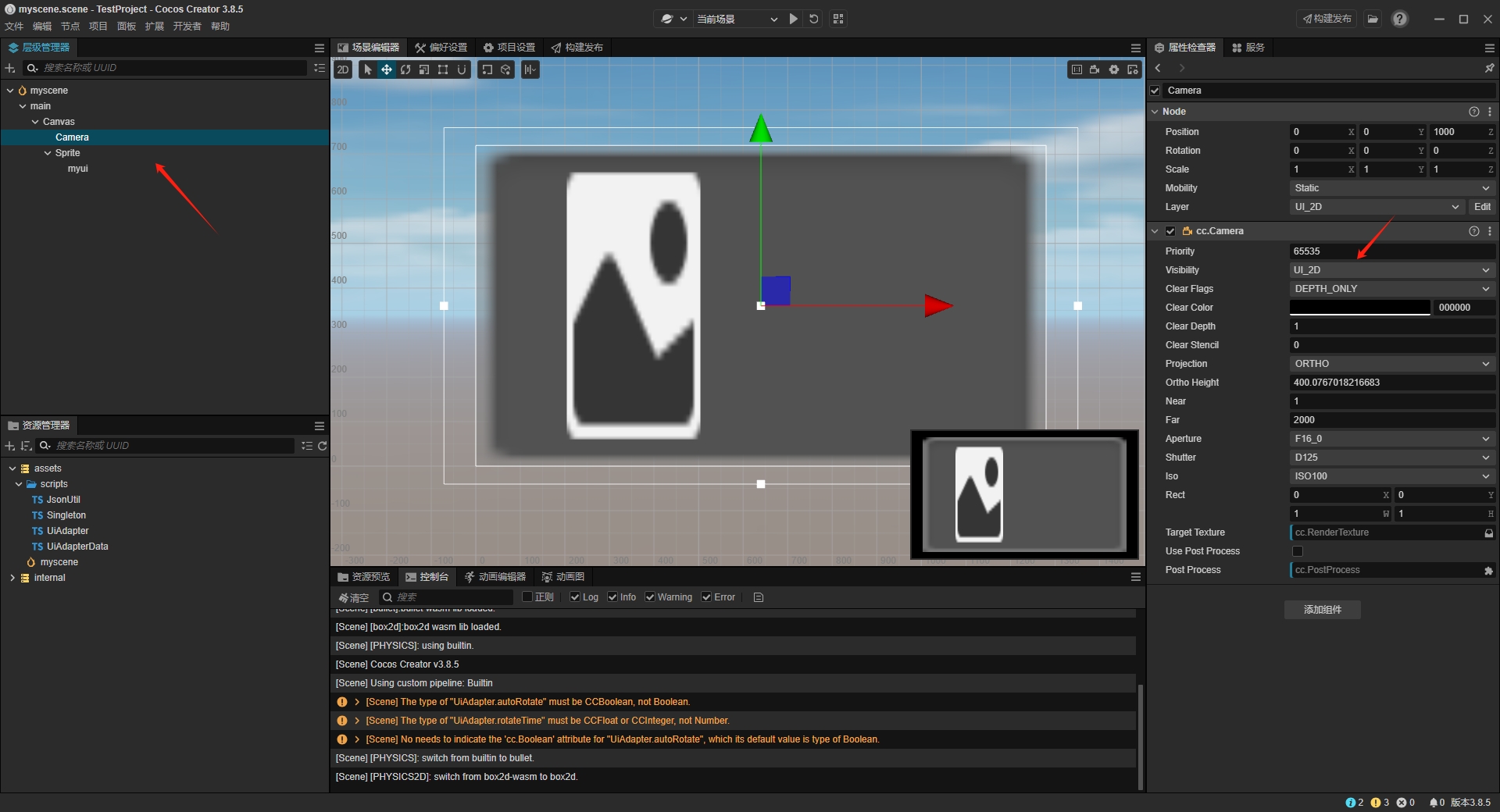
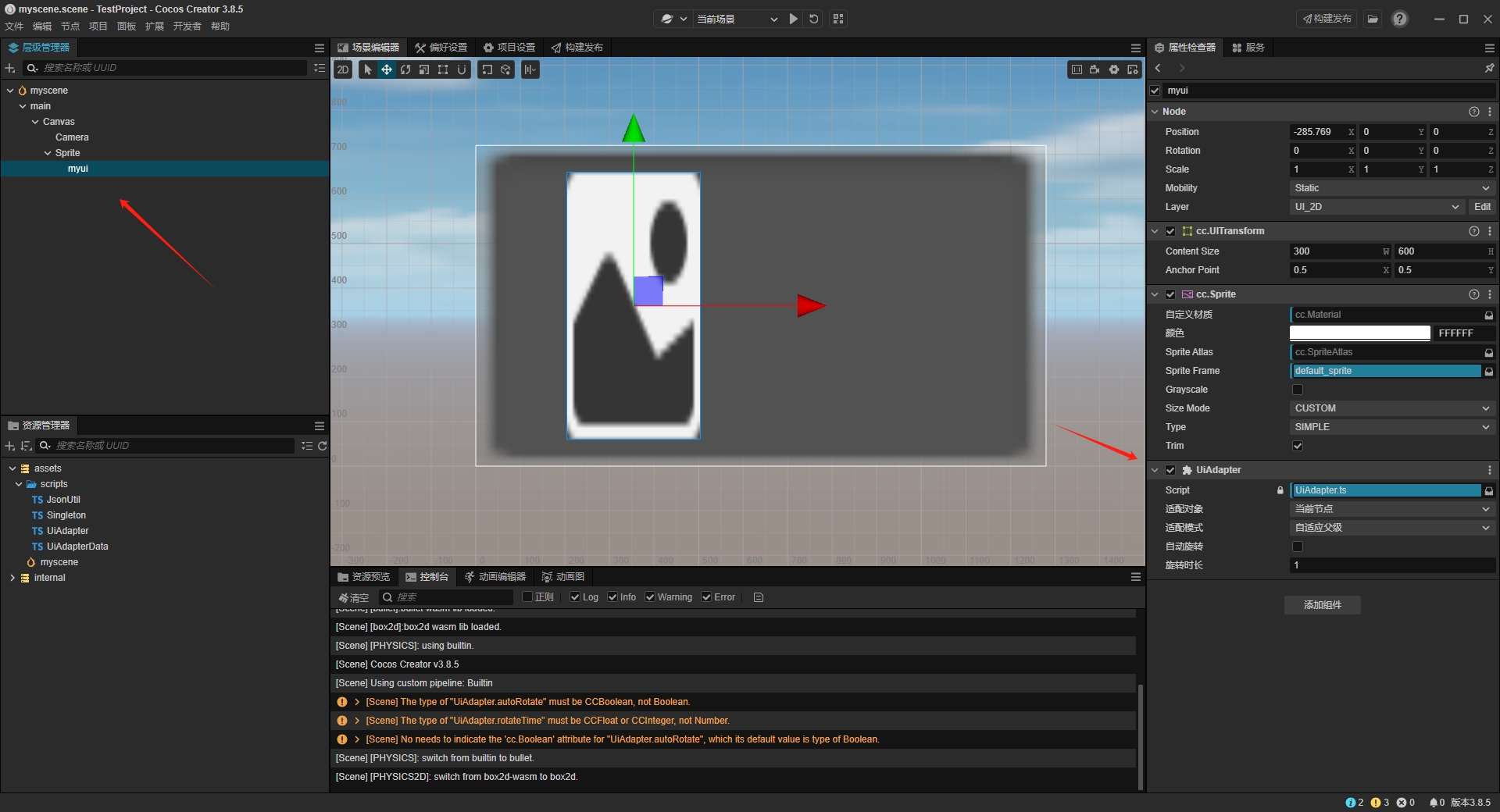
不好意思哇,最近有点忙,刚进来看到,搞一个Demo出来测试发现又可以了,同样的环境,同样是3.8.5,代码也没改过,都是直接复制过来用的
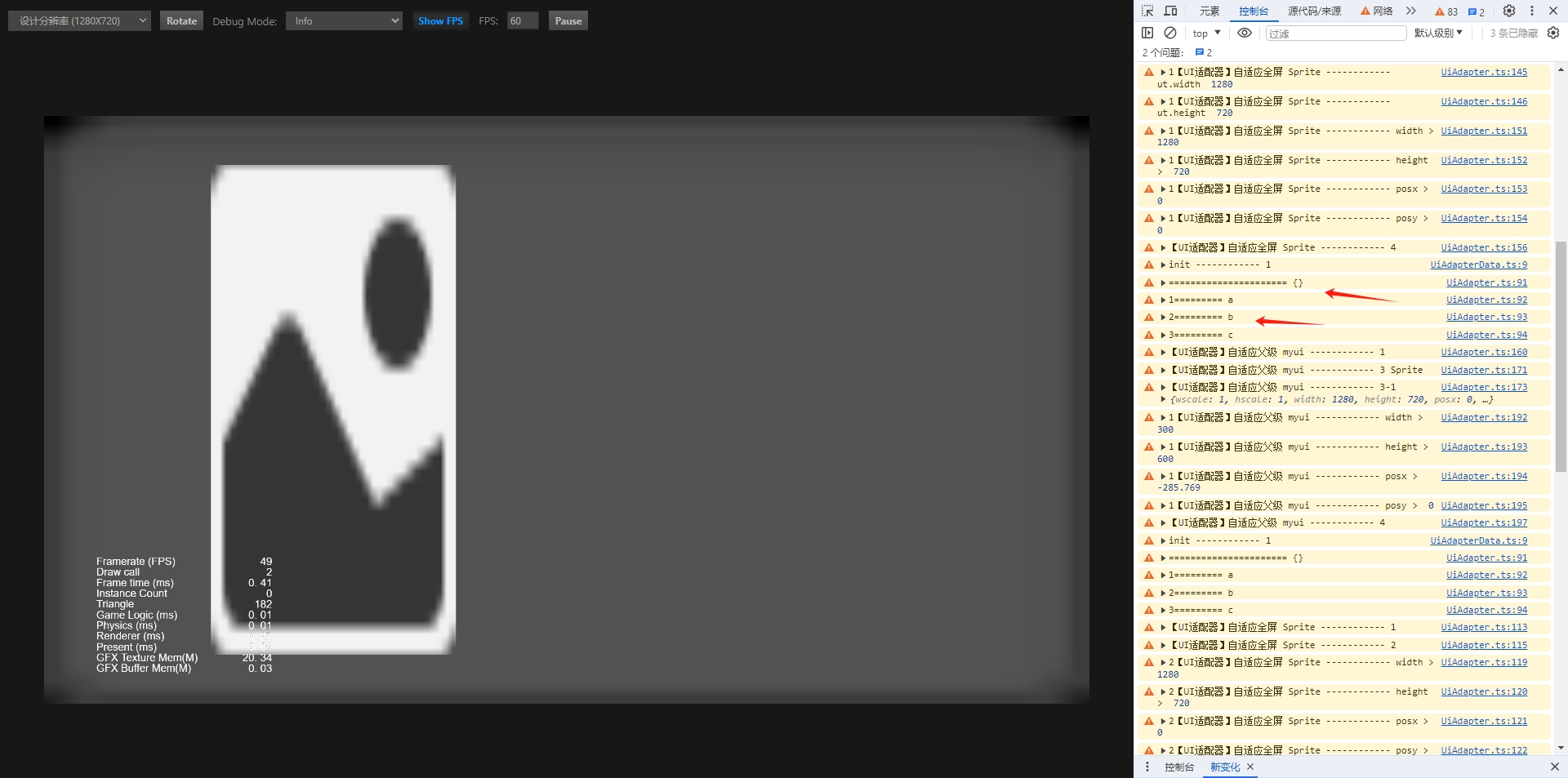
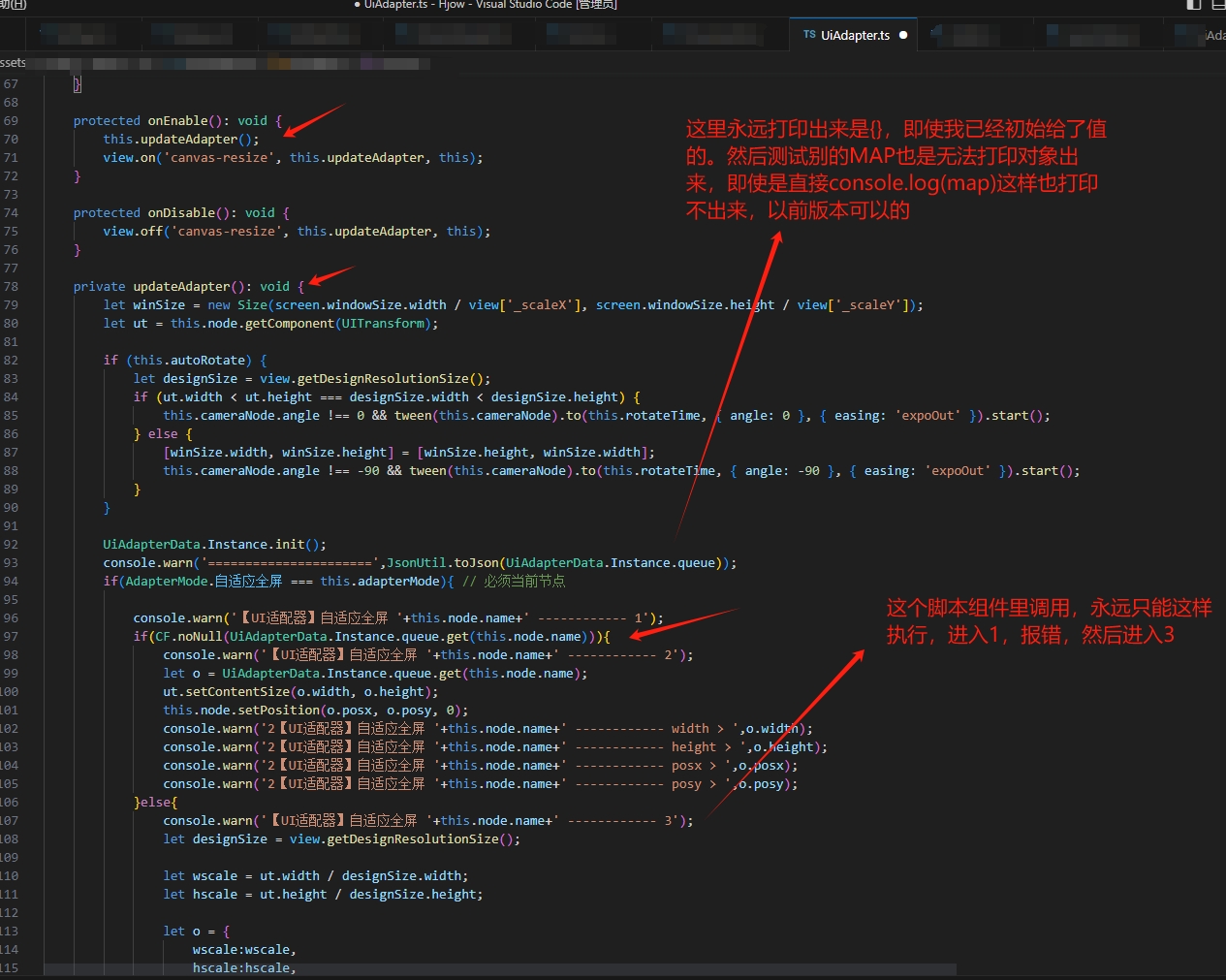
你可以看这个测试的,打印出来真的永远是{}
Demo 打包7.64MB,这里上传不了,说限制大小了
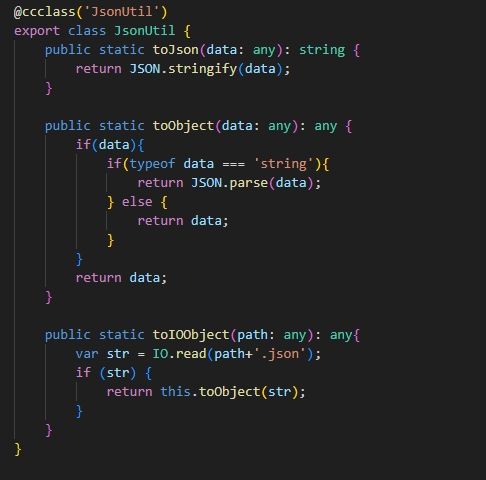
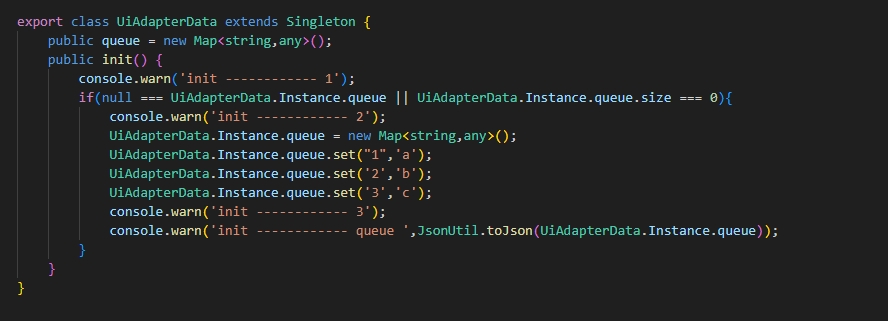
只能截图上代码了
代码 ============================
import { _decorator, Component, Node } from ‘cc’;
const { ccclass, property } = _decorator;
export class JsonUtil {
public static toJson(data: any): string {

    return JSON.stringify(data);

}

public static toObject(data: any): any {

    if(data){

        if(typeof data === 'string'){

            return JSON.parse(data);

        } else {

            return data;

        }

    }

    return data;

}
}
import { _decorator, Component, Node } from ‘cc’;
const { ccclass, property } = _decorator;
export class Singleton{
private static _instance: any = null;

public static get Instance() {

    if (!this._instance) {

        this._instance = new this();

    }

    return this._instance;

}

public clear() {

    Singleton._instance = null;

}
}
import { _decorator, Component, Node } from ‘cc’;
import { Singleton } from ‘./Singleton’;
import { JsonUtil } from ‘./JsonUtil’;
const { ccclass, property } = _decorator;
export class UiAdapterData extends Singleton {
public queue = new Map<string,any>();

public init() {

    console.warn('init ------------ 1');

    if(null === UiAdapterData.Instance.queue || UiAdapterData.Instance.queue.size === 0){

        console.warn('init ------------ 2');

        UiAdapterData.Instance.queue = new Map<string,any>();

        UiAdapterData.Instance.queue.set("1",'a');

        UiAdapterData.Instance.queue.set('2','b');

        UiAdapterData.Instance.queue.set('3','c');

        console.warn('init ------------ 3');

        console.warn('init ------------ queue ',JsonUtil.toJson(UiAdapterData.Instance.queue));

    }

}
}
这里代码借鉴一位Cocos论坛里的开发者的
/*******************************************************************************
-
创建: 2024年10月18日
-
作者: 水煮肉片饭(27185709@qq.com)
-
描述: 页面适配器,让页面自动适配屏幕尺寸
-
如果是多场景项目,在每个场景中需要新建一个页面根节点,所有页面内容都是该节点的子节点,将该组件挂到根节点上。
-
如果是单场景多预制体项目,就挂到页面预制体的根节点,推荐采用该方案
-
主要会做以下适配:
-
1、方向适配,根据页面尺寸,自动做横竖屏翻转
-
2、尺寸适配,根据页面尺寸,自动拉伸到全屏 或 等比缩放
-
3、坐标适配,将页面在设备窗口居中显示
-
4、动态适配,如果设备窗口尺寸改变,游戏窗口会根据以上3个原则动态适配
*******************************************************************************/
import { _decorator, Node, Canvas, Camera, Component, log, director, Enum, tween, view, Widget, Size, screen, UITransform, CCBoolean, CCInteger } from “cc”;
import { UiAdapterData } from “./UiAdapterData”;
import { JsonUtil } from “./JsonUtil”;
const { ccclass, property } = _decorator;
enum AdapterObject { 根节点, 当前节点 }
enum AdapterMode { 无, 拉伸, 缩放, 全屏, 自适应全屏, 自适应父级 }
@ccclass(‘UiAdapter’)
export class UiAdapter extends Component {
@property({ type: Enum(AdapterObject), displayName: '适配对象' })

adpterObject: AdapterObject = AdapterObject.当前节点;

@property({ type: Enum(AdapterMode), displayName: '适配模式' })

adapterMode: AdapterMode = AdapterMode.全屏;

@property({ type: Boolean, displayName: '自动旋转' })

autoRotate: boolean = false; // 是否开启自动旋转

@property({ type: Number, displayName: '旋转时长' })

rotateTime: number = 1; // 旋转时长

private rootNode: Node = null;

private cameraNode: Node = null;

private is_init: boolean = false;

private width: number = 0;

private height: number = 0;

private posx: number = 0;

private posy: number = 0;

protected onLoad(): void {


    if(this.adapterMode === AdapterMode.拉伸 || this.adapterMode === AdapterMode.缩放 || this.adapterMode === AdapterMode.全屏 || this.adapterMode === AdapterMode.自适应全屏 || this.adapterMode === AdapterMode.自适应父级){

        let wgt = this.node.getComponent(Widget);

        wgt && (wgt.enabled = false);

    }

    this.rootNode = director.getScene().getComponentInChildren(Canvas).node;

    this.cameraNode = this.rootNode.getComponentInChildren(Camera).node;


    if(this.adpterObject === AdapterObject.当前节点){

        this.rootNode = this.node;

    }

    if (!this.rootNode || !this.cameraNode) {

        log('【UI适配器】添加失败!原因:未找到Canvas或Camera组件');

        this.destroy();

    }

}


protected onEnable(): void {

    this.updateAdapter();

    view.on('canvas-resize', this.updateAdapter, this);

}

protected onDisable(): void {

    view.off('canvas-resize', this.updateAdapter, this);

}

private updateAdapter(): void {

    let winSize = new Size(screen.windowSize.width / view['_scaleX'], screen.windowSize.height / view['_scaleY']);

    let ut = this.node.getComponent(UITransform);

    if (this.autoRotate) {

        let designSize = view.getDesignResolutionSize();

        if (ut.width < ut.height === designSize.width < designSize.height) {

            this.cameraNode.angle !== 0 && tween(this.cameraNode).to(this.rotateTime, { angle: 0 }, { easing: 'expoOut' }).start();

        } else {

            [winSize.width, winSize.height] = [winSize.height, winSize.width];

            this.cameraNode.angle !== -90 && tween(this.cameraNode).to(this.rotateTime, { angle: -90 }, { easing: 'expoOut' }).start();

        }

    }

    UiAdapterData.Instance.init();

    console.warn('======================',JsonUtil.toJson(UiAdapterData.Instance.queue));

    console.warn('1=========',UiAdapterData.Instance.queue.get('1'));

    console.warn('2=========',UiAdapterData.Instance.queue.get('2'));

    console.warn('3=========',UiAdapterData.Instance.queue.get('3'));


    if(AdapterMode.拉伸 === this.adapterMode){

        this.rootNode.setScale(winSize.width / ut.width, winSize.height / ut.height);

        this.node.setPosition(winSize.width * (ut.anchorX - 0.5), winSize.height * (ut.anchorY - 0.5));

    }else if(AdapterMode.缩放 === this.adapterMode){

        let scale = winSize.width / winSize.height > ut.width / ut.height ? winSize.height / ut.height : winSize.width / ut.width;

        this.rootNode.setScale(scale, scale);

        this.node.setPosition(ut.width * (ut.anchorX - 0.5), ut.height * (ut.anchorY - 0.5));

    }else if(AdapterMode.全屏 === this.adapterMode){ // 必须当前节点

        ut.setContentSize(winSize.width, winSize.height);

    }else if(AdapterMode.自适应全屏 === this.adapterMode){ // 必须当前节点

        console.warn('【UI适配器】自适应全屏 '+this.node.name+' ------------ 1');

        if(UiAdapterData.Instance.queue.has(this.node.name)){

            console.warn('【UI适配器】自适应全屏 '+this.node.name+' ------------ 2');

            let o = UiAdapterData.Instance.queue.get(this.node.name);

            ut.setContentSize(o.width, o.height);

            this.node.setPosition(o.posx, o.posy, 0);

            console.warn('2【UI适配器】自适应全屏 '+this.node.name+' ------------ width > ',o.width);

            console.warn('2【UI适配器】自适应全屏 '+this.node.name+' ------------ height > ',o.height);

            console.warn('2【UI适配器】自适应全屏 '+this.node.name+' ------------ posx > ',o.posx);

            console.warn('2【UI适配器】自适应全屏 '+this.node.name+' ------------ posy > ',o.posy);

        }else{

            console.warn('【UI适配器】自适应全屏 '+this.node.name+' ------------ 3');

            let designSize = view.getDesignResolutionSize();


            let wscale = ut.width / designSize.width;

            let hscale = ut.height / designSize.height;

            let o = {

                wscale:wscale,

                hscale:hscale,

                width:winSize.width * wscale,

                height:winSize.height * hscale,

                posx:this.node.getPosition().x * wscale,

                posy:this.node.getPosition().y * hscale

            }

            UiAdapterData.Instance.queue.set(this.node.name, o);

            console.warn('1【UI适配器】自适应全屏 '+this.node.name+' ------------ designSize.width ',designSize.width);

            console.warn('1【UI适配器】自适应全屏 '+this.node.name+' ------------ designSize.height ',designSize.height);

            console.warn('1【UI适配器】自适应全屏 '+this.node.name+' ------------ winSize.width ',winSize.width);

            console.warn('1【UI适配器】自适应全屏 '+this.node.name+' ------------ winSize.height ',winSize.height);

            console.warn('1【UI适配器】自适应全屏 '+this.node.name+' ------------ ut.width ',ut.width);

            console.warn('1【UI适配器】自适应全屏 '+this.node.name+' ------------ ut.height ',ut.height);

            ut.setContentSize(o.width, o.height);

            this.node.setPosition(o.posx, o.posy, 0);

            console.warn('1【UI适配器】自适应全屏 '+this.node.name+' ------------ width > ',o.width);

            console.warn('1【UI适配器】自适应全屏 '+this.node.name+' ------------ height > ',o.height);

            console.warn('1【UI适配器】自适应全屏 '+this.node.name+' ------------ posx > ',o.posx);

            console.warn('1【UI适配器】自适应全屏 '+this.node.name+' ------------ posy > ',o.posy);

        }

        console.warn('【UI适配器】自适应全屏 '+this.node.name+' ------------ 4');

    }else if(AdapterMode.自适应父级 === this.adapterMode){ // 必须当前节点

        console.warn('【UI适配器】自适应父级 '+this.node.name+' ------------ 1');

        if(UiAdapterData.Instance.queue.has(this.node.name)){

            console.warn('【UI适配器】自适应父级 '+this.node.name+' ------------ 2');

            let o = UiAdapterData.Instance.queue.get(this.node.name);

            ut.setContentSize(o.width, o.height);

            this.node.setPosition(o.posx, o.posy, 0);

            console.warn('2【UI适配器】自适应父级 '+this.node.name+' ------------ width > ',o.width);

            console.warn('2【UI适配器】自适应父级 '+this.node.name+' ------------ height > ',o.height);

            console.warn('2【UI适配器】自适应父级 '+this.node.name+' ------------ posx > ',o.posx);

            console.warn('2【UI适配器】自适应父级 '+this.node.name+' ------------ posy > ',o.posy);

        }else{

            console.warn('【UI适配器】自适应父级 '+this.node.name+' ------------ 3',this.node.parent.name);

            let p = UiAdapterData.Instance.queue.get(this.node.parent.name);

            console.warn('【UI适配器】自适应父级 '+this.node.name+' ------------ 3-1',p);

            let wscale = p.wscale;

            let hscale = p.hscale;

            let o = {

                wscale:wscale,

                hscale:hscale,

                width:ut.width * wscale,

                height:ut.height * hscale,

                posx:this.node.getPosition().x * wscale,

                posy:this.node.getPosition().y * hscale

            }

            UiAdapterData.Instance.queue.set(this.node.name, o);

            ut.setContentSize(o.width, o.height);

            this.node.setPosition(o.posx, o.posy, 0);

            console.warn('1【UI适配器】自适应父级 '+this.node.name+' ------------ width > ',o.width);

            console.warn('1【UI适配器】自适应父级 '+this.node.name+' ------------ height > ',o.height);

            console.warn('1【UI适配器】自适应父级 '+this.node.name+' ------------ posx > ',o.posx);

            console.warn('1【UI适配器】自适应父级 '+this.node.name+' ------------ posy > ',o.posy);

        }

        console.warn('【UI适配器】自适应父级 '+this.node.name+' ------------ 4');

    }

}
}
declare global {
module gi {

    class UiAdapter extends Component {

        static AdapterMode: typeof AdapterMode;

        adapterMode: AdapterMode;

    }

}
}
((globalThis as any).gi ||= {}).UiAdapter ||= Object.assign(UiAdapter, { AdapterMode: AdapterMode });
完整了

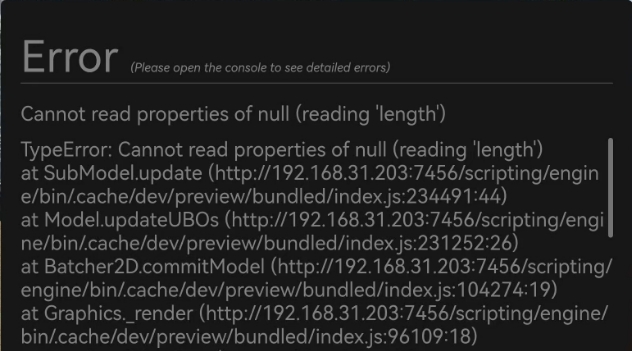
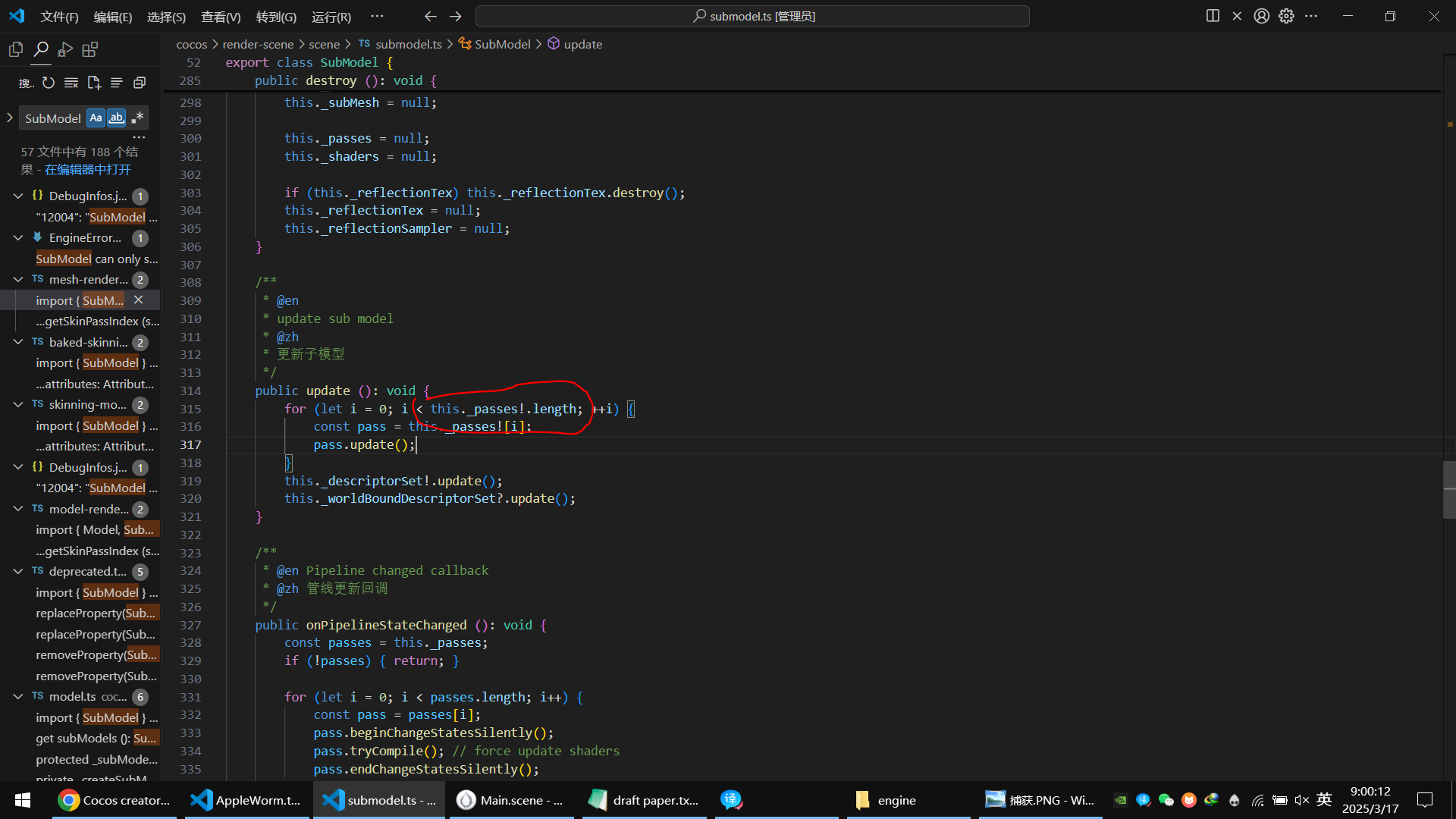
 整个项目很多地方都用这个单例