
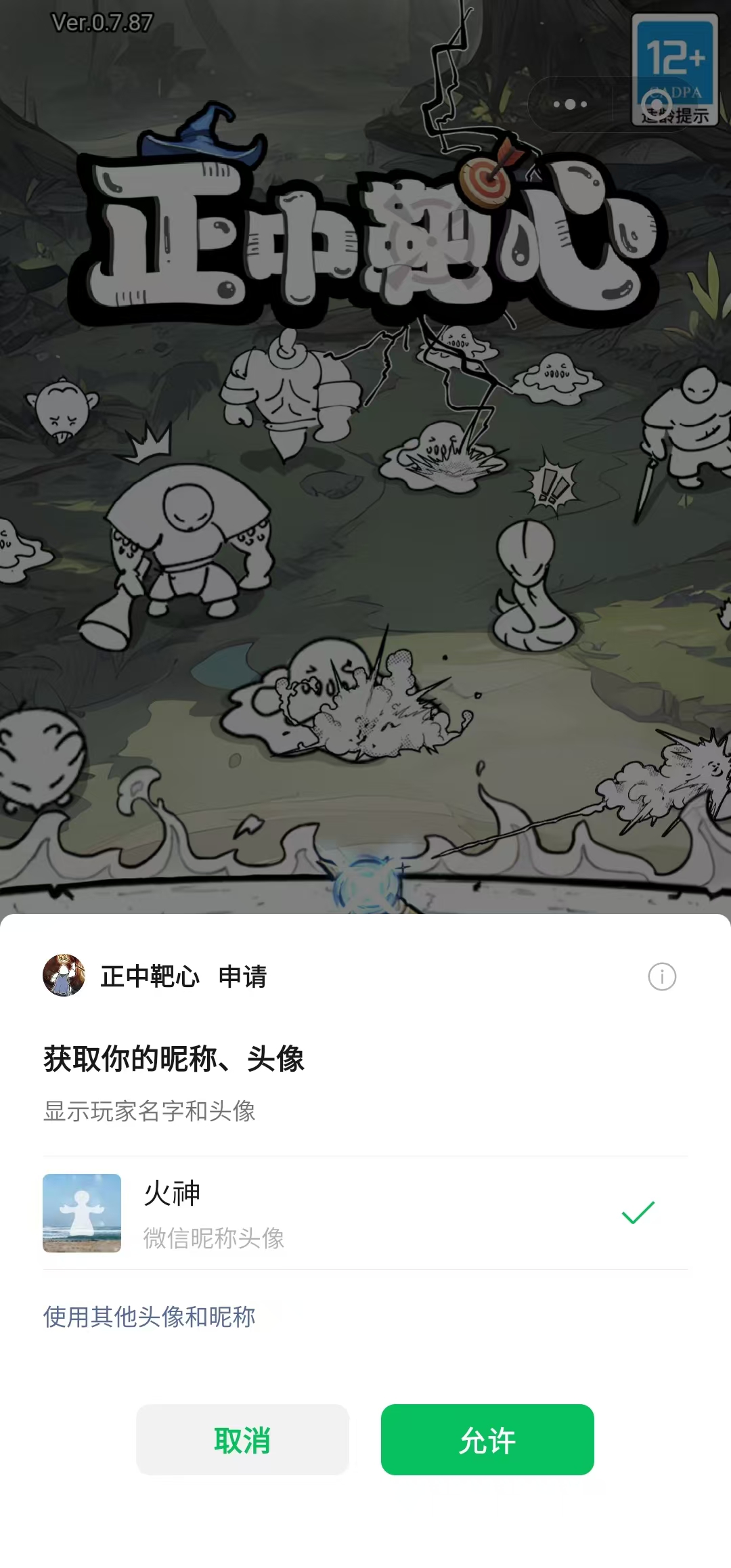
wx.getUserInfo和getUserProfile不是已经不能用了吗,为什么很多小游戏还是能通过弹窗来获取到用户的头像?
https://developers.weixin.qq.com/minigame/dev/api/open-api/user-info/wx.getUserInfo.html
认真看文档,这个API 可以用,有限制条件。
这个用之前必须是用户已经授权过了。
第一种:你可以在任意时刻弹隐私弹窗, requirePrivacyAuthorize 那个接口,这个接口授权很多,就包括了头像,玩家只要同意了,你就可以通过刚刚那个接口,获取到玩家的头像信息。但是如果时机不对(比如一进游戏就弹),玩家一般不会给你权限。所以最好别这么干。
第二种:要用
wx.createUserInfoButton
创建按钮(游戏中通常是设置成一个透明的按钮)的方式,才能获取到用户权限。
这个按钮有一个蛋疼的地方在于,它是渲染在游戏上层的,所以你得想办法设计方案:在创建了这个按钮的界面,不会弹出其他的游戏界面。
贴一下相关代码:
export class WxUserHeadHelper implements IUserHeadHelper {
    async tryGetPlatUserHead(): Promise<IHead> {
        /**
        * 用户头像昵称 https://developers.weixin.qq.com/minigame/dev/api/open-api/user-info/wx.getUserInfo.html
        */
        let isAuth: boolean = await wx_getSetting("scope.userInfo")

        if (!isAuth) {
            console.log(`微信平台检测用户信息授权:未授权,直接返回`)
            return null;
        }

        console.log(`微信平台检测用户信息授权:已授权`)
        return new Promise<IHead>(rs => {
            wx.getUserInfo({
                success: async function (res) {
                    console.log(`wx.getUserInfo 获取用户信息成功`)
                    const userInfo = res.userInfo;
                    rs(userInfo);
                },
                fail(err) {
                    console.log(`wx.getUserInfo 获取用户信息失败`, err)
                    rs(null);
                }
            });
        })
    }
}
@ccclass('WxUserInfoGetterButton')
export class WxUserInfoGetterButton extends EventCom {
    private m_WxButton: any = null;

    private removeButtonIfExist() {
        if (this.m_WxButton === null) {
            return;
        }
        this.m_WxButton.destroy();
        this.m_WxButton = null;
    }

    onDestroy() {
        super.onDestroy();
        this.removeButtonIfExist();
    }

    start() {
        this.on(FWEvent.USER_INFO_CHANGED, this.updateButton);
        this.on(FWEvent.VIEW_RESIZE, this.updateButton);
        this.updateButton();
    }

    private updateButton() {
        this.removeButtonIfExist();
        if (g_Cache.avatarUrl && g_Cache.nickName) {
            return;
        }
        // 通过延迟方式调整 UI 的位置
        this.schedule(this.createWxButton, 0.1);
    }

    private createWxButton() {
        const that = this;
        that.unschedule(that.createWxButton);

        let style = wx_calcButtonStyle(that.node)
        const button = that.m_WxButton = wx.createUserInfoButton({
            type: 'text',
            text: '',
            style: {
                left: style.left,
                top: style.top,
                width: style.width,
                height: style.height,
                backgroundColor: '',
                color: '#ffffff',
                borderRadius: 5
            }
        })
        button.onTap((res) => {
            // 无论是否授权,都允许用户进入
            const userInfo = res.userInfo;
            if (userInfo) {
                g_Event.emit(FWEvent.USER_INFO_GET_BY_AUTH, userInfo);
            }
        })
    }
}
/** 按钮转换 */
export function wx_calcButtonStyle(button: Node): {
    left: number, top: number, width: number, height: number
} {
    const _viewSize = fw.ui.viewSize;
    let buttonTransform = F_GET_UITRANSFORM(button);
    let btnW = buttonTransform.width;
    let btnH = buttonTransform.height;
    let top = _viewSize.height - button.worldPosition.y - btnH * 0.5;
    let left = button.worldPosition.x - btnW * 0.5;
    // 未授权的要调用 createUserInfoButton 创建按钮引导玩家点击
    let systemInfo = wx.getSystemInfoSync();
    let screen_width = systemInfo.screenWidth
    let screen_height = systemInfo.screenHeight
    let wRate = screen_width / _viewSize.width;
    let hRate = screen_height / _viewSize.height;

    return {
        left: left * wRate,
        top: top * hRate,
        width: btnW * wRate,
        height: btnH * hRate,
    }
}
温馨提醒下:还有一个 wx.onNeedPrivacyAuthorization 接口,不要去用它自定义弹窗,难用得要命。
最后,关于隐私合规,一定要在小游戏后台【账号设置】->【基本设置】->【隐私与安全】-> 【隐私授权弹窗】中设置,否者会经常被警告隐私不合规(之前一直没设置,被微信多次警告)。
最后,可以看下我的游戏是如何处理头像的:

4赞
老哥。我调用了requirePrivacyAuthorize这个并且同意了。然后再调用getUserInfo还是失败。是什么原因。隐私设置那些都设置过了。并且调用requirePrivacyAuthorize的时候只弹出了一个隐私弹出。但是没有弹出用户信息授权弹窗
你调用 getUserInfo 必须是用户已经同意过了,你getUserInfo失败,肯定是用户没同意。
然后你要让用户同意授权头像昵称,必须通过wx.createUserInfoButton 的方式创建按钮。
其实实际线上产品, 我基本上不调用 wx.requirePrivacyAuthorize 这个接口
我以为你的意思第一种方法是调用requirePrivacyAuthorize这个然后不必使createUserInfoButton.所以是无论如何都要用createUserInfoButton是把
requirePrivacyAuthorize 是捷径方式,但没办法保证一定同意。所有游戏中一定要有用 createUserInfoButton 的去获取头像的实现。
那requirePrivacyAuthorize 应该用不了了。我试了用requirePrivacyAuthorize 我点了同意。但是用户信息获取也会失败。createUserInfoButton 是没问题